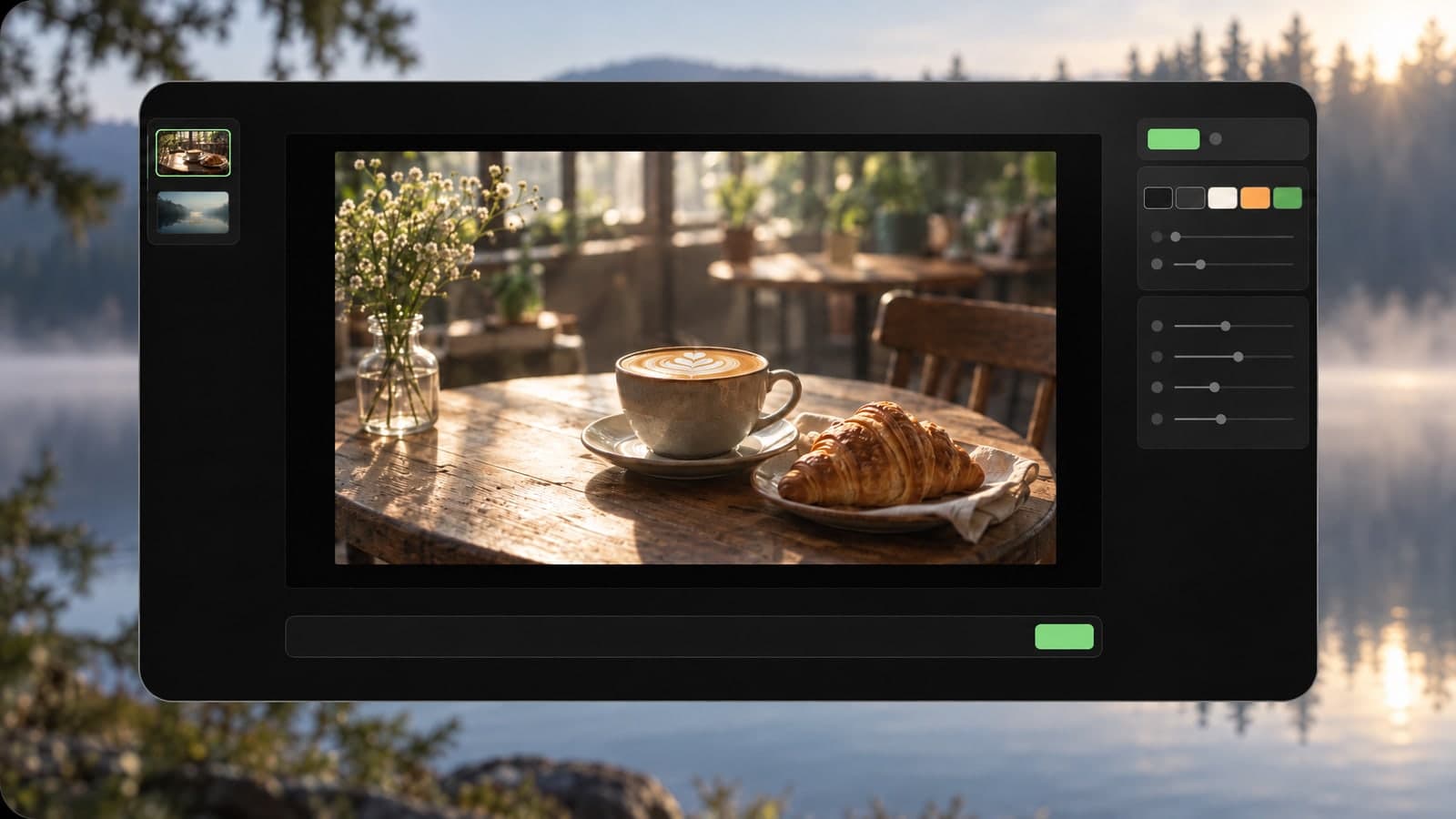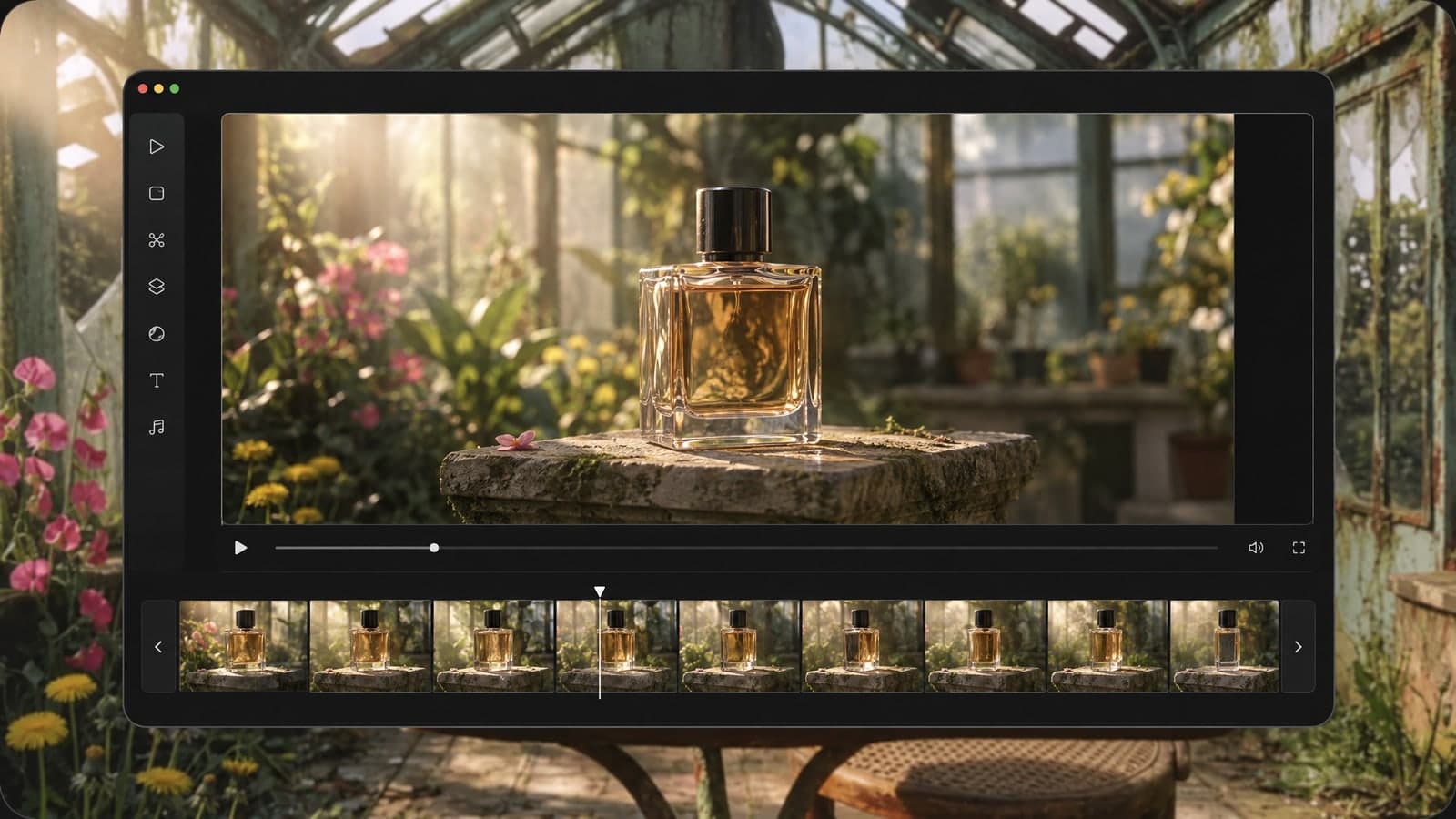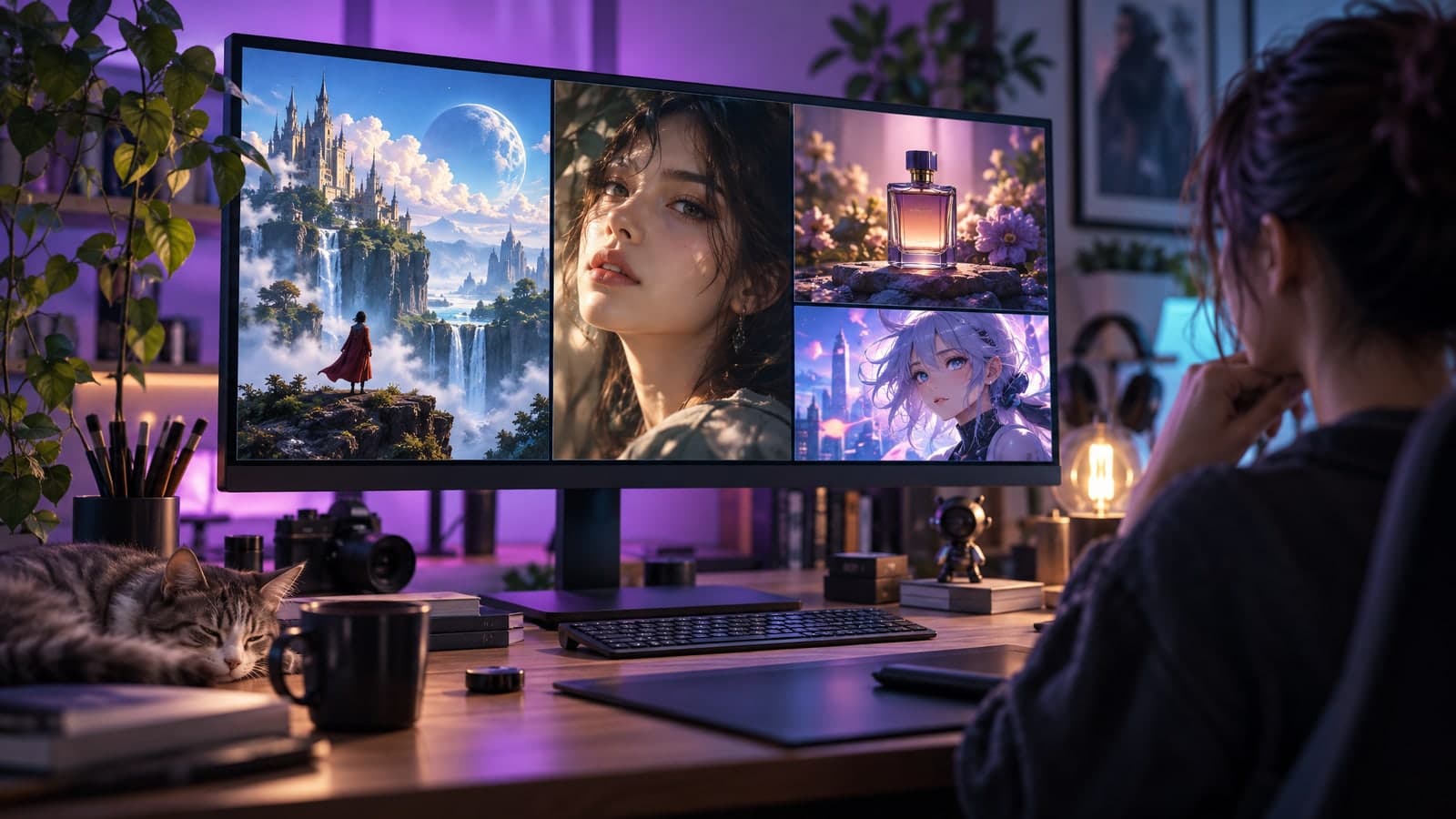
Searching for the best AI image generator usually ends with a dozen open tabs, a pile of sample galleries and no clear answer. The truth is that "best" depends on what you need to make. A tool that wins at fantasy art can be useless for product photos, and a tool that edits photos well may struggle with posters. This guide gives you a simple way to judge any tool in a few minutes, and shows how an AI image generator that works from your own photos fits into the picture.
What "best" really means for an AI image generator
Most comparison lists rank tools by how impressive their showcase images look. That is the wrong test. Showcase images are picked from thousands of tries. What matters is what you get on your first few attempts, with your own prompts, for the job in front of you.
When people look for the best AI for image generation, they usually want one of three things:
- A new image from text: a scene, a character or an illustration that does not exist yet.
- A better version of a photo they already have: a new background, new lighting, a new outfit or a new style.
- Images in the right shape for a channel: a square post, a vertical story, a wide banner.
Keep your own goal in mind as you read the checks below.
1. It follows your prompt closely
The first sign of a good generator is that it listens. If you ask for "a red ceramic mug on a wooden table, morning light from the left," you should get exactly that, not a blue mug in a dark kitchen.
Test it with a prompt that has three or four specific details: the subject, the setting, the style and the light. Count how many details survive. The best tools keep almost all of them, and they keep them when you change one word and run it again.
2. It can start from your own photos
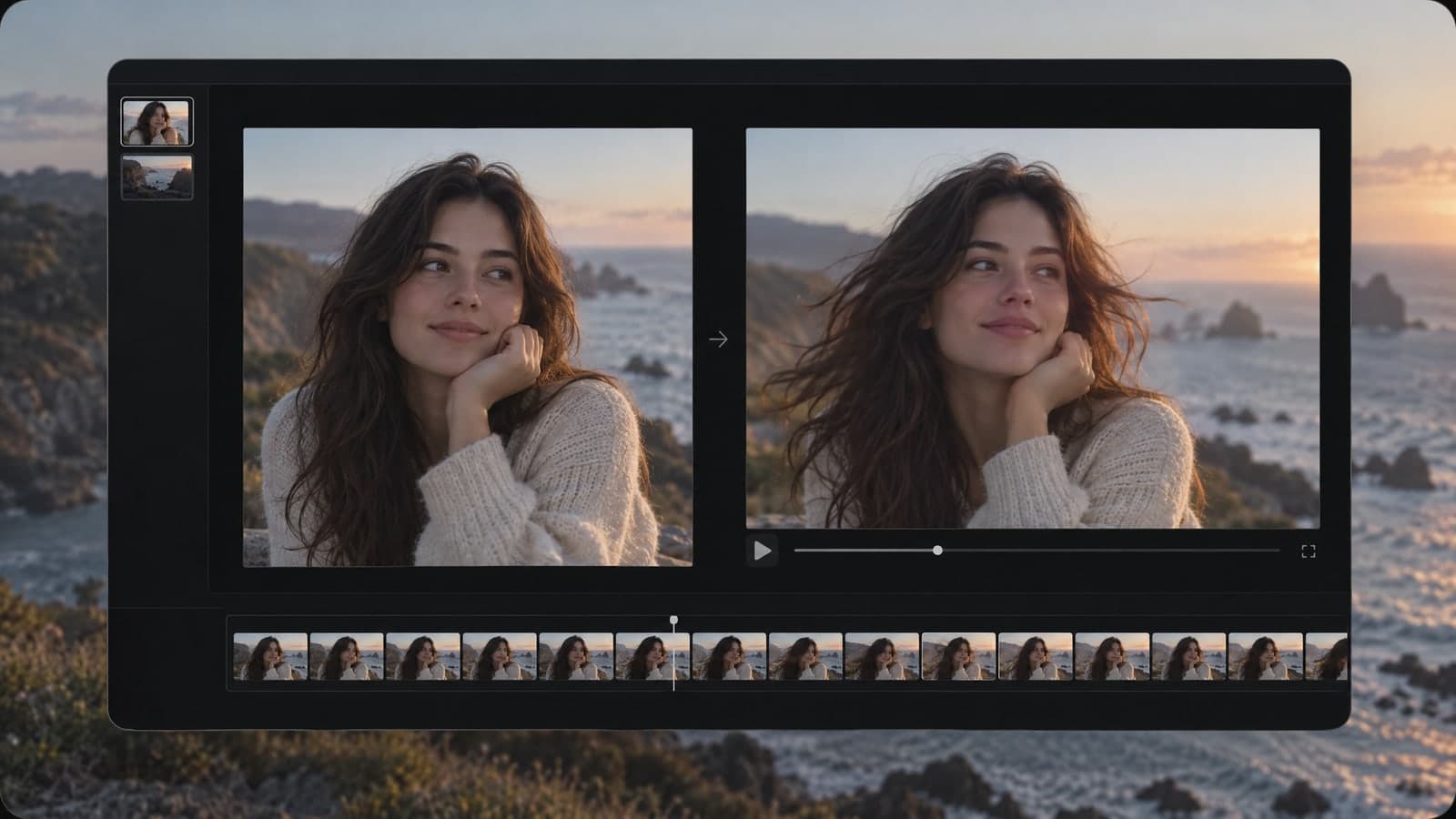
A lot of real work starts with a photo you already took. That is where the best AI photo generator tools stand apart: you upload a picture, describe the change, and the AI redraws it while keeping what you did not mention, such as the face, the product or the layout.
On MagicSky AI, the image to image AI tool takes up to four reference photos at once. That means you can blend a product from one photo with a background from another, or keep a person's face while you change the scene. It accepts JPG, PNG, WebP and iPhone HEIC files, so you can use photos straight from your phone.
3. It fits the sizes you actually post
An image that looks great as a square can fall apart when you crop it for a story. Good generators let you pick the shape before you generate, so the composition is built for the format.
Look for at least these options:
- 1:1 for feeds and marketplace listings
- 9:16 for stories, Reels and Shorts
- 16:9 for banners, thumbnails and slides
- Portrait sizes like 3:4 or 2:3 for posters and Pinterest
MagicSky AI offers eight choices in all, including Auto, from square and portrait to widescreen.
4. It is fast enough to try again
You rarely get the perfect image on the first try. The best AI art generator for you is one that makes it cheap and quick to try a second and third version. If every image takes several minutes, you will settle for "good enough" instead of finding the one you love.
A practical target is under a minute per image. On MagicSky AI, most results are ready in about 30 seconds, which is quick enough to test a few directions in one sitting.
5. It is easy to try before you pay
You should be able to see real results before you commit to a plan. Watch out for tools that demand a card before your first image, or that hide the cost of each generation until after you click.
A fair setup looks like this: you can try a few images without an account, new accounts get free credits, and the cost of each image is shown before you press Generate. MagicSky AI works this way, and a daily check-in adds more free credits.
6. You can find and share what you made
Small details make a big difference once you use a tool every week. Can you find last Tuesday's image without digging through downloads? Can you send a link to a client without attaching a file?
Check that the tool saves your results to a history page and lets you download a full-size file or share a link anyone can open.
The best AI for image generation, by use case
Here is how to apply the checks above to the most common jobs:
- Product photos for a shop: start from your real product photo, then swap the background and fix the lighting. Photo-based editing matters more than wild styles.
- Social media posts: pick the right size first, then reuse a prompt that works so every post keeps the same look.
- Concept art and mood boards: speed and variety matter most. Run several takes on one idea and keep the best.
- Portraits and profile pictures: the tool must keep the person's face recognizable while it changes the style or setting.
How to test any AI image generator in 10 minutes
You do not need a long trial to decide. Run the same three tests on every tool you are considering:
- The detail test: one text prompt with four specific details. Count how many show up.
- The photo test: upload one of your own photos and ask for a single change, like a new background. Check that the rest of the photo stays the same.
- The size test: generate the same idea as 1:1 and 9:16. See whether both look planned, not cropped.
Whichever tool passes all three with your own material is the best AI image generator for you, no matter what any ranking says.
Where MagicSky AI fits
MagicSky AI is built for the second and third jobs on that list: turning the photos you already have into new images, and making images in the exact size you need. It runs on GPT Image 2.5 Flare, a model known for following detailed prompts, and the same box works with or without an uploaded photo. If you mostly edit and restyle real photos, it is a strong place to start.