Seedance 2.0 - MagicSky AI
01 Upload
Add a photo or skip it
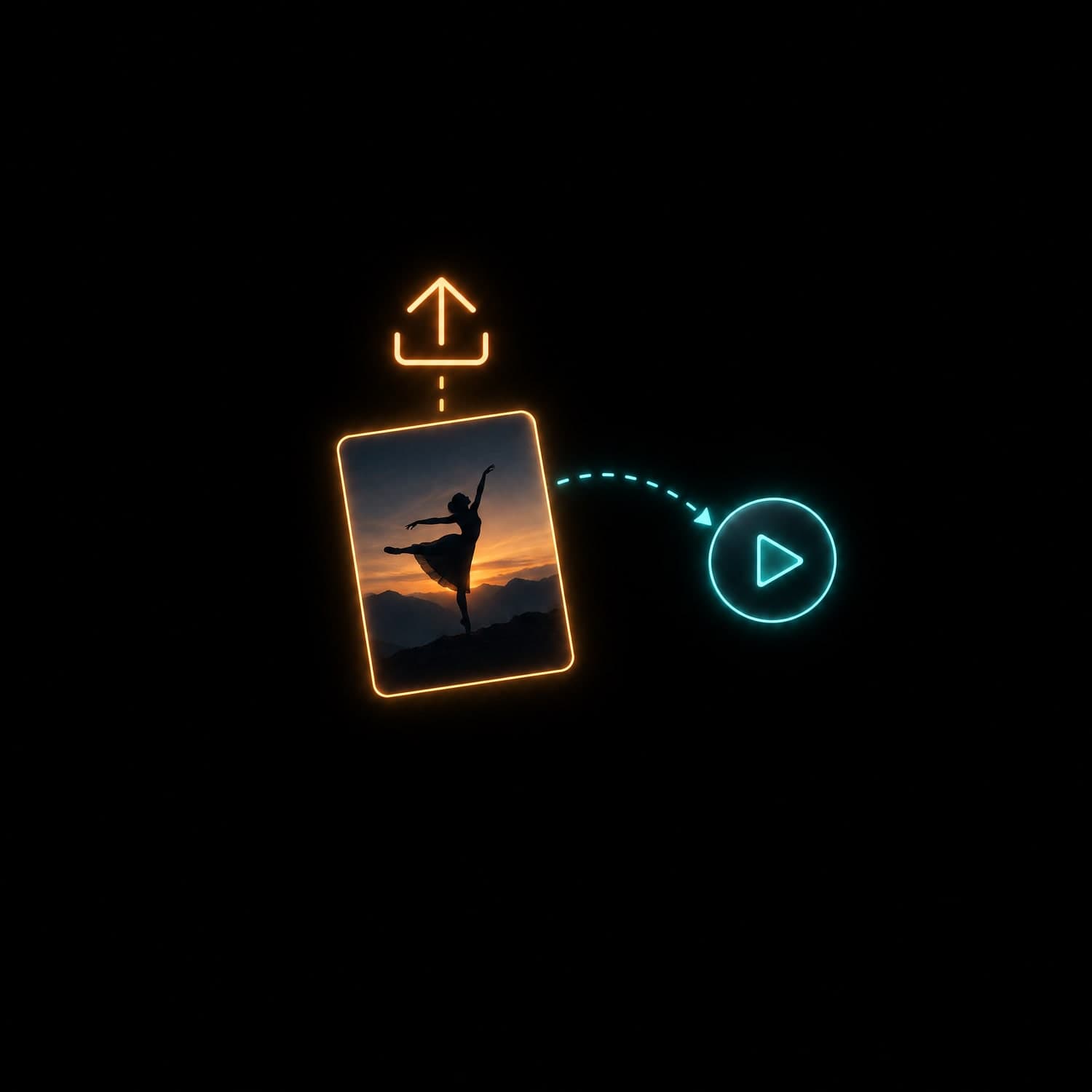
Upload one photo as the first frame, or start from text alone.
A photo sets the frame shape; with text you pick the ratio yourself.
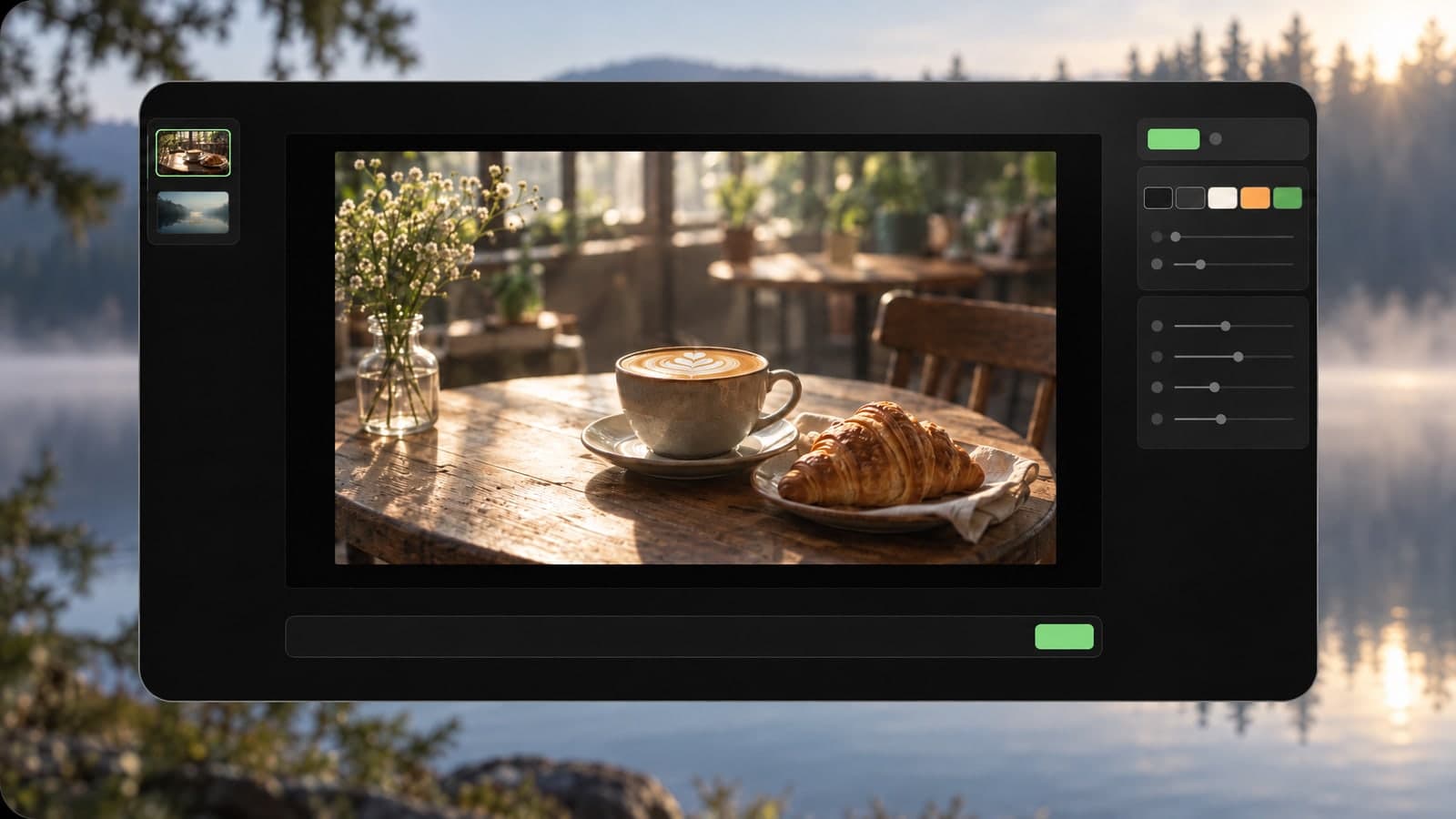
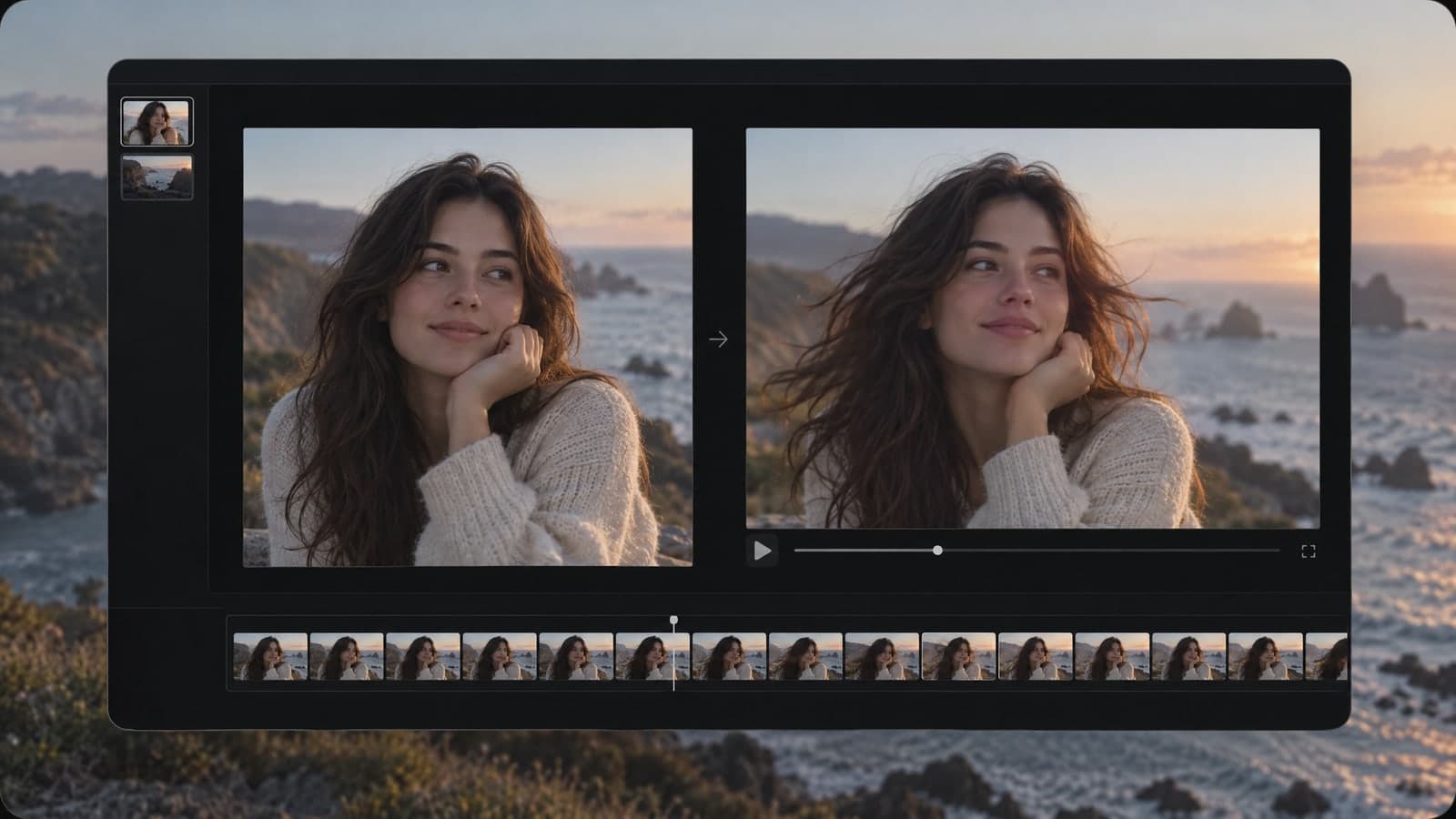
Add a photo or just a prompt and get a clip with sound.
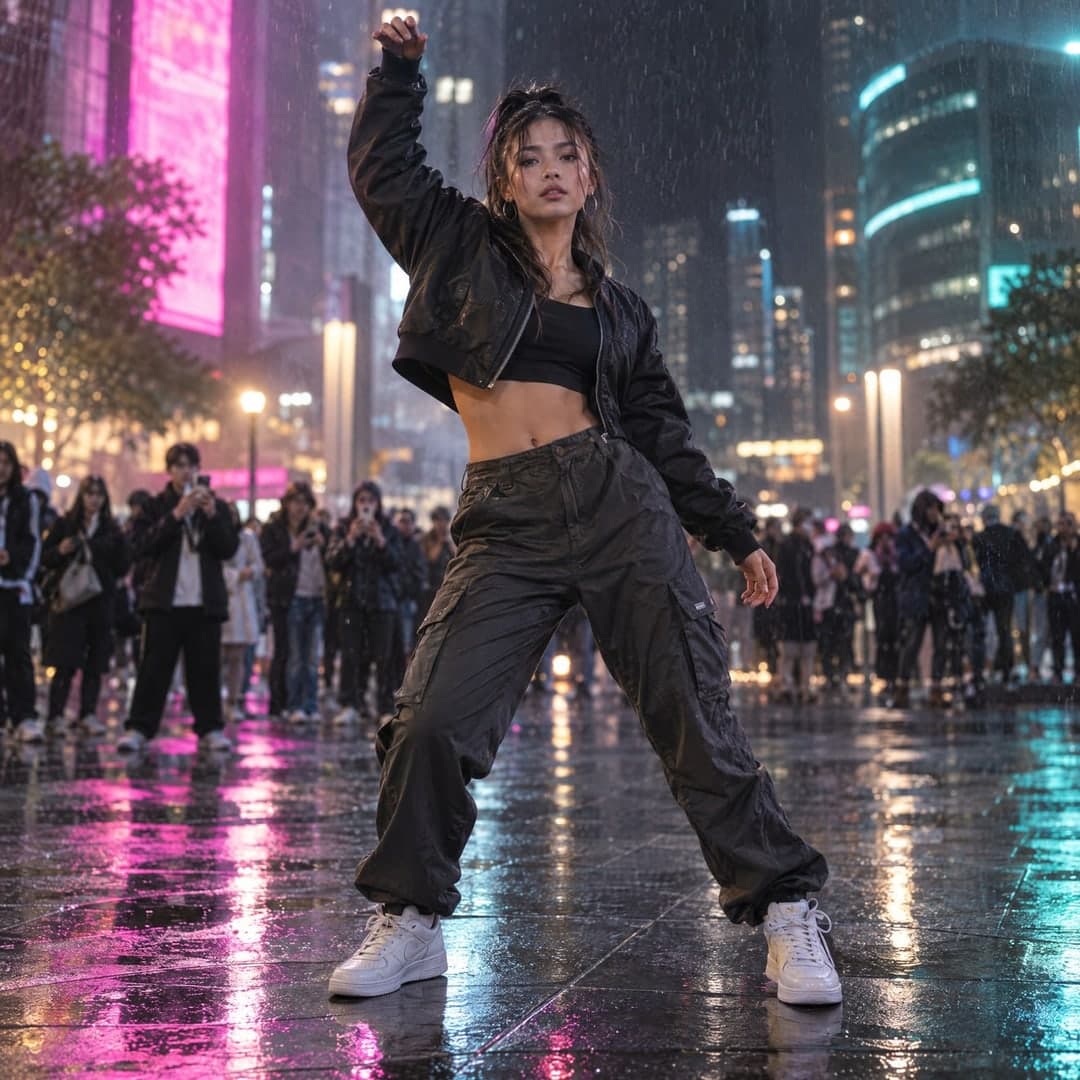 Input imageVideo
Input
Input imageOutputs
VideoByteDance's model is known for lifelike motion and sound, and here it runs in your browser with no setup.
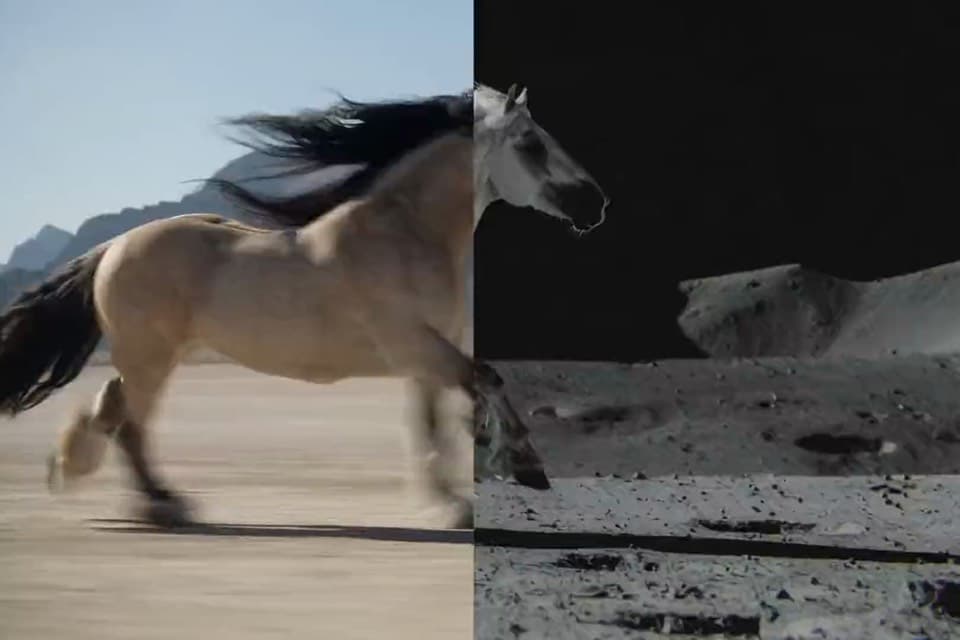
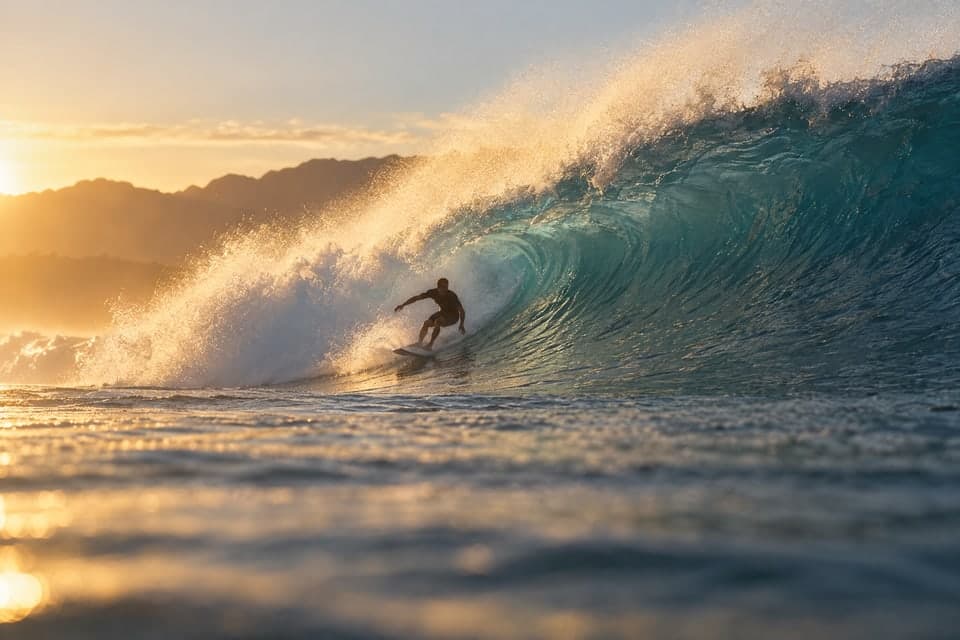
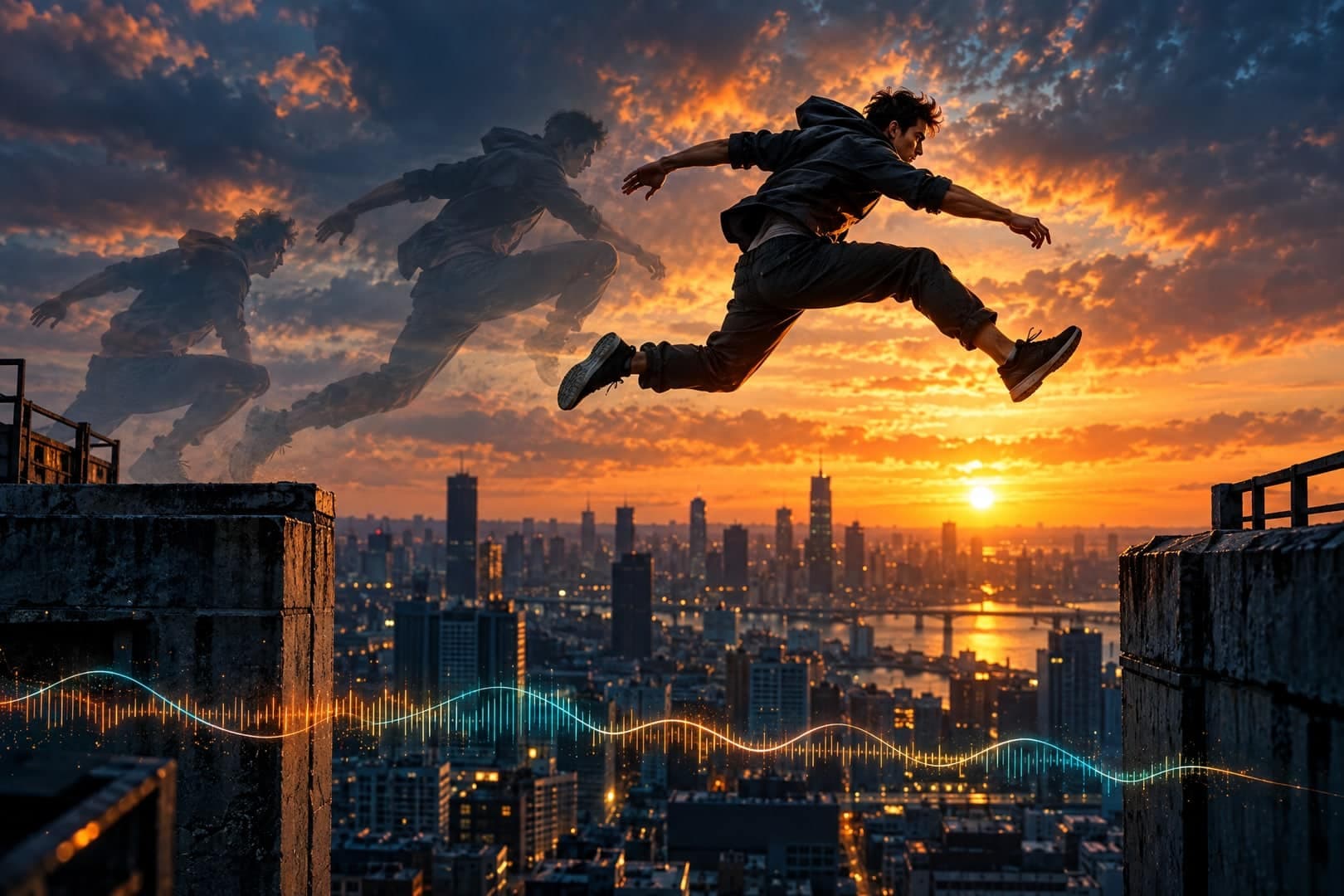
Dancers, athletes and pets move with believable timing, so fast action stays smooth to the end.
Footsteps, music, crowd noise or a short spoken line come out in sync with what you see.
Pick 5, 10 or 15 seconds at 480p, 720p or 1080p, then download the finished clip as an MP4.
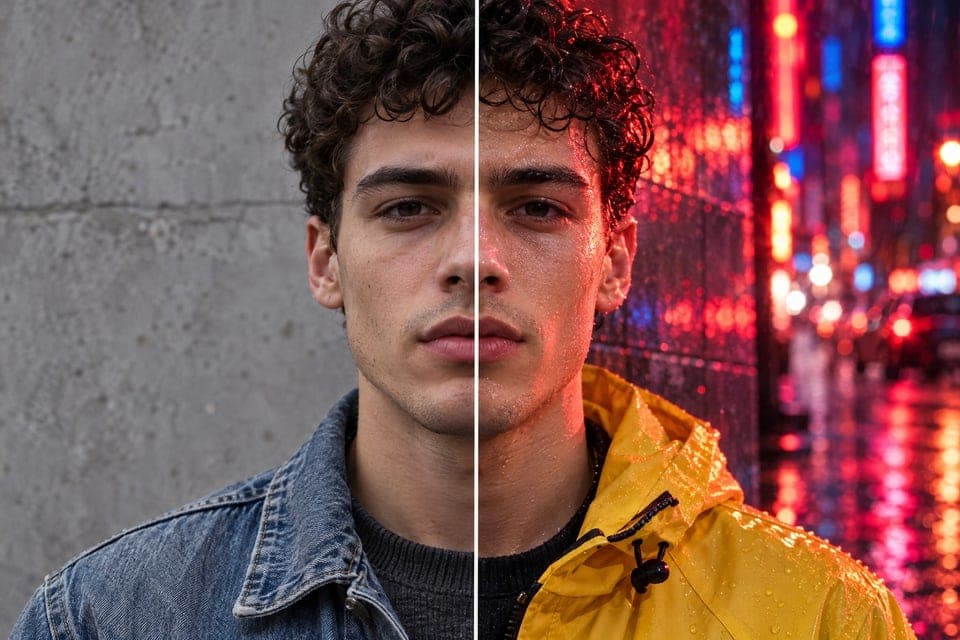
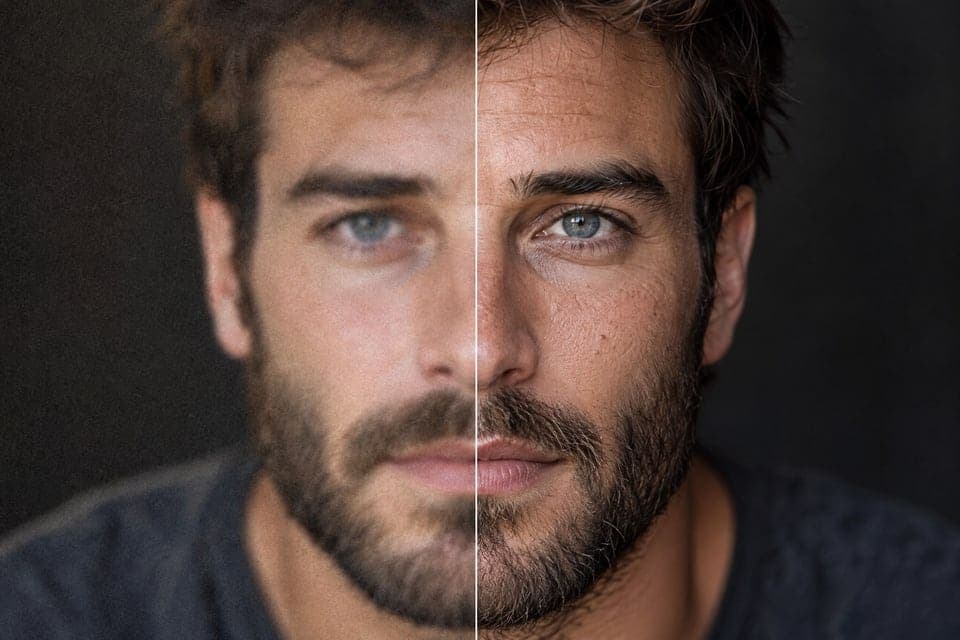
People, products and places can all start moving. Upload one photo, describe the action and the sound, and see the kind of clip this page can make.
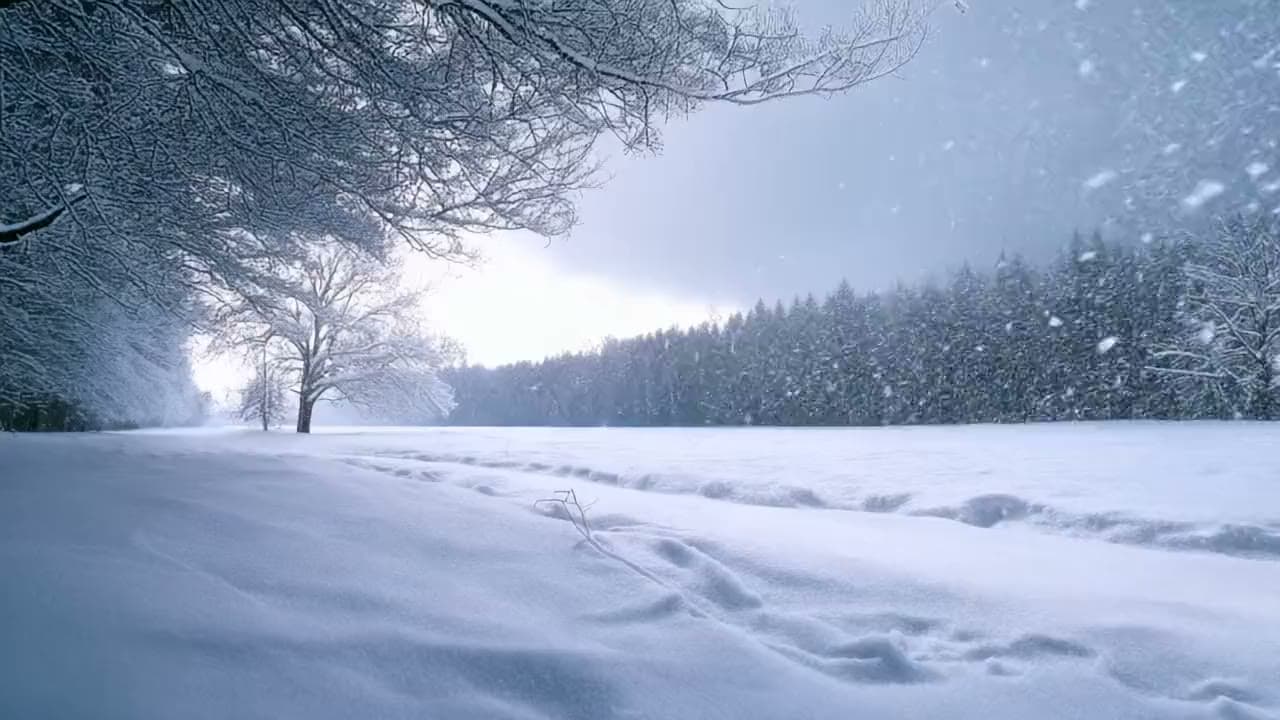
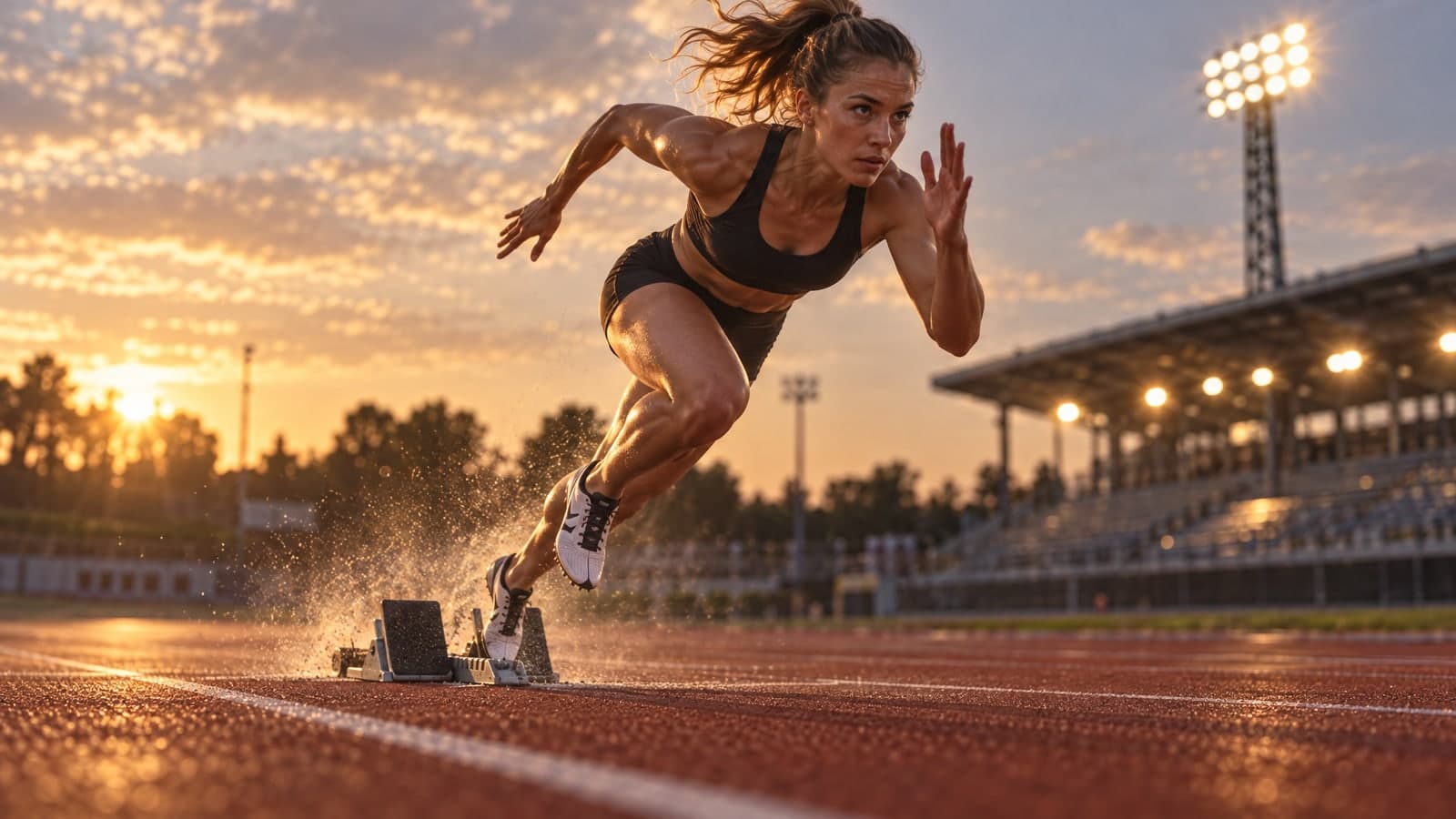
Show off moves that need real timing and weight.
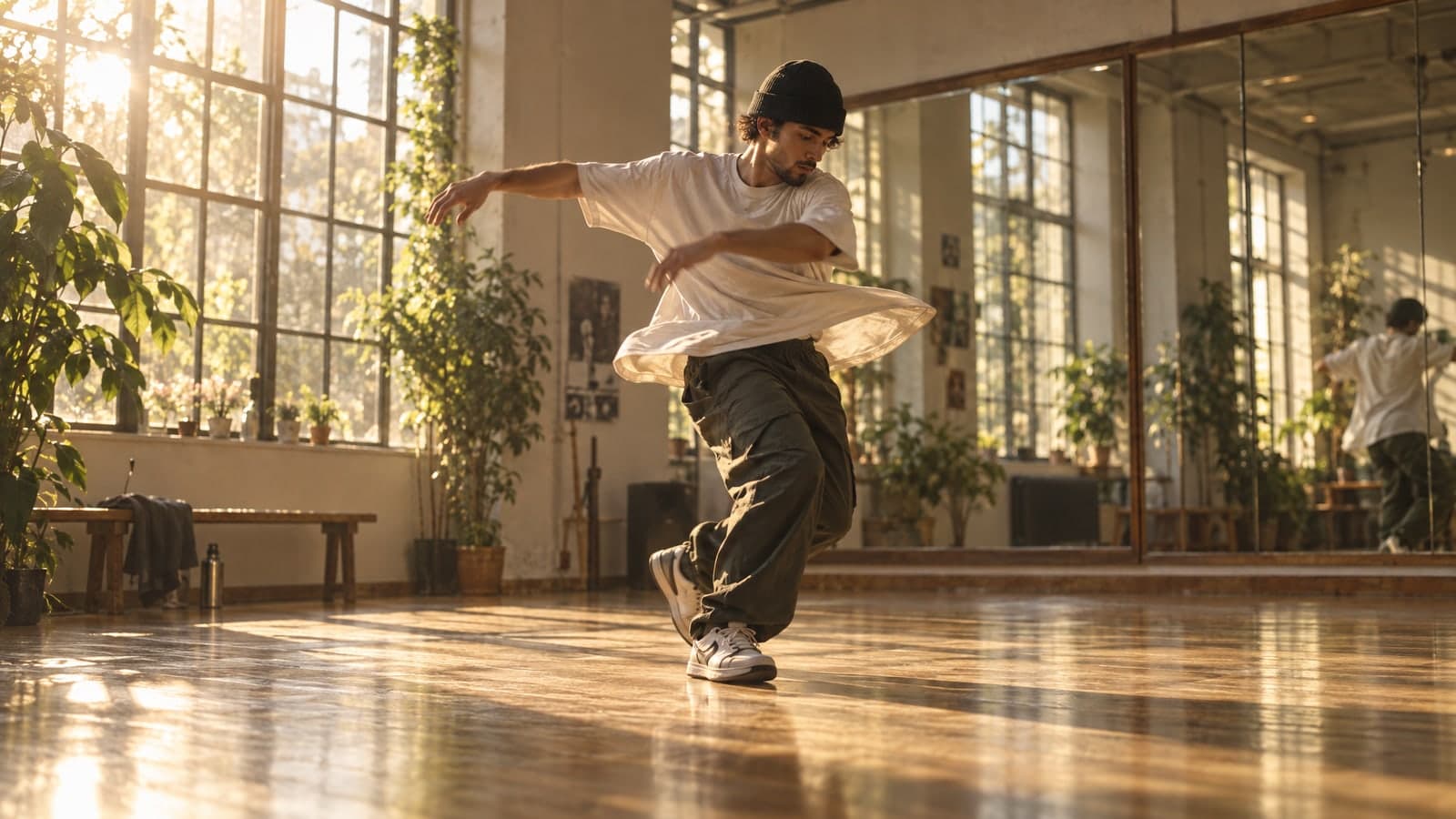

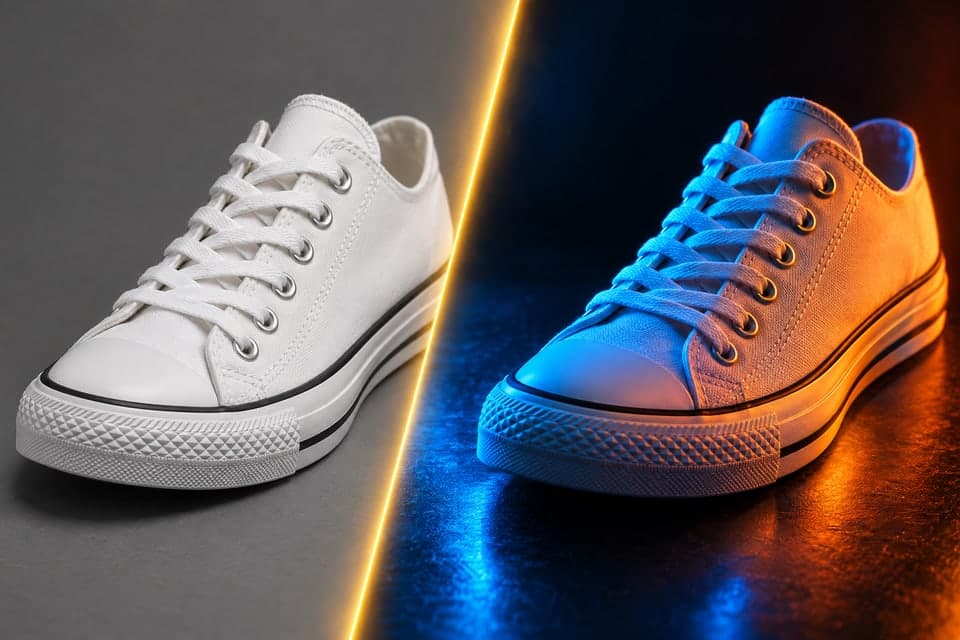
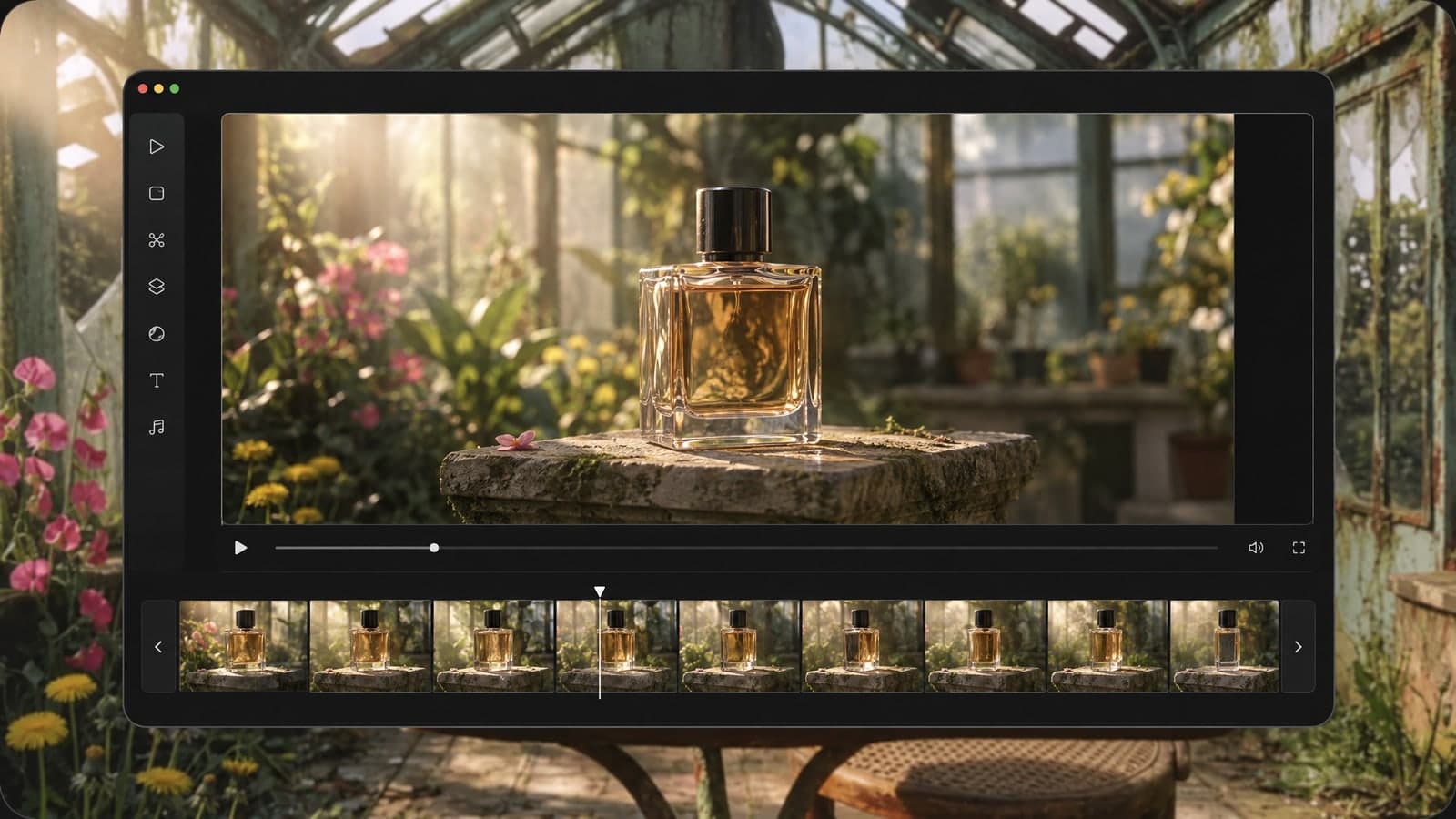
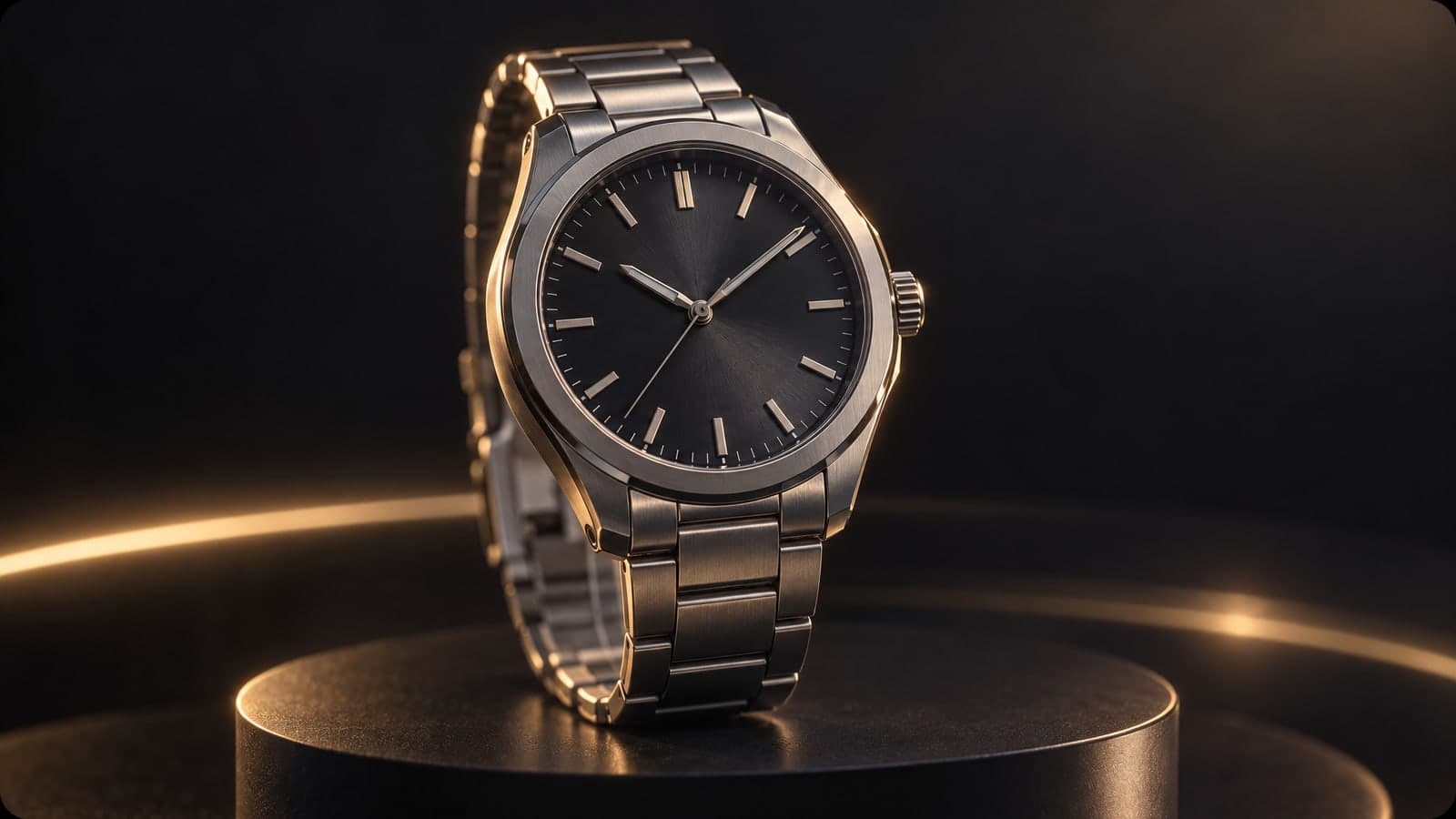
Give a product shot motion and sound in one pass.

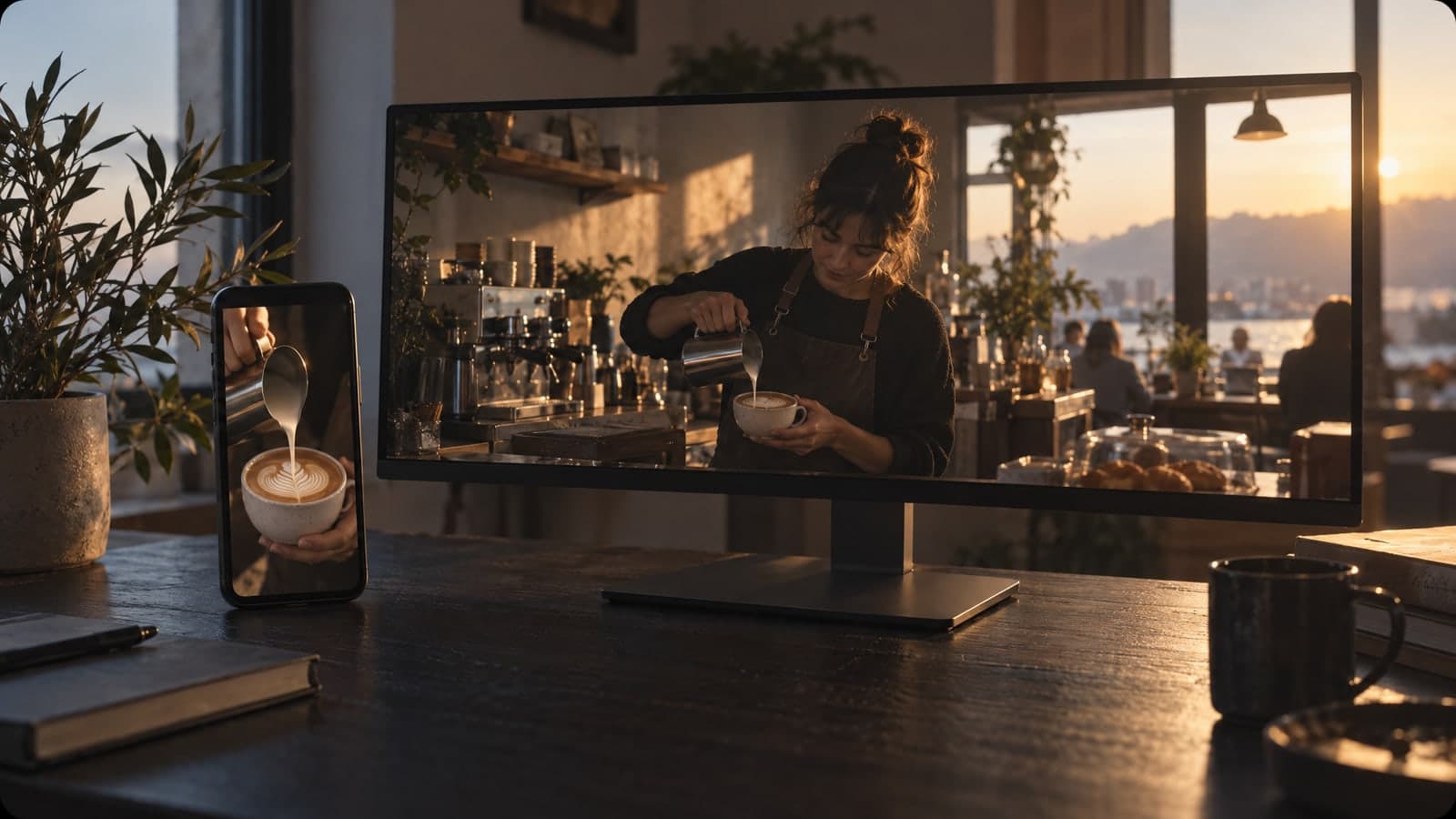
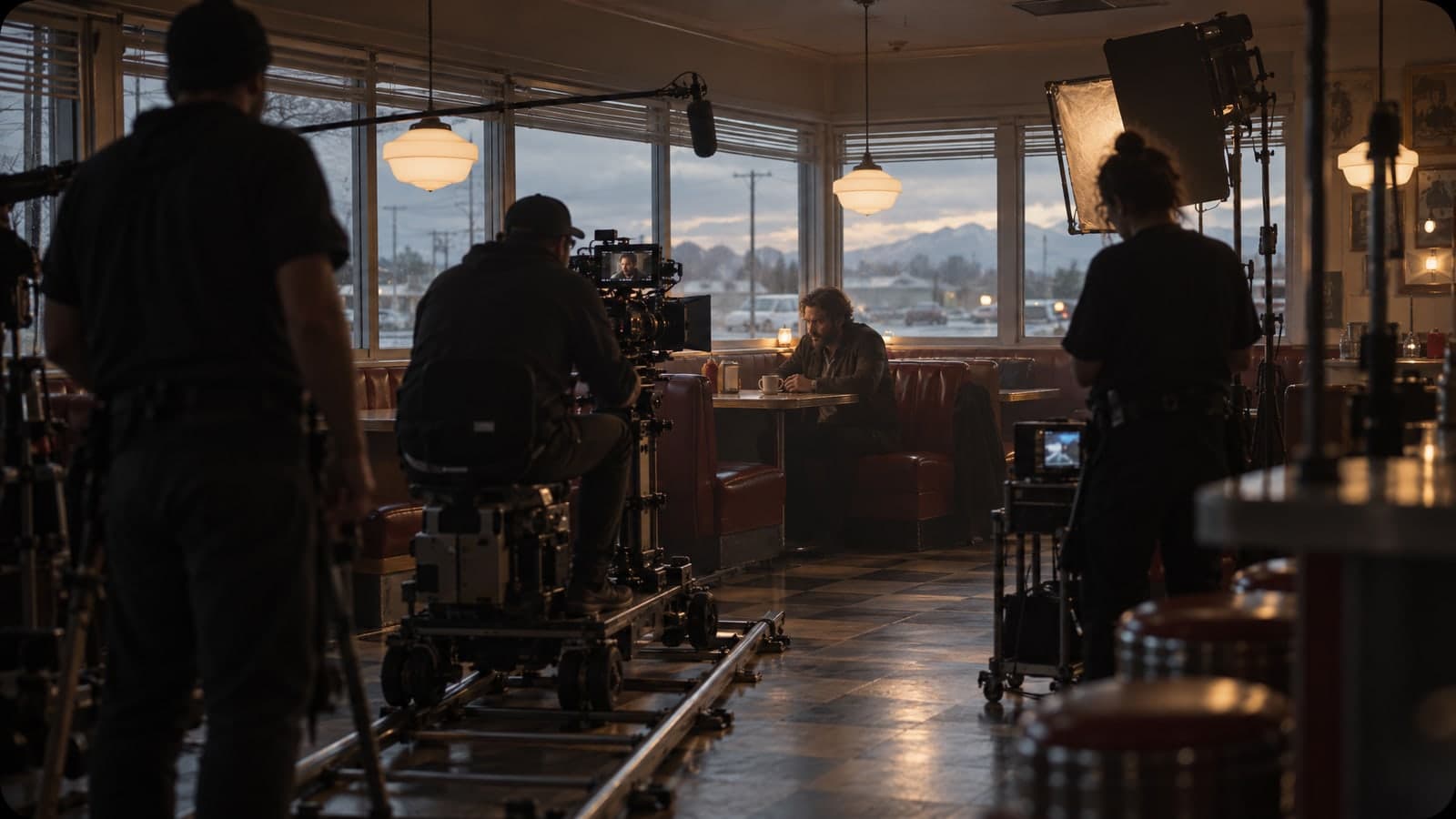
Sketch a scene before you shoot a single frame.
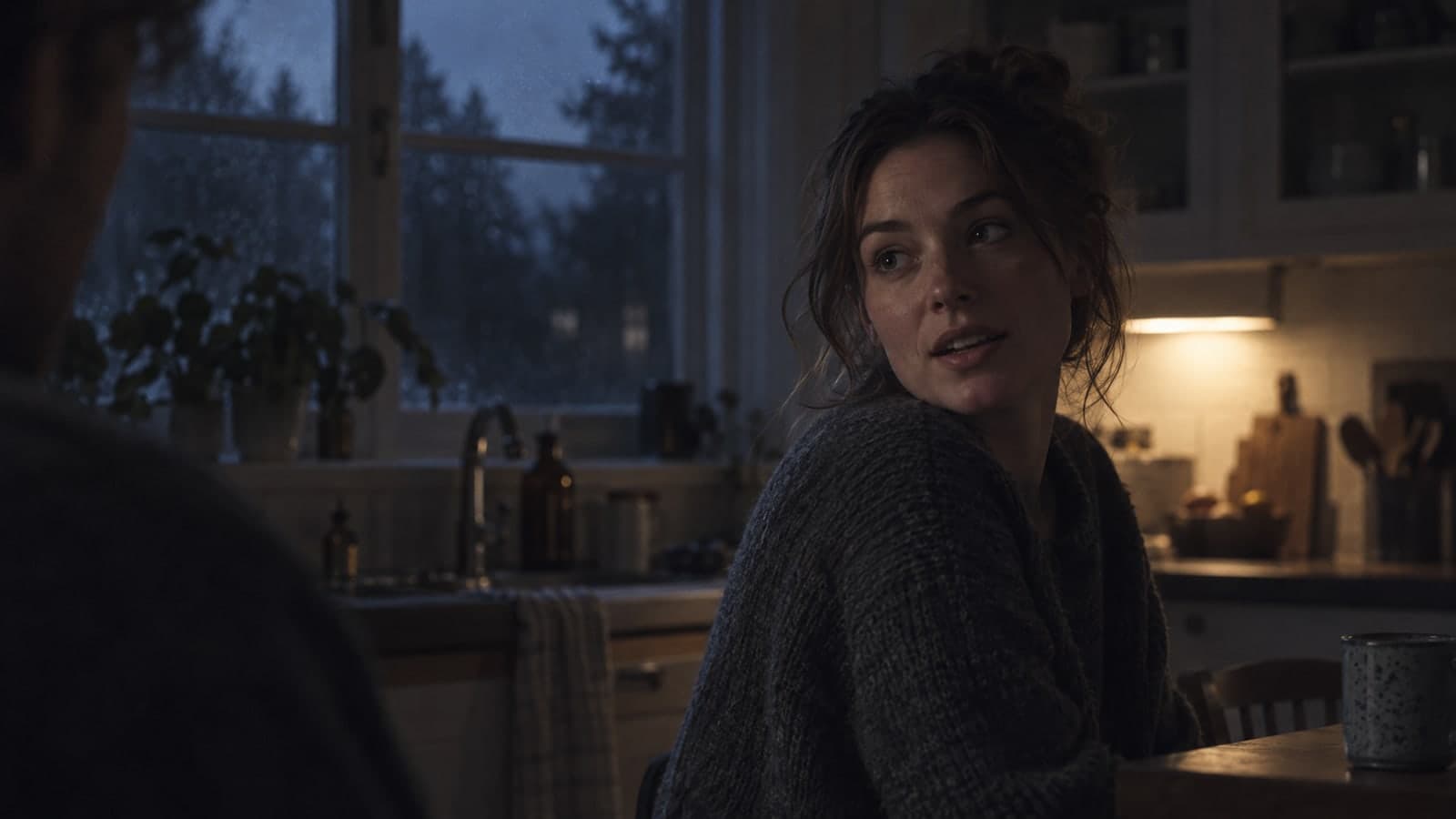
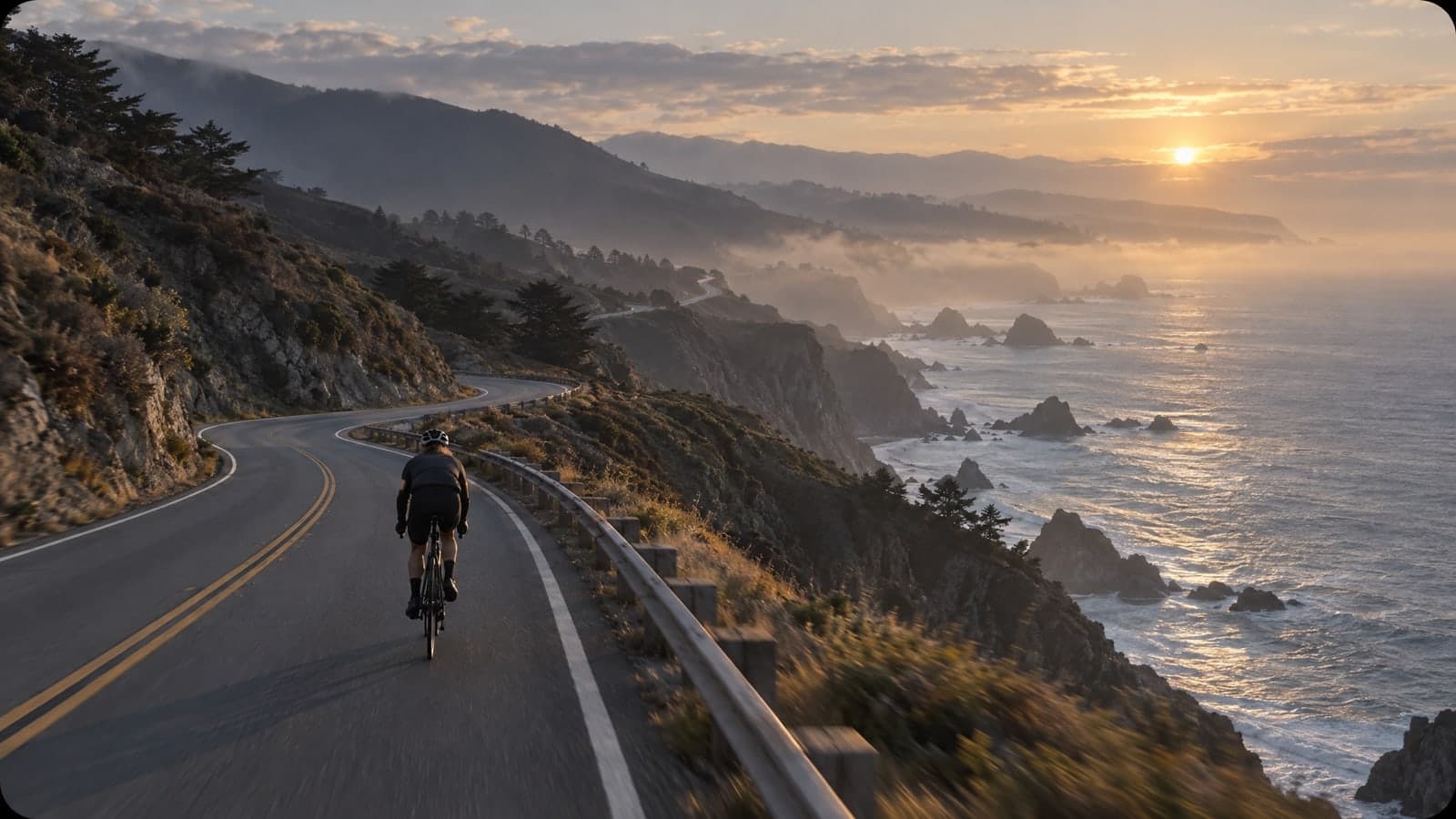
Everything runs in your browser. Add a photo or a prompt, choose the length and resolution, then download.
01 Upload
Upload one photo as the first frame, or start from text alone.
A photo sets the frame shape; with text you pick the ratio yourself.
02 Describe
Describe what moves, how the camera follows and what we hear.
Name one or two sounds, like rain or a cheering crowd, for a clean mix.
03 Download
Choose 5, 10 or 15 seconds, generate, then save the MP4.
Each clip is kept in My Works, ready to share as a link.
“I turn one product photo into a short clip with sound for my shop, no video shoot needed.”
Sofia Ramirez
Online store owner
“I storyboard a scene from a single frame, then show the clip to the client the same morning.”
Marcus Reed
Commercial video director
Every clip here runs on Seedance 2.0, the standard tier of ByteDance's video model, which renders motion and audio in a single pass.
Each tool starts from a prompt or a photo. Pick another one below and keep creating in the same account.
Edit, restyle or blend up to 4 photos with a prompt, or create a new image from words alone
Change only what you describe in a photo, keep the rest
Turn a prompt into a short looping animated GIF
Upscale a photo to 4K and restore sharp, clean detail
Animate a photo into a 5 or 10 second video with sound, or make a clip from a prompt
Describe a scene and watch it move, no photo needed
Google's video model: a photo or prompt to a clip with sound
Create and edit images with GPT Image 2.6 Flare.
Generate and edit images with Google's Nano Banana 2.1.
Turn a photo or prompt into an 8-second video with sound.
Turn a photo of two people into a kissing video
Tips, guides and prompt ideas for making videos with AI.
Quick answers about making AI videos from photos and text.
Seedance 2.0 is ByteDance's video model for turning a photo or a written scene into a short clip with sound. This page runs the standard Seedance 2.0 model, not the Fast or Mini tiers, and returns a 5-, 10- or 15-second video at 480p, 720p or 1080p.
Many people search for it as Seedance 2, and this Seedance 2 AI video generator is the same model in your browser. You bring one photo or one prompt; it handles the motion, the camera and the audio.
Upload one photo and describe what should happen next. The model uses your photo as the first frame, so the person, product or place looks the same when the clip starts, and the video keeps the shape of your photo. JPG, PNG, WebP and iPhone HEIC files up to 30MB all work, and on a computer you can scan a QR code to send a photo from your phone.
Yes. Leave the photo out and describe the scene in words. Starting from text, you choose 16:9, 9:16, 1:1, 4:3, 3:4 or 21:9, so the same idea works as a YouTube clip, a reel or a wide cinematic shot. Name the subject, the action, the camera move and the sound for the best result.
You need a free account to generate on this page. New accounts get free credits, and the daily check-in adds more. The price depends on the resolution and the length: a 480p clip costs much less than a 1080p one, and you see the exact cost before you press Generate. Paid plans and credit packs add credits for regular use.
Most 5-second clips at 720p are ready in two to three minutes; our test of a 5-second 720p video made from a photo finished in 138 seconds. Higher resolution and longer clips take more time, so allow a few extra minutes for 1080p or a 15-second video. You can keep browsing while it works, and the clip shows up on the page as soon as it is ready.
Yes. The audio is generated together with the picture, so footsteps, music and voices line up with the action. Put spoken lines in quotes, for example: she turns to the camera and says "Let's go". Name the sounds you want, such as rain, traffic or a cheering crowd; one or two sound ideas per clip give the cleanest result.
Photo to video and text to video, at 480p, 720p or 1080p, in 5-, 10- or 15-second clips, always with sound. Seedance 2.0 can also take reference videos, reference audio and a last frame, and render in 4K; those options are not offered here. The faster Seedance 2.0 Fast and Mini tiers are separate models and are not used on this page.
Your download has no visible watermark. Commercial use depends on your plan: free-plan videos are for personal, non-commercial use, while a paid plan or credit pack covers ads, product pages and client work. Each clip stays private in My Works until you share a link.
Make a free account and bring one photo to life.