Text to Video Generator - MagicSky AI

01 Describe
Write the scene in words
Type the camera move and the action in a sentence or two.
One clear action per clip moves the most naturally.
Describe a scene, and this text to video generator makes the clip.
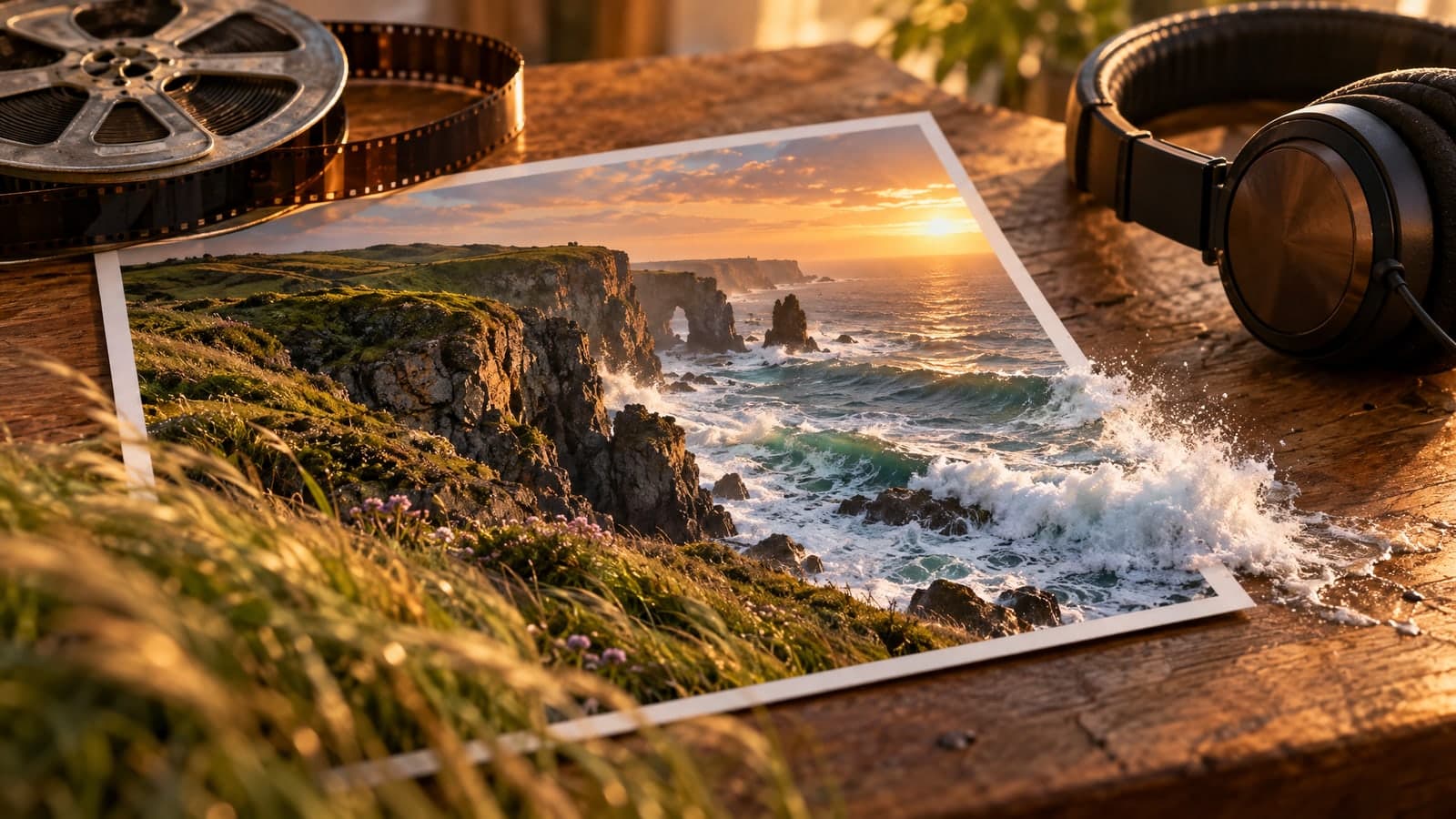
A coastal road at golden hour, slow cinematic aerial shot, gentle waves rolling onto the shore, one vintage car driving along the curve, real photograph, natural light, true-to-life colors, no text
Your prompt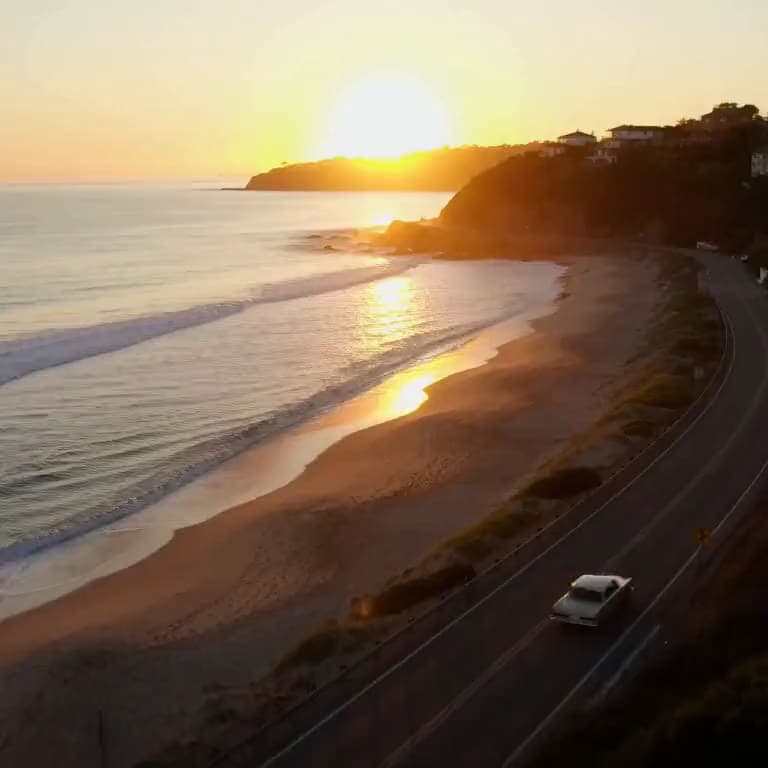 Video
Input
A coastal road at golden hour, slow cinematic aerial shot, gentle waves rolling onto the shore, one vintage car driving along the curve, real photograph, natural light, true-to-life colors, no text
Your promptOutputs
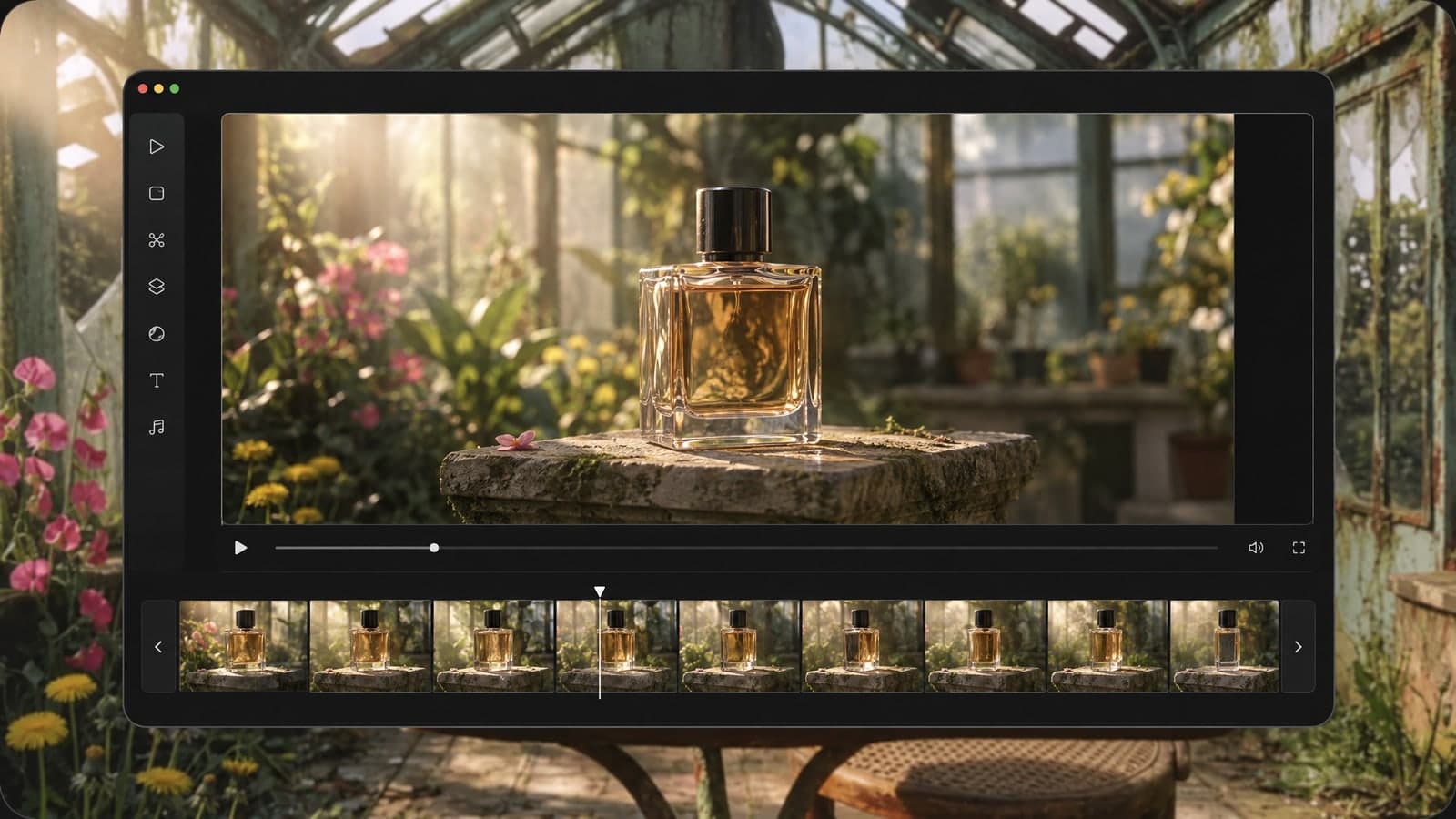
VideoThis text to video generator turns one written prompt into a short clip with sound.
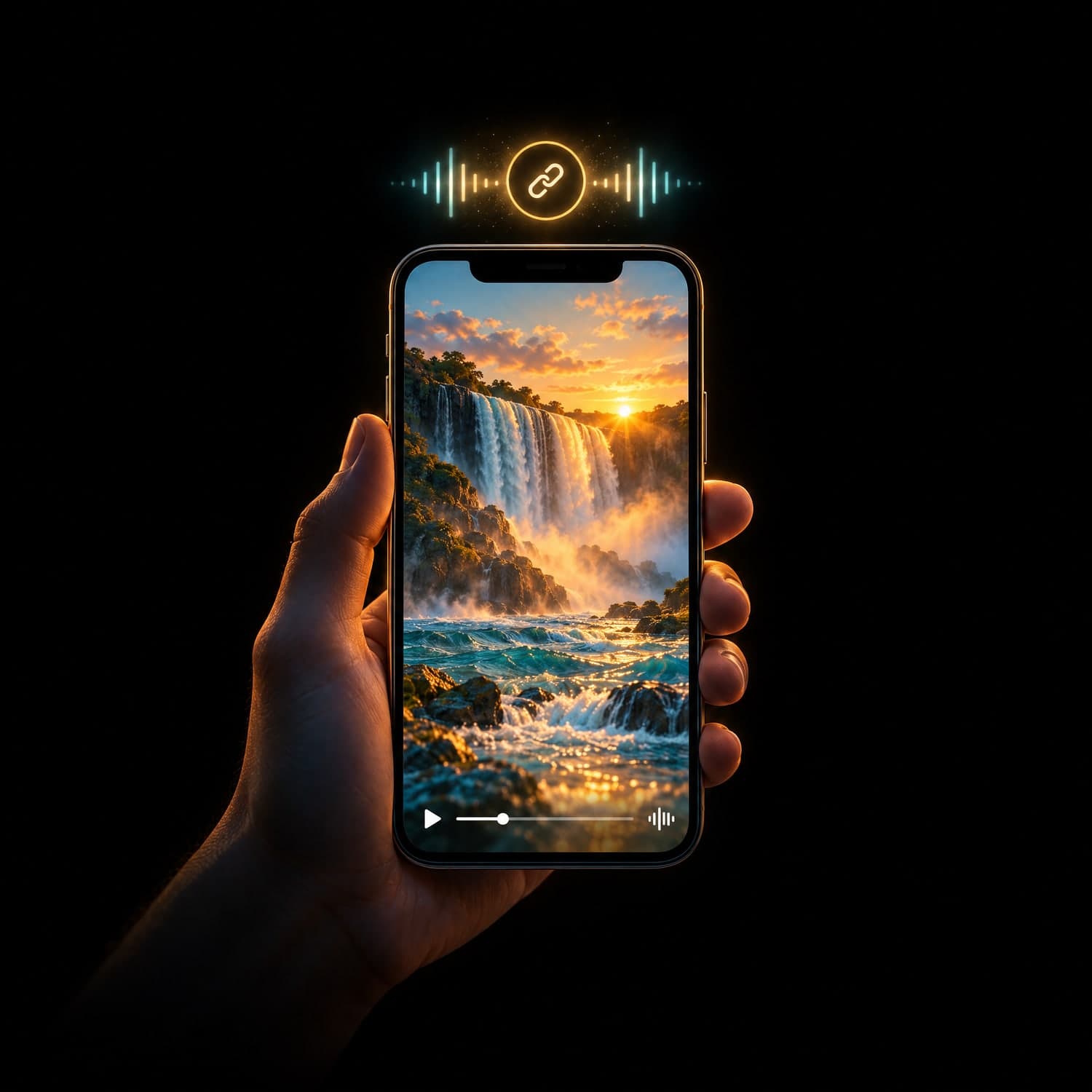
Every clip comes with sound, so it is ready to post the moment you download it.
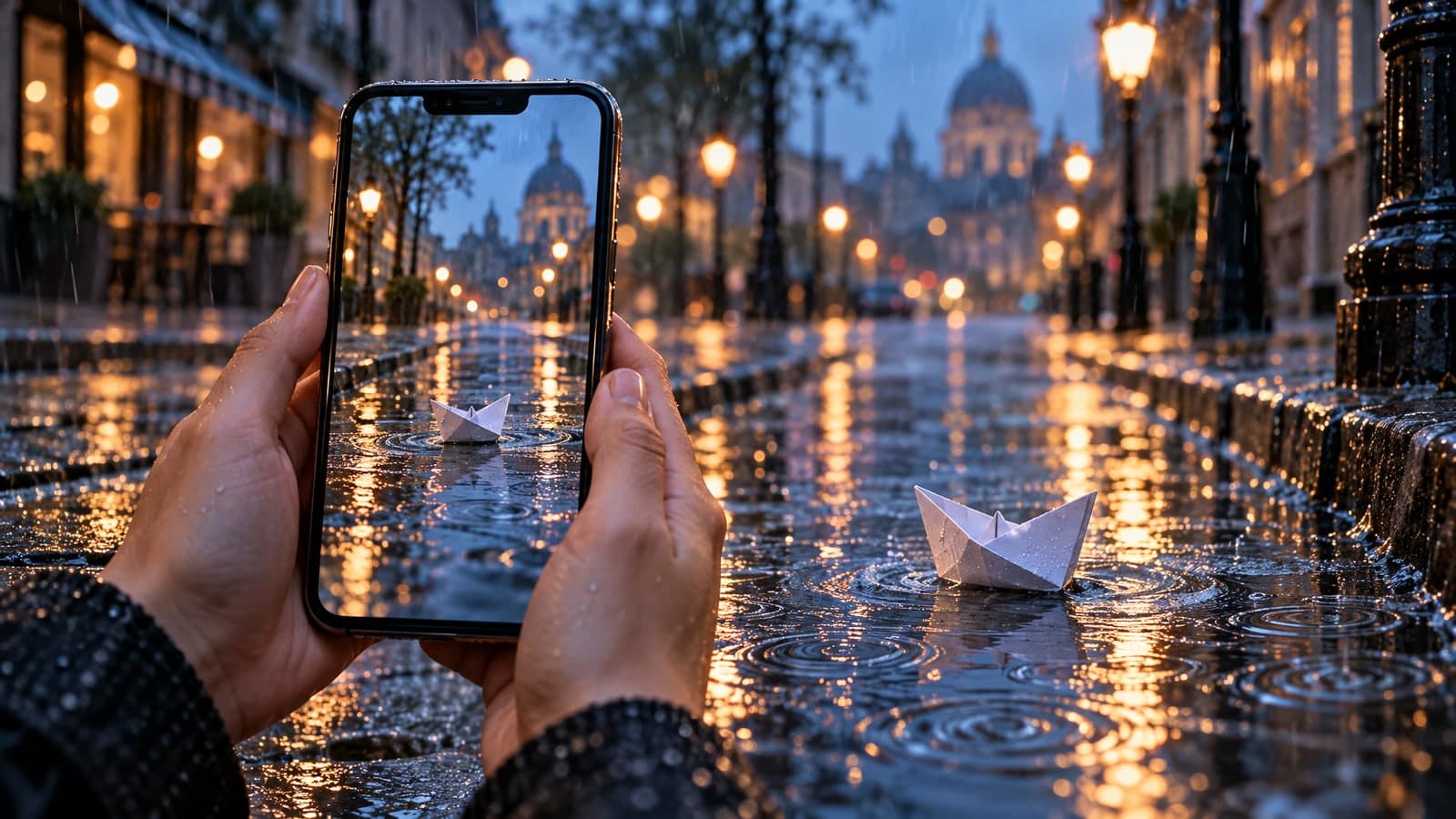
Write the camera move and the action, from a slow aerial glide to rain on a city street.
Pick 480p, 768p or 1080p and a 5 or 10 second length to match your post, ad or page.
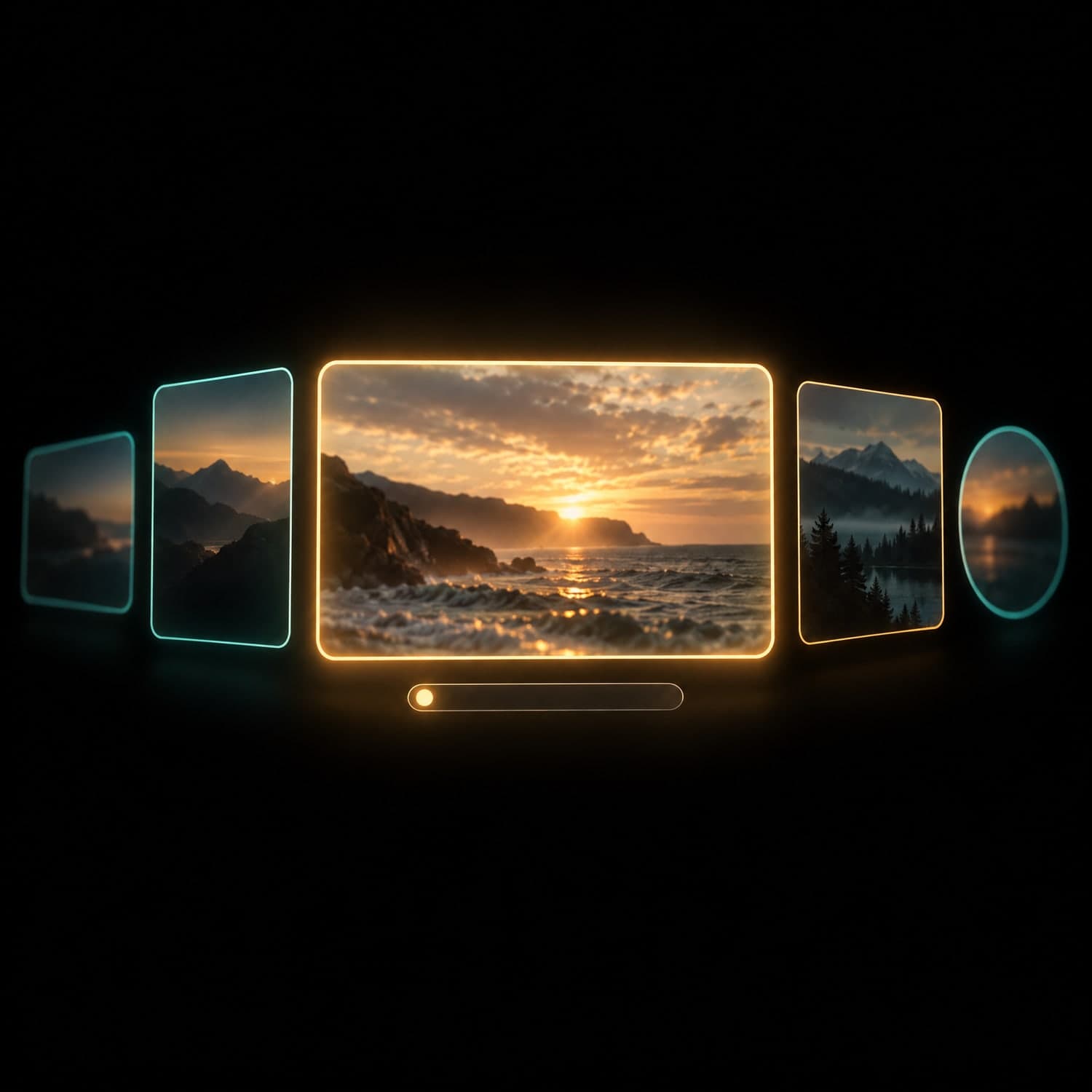
Watch what the text to video generator turns your sentence into.
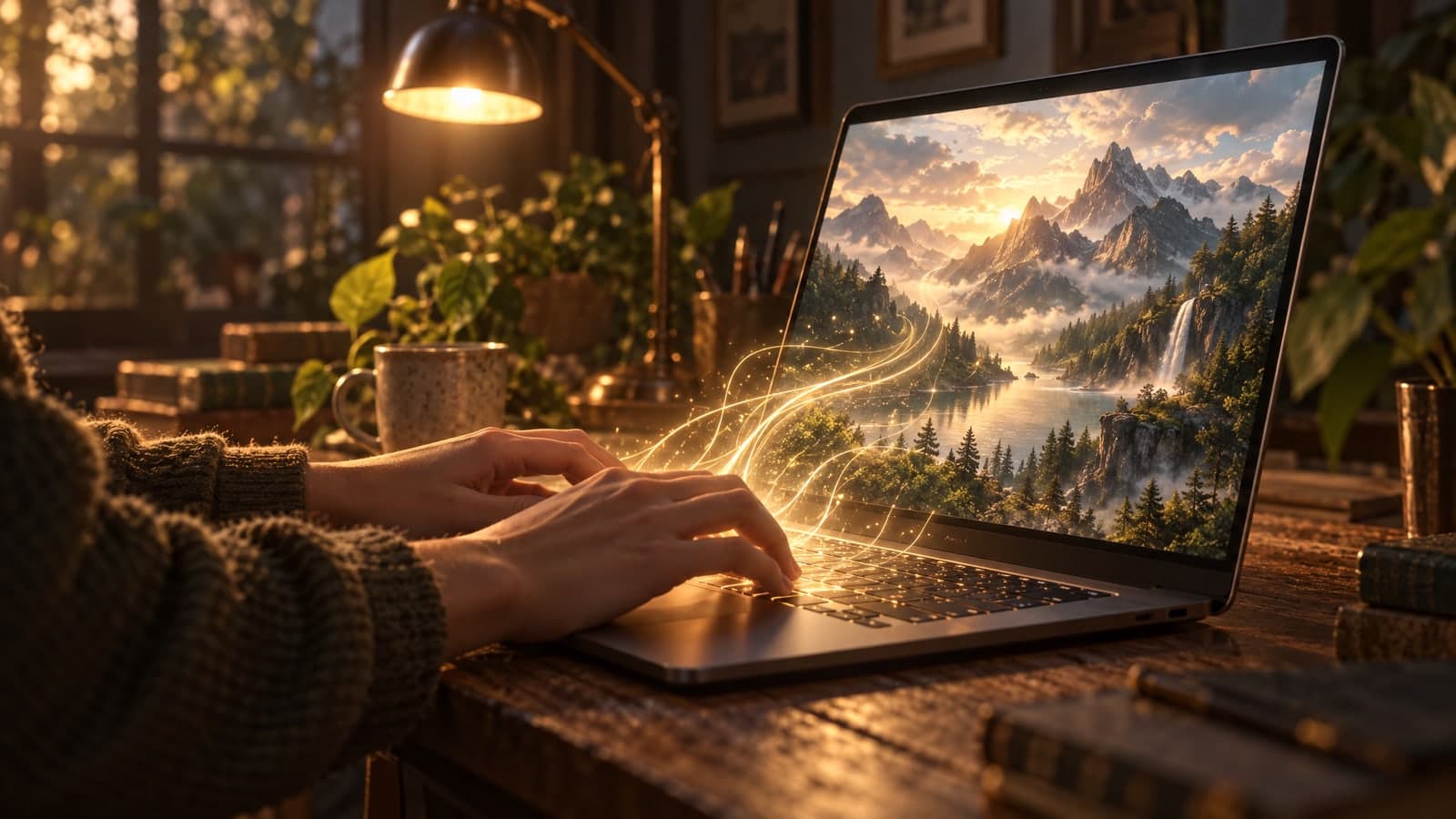
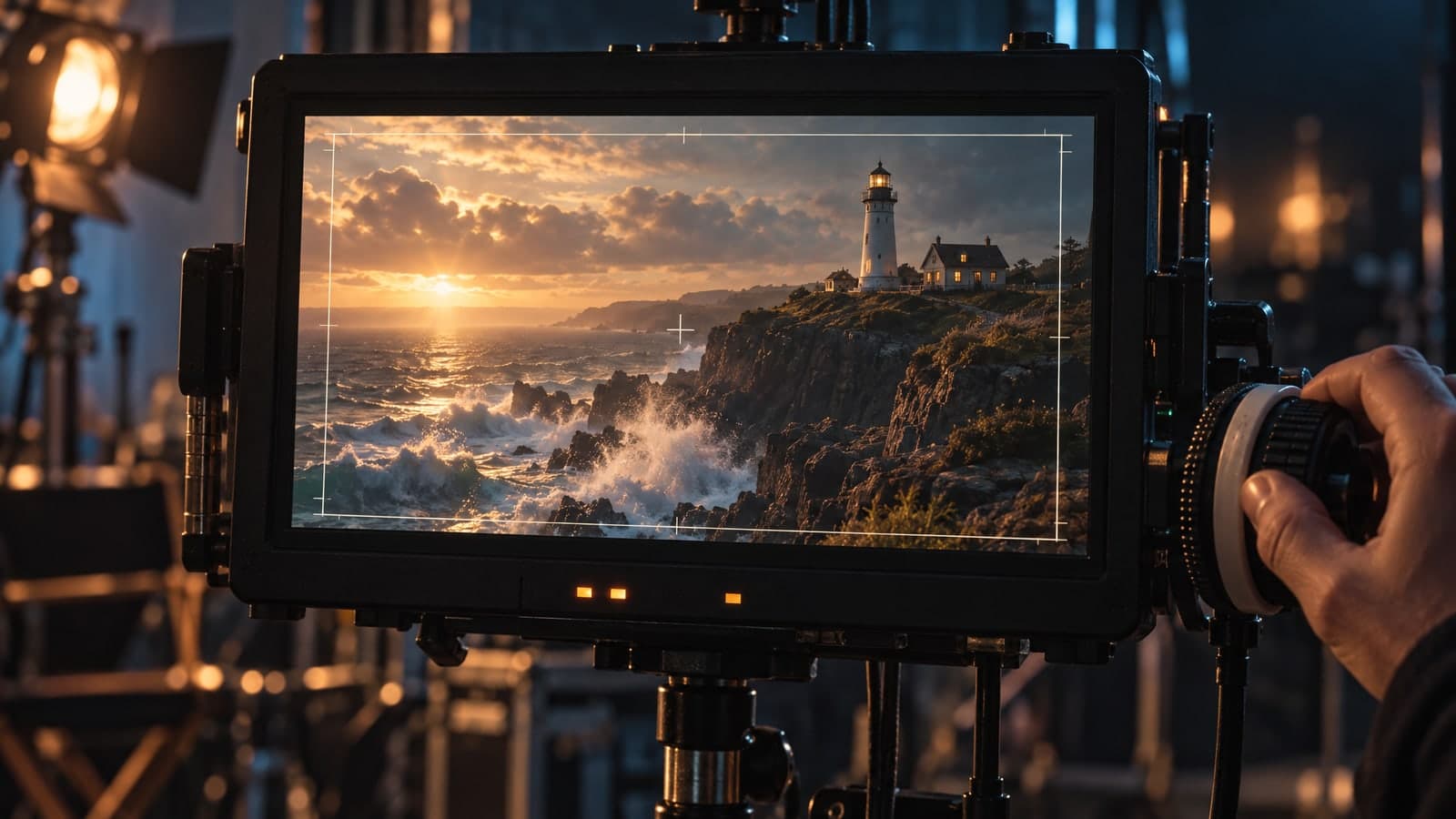
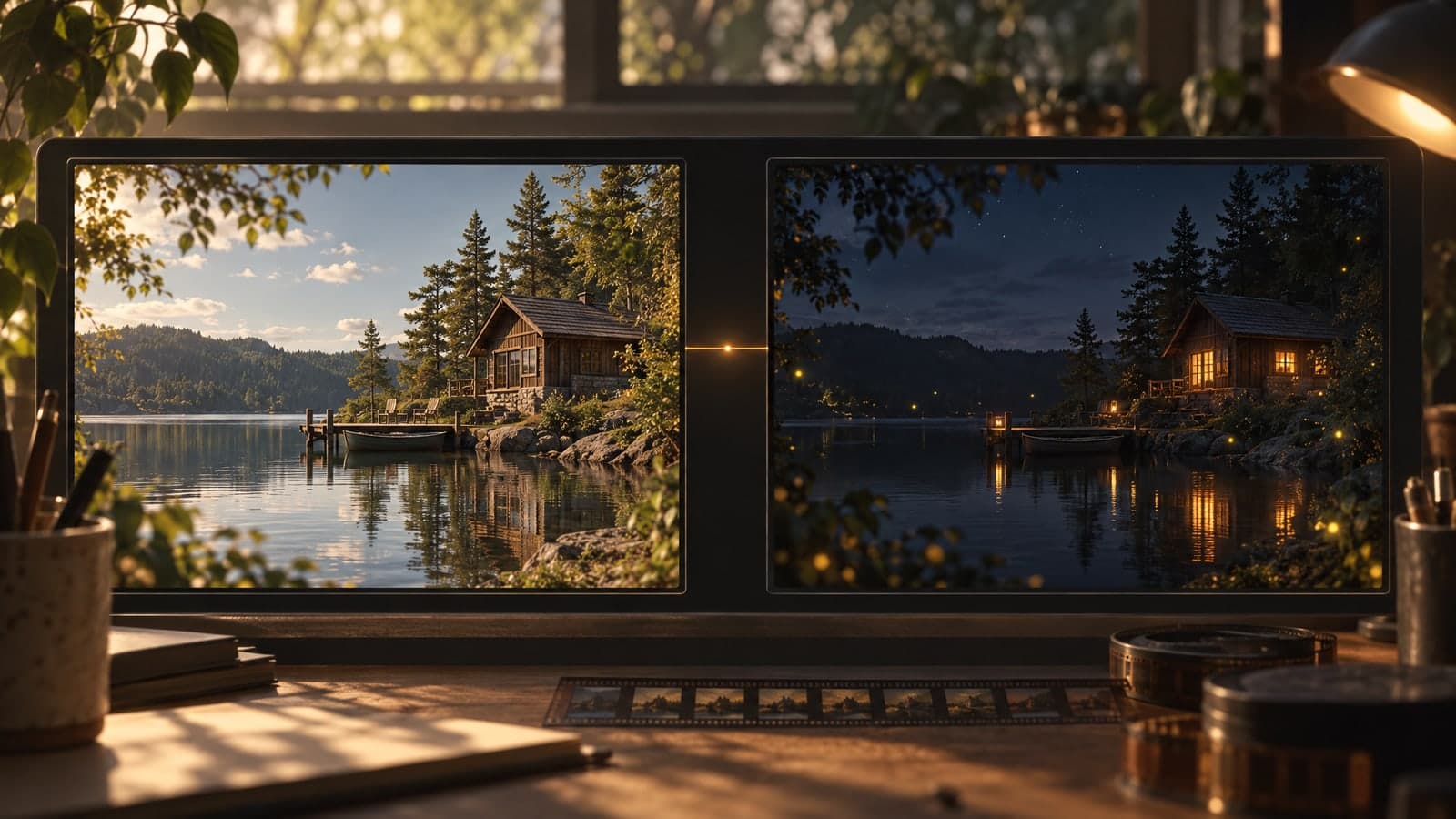
Short motion with sound for every feed, story and ad.
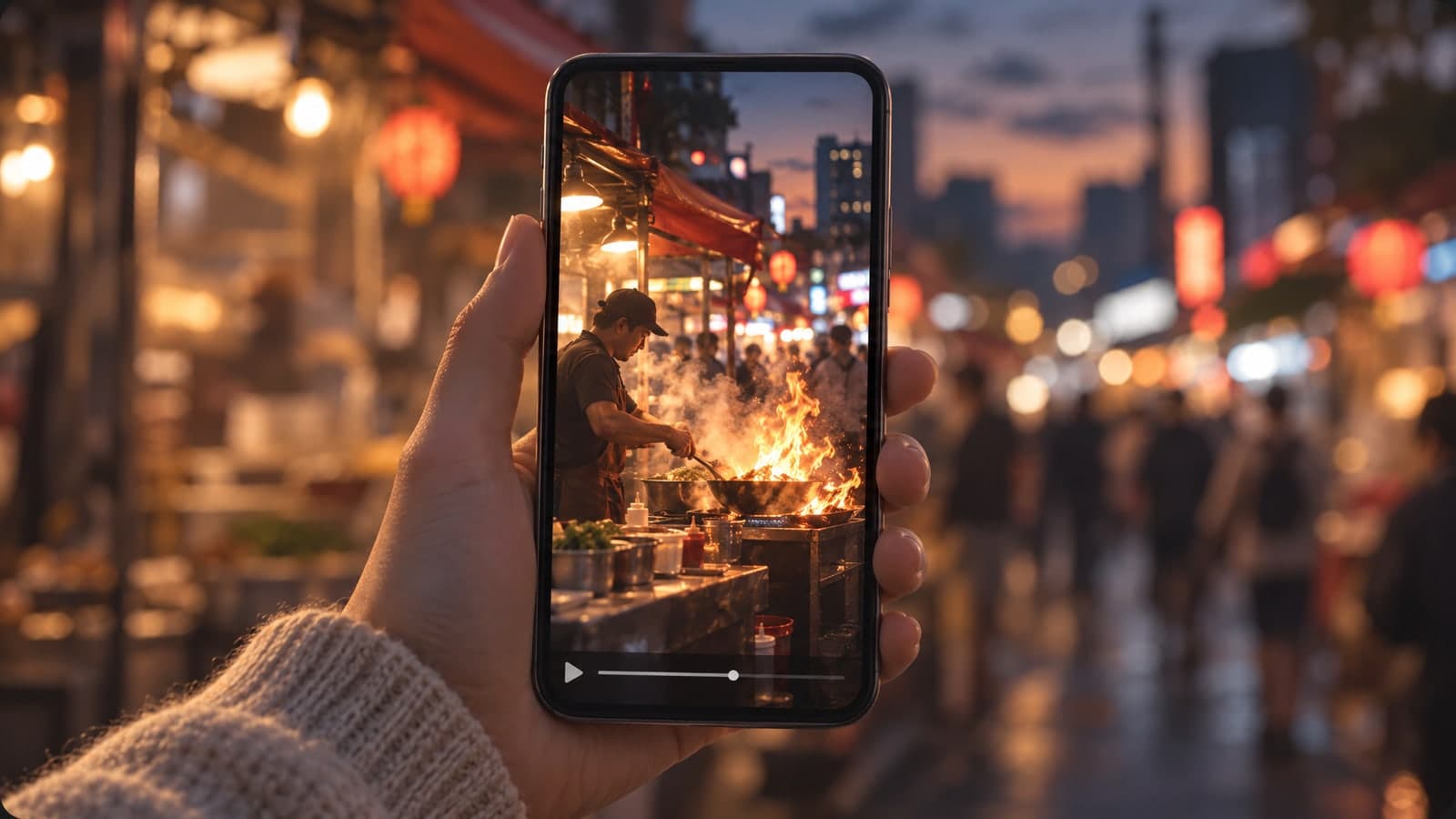
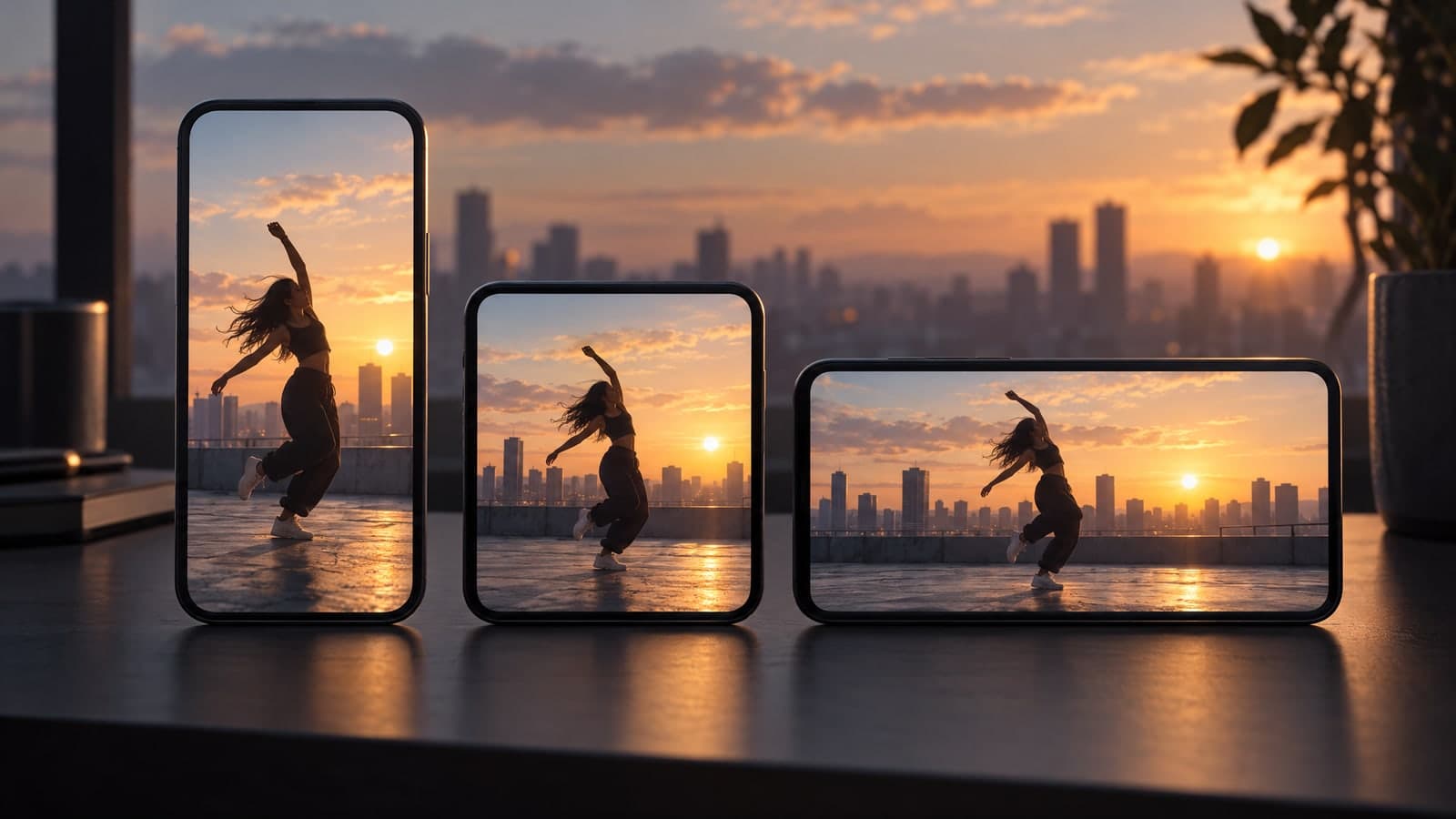
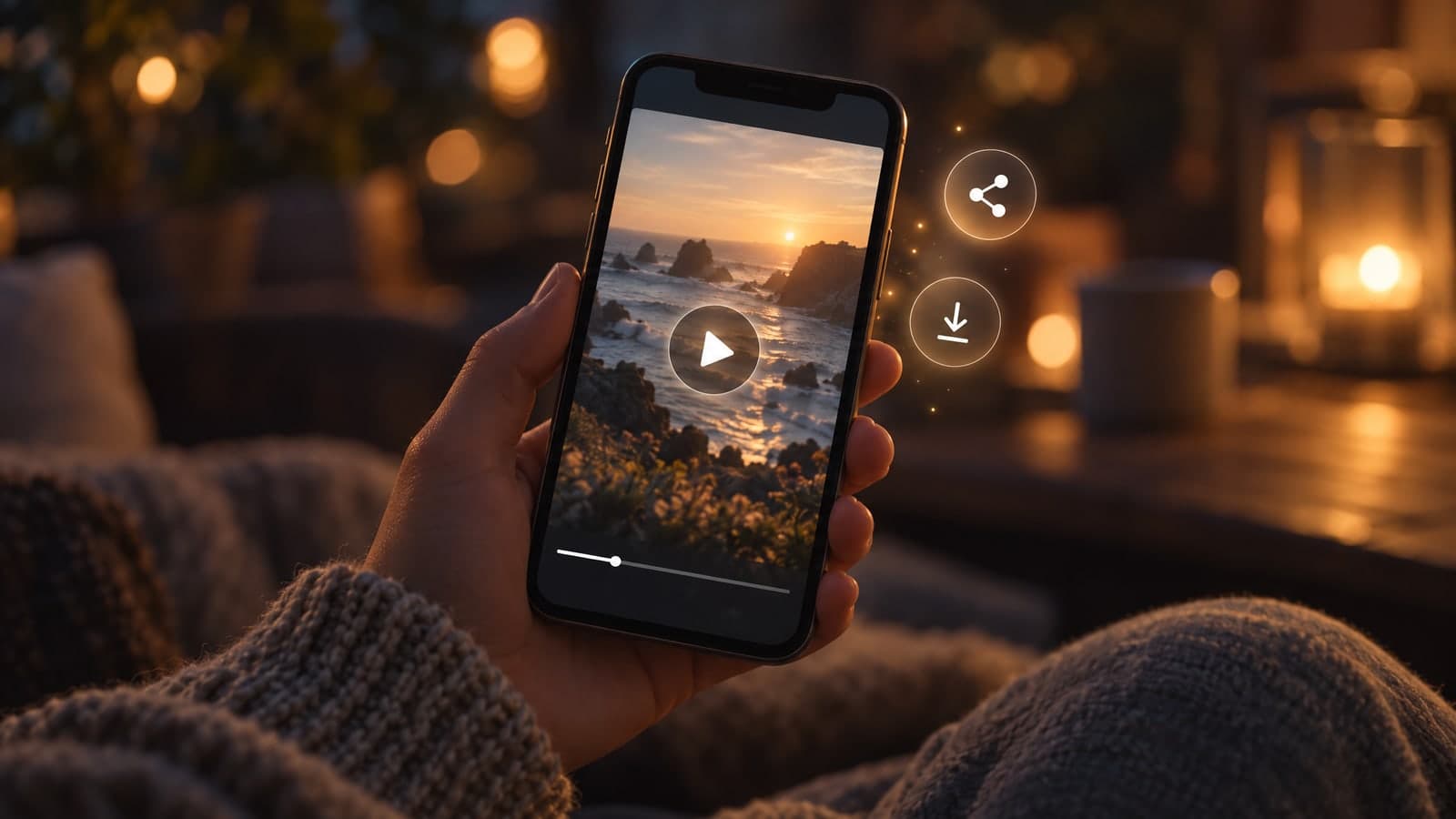
Describe the moment you want to show and let the AI animate it.
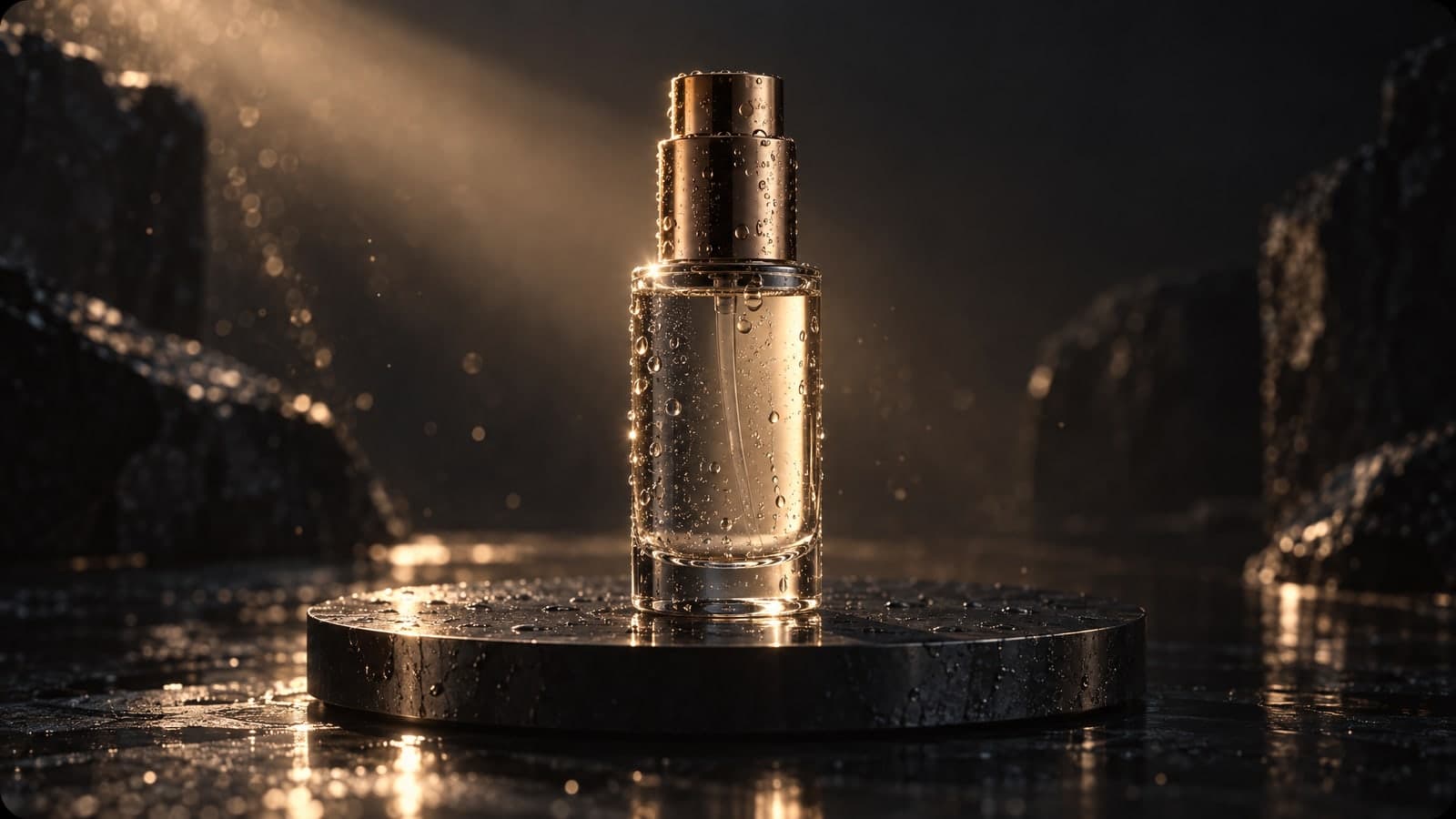
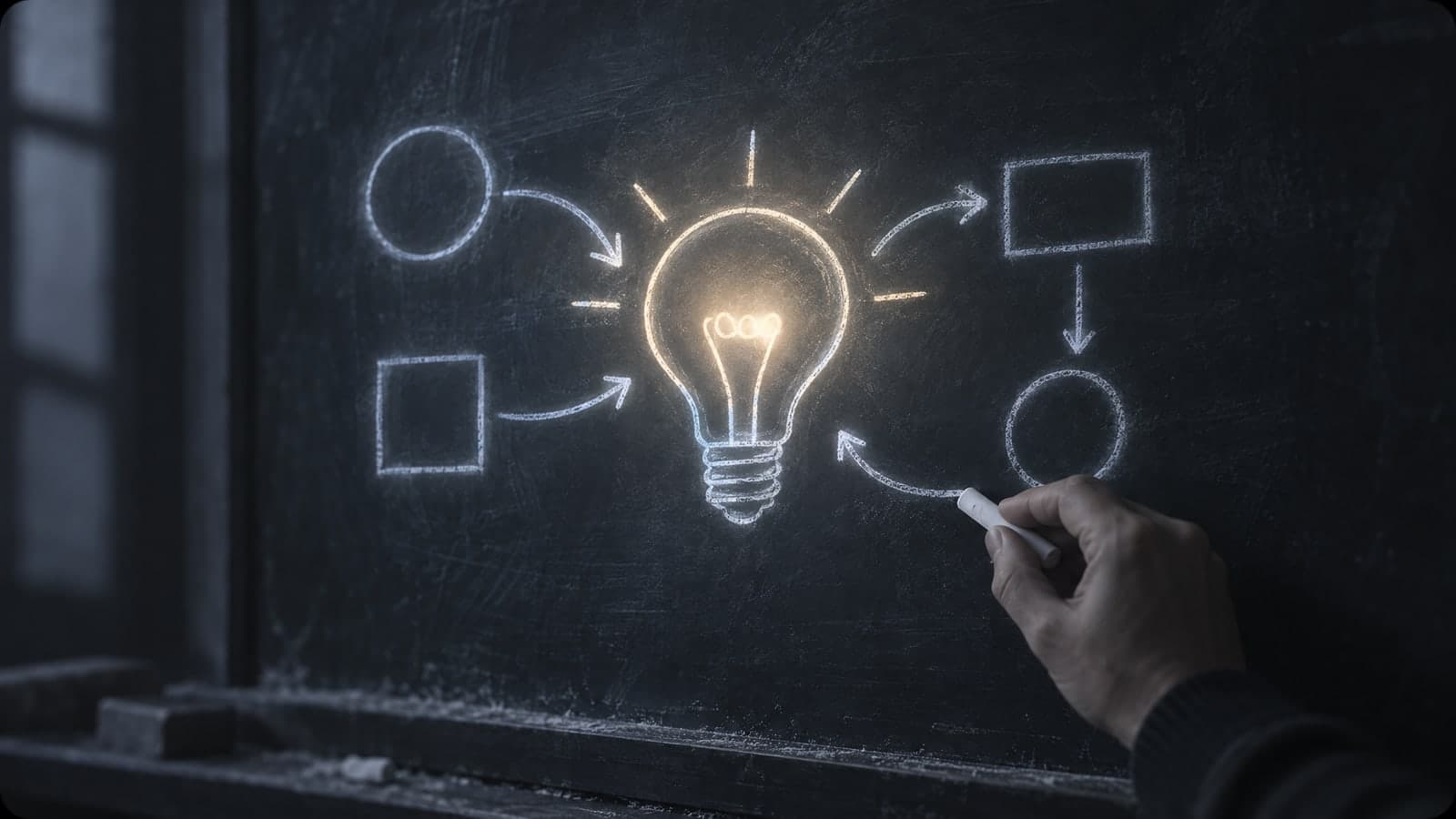
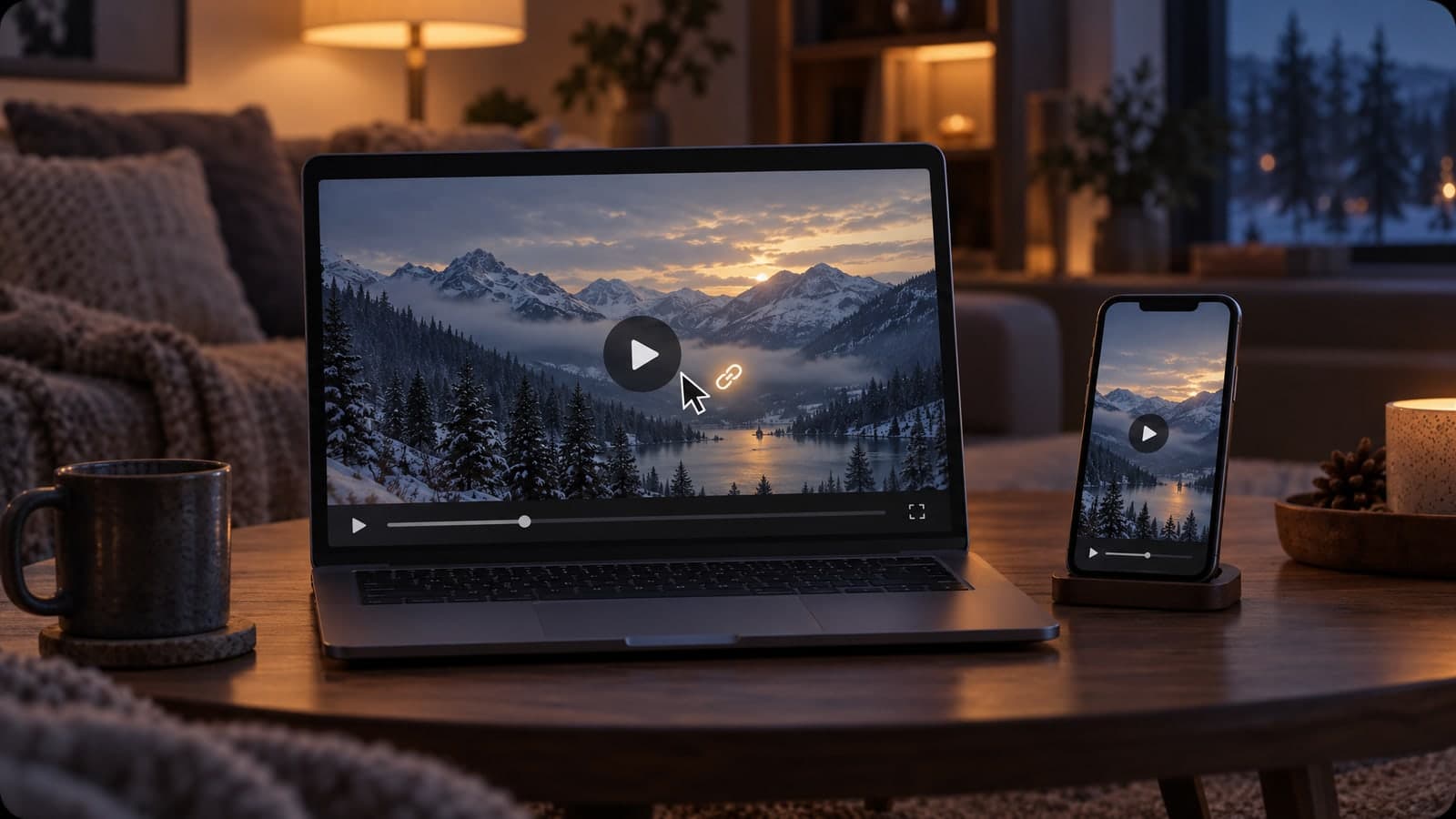
Nothing to install and no filming needed. Describe, pick your settings and download, all in your browser.
01 Describe
Type the camera move and the action in a sentence or two.
One clear action per clip moves the most naturally.
02 Customize
Choose 5 or 10 seconds, a resolution up to 1080p, and an aspect ratio.
16:9 for YouTube, 9:16 for reels and stories.
03 Download
Download the MP4 with sound, or share a link anyone can open.
Every video is saved to My Works, so you can find it later.
“I type a scene before a client call and we watch it move a minute later, no camera or crew.”
Priya Shah
Agency strategist
“One sentence is all it takes to get a clip with sound for my reels and stories.”
Tom Bennett
Content creator
Every text to video clip runs on MiniMax H3 Max, which builds the scene from your words and adds the sound along with the video.
Each tool starts from a prompt or a photo. Pick another one below and keep creating in the same account.
Edit, restyle or blend up to 4 photos with a prompt, or create a new image from words alone
Change only what you describe in a photo, keep the rest
Turn a prompt into a short looping animated GIF
Upscale a photo to 4K and restore sharp, clean detail
Animate a photo into a 5 or 10 second video with sound, or make a clip from a prompt
Google's video model: a photo or prompt to a clip with sound
Create and edit images with GPT Image 2.6 Flare.
Generate and edit images with Google's Nano Banana 2.1.
Turn a photo or prompt into an 8-second video with sound.
Turn a photo or prompt into a 1080p video with sound.
Turn a photo of two people into a kissing video
Tips, guides and prompt ideas for making videos with AI.
Quick answers about using the text to video generator.
A text to video generator turns a written description into a short moving clip with sound. You type what happens, such as a drone shot over a city at sunrise or rain on a neon-lit street, and the AI builds the video from your words.
You may also see it called a text to video maker or text to video AI. On MagicSky AI it runs on the MiniMax H3 Max model, and you can also start from a photo with our image to video AI.
Keep it short and specific when you write a prompt for the text to video generator: name the subject, one camera move and one action, for example "slow aerial shot of a coastal road, one vintage car driving along the curve, golden hour". Asking for many things at once makes the motion messy, so change one detail at a time and generate again.
Try it without an account and watch your first scene move. When you sign up, new accounts get free credits and the daily check-in adds more. The cost depends on resolution and length, with 5-second 480p clips costing the least, and you see the exact cost before you press Generate. Paid plans and credit packs add more credits for regular use.
Most clips are done in one to four minutes. A 5-second clip at 480p finishes the fastest, and a 10-second clip at 1080p takes the longest. You can keep browsing while it runs, and the video appears on the page as soon as it is ready.
Pick 480p, 768p or 1080p and 5 or 10 seconds. For the shape of the frame, choose 16:9, 9:16, 1:1, 4:3, 3:4 or 21:9. Start at 480p to test an idea with fewer credits, then move up to 1080p for the version you publish.
Every clip has sound built in, matched to the scene as it is generated. That means your video is ready to post the moment you download it. If you prefer silence, mute it in any video editor.
If you pay for a plan or a credit pack, you can use your clips in ads, on product pages and in client work. On the free plan, videos are for personal, non-commercial use. Anything you make stays private in My Works until you share a link, and you should only generate content you have the rights to.
The text to video generator starts from your words alone: you describe the scene and the model creates the video from scratch. Image to video begins with a photo you upload and uses it as the first frame. MagicSky AI offers both tools, so pick the one that matches the material you already have.
Try it without an account. Every clip has sound.