AI Image Editor - MagicSky AI
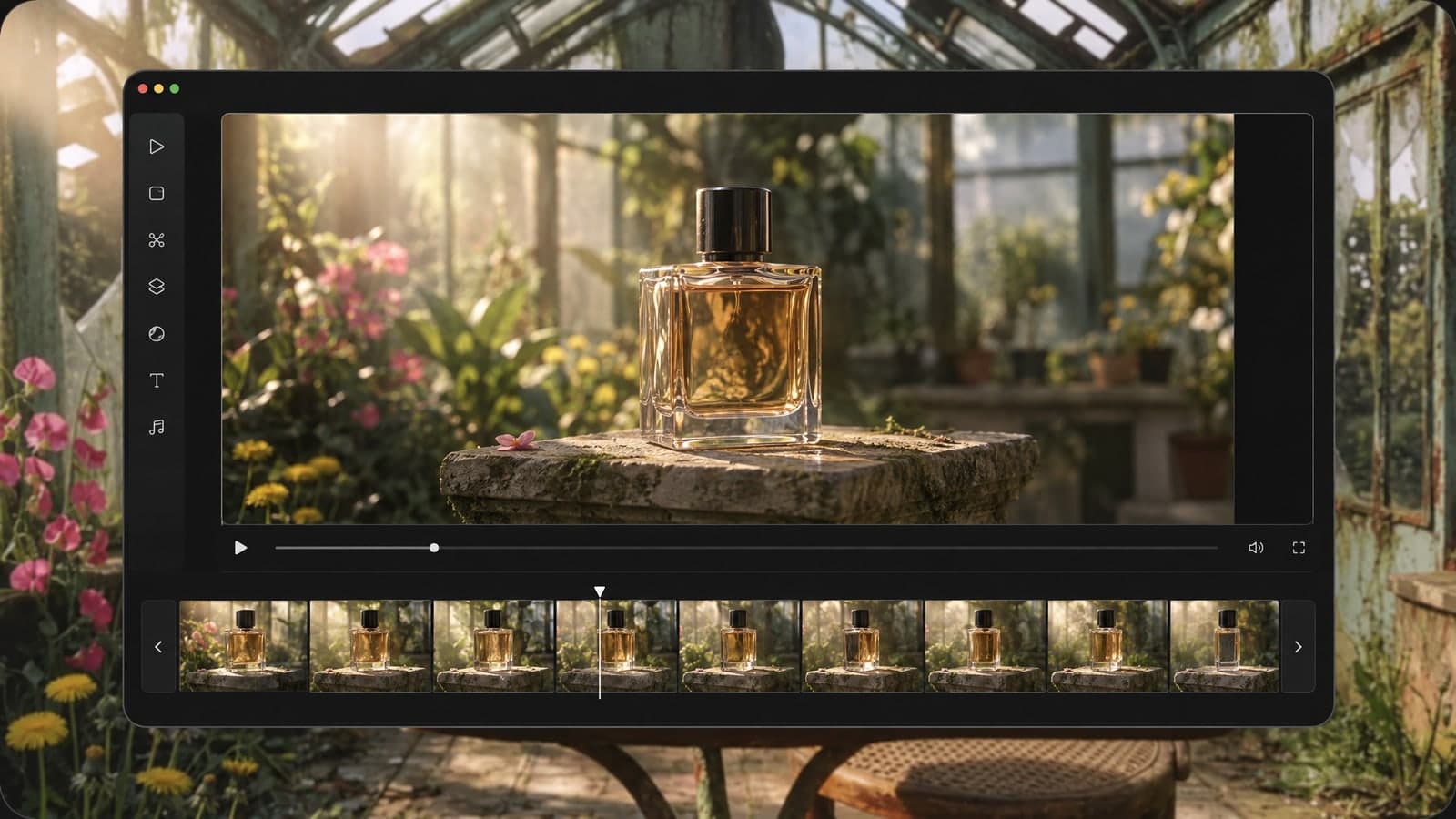
01 Upload
Add the photo to edit
Upload a JPG, PNG, WebP or HEIC photo, or send one from your phone.
Add up to 3 more images as references, like a coat or a logo.
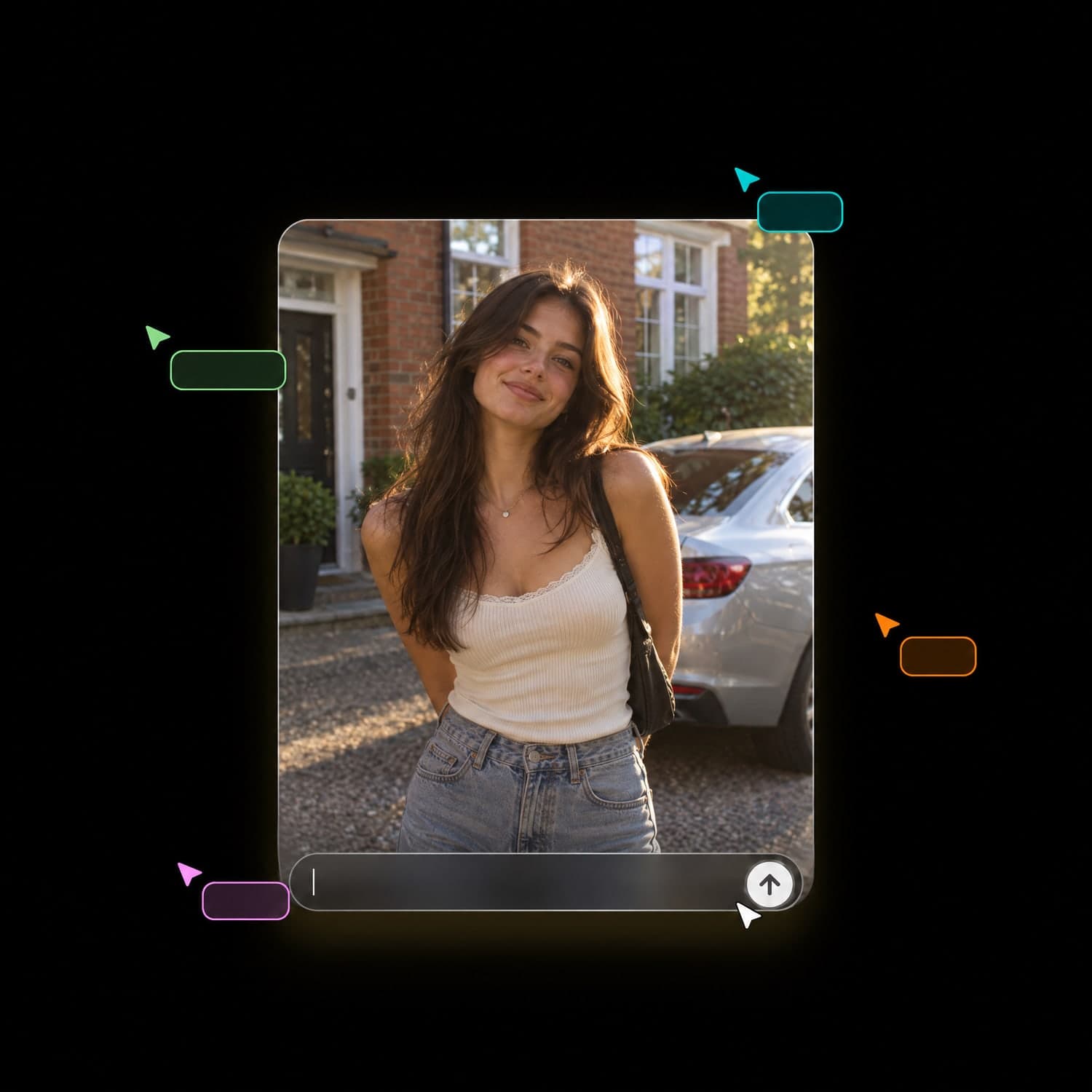
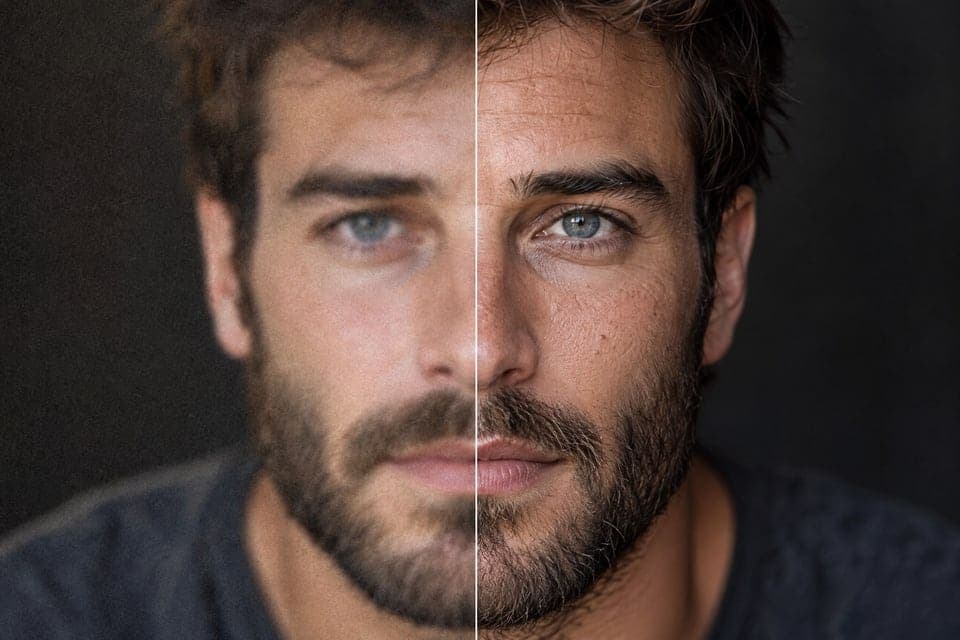
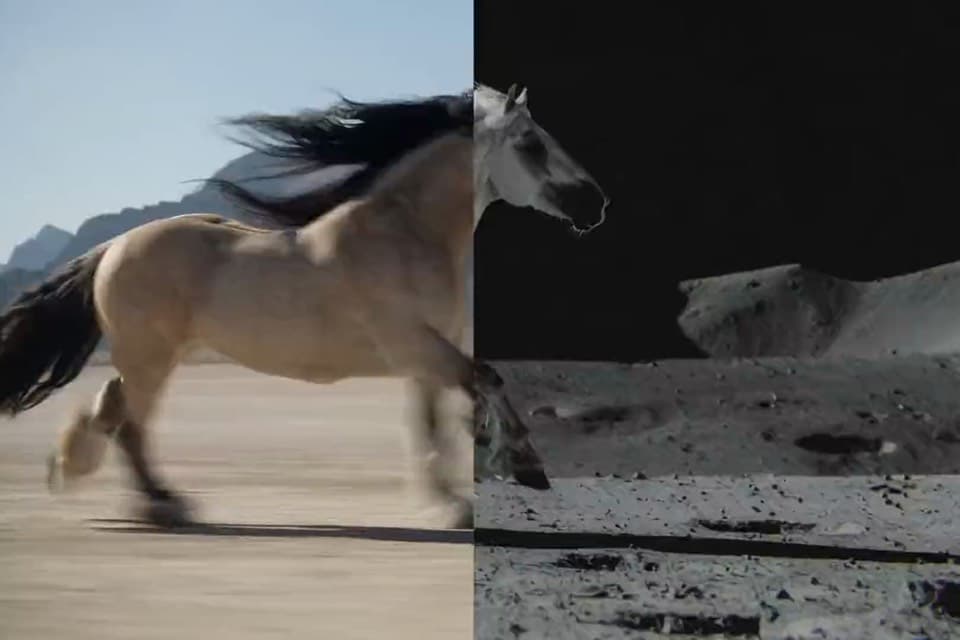
Upload a photo and type the edit. The AI image editor does the rest.
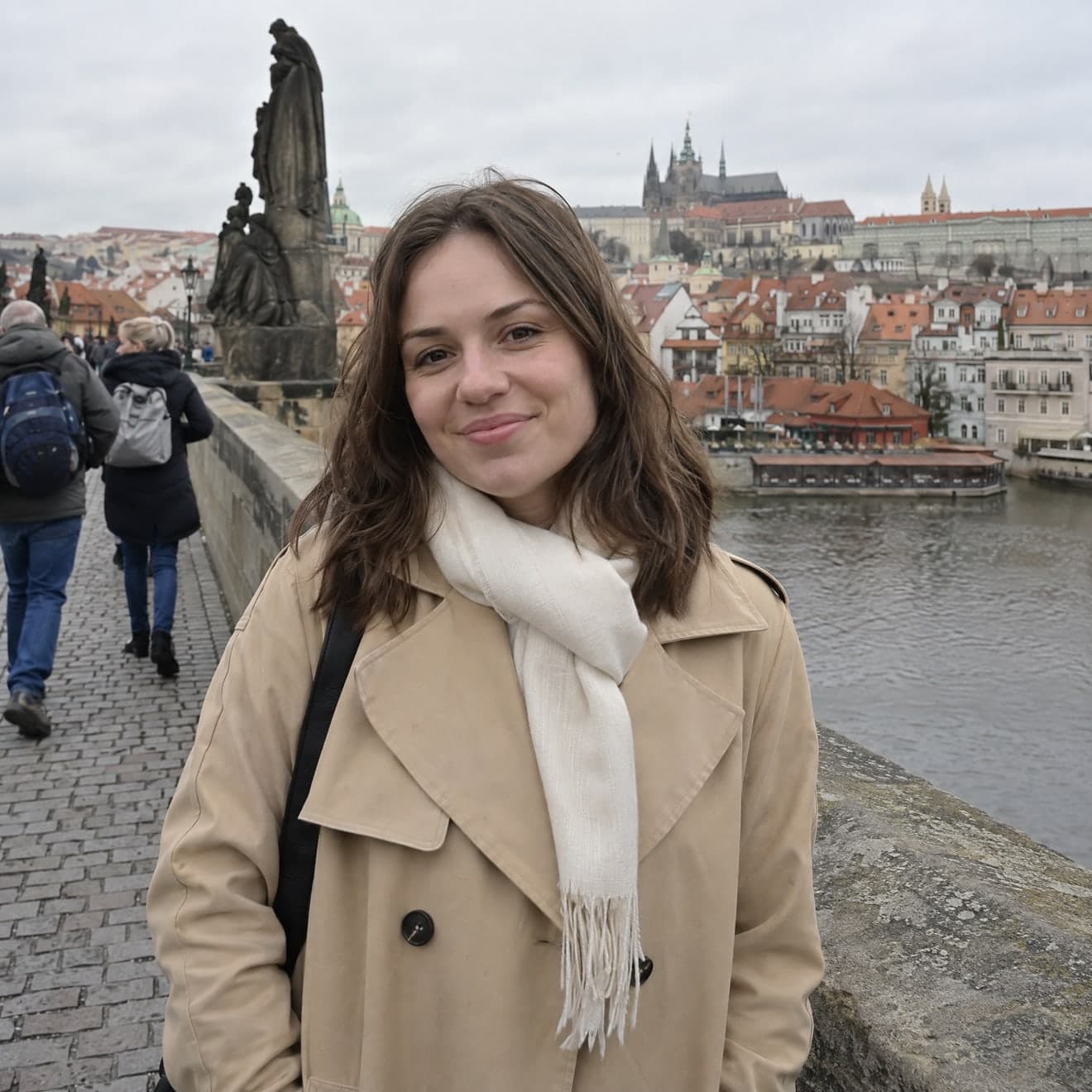 Input image
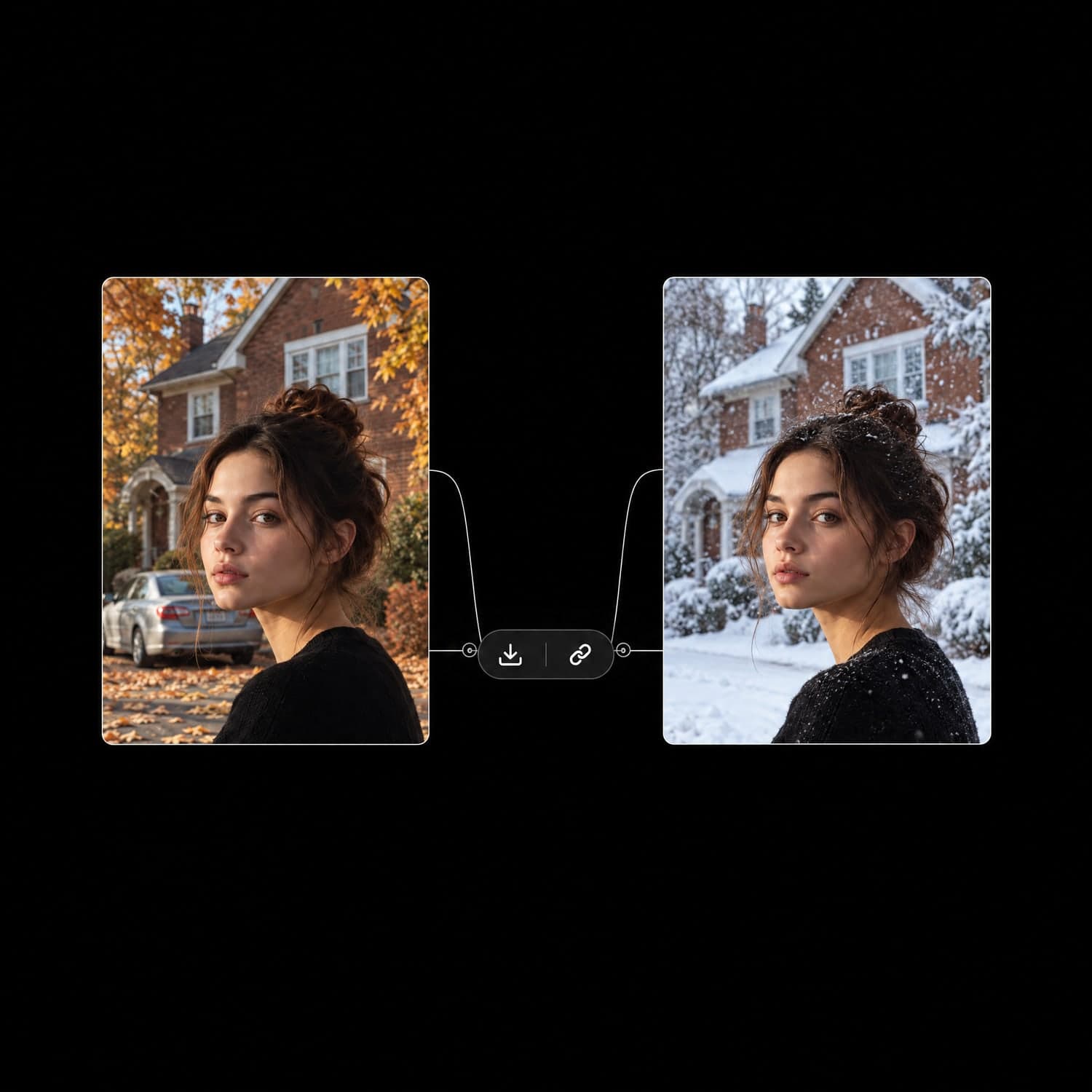
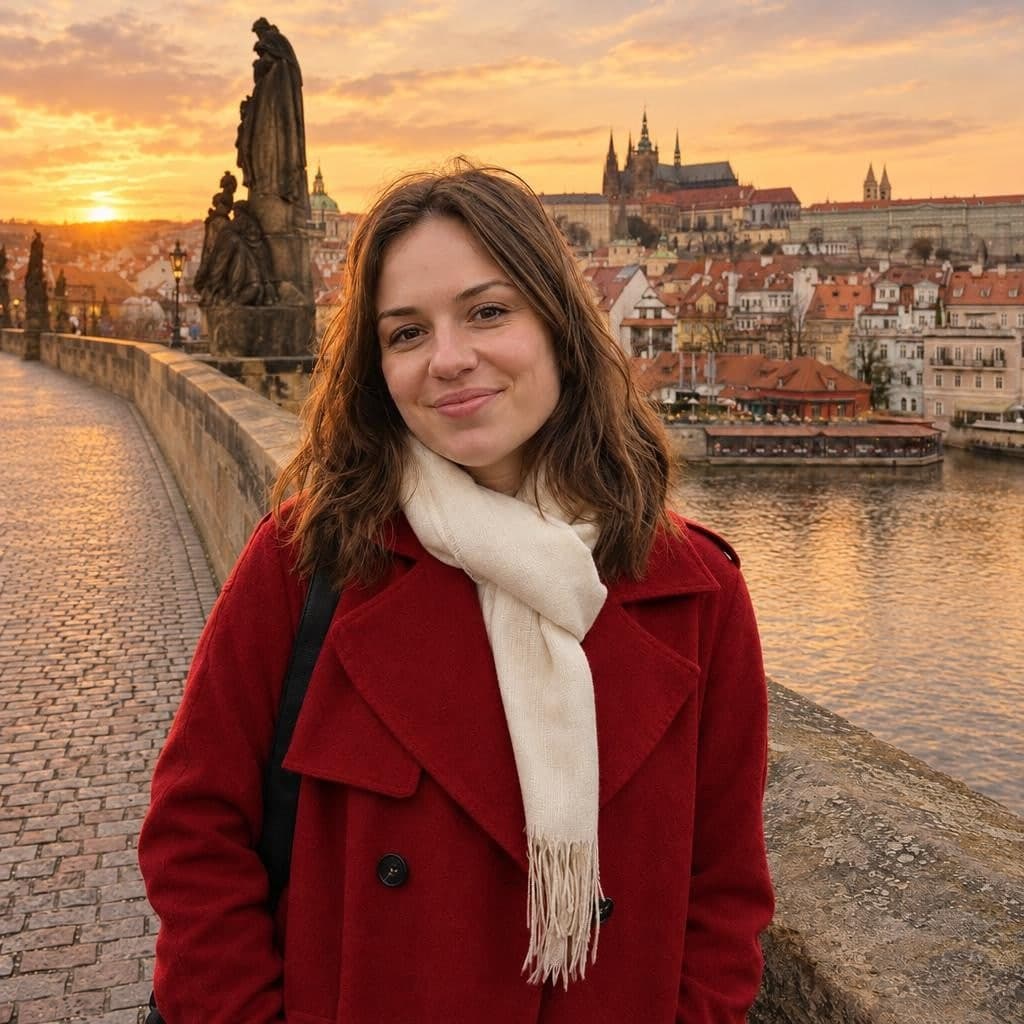 Edited photo
Input
Input imageOutputs
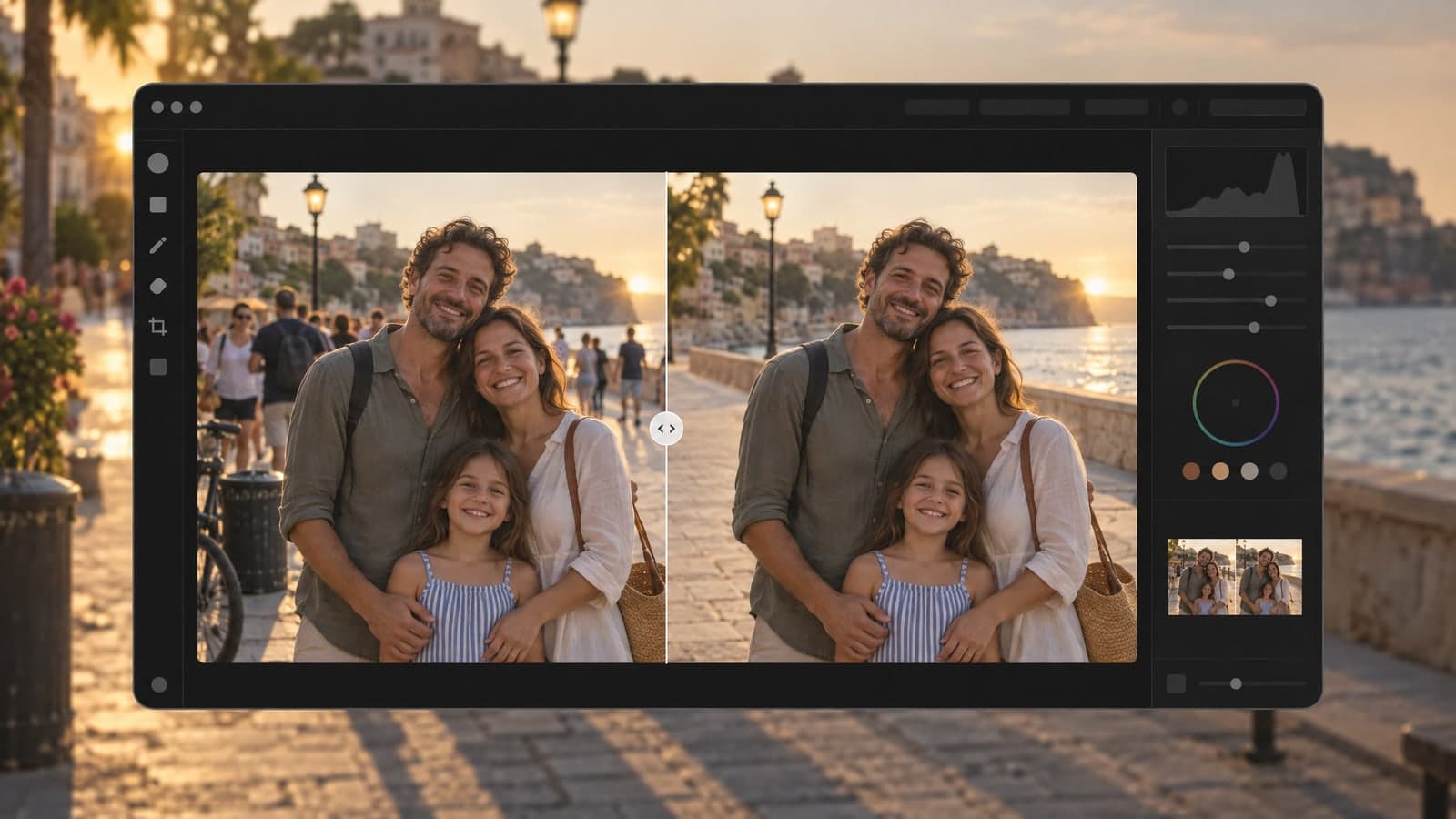
Edited photoMasking, cloning and brushing eat an hour in a classic editor. This AI photo editor needs one sentence.
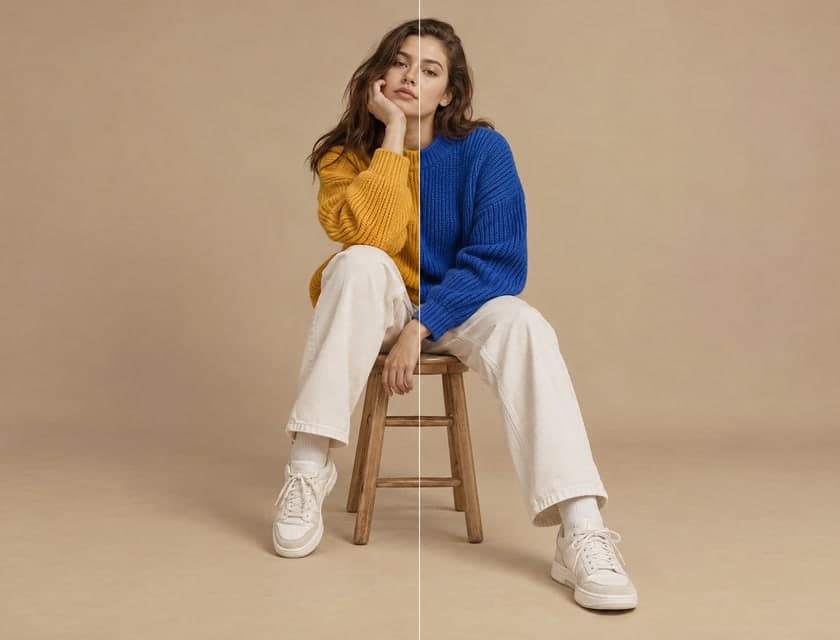
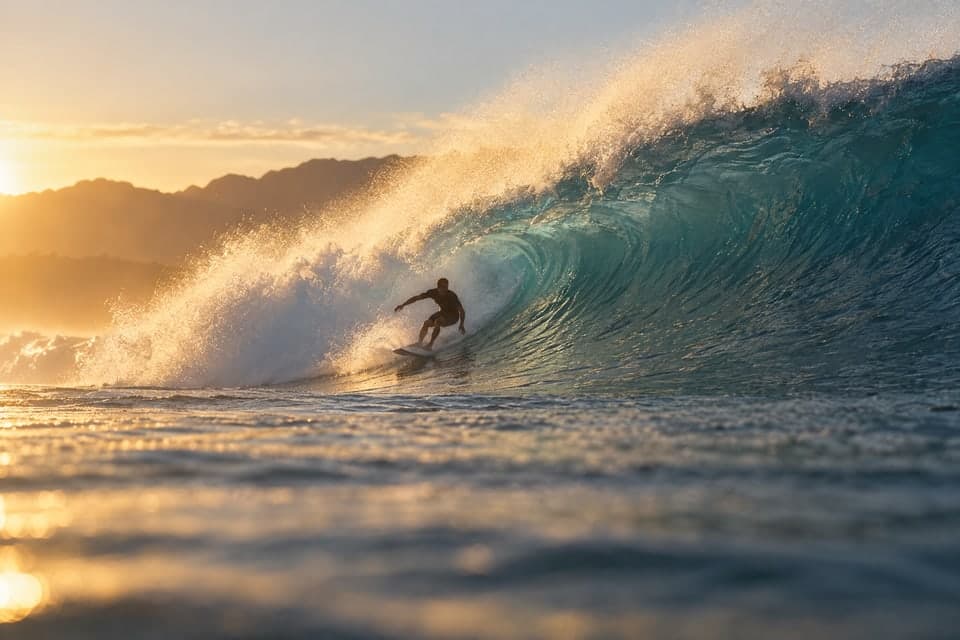
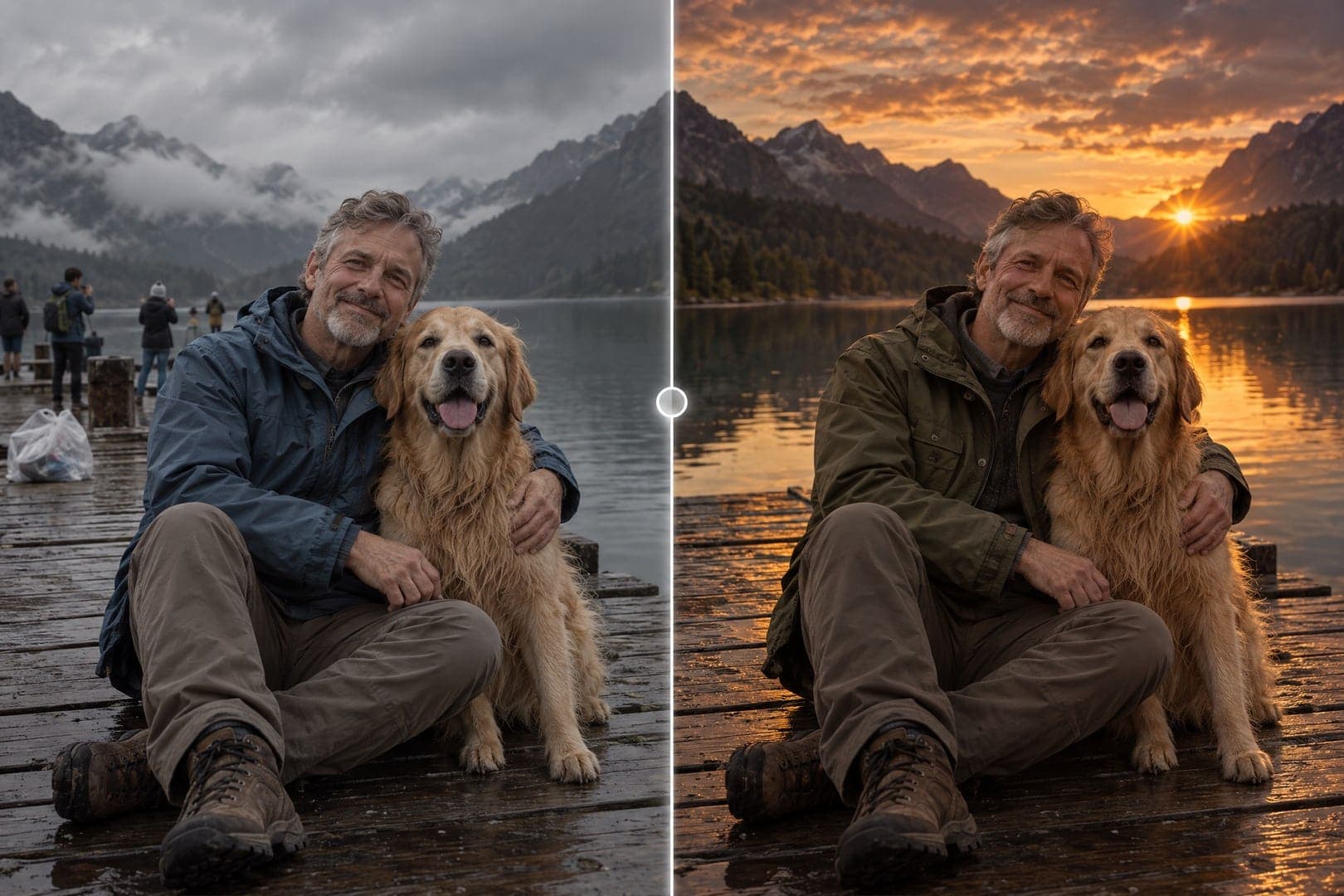
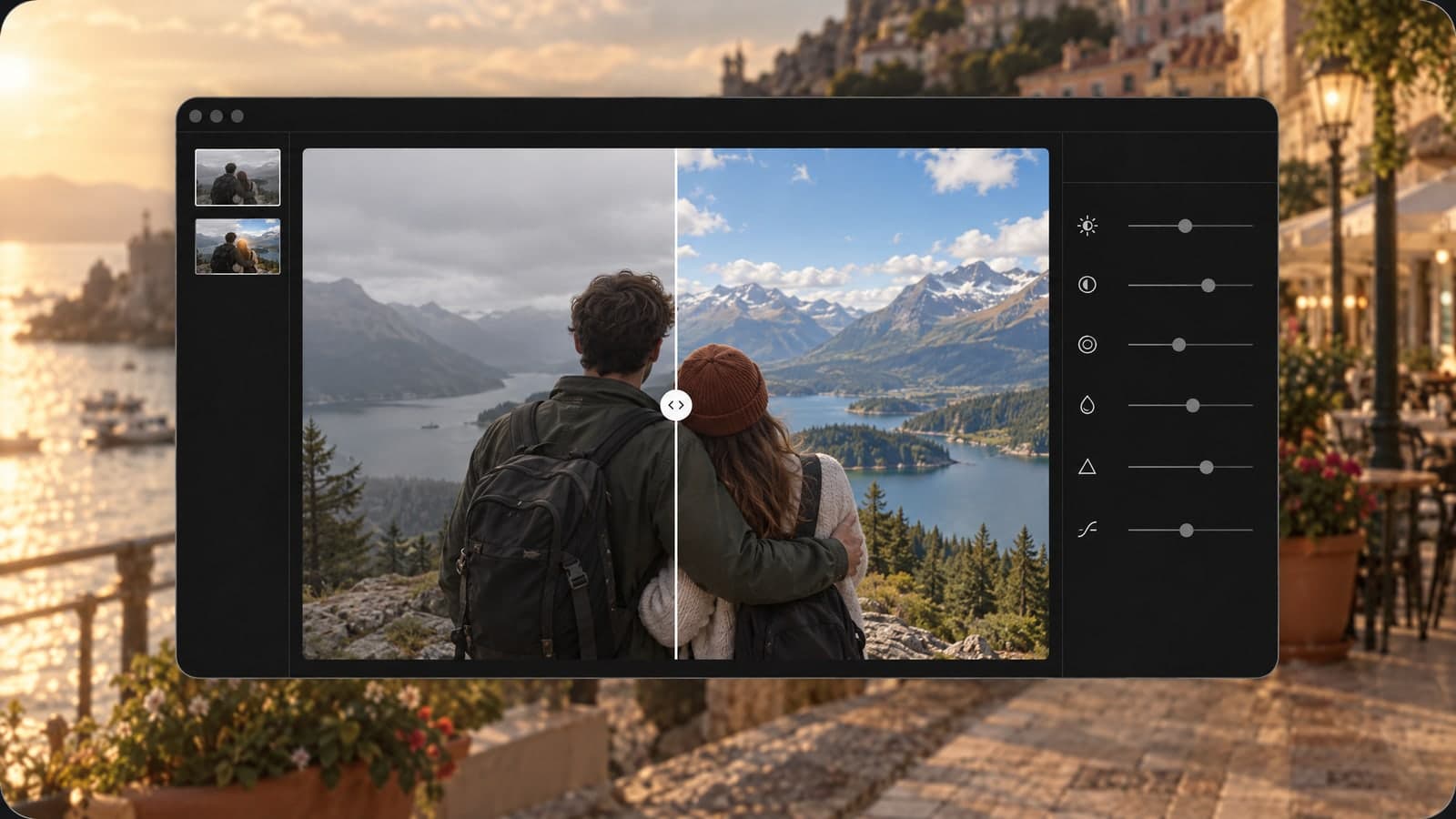
Ask for a new sky and you get a new sky. Faces, poses and framing stay just as you shot them.
Remove strangers, swap the weather and recolor a coat in one line instead of three separate tools.
Each edit follows your photo's aspect ratio, so a portrait, post or banner comes back ready to use.
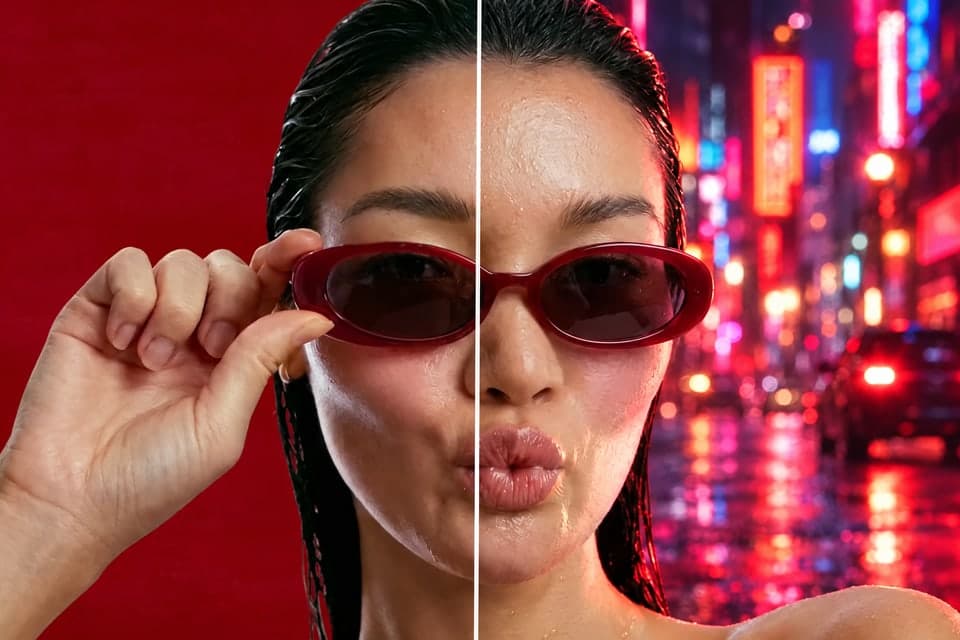
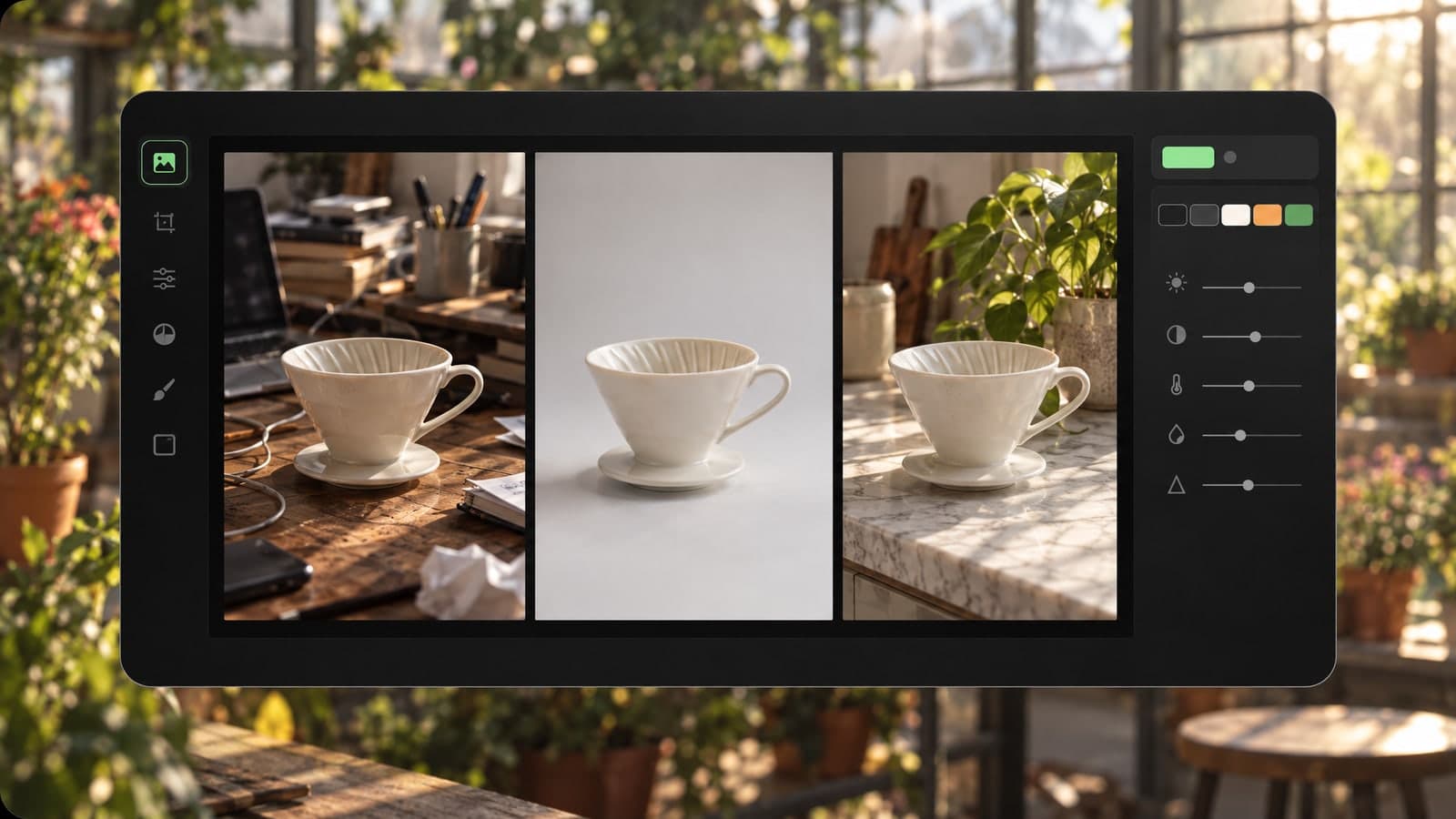
Upload a product shot, a game character or a building and describe the new look. The AI image editor keeps the subject and changes the setting, style or light.

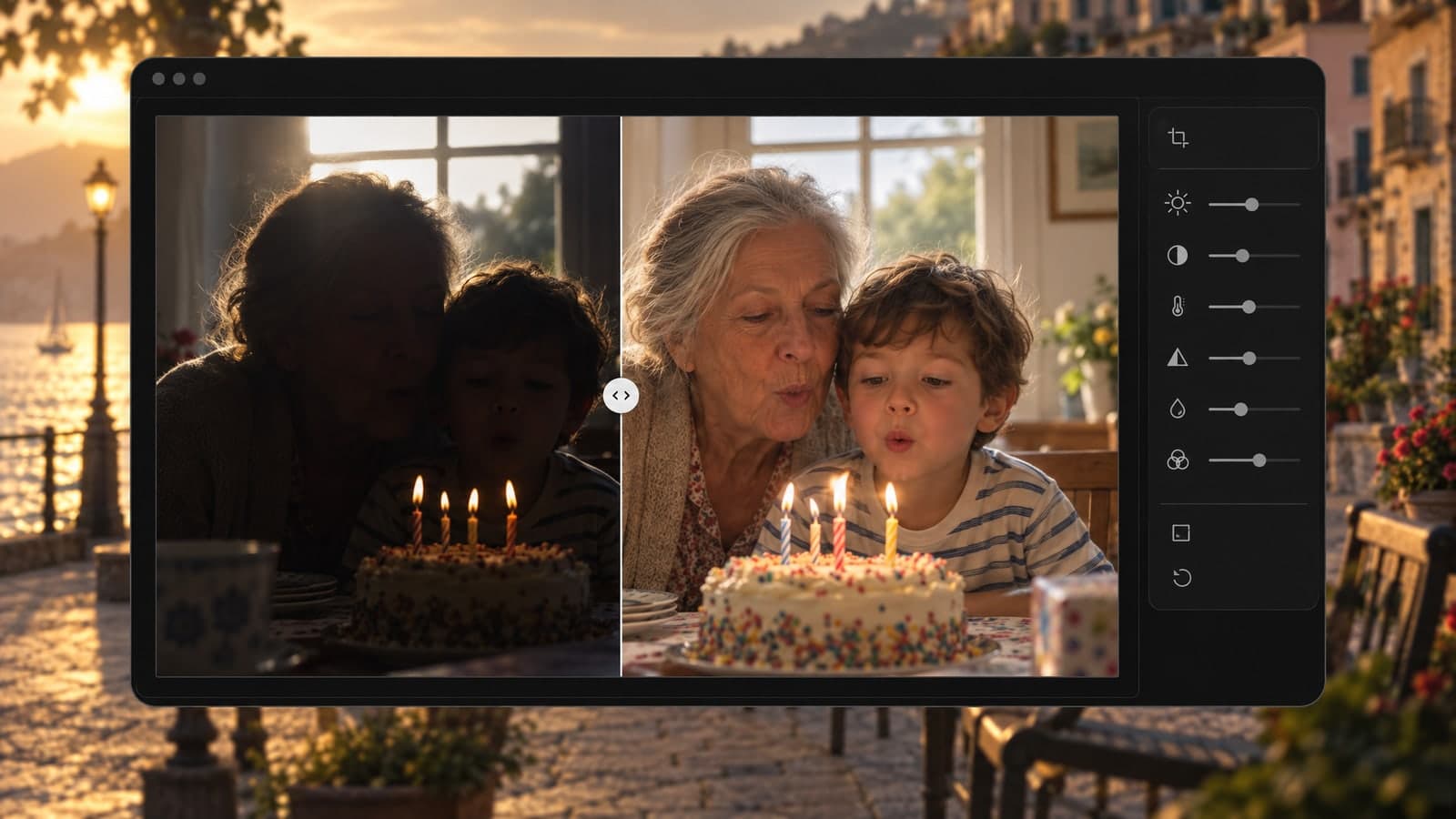
Fix the shot you already took. No reshoot needed.
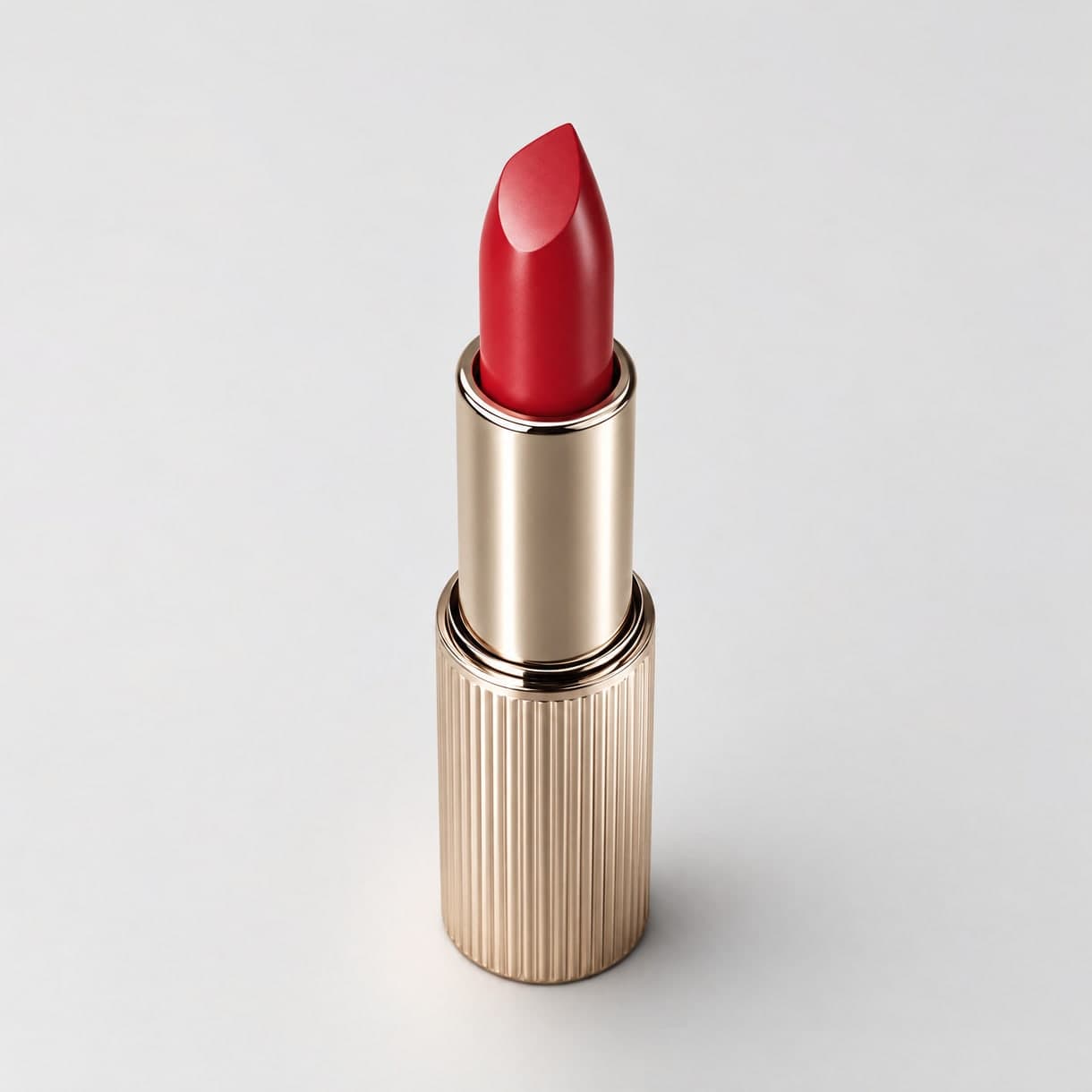
New listing images from a single product shot.
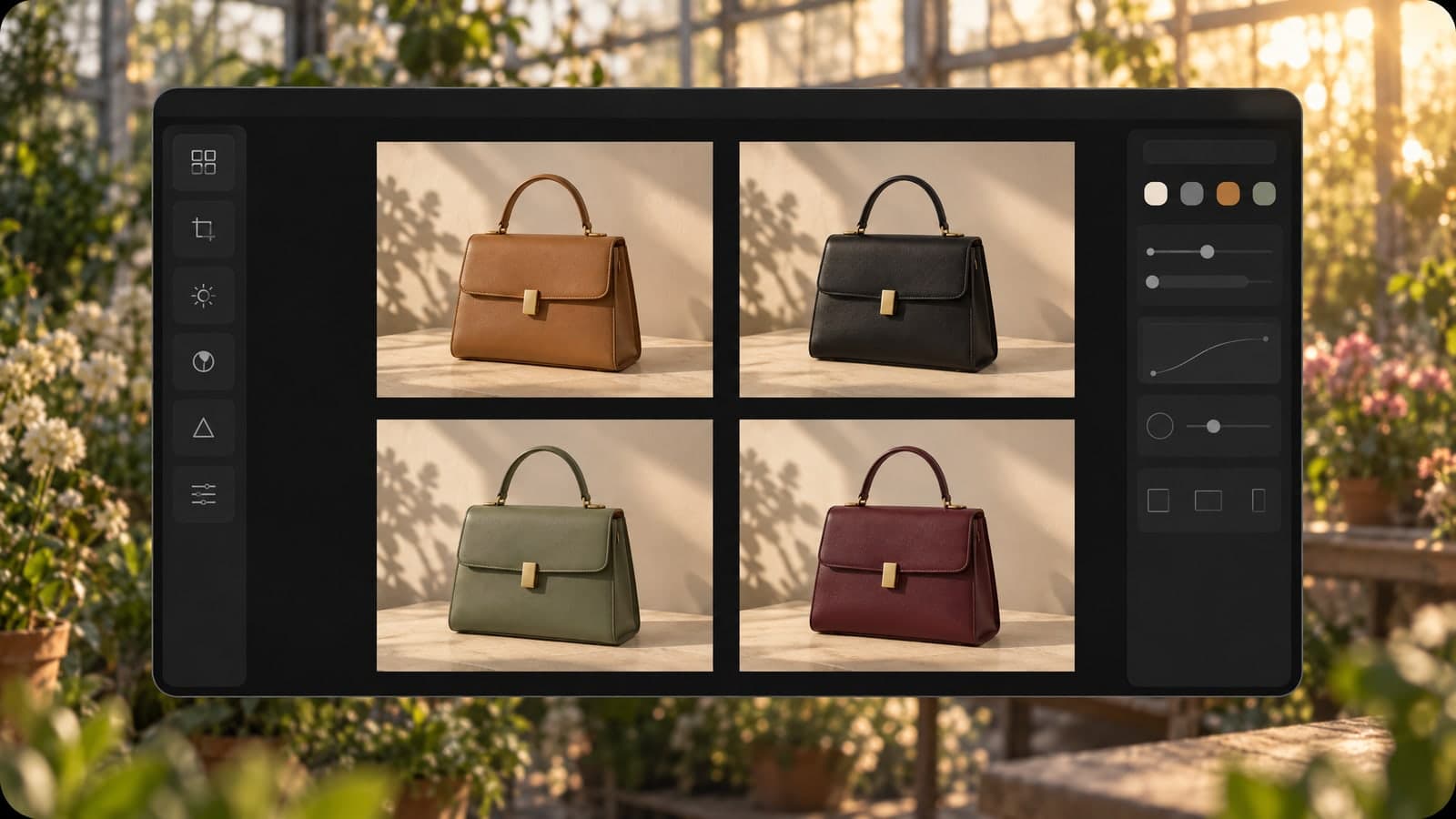
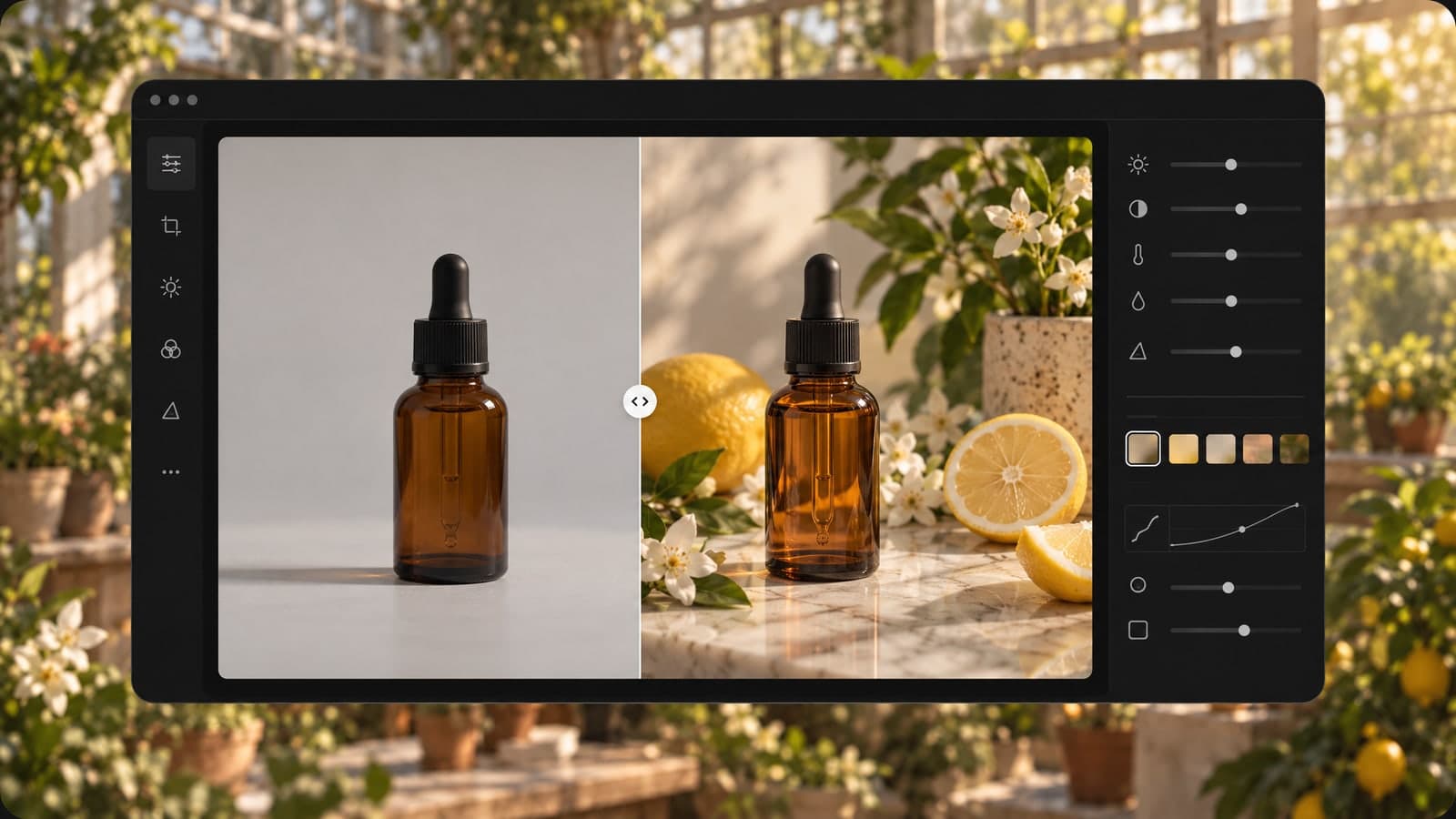
Polish the photo you share the most.
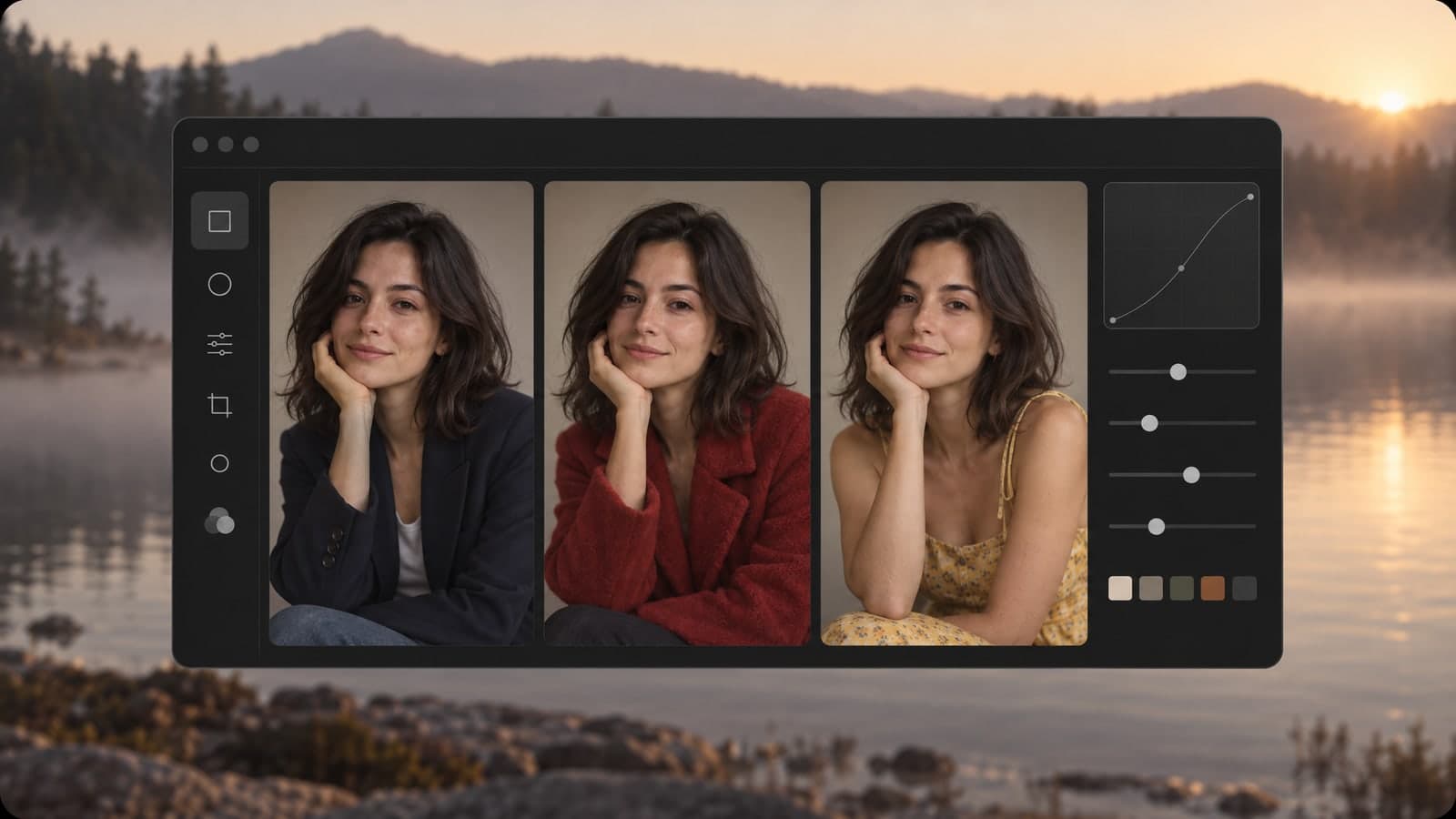
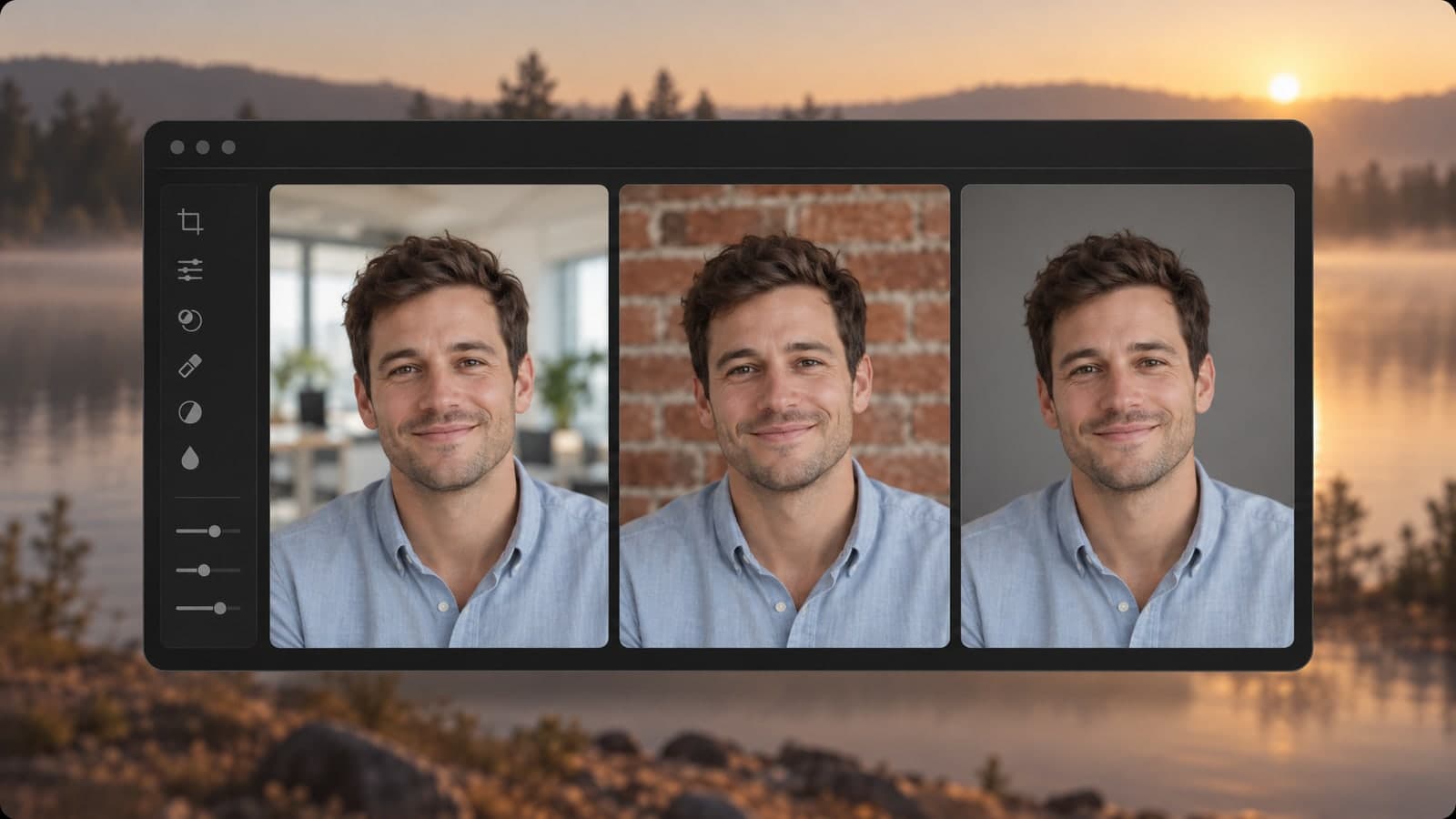
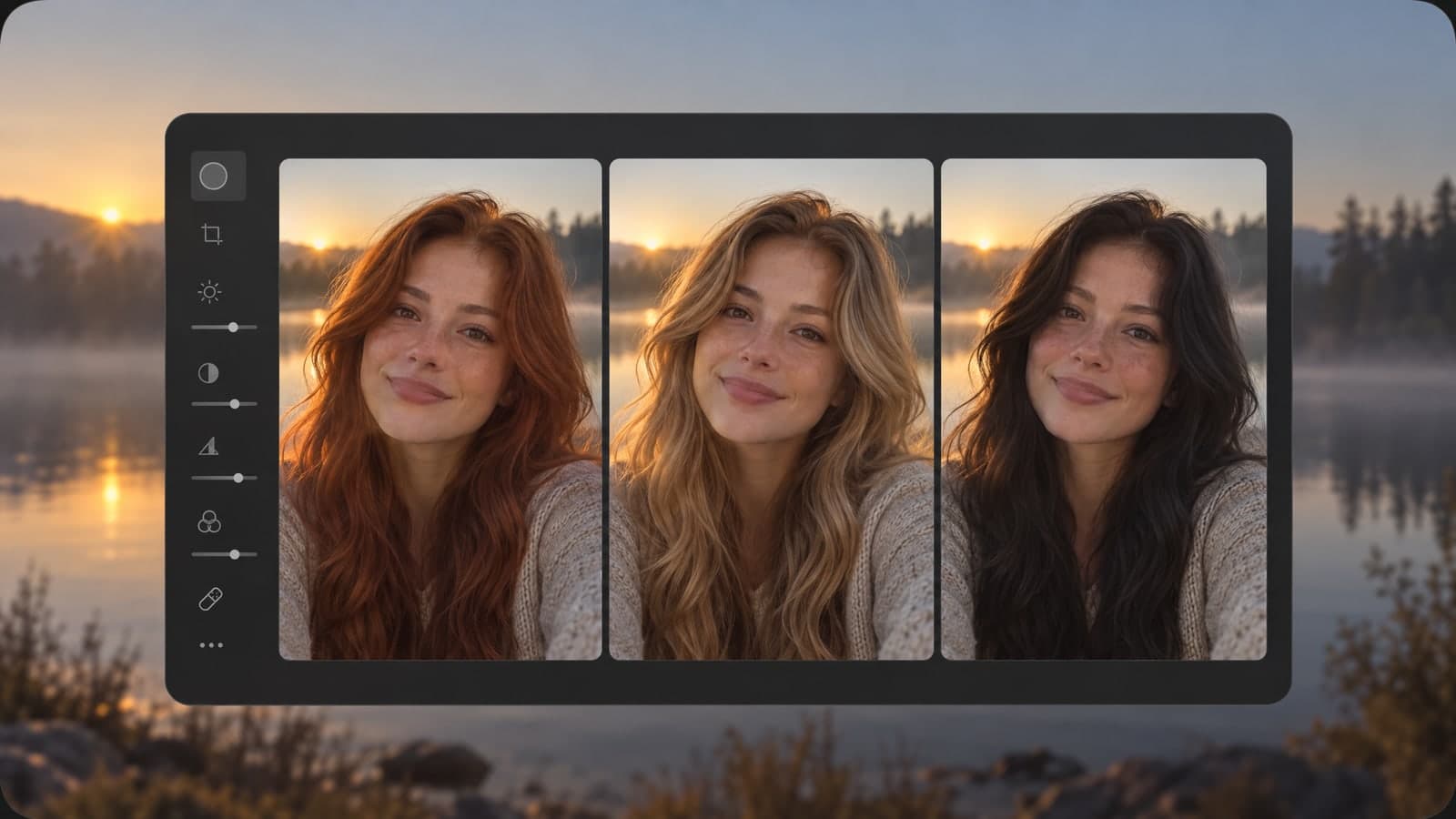
No layers, masks or plugins. Upload a photo, write the change and download the edited JPG in your browser.
01 Upload
Upload a JPG, PNG, WebP or HEIC photo, or send one from your phone.
Add up to 3 more images as references, like a coat or a logo.
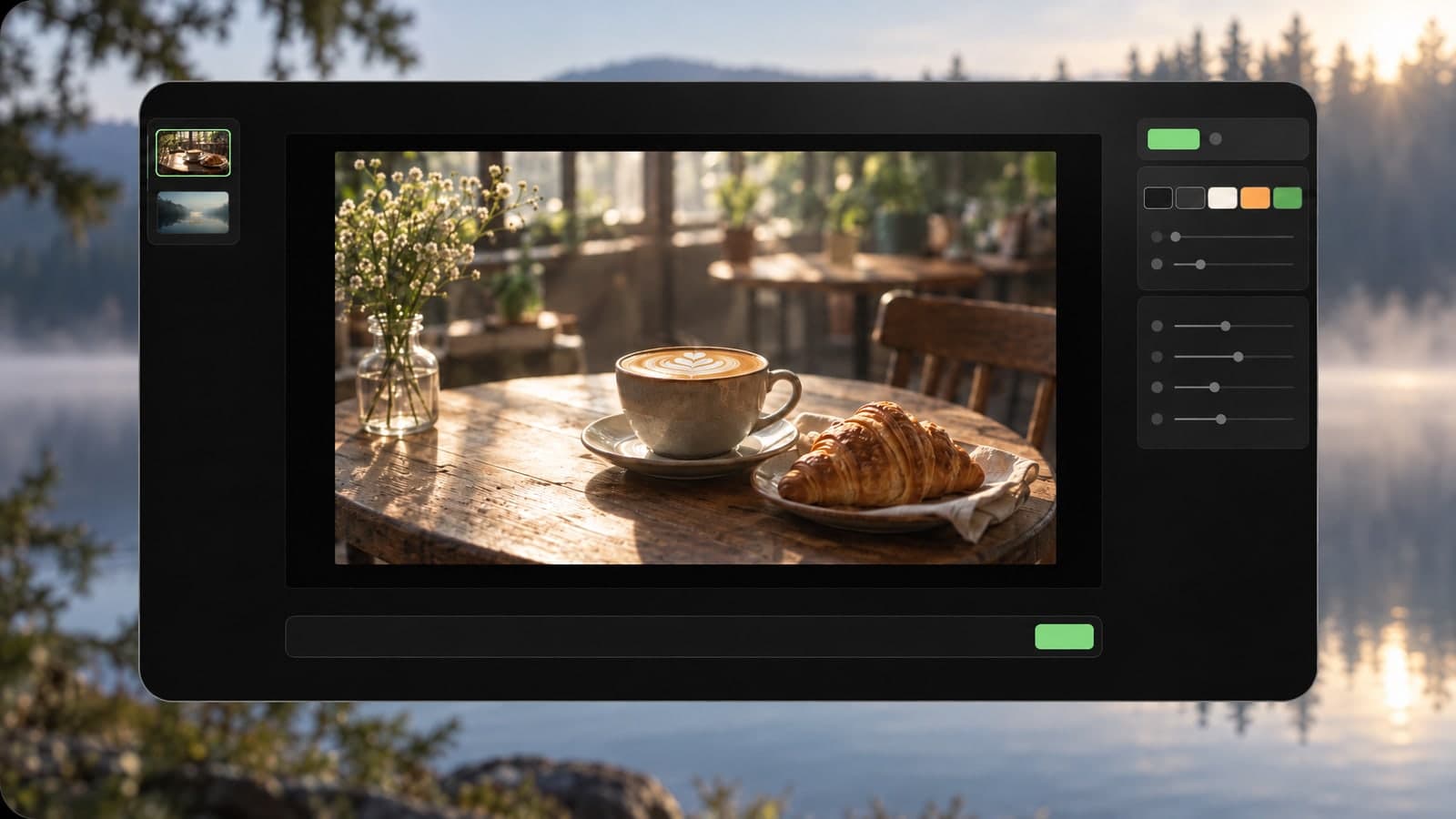
02 Describe
Write the edit in plain words, like remove the car or make it snow.
Edit photo with AI tip: name the object and where it is.
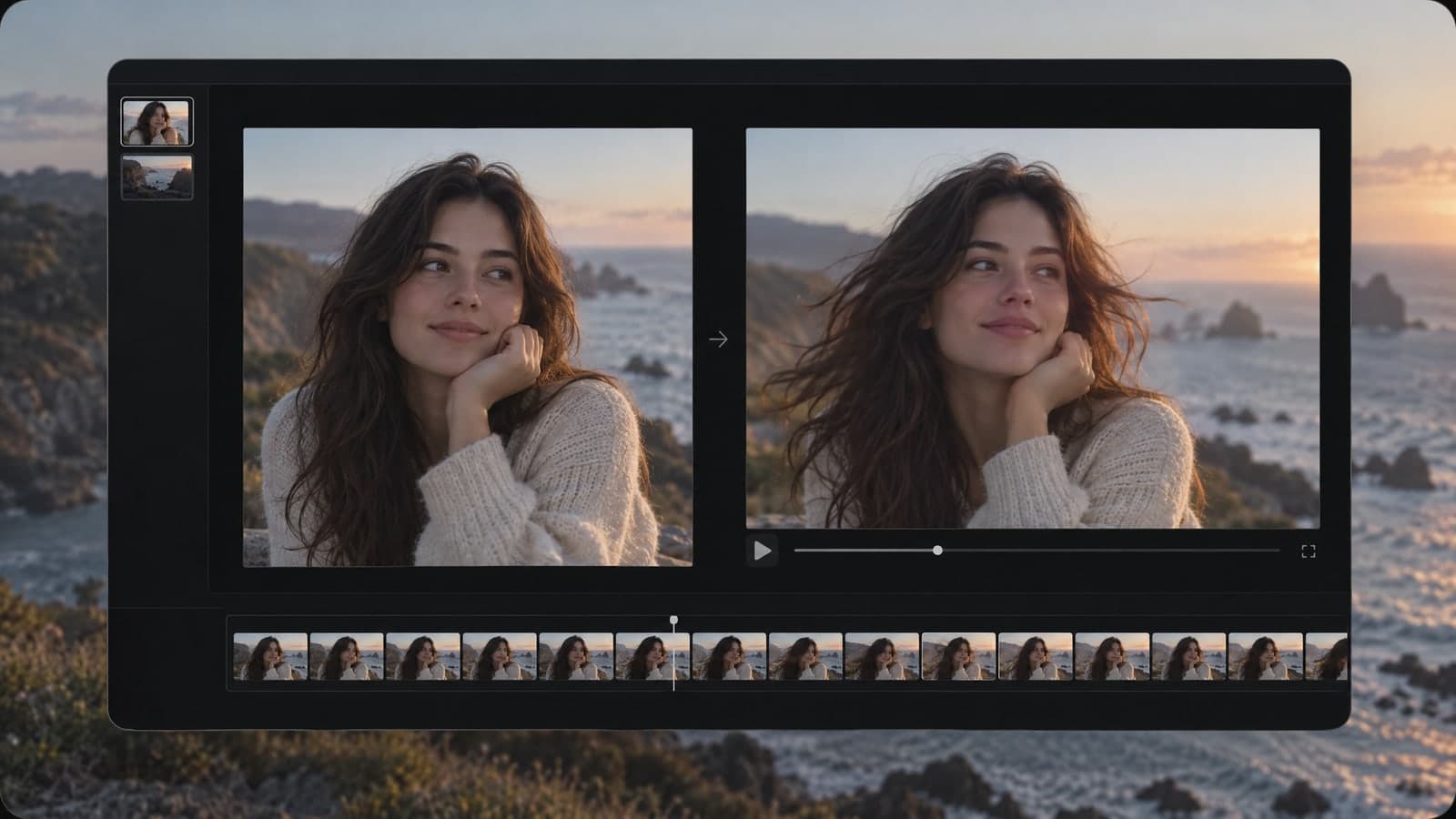
03 Download
Get the JPG in about 30 seconds, or share a link anyone can open.
Every edit is saved to My Works, so you can find it later.
“I upload one product photo and get a new background for every listing in under a minute.”
Priya Nair
Online store owner
“I clear tourists out of my travel shots and turn a gray sky into a sunset with one sentence.”
Daniel Brooks
Travel content creator
Every edit runs on GPT Image 2.5 Flare, a model that reads detailed instructions and keeps faces, products and layouts intact.
Each tool starts from a prompt or a photo. Pick another one below and keep creating in the same account.
Edit, restyle or blend up to 4 photos with a prompt, or create a new image from words alone
Turn a prompt into a short looping animated GIF
Upscale a photo to 4K and restore sharp, clean detail
Animate a photo into a 5 or 10 second video with sound, or make a clip from a prompt
Describe a scene and watch it move, no photo needed
Google's video model: a photo or prompt to a clip with sound
Create and edit images with GPT Image 2.6 Flare.
Generate and edit images with Google's Nano Banana 2.1.
Turn a photo or prompt into an 8-second video with sound.
Turn a photo or prompt into a 1080p video with sound.
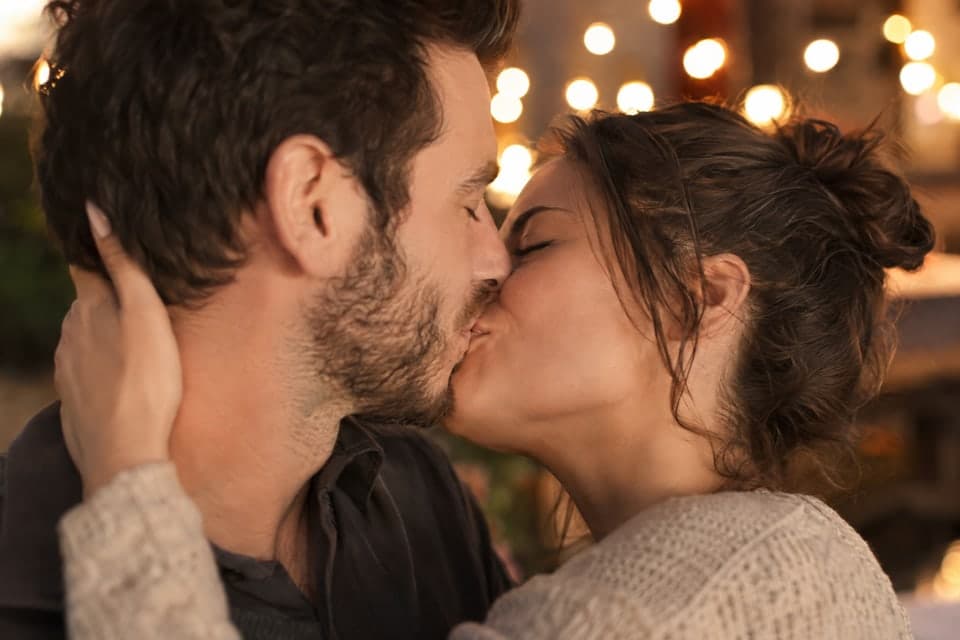
Turn a photo of two people into a kissing video
Tips, guides and prompt ideas for editing photos with AI.
Quick answers about editing photos with the AI image editor.
An AI image editor changes a photo you already have based on a written instruction. On MagicSky AI, you upload a photo, type the edit, and the AI changes only that part while faces, poses and framing stay the same.
Think of it as an AI image editor with prompts instead of brushes: no layers, no masks and no design skills. One sentence can hold several edits, such as removing people, changing the sky and recoloring a coat.
Anything you can describe in a sentence: remove people or objects, replace the background, change the sky, weather or time of day, swap or recolor clothes, add props, fix dim lighting, or restyle the whole photo as a painting or a cartoon.
Clear, specific requests work best. Name the object and the change, for example "replace the gray car on the left with a red bicycle".
It is told to keep everything you did not mention, so faces, poses, framing and colors usually stay as they were. Like any edit photo AI, it redraws pixels, so tiny details such as small text on a sign can come out slightly different.
If something changes that you wanted to keep, run the edit again and add a line like "keep her face and the sign exactly the same".
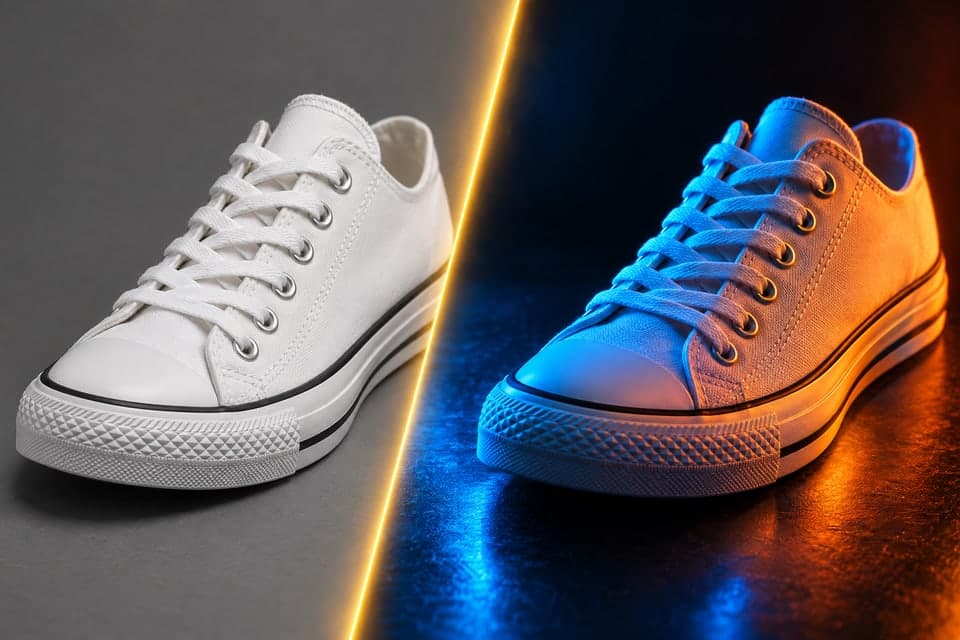
Yes. You do not need a green screen, a cutout or a mask. Upload the photo and write the new scene, for example "put the sneaker on a marble counter with soft morning light". The AI image editor keeps the subject, builds the new background around it and matches the light and shadows so the result looks like one photo.
The AI image editor takes up to 4 images per edit, each up to 30MB, in JPG, PNG, WebP or iPhone HEIC format. The first image is the photo that gets edited. The others work as references, such as a jacket you want someone to wear or a logo to place on a mug. On a computer, you can also scan a QR code and send photos straight from your phone.
Yes, by a lot. Removing a crowd or replacing a sky by hand can take an hour of masking and cloning. Here you write one sentence and get the edited photo in about 30 seconds, with nothing to install.
A classic editor still wins when you need pixel-level control, such as exact retouching for print. Many people do the big change here and the final touch-ups in their usual app.
You can try the AI image editor online without an account. To keep going, sign up: new accounts get free credits and the daily check-in adds more. Each edit uses credits, and you see the exact cost before you press Generate. Paid plans and credit packs add more credits for regular use.
On the free plan, your edited photos are for personal, non-commercial use. With a paid plan or a credit pack, you can also use them for ads, product pages and client work. Only upload photos you have the rights to, and read our Terms of Service for details.
When you are signed in, every edit is saved to My Works and stays private unless you share a link.
No account needed. Edits in about 30 seconds.