AI GIF Generator - MagicSky AI

01 Describe
Write what should move
Type the subject and the motion, such as a puppy chasing its tail.
Mention the action and what should stay still.
Type a scene and the AI GIF generator returns a short loop in a minute.
A tiny cartoon astronaut floating in space, gently spinning and waving at the camera, a few stars twinkling in the dark background
Your prompt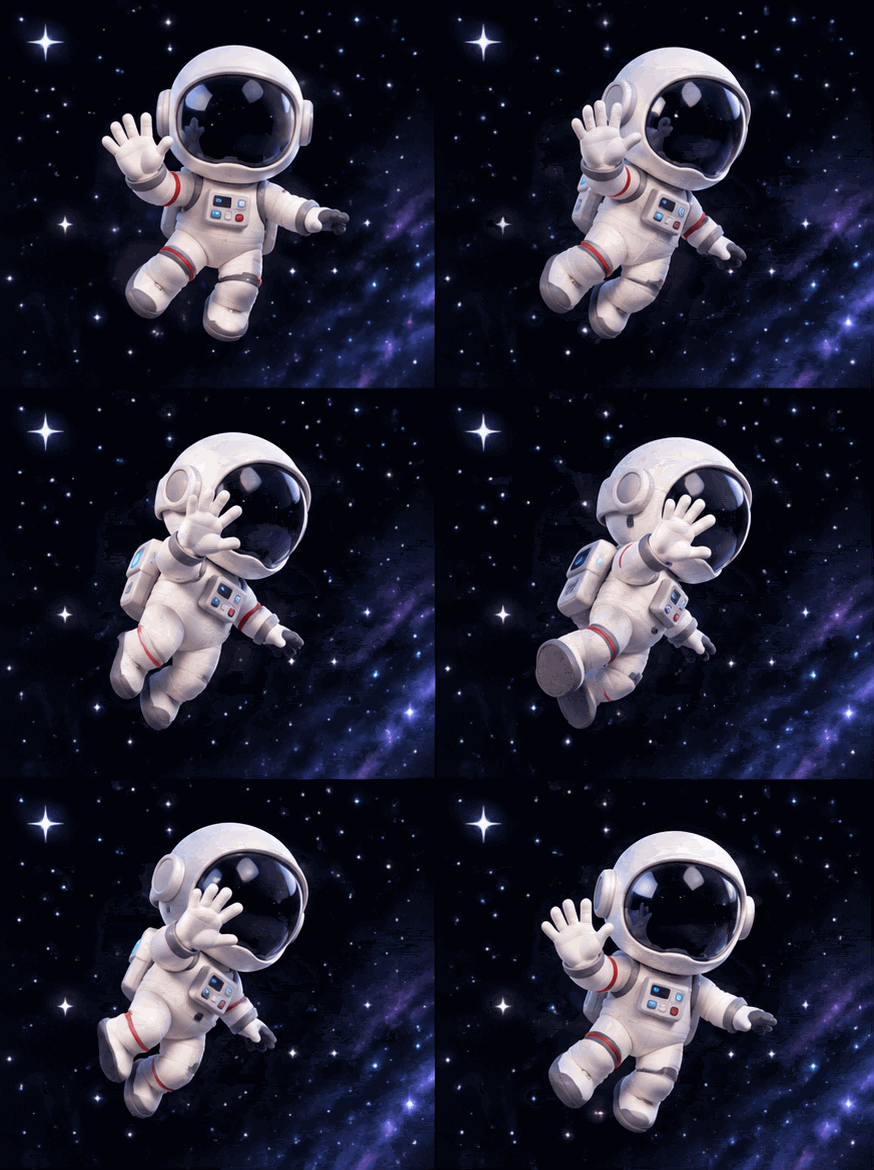 Result 1
Input
A tiny cartoon astronaut floating in space, gently spinning and waving at the camera, a few stars twinkling in the dark background
Your promptOutputs
Result 1Type a short description and the AI GIF generator turns it into a small, smooth looping animation. No drawing, filming or editing.
Describe the subject and the motion. The AI gif maker builds a short looping GIF from your words.
The GIF plays on repeat by itself, and the model usually shapes the motion as a short loop.
A typical GIF is done in around 60 seconds. Download the file or send a share link.
Make a small looping animation for messages and posts.
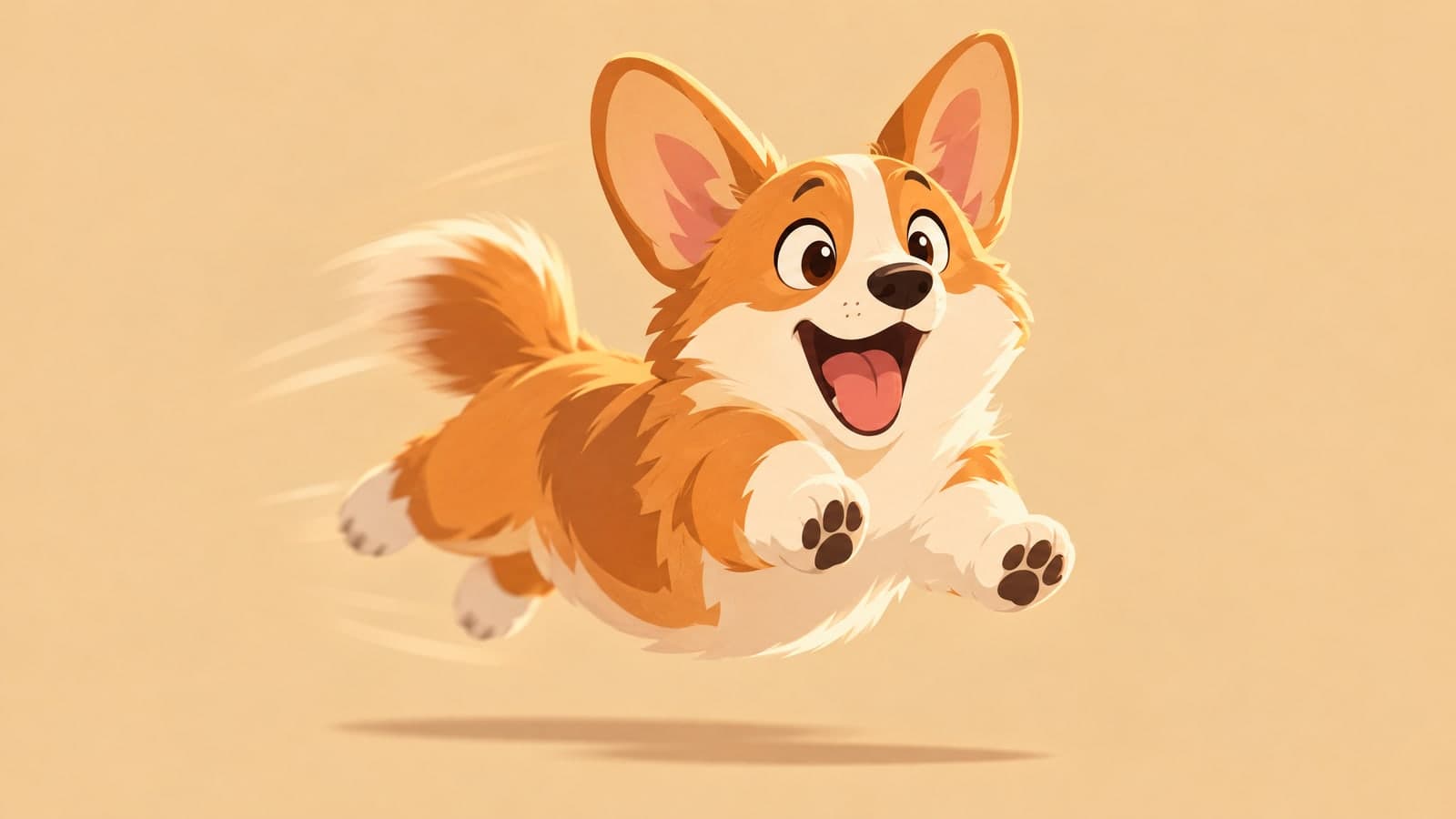
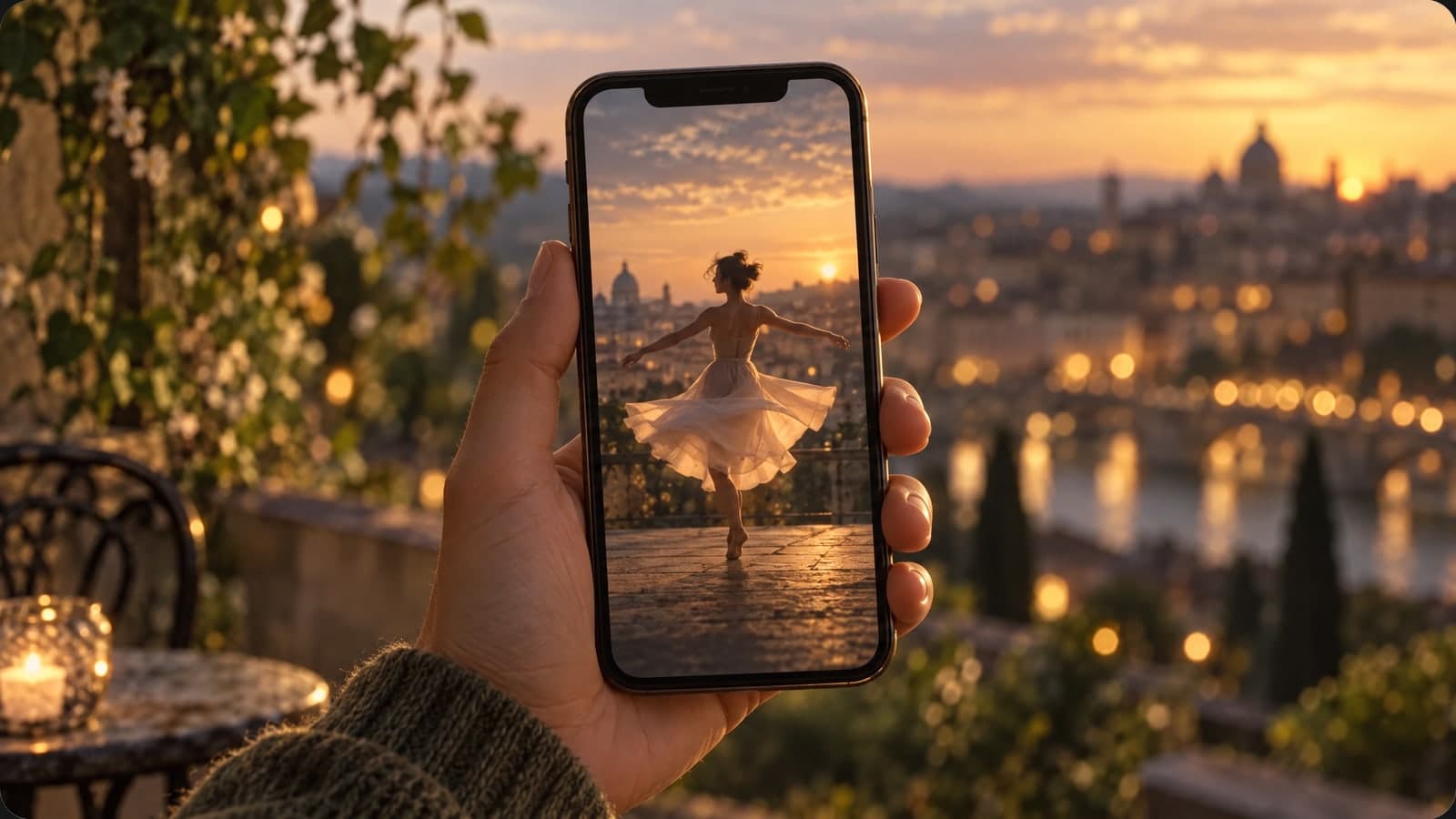
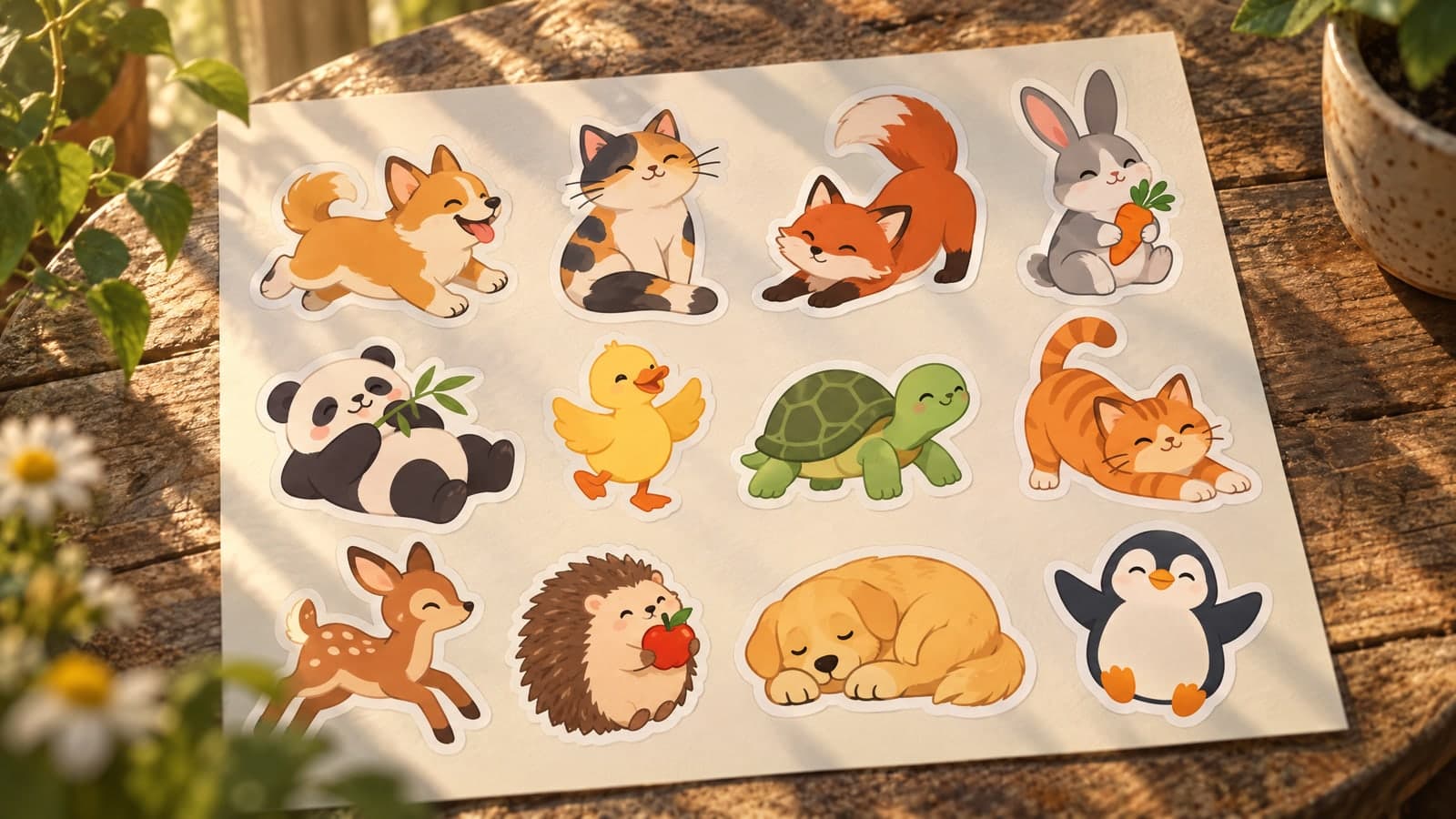
Add a little motion to ads, emails and product pages.

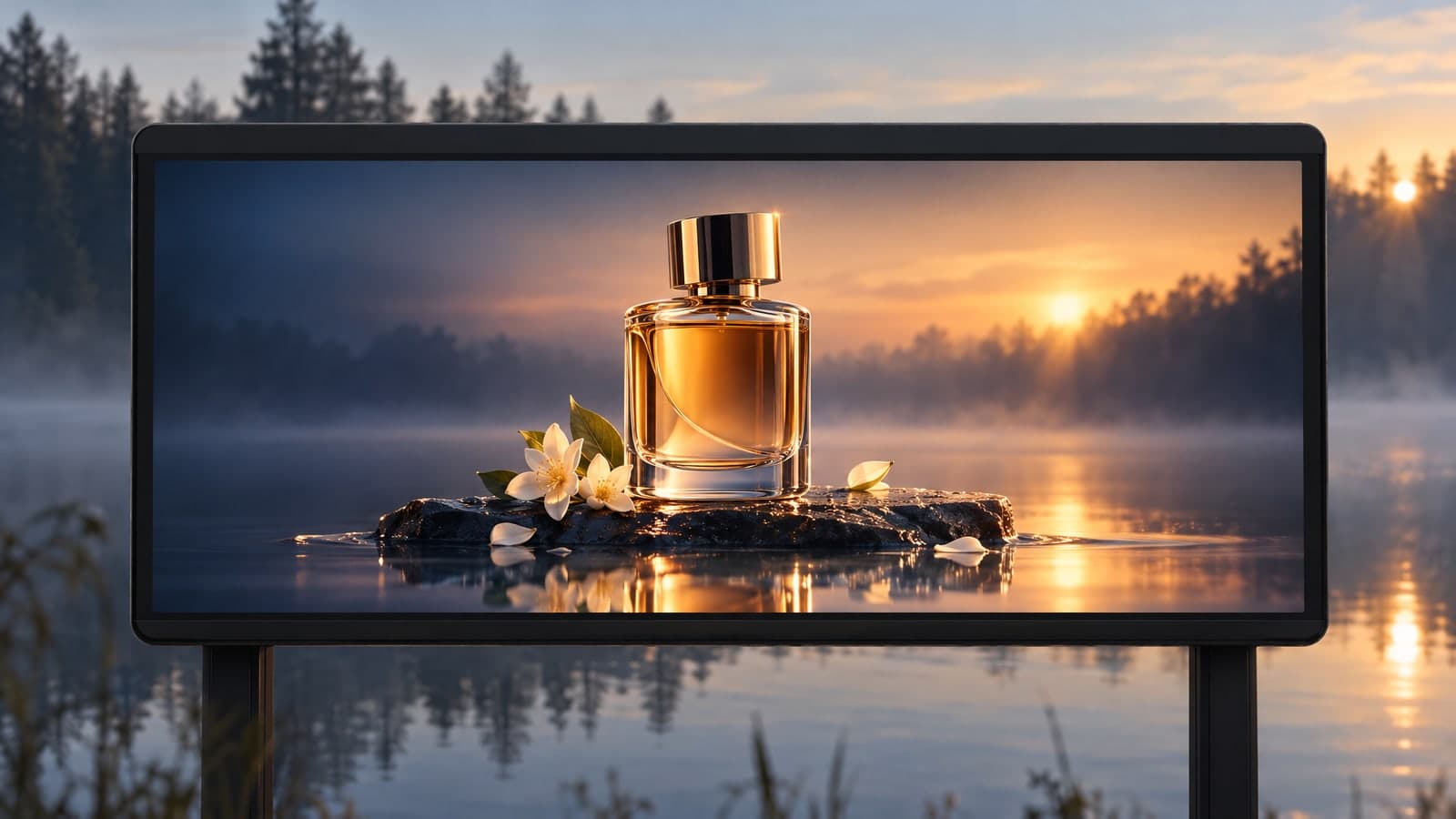
Experiment with characters, scenes and styles.
Open the AI GIF generator, describe the motion you want and save the looping GIF it returns.
01 Describe
Type the subject and the motion, such as a puppy chasing its tail.
Mention the action and what should stay still.
02 Generate
Select Generate and wait about a minute while the model builds the loop.
The result is a short GIF that plays on repeat.
03 Download
Play the animation, download the GIF or create a share link.
Signed-in results appear in My Works for later access.
“I describe a loop and get a reaction GIF for the team chat without opening an animation tool.”
Sofia Reyes
Community manager
“Writing one sentence gives me a short looping GIF for our weekly email in about a minute.”
Marcus Lee
Content marketer
The AI GIF generator on this page uses the GIF output of GPT Image 2.6 to build a short looping animation from a text prompt. Describe the subject and the motion, and the model generates the frames.
Find another image or video tool for your next idea. Your MagicSky AI account works across the site.
Edit, restyle or blend up to 4 photos with a prompt, or create a new image from words alone
Change only what you describe in a photo, keep the rest
Upscale a photo to 4K and restore sharp, clean detail
Animate a photo into a 5 or 10 second video with sound, or make a clip from a prompt
Describe a scene and watch it move, no photo needed
Google's video model: a photo or prompt to a clip with sound
Create and edit images with GPT Image 2.6 Flare.
Generate and edit images with Google's Nano Banana 2.1.
Turn a photo or prompt into an 8-second video with sound.
Turn a photo or prompt into a 1080p video with sound.
Turn a photo of two people into a kissing video
Prompt ideas and practical guides for the AI GIF generator.
How to make an animated GIF, what formats you get and where to find your results.
MagicSky AI is a browser-based tool that turns a written prompt into a short looping GIF. Type what you want to see, such as a cat chasing a ball, and the AI GIF generator builds the animation for you.
You do not need to draw frames, record video or install software. Each request returns one AI generated GIF that plays on repeat.
Open this page, describe the subject and the motion in the prompt box and select Generate. The GIF generator AI builds the animation and shows the result when it is ready.
You can then play the loop, download the GIF or send a share link. A typical result takes about a minute.
You can create reaction GIFs, small product loops, character animations and simple scenes. Describe the action clearly, such as waving, spinning or chasing, and keep the request short for a cleaner result.
Unlike a photo-to-GIF or video-to-GIF converter, this AI GIF creator starts from your words alone. It does not turn an existing photo or video into a GIF.
You get an animated GIF that loops automatically. The model chooses the frame size for you, so there is no aspect-ratio or resolution control on this page.
The output is a GIF file. This GIF maker AI does not produce video or add sound.
Our test with this model took about one minute. Your wait can vary with the prompt and the queue, and the result appears as soon as it is ready.
You can generate another version by adjusting your prompt. Each new request uses credits.
You can try this page with the site's available guest allowance. New accounts receive starter credits, and daily check-in can add more. The input panel shows the credit cost before you select Generate.
A paid plan or credit pack adds more credits for continued use. Your MagicSky AI credits apply across the tools on this site.
Under MagicSky AI's terms, free-plan GIFs are for personal, non-commercial use. A paid plan or credit pack allows commercial use, such as ads, emails and client work. You still need permission to use any protected material mentioned in your prompt. Check the finished GIF and our Terms of Service before publishing.
When you are signed in, your results appear in My Works, where you can view, download or share them. A share link lets anyone who has it view the GIF you chose to share.
Write only prompts you have the right to use, and avoid sharing sensitive material through public links.
Describe a loop and the AI GIF generator returns it in about a minute.