Photo Quality Enhancer - MagicSky AI
01 Upload
Add a soft or small photo
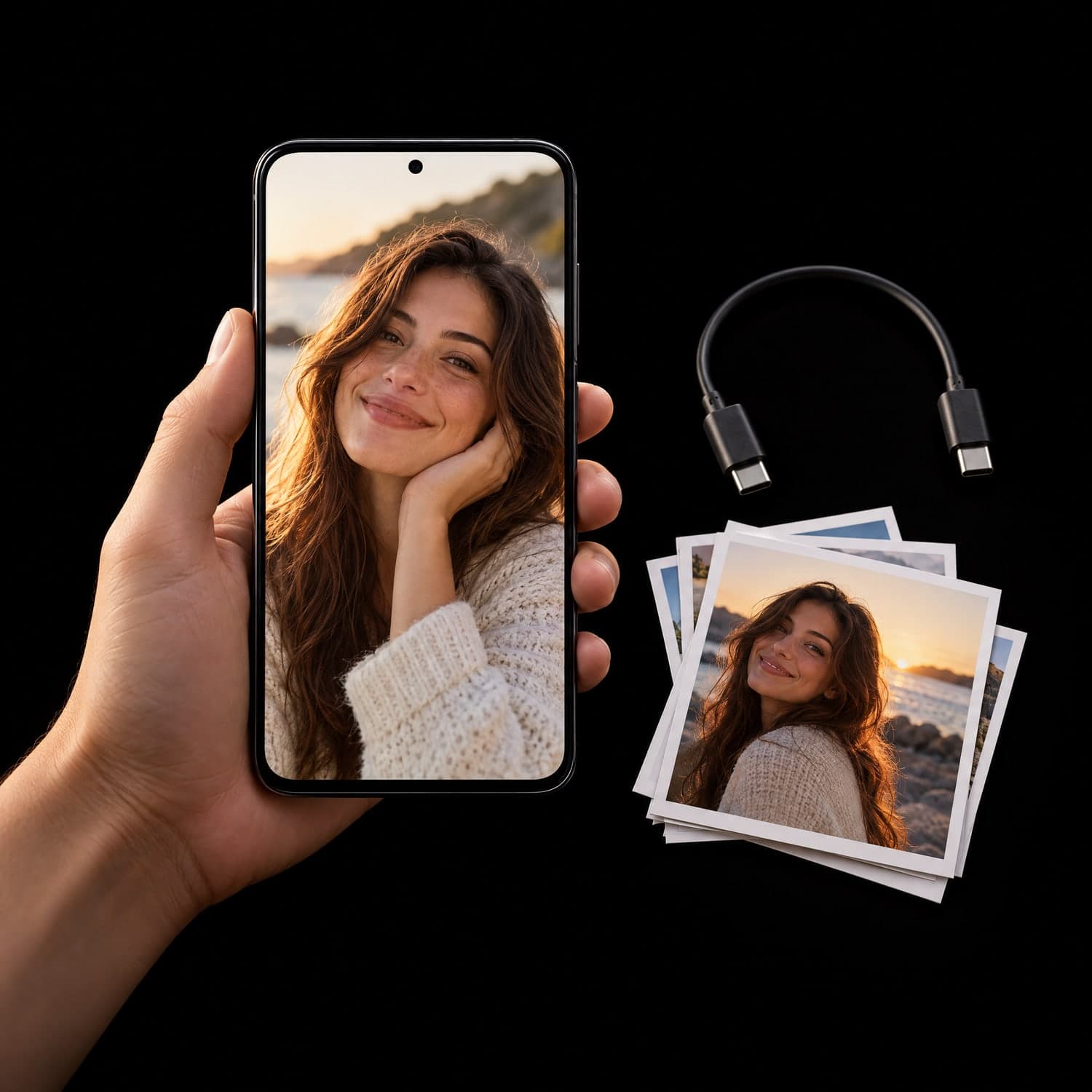
Pick a JPG, PNG, WebP or HEIC file up to 30MB, or send it from your phone.
One photo per run keeps the result faithful to the original.
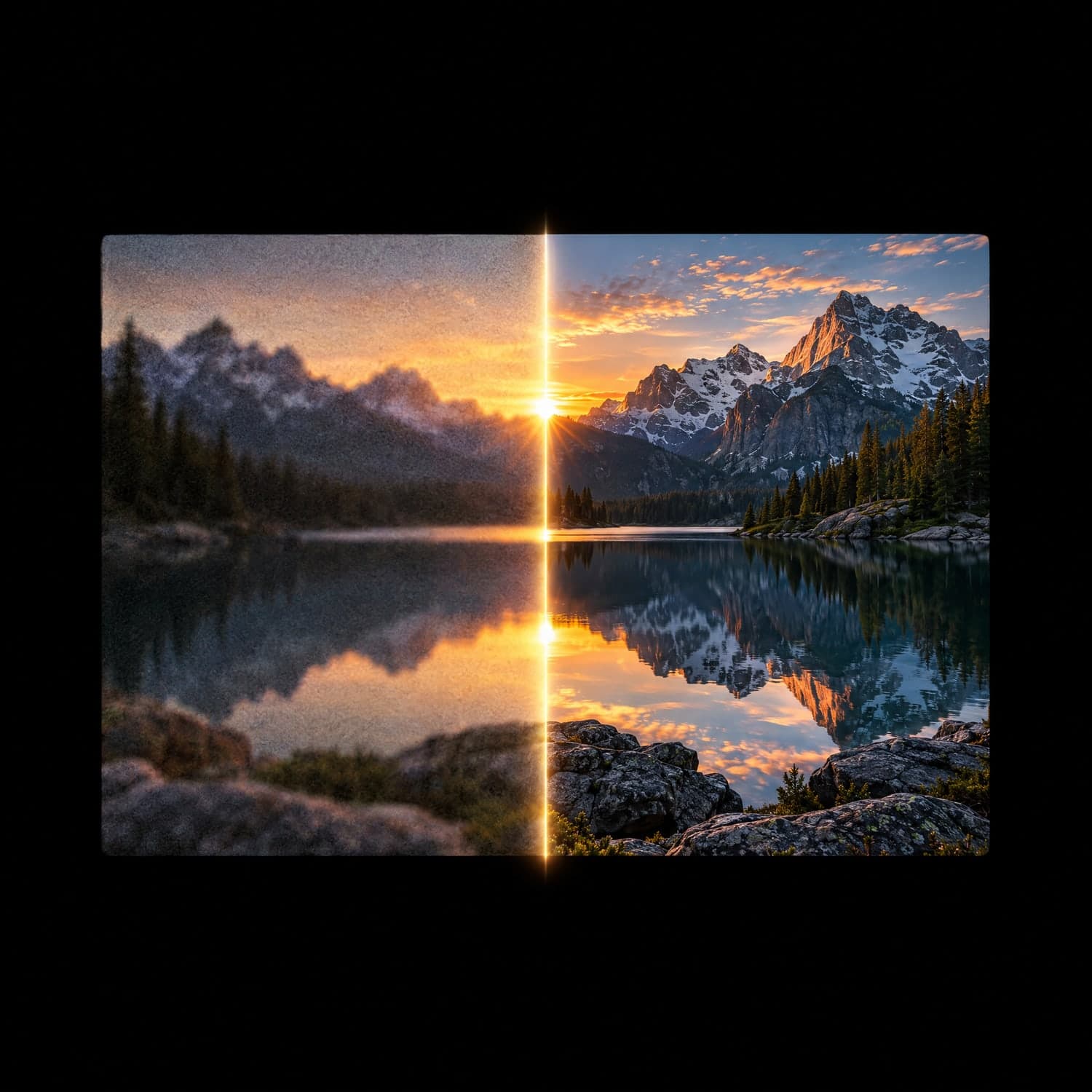
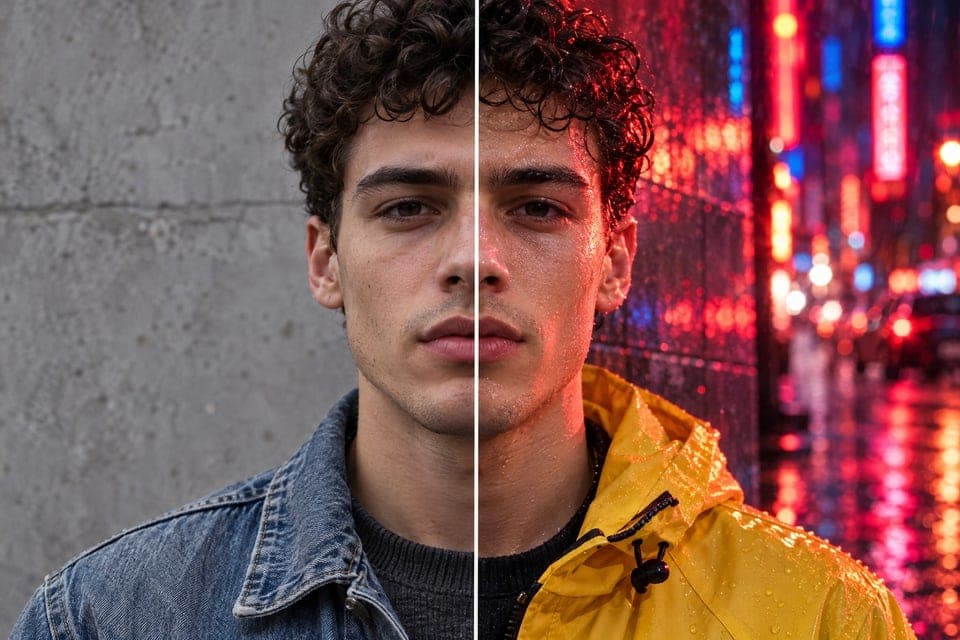
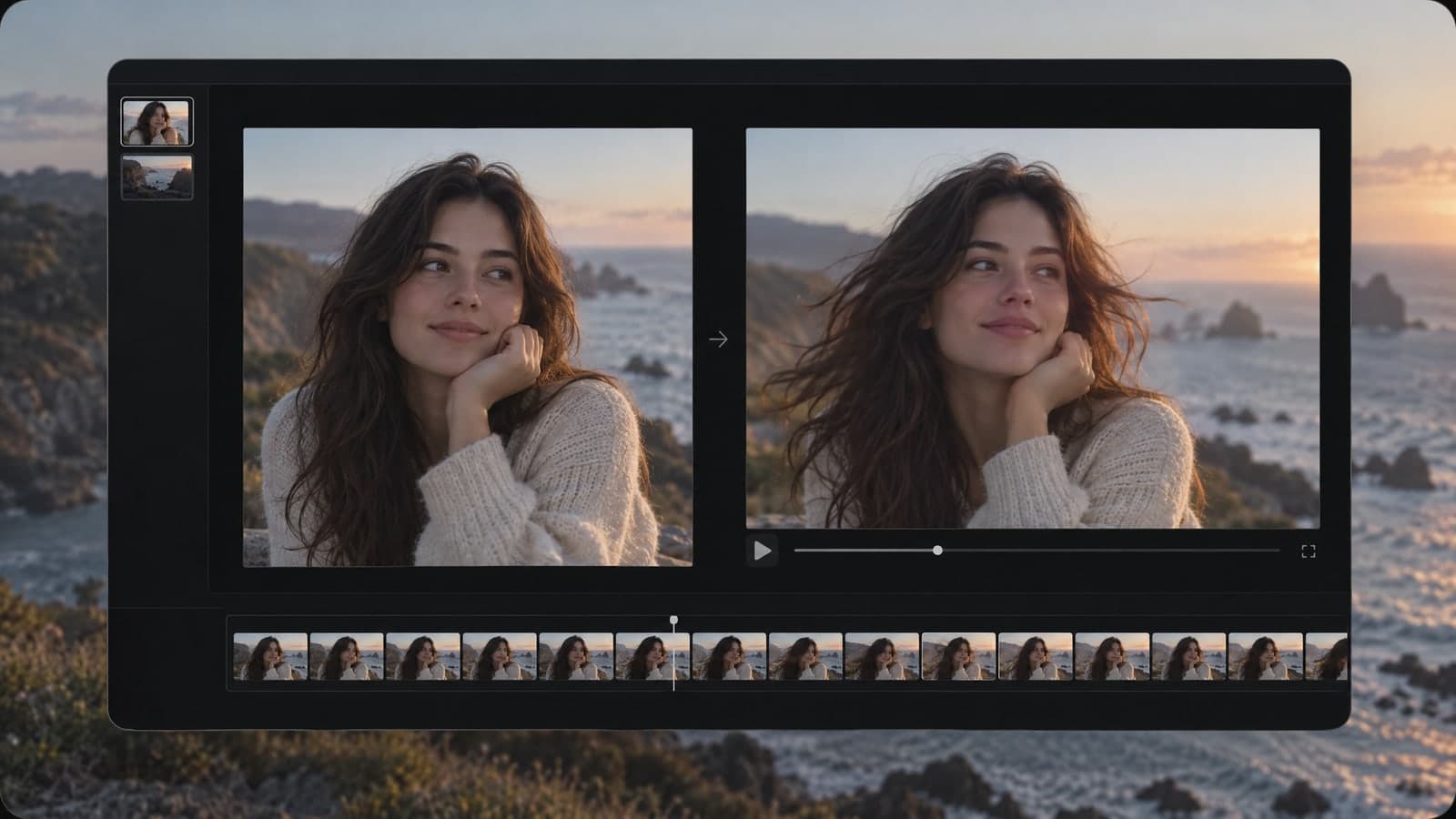
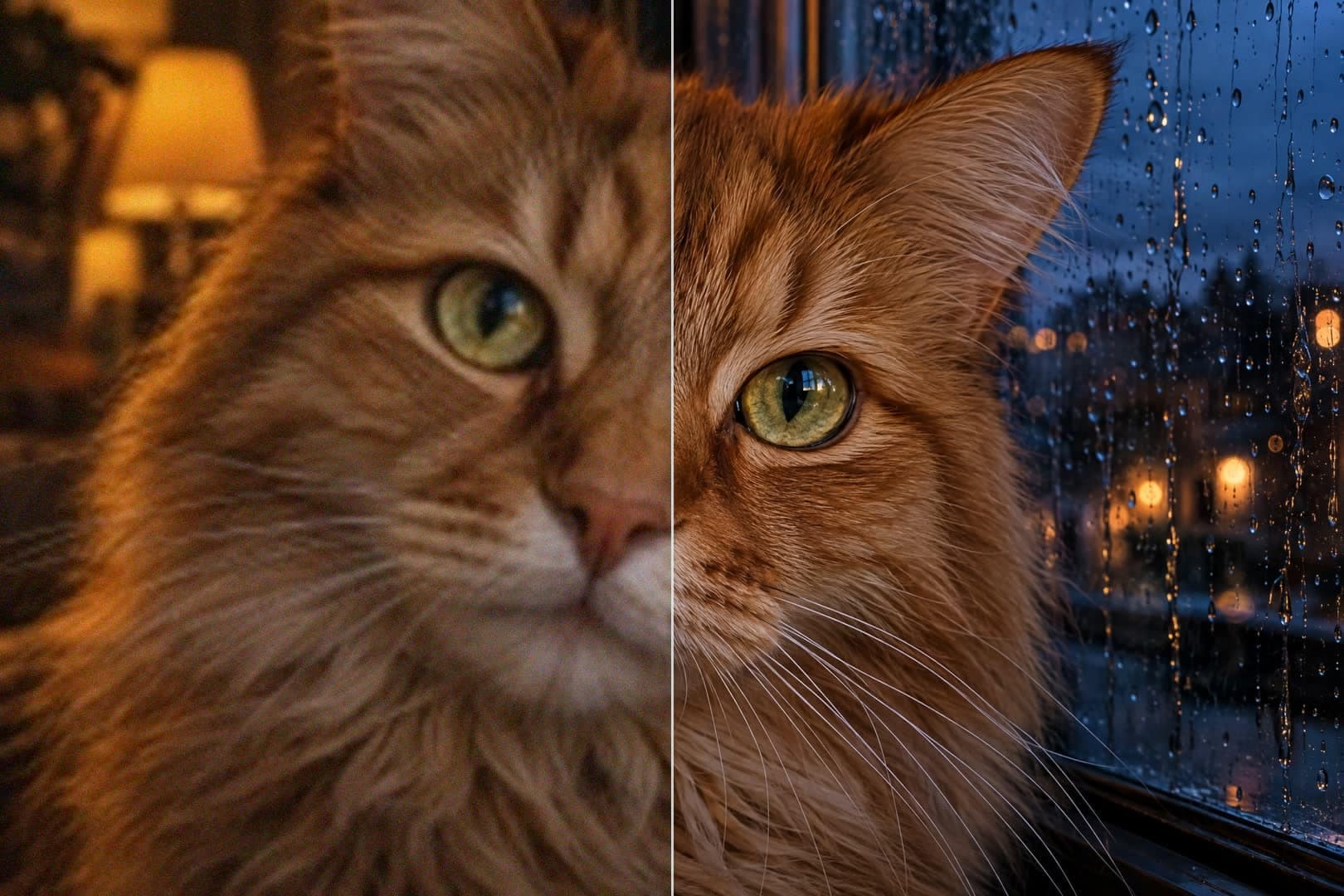
Upload a photo and the photo quality enhancer rebuilds detail at 4K.
 Original photo
 4K result
Input
Original photoOutputs
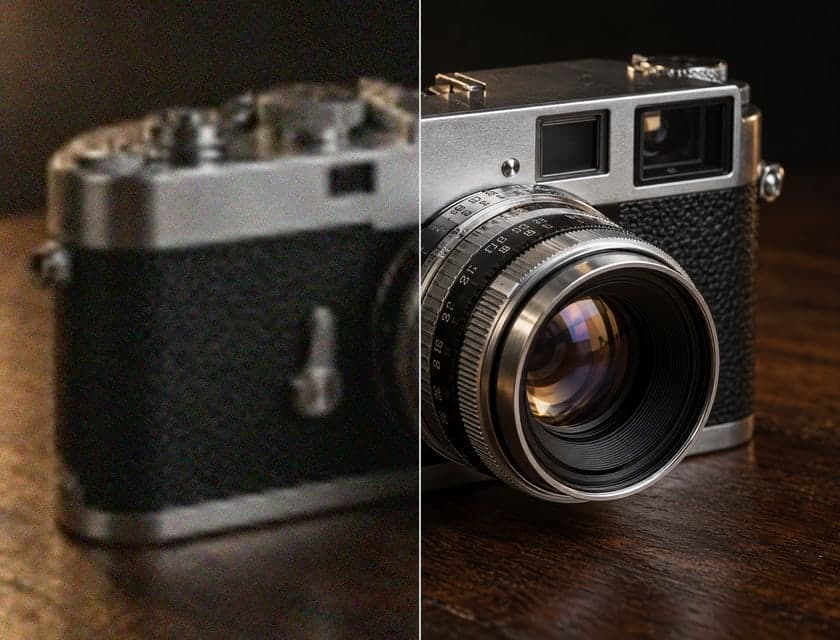
4K resultOld phones, chat apps and screenshots flatten detail. One upload to the photo quality enhancer brings it back.
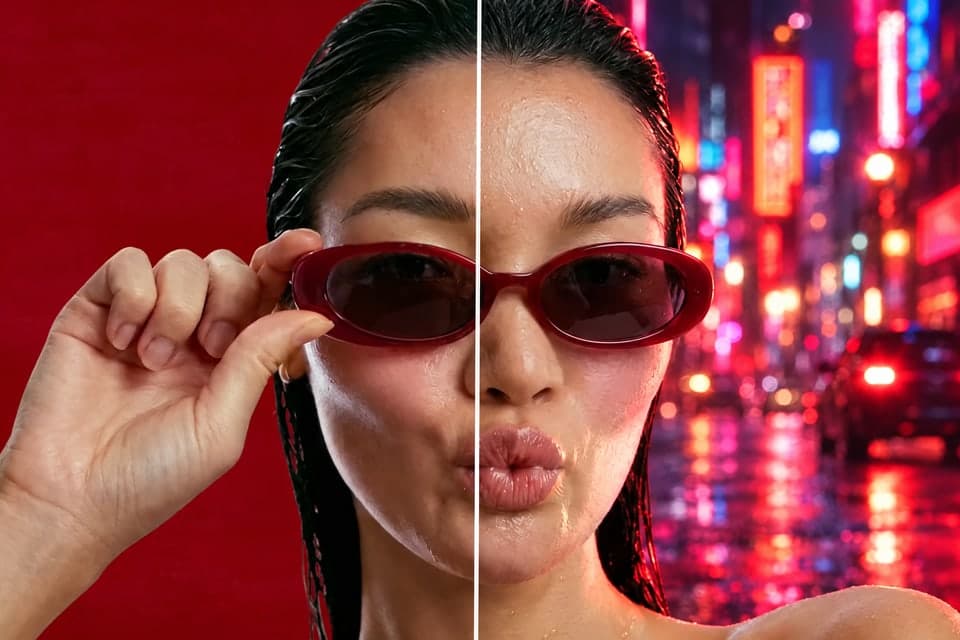
SeedVR2 rebuilds edges, hair and cloth texture instead of stretching pixels, so faces stay familiar.
Small or soft photos come back at 4K, ready for prints, listings and large screens.
No filters, no restyling and no new background: the same photo, only clearer and larger.
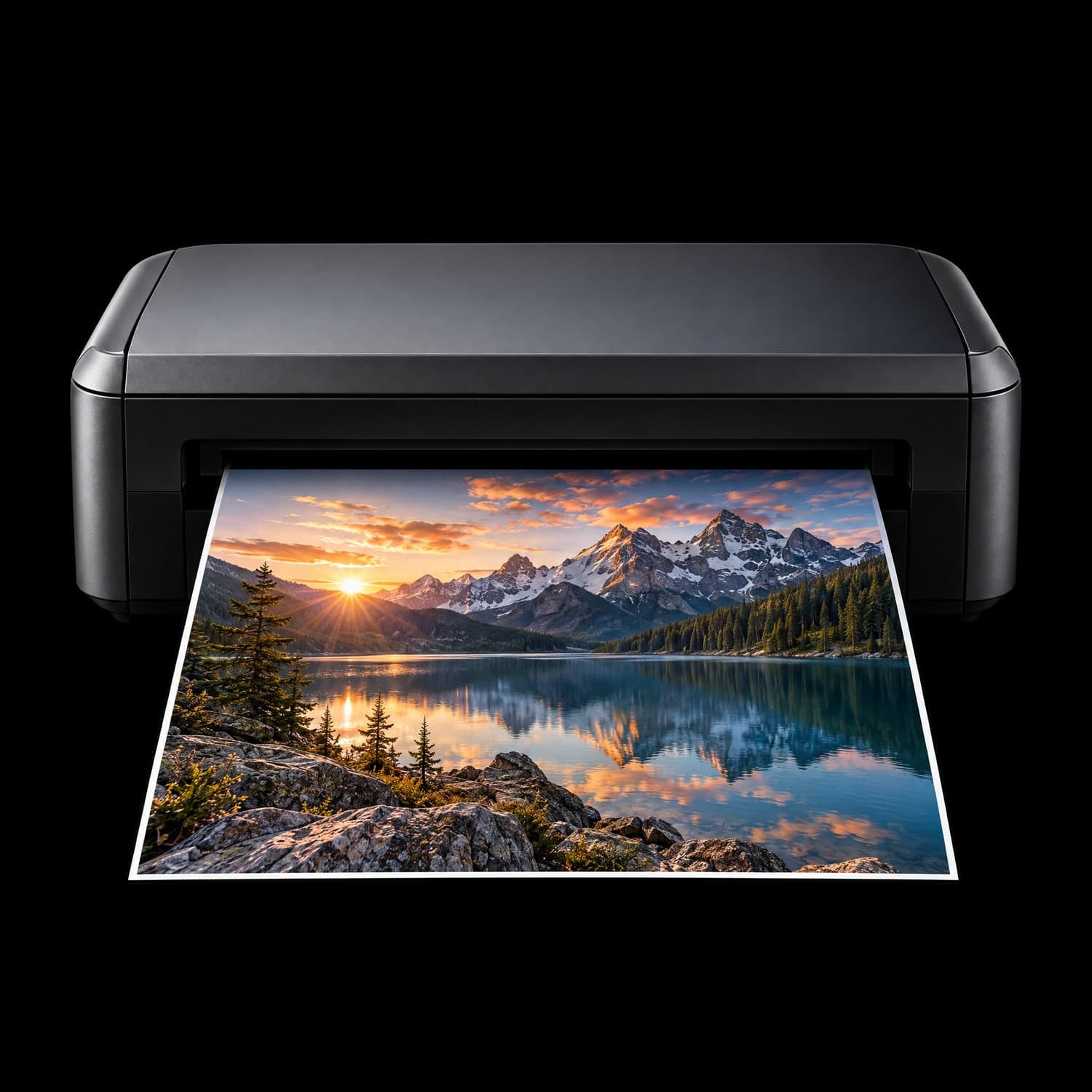
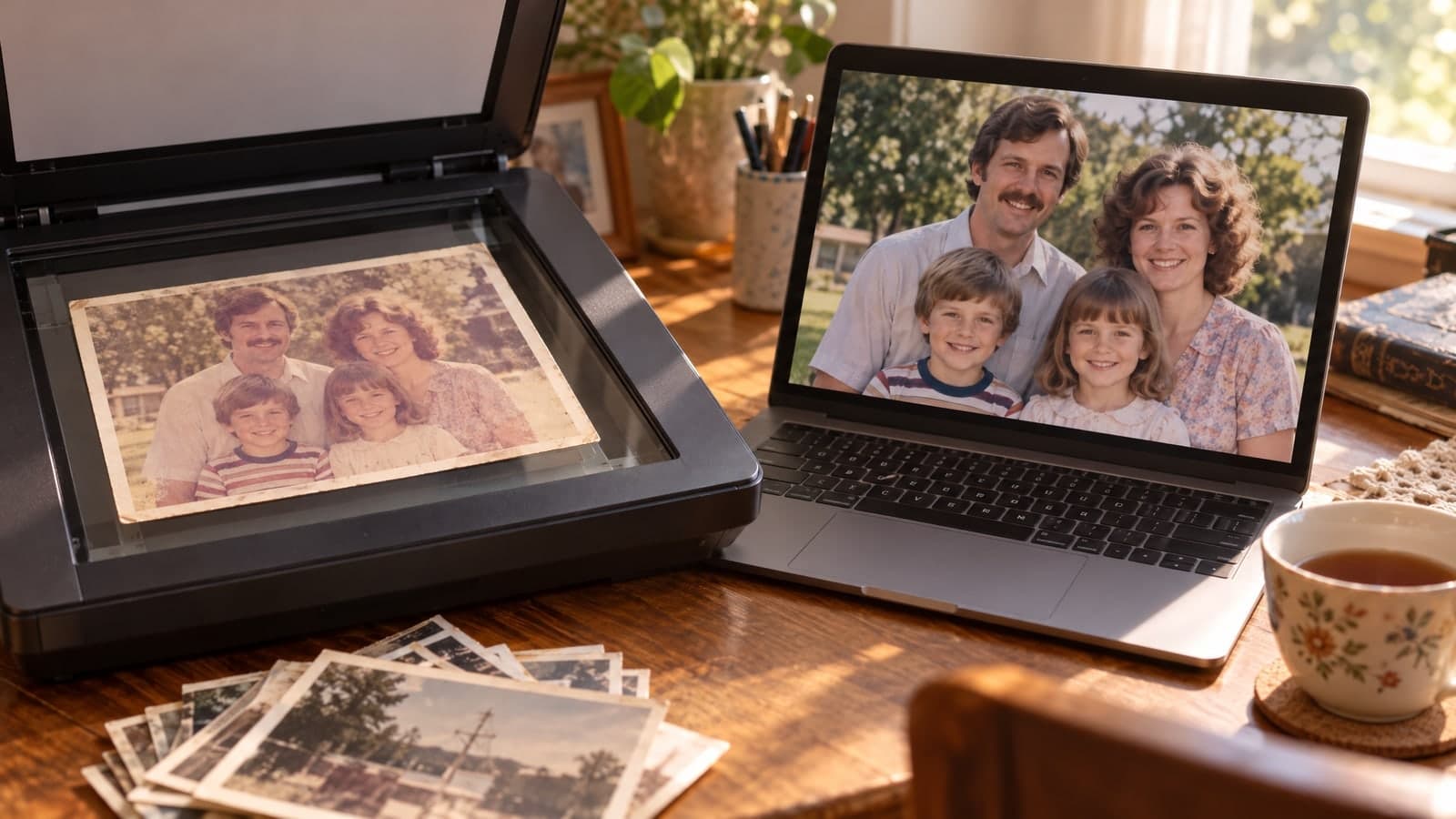
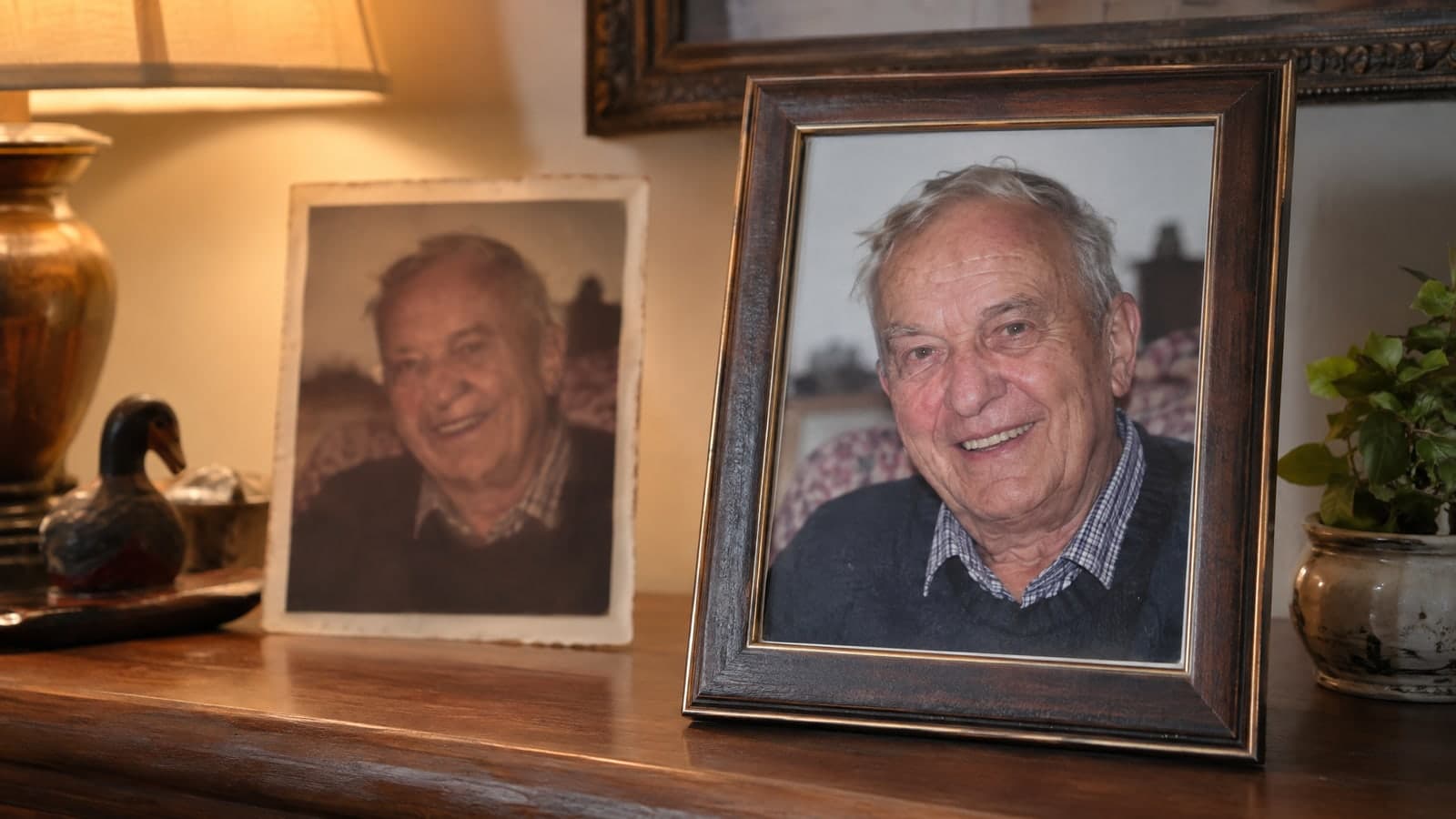
The photo quality enhancer makes old prints worth framing again.
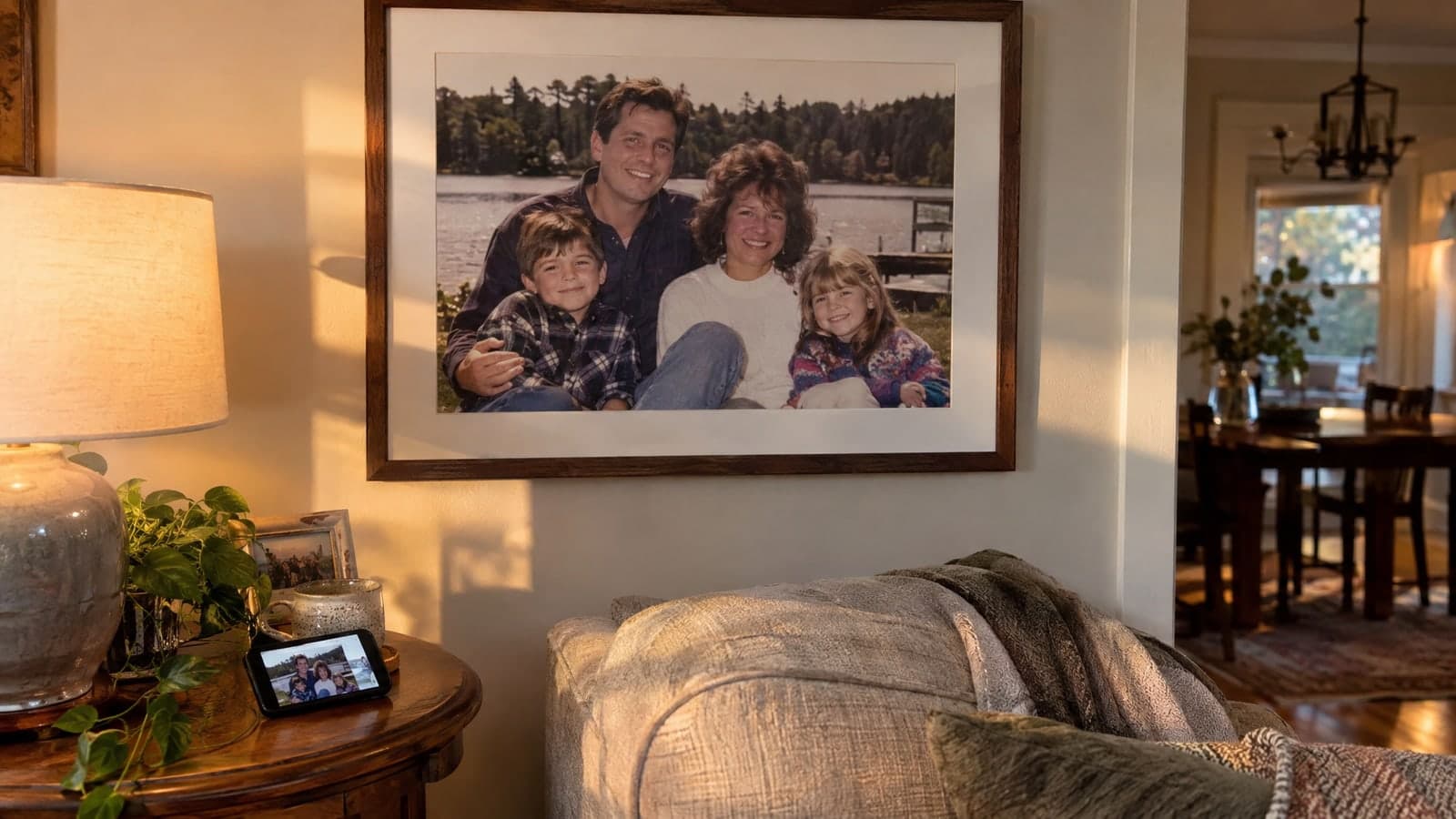
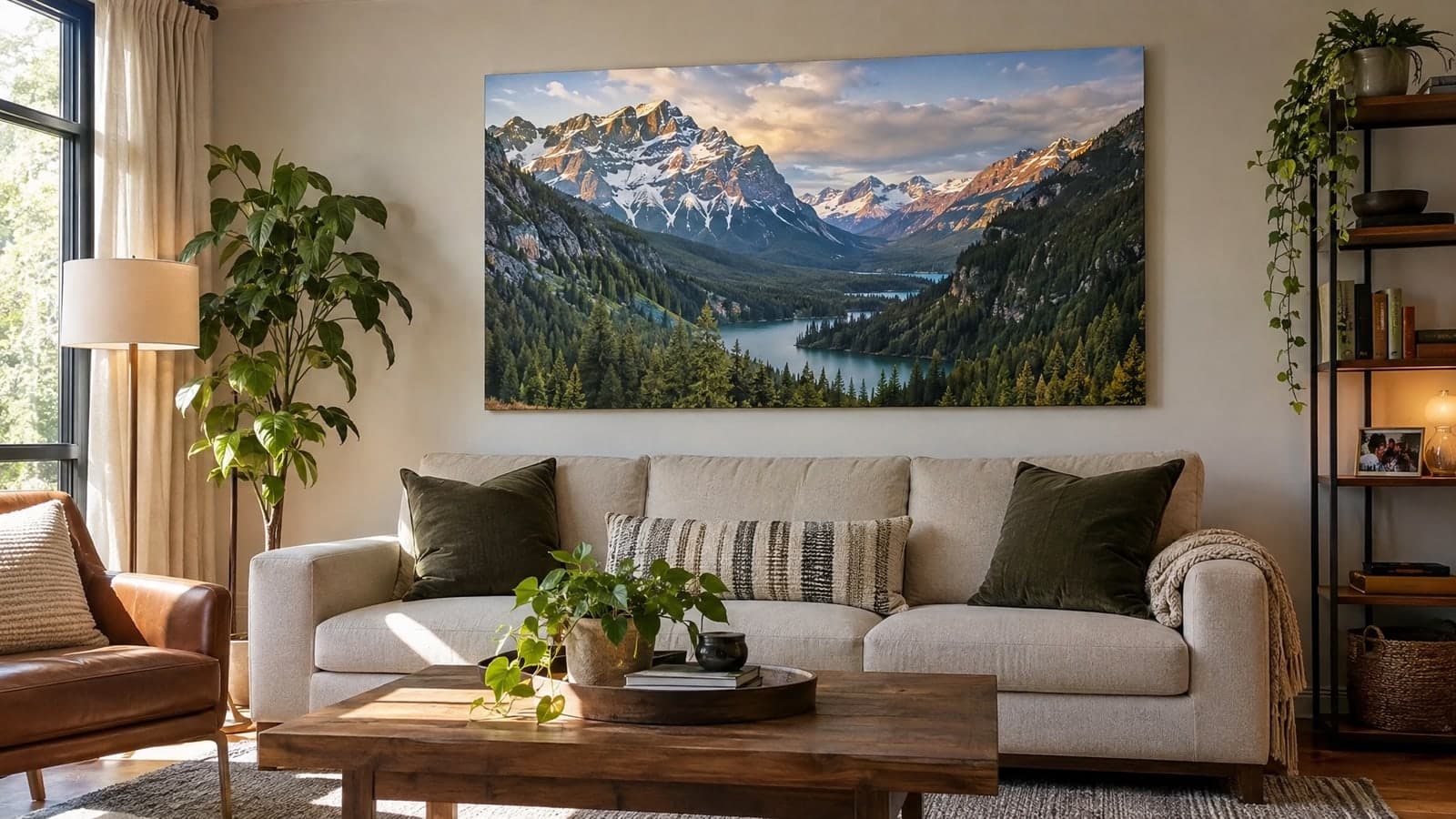
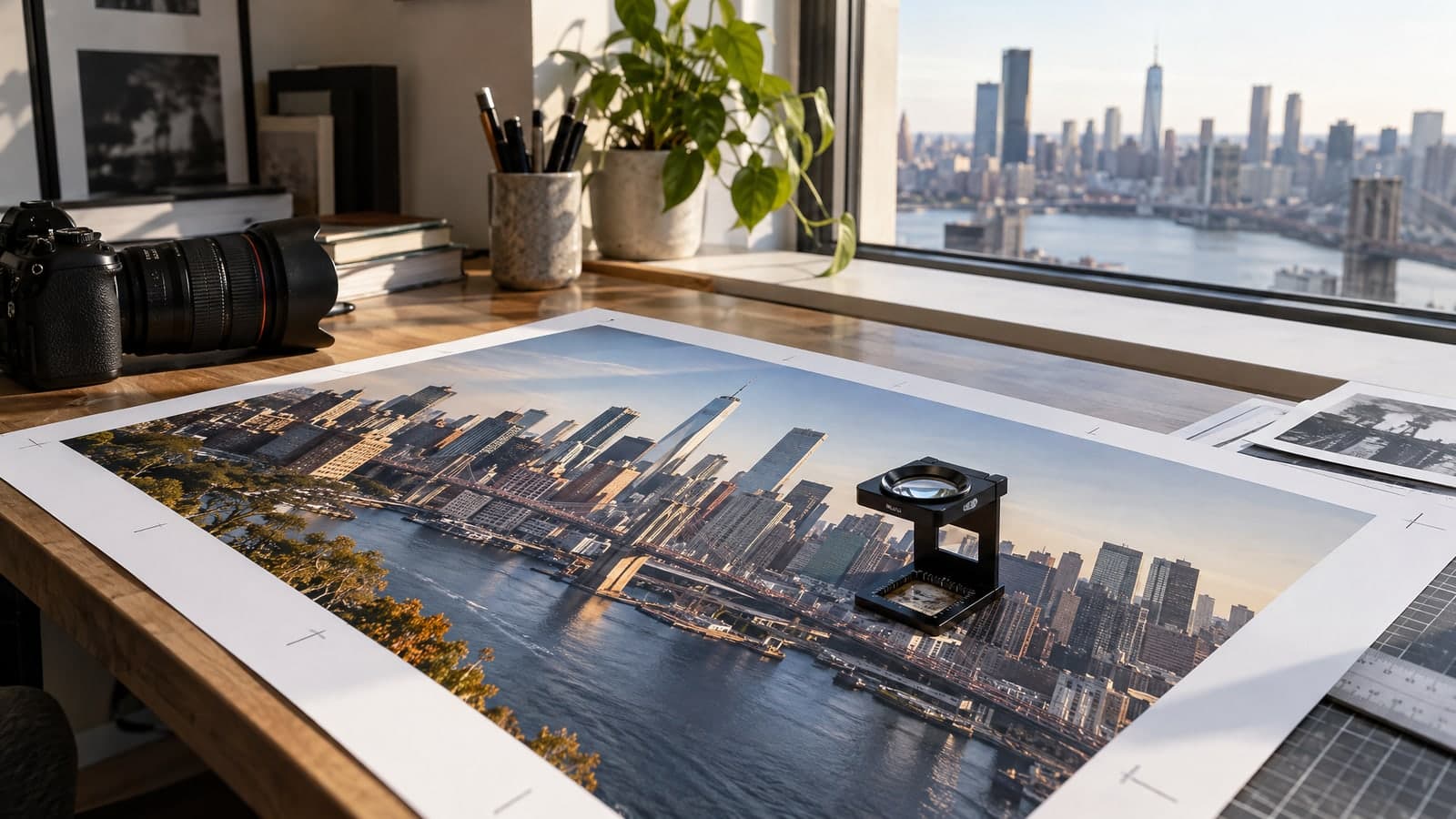
Print and store sizes need more pixels than a phone shot gives you.
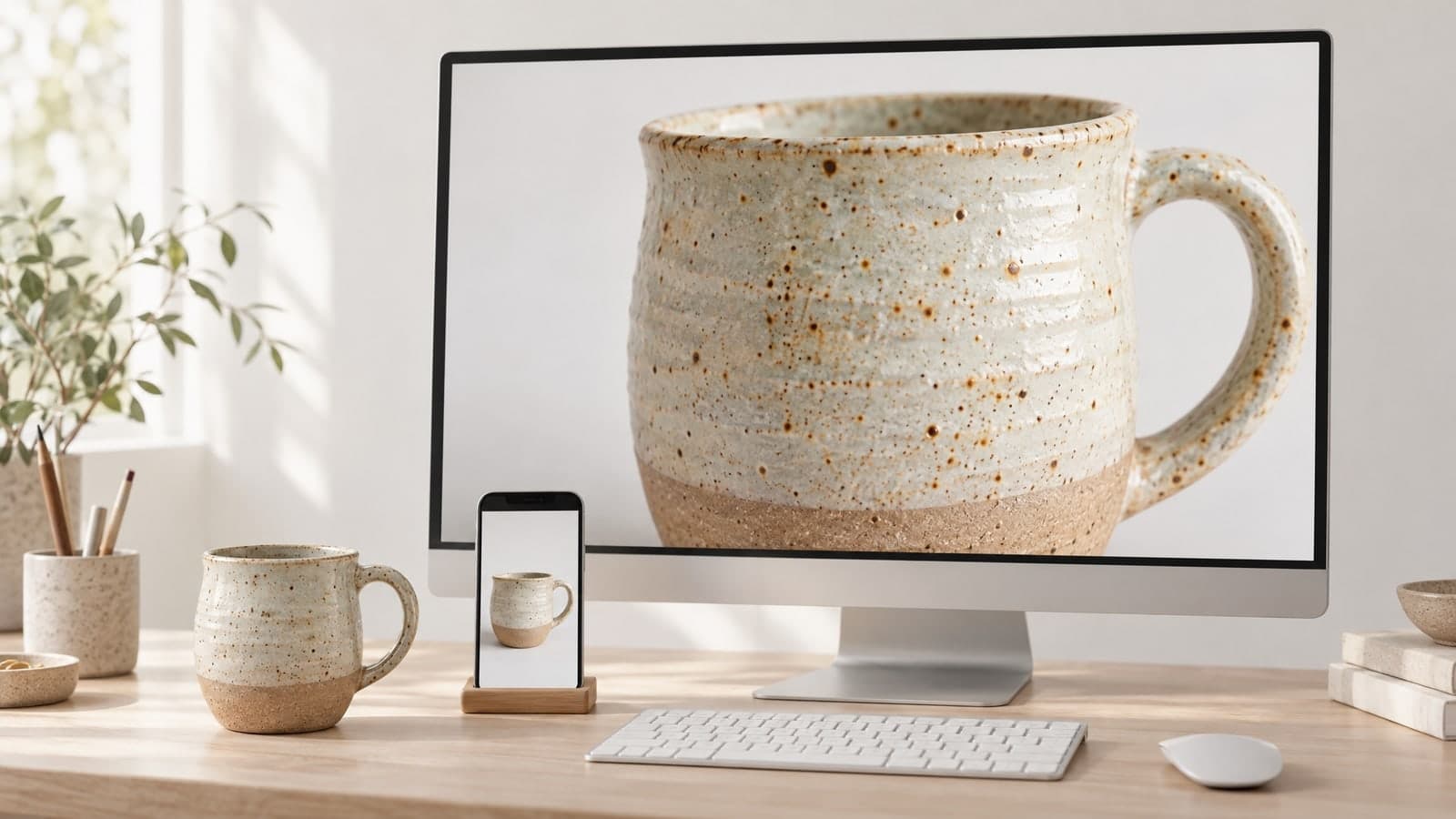
Anything that passed through a screen lost quality on the way.

Upload one photo, let the photo quality enhancer rebuild the detail and download it. No settings to learn.
01 Upload
Pick a JPG, PNG, WebP or HEIC file up to 30MB, or send it from your phone.
One photo per run keeps the result faithful to the original.
02 Enhance
It sharpens edges, cuts noise and scales the photo to 4K.
It keeps faces, colors and framing; only clarity changes.
03 Download
Get a high-resolution JPG in about 20 seconds, or share a link to it.
Use it for prints, listings or a sharper profile picture.
“I scan my parents' old prints and enlarge them before we make a family photo book.”
Maria Lopez
Family photo archivist
“I run small supplier photos through it before they go on my product pages.”
James Carter
Online shop owner
The photo quality enhancer runs on SeedVR2, a restoration model that rebuilds detail at higher resolution instead of stretching pixels.
Each tool starts from a prompt or a photo. Pick another one below and keep creating in the same account.
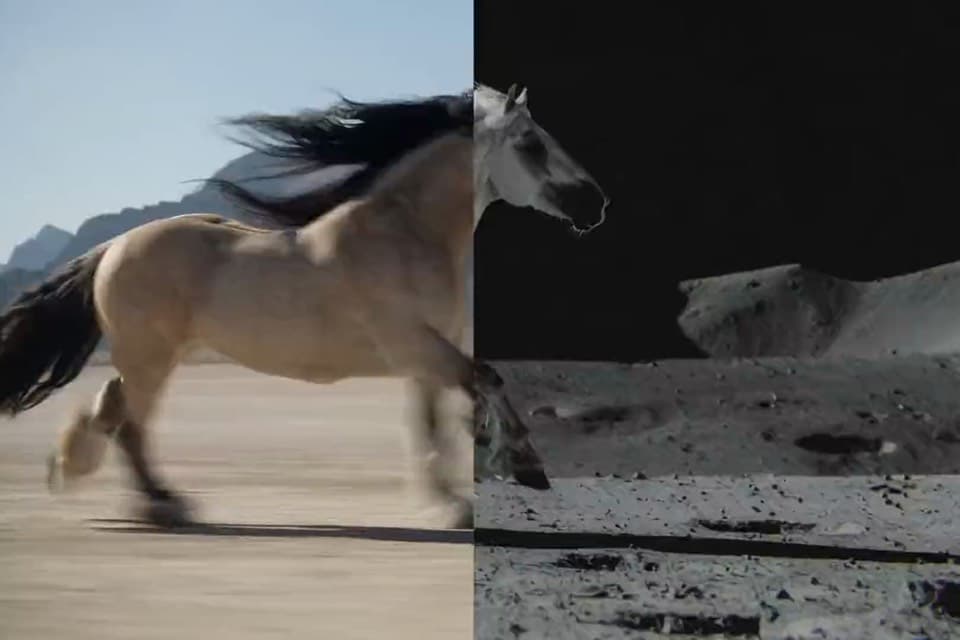
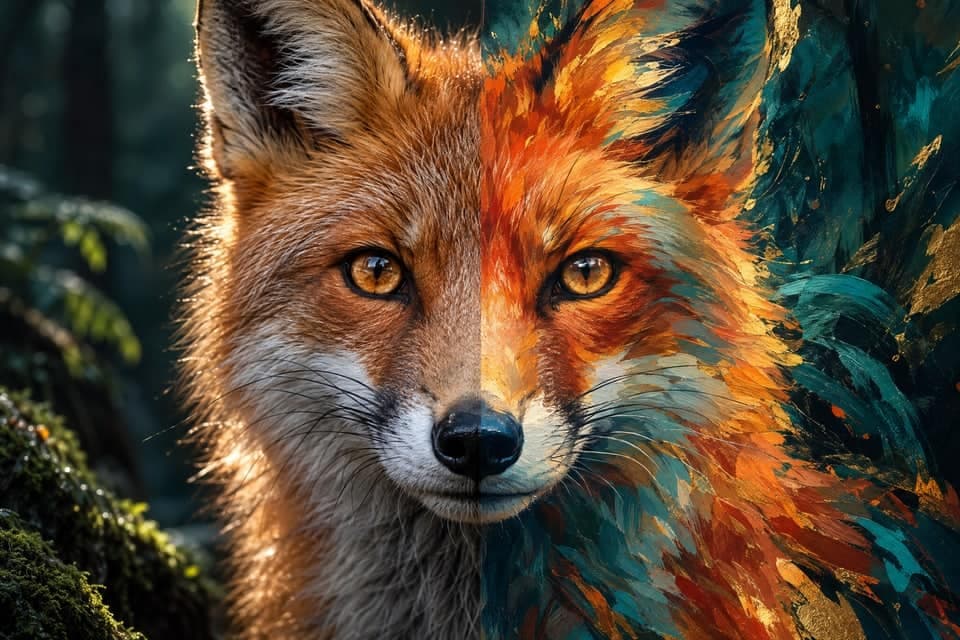
Edit, restyle or blend up to 4 photos with a prompt, or create a new image from words alone
Change only what you describe in a photo, keep the rest
Turn a prompt into a short looping animated GIF
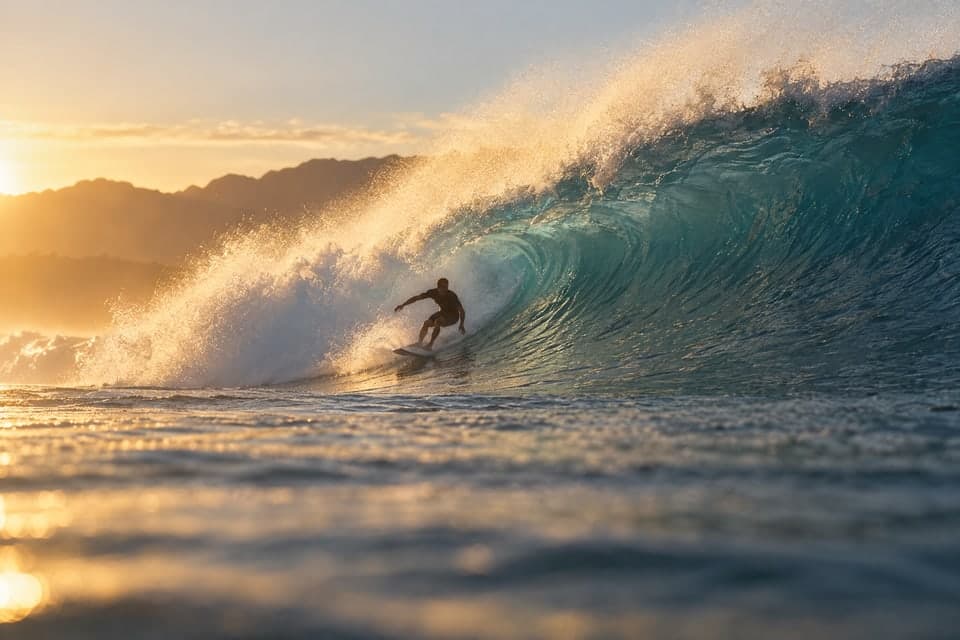
Animate a photo into a 5 or 10 second video with sound, or make a clip from a prompt
Describe a scene and watch it move, no photo needed
Google's video model: a photo or prompt to a clip with sound
Create and edit images with GPT Image 2.6 Flare.
Generate and edit images with Google's Nano Banana 2.1.
Turn a photo or prompt into an 8-second video with sound.
Turn a photo or prompt into a 1080p video with sound.
Turn a photo of two people into a kissing video
Tips on restoring old photos and printing bigger.
Quick answers about upscaling photos and restoring detail.
A photo quality enhancer takes a photo that looks soft, noisy or too small and rebuilds it at a higher resolution. Instead of simply stretching pixels, it recreates edges, texture and fine detail, so the image looks clear on a large screen or in print.
On MagicSky AI, you upload one photo and get a 4K version in about 20 seconds. There is no prompt to write and no slider to learn. The photo quality enhancer keeps the people, colors and framing you shot.
It works on soft focus, sensor noise, heavy compression, small phone photos, old scans and screenshots. Shop owners use it as a picture quality enhancer for product shots, and designers use it as an image clarity enhancer for AI images that came out small.
It cannot recover a face that is turned away or text that is unreadable in the original. It rebuilds the detail still hinted at in the pixels, so a damaged photo may come back cleaner, not perfect.
The photo quality enhancer outputs a 4K file, which is about 8.3 megapixels. That is enough to print a 16×20 inch photo or fill a large screen. An image to 4K jump is dramatic on a phone photo; a photo that is already sharp gains less.
Because the model reconstructs detail, very fine text, logos and jewelry can change slightly. Check important details before you print or publish.
One photo per run, up to 30MB, in JPG, PNG, WebP or iPhone HEIC format. The result keeps the photo's original shape, so a portrait stays a portrait and a wide shot stays wide. On a computer you can also scan a QR code and send the photo from your phone.
Not in the file-format sense. A 4K image converter usually changes JPG to PNG or another format; this tool changes the resolution and restores detail, and the result is a JPG. If you only need a different file type, your phone or an image editor can do that. If you need more pixels and clearer detail, use the 4K upscaler here.
About 20 seconds for a typical photo. Large files and busy scenes can take a little longer. You can keep the tab open or come back later; the result is saved to My Works when you are signed in, and you can share a link when it is done.
You can try it without an account. To keep going, sign up: new accounts get free credits and the daily check-in adds more. Each upscale uses credits, and you see the exact cost before you press Generate. Paid plans and credit packs add more for regular use.
On the free plan, enhanced photos are for personal, non-commercial use. With a paid plan or a credit pack, you can use them in ads, product pages, prints and client work. Only upload photos you have the rights to.
When you are signed in, every result is saved to My Works and stays private unless you share a link.
No account needed. A 4K photo in about 20 seconds.