GPT Image 2.6 - MagicSky AI
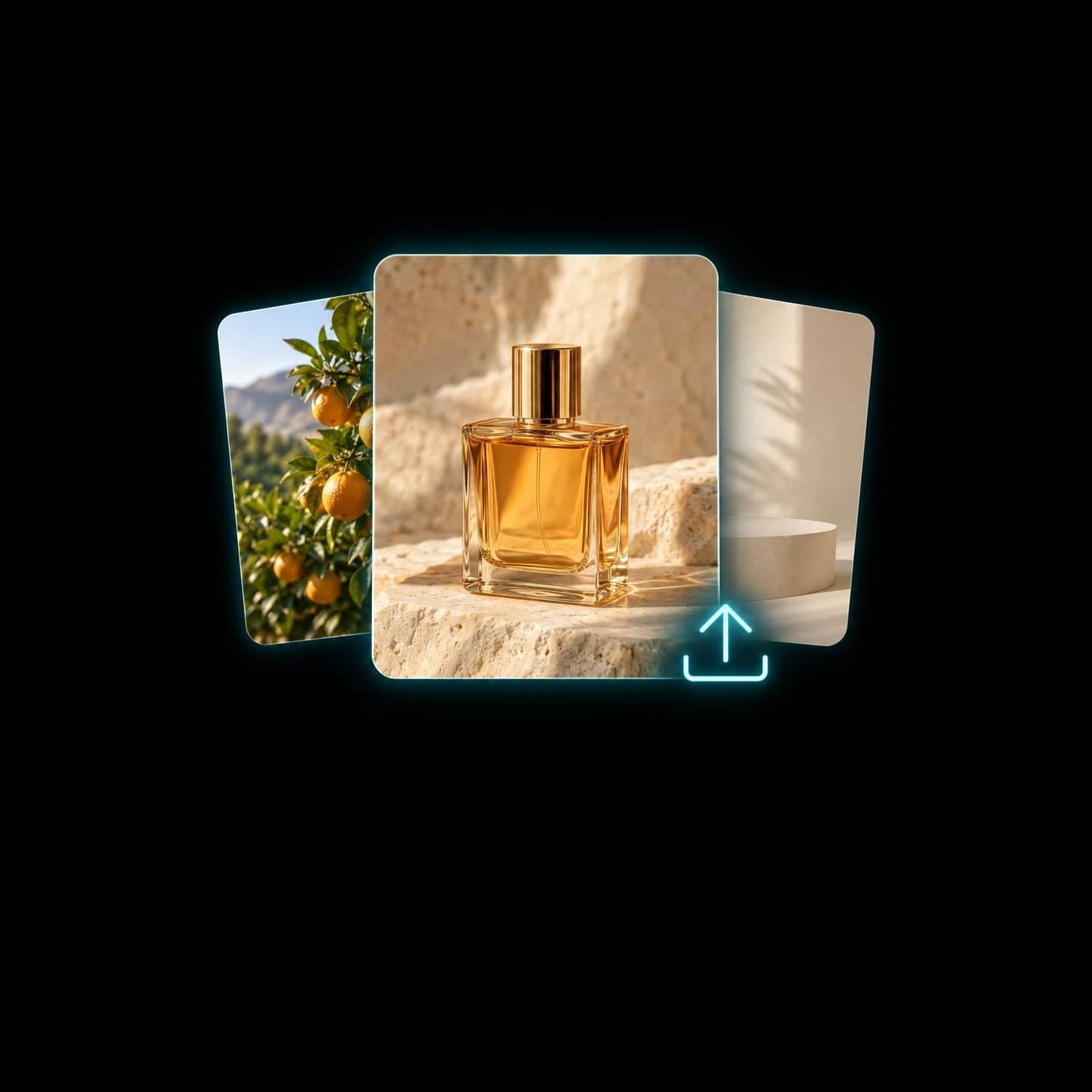
01 Upload
Start with text or photos
Add up to 4 references, or leave uploads empty to create from text.
A clear photo helps explain the subject you want to preserve.
Start with words or photos. Make the image you have in mind.
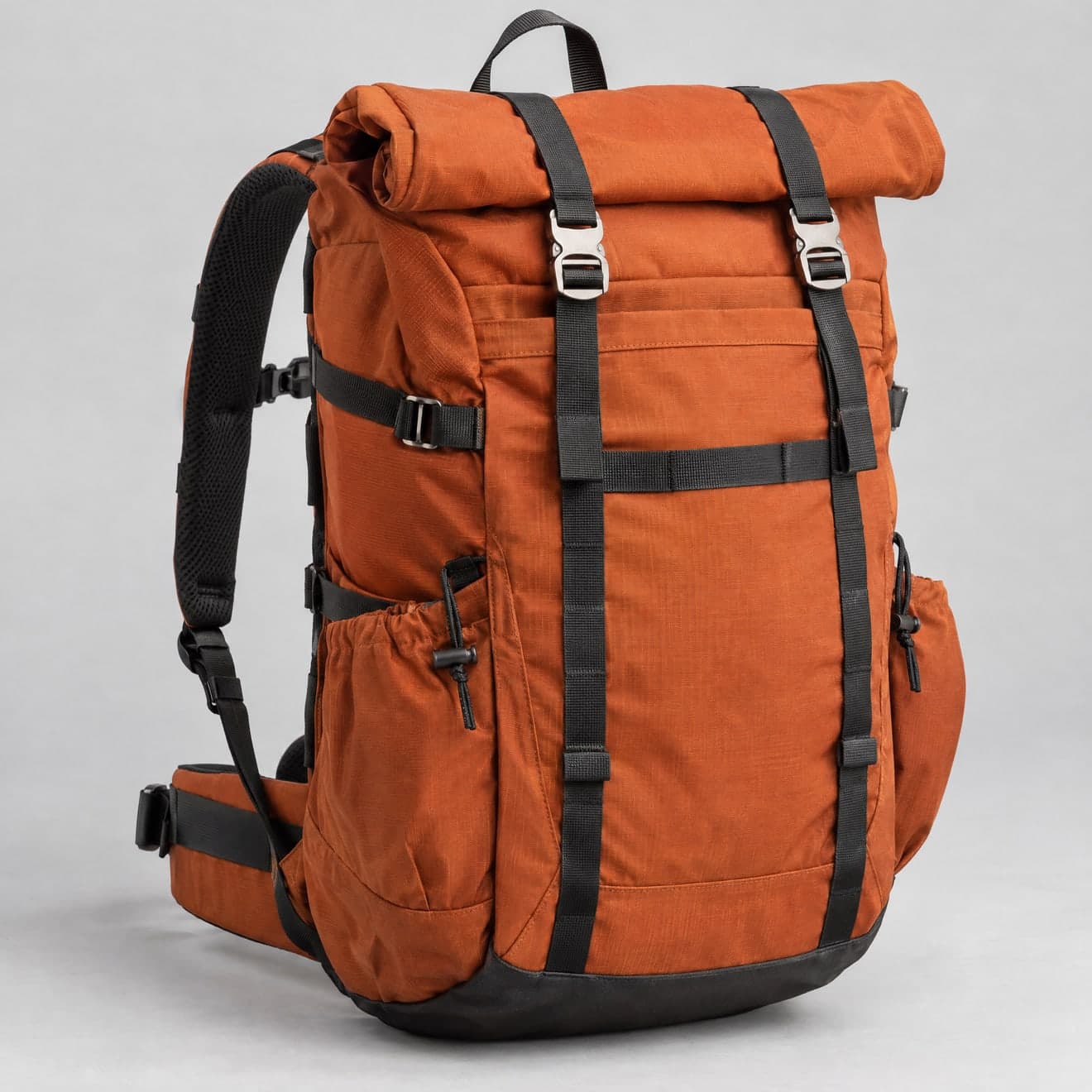 Input image
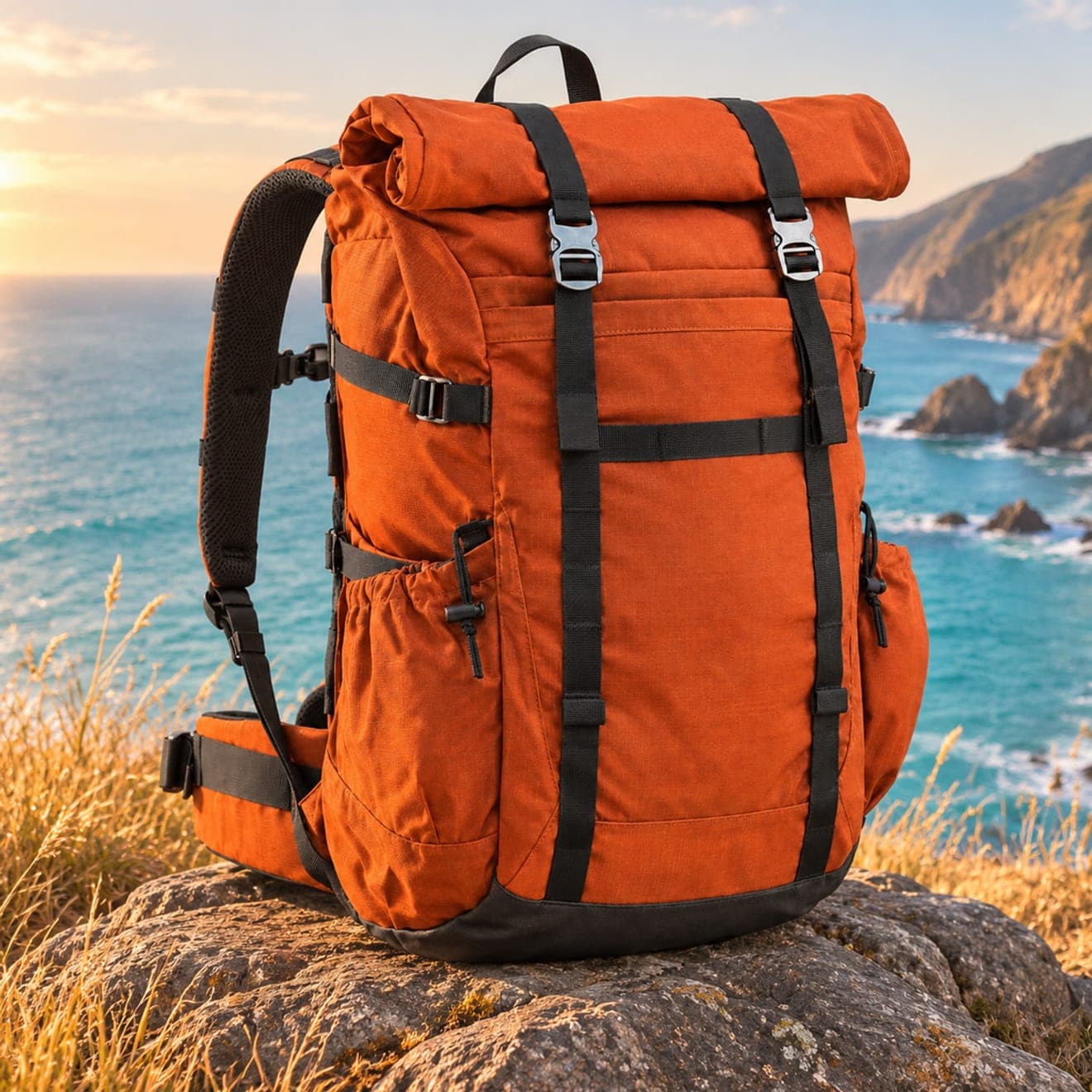 Result 1
Input
Input imageOutputs
Result 1A new scene, a focused edit or a fresh concept: give GPT Image 2.6 Flare a clear brief and a starting point.
Describe a subject, setting and light. GPT Image 2.6 Flare builds a new image from your words.
Bring up to 4 references and describe what to keep, change or combine in your next image.
Use square, portrait or wide formats for posts and listings. Auto selects a suitable image ratio.
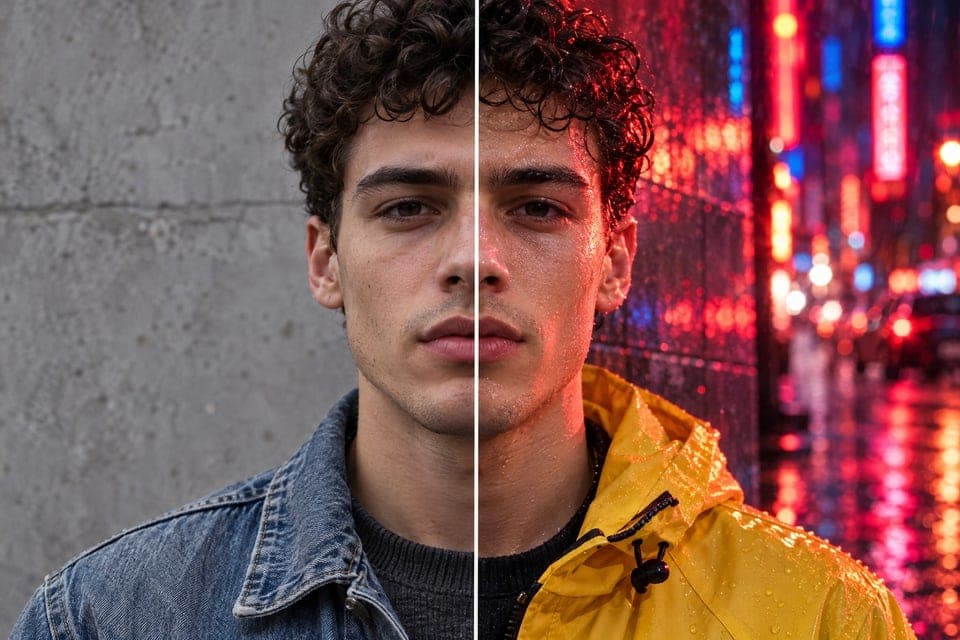
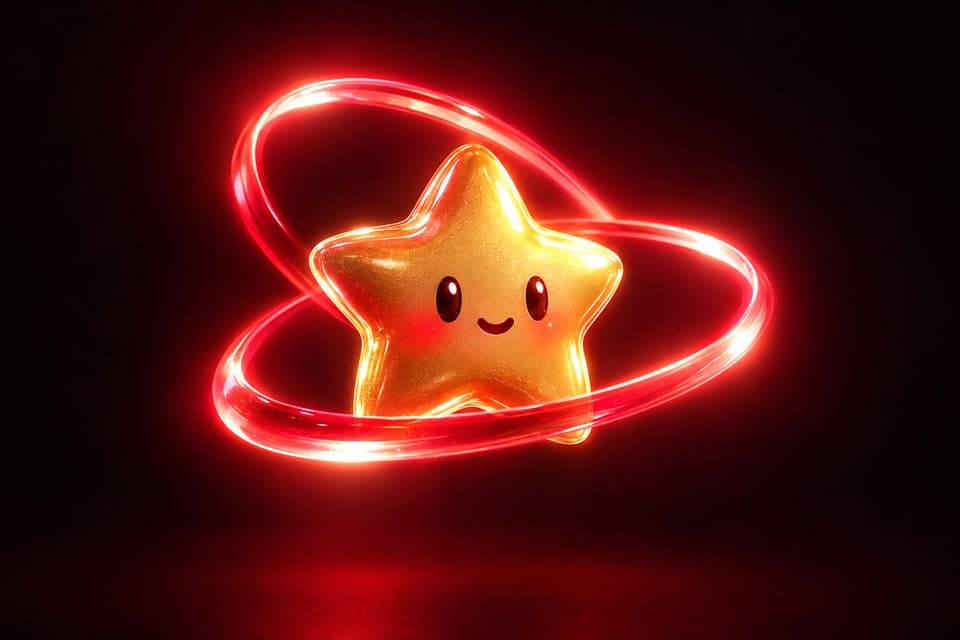
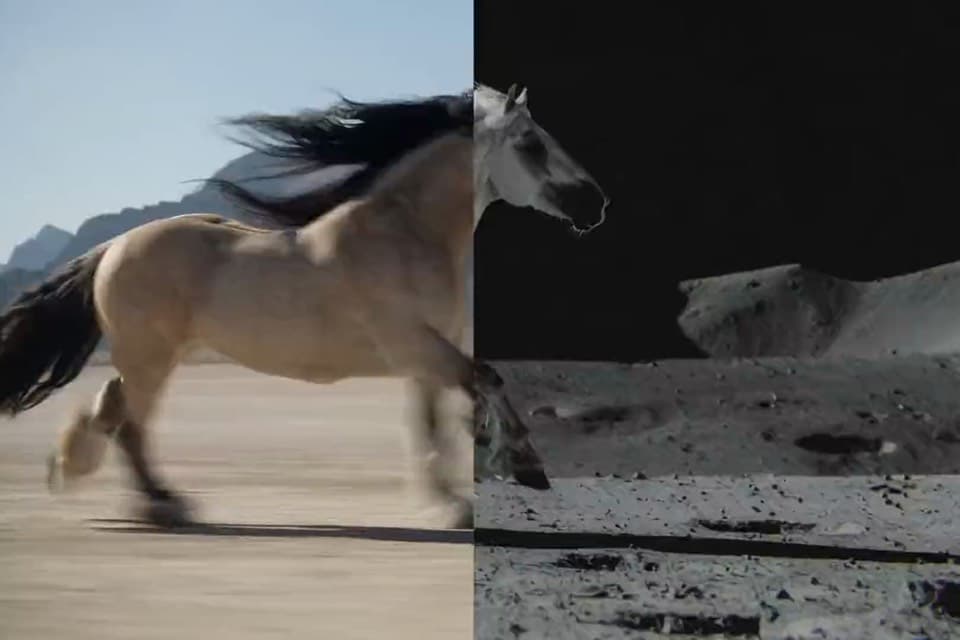
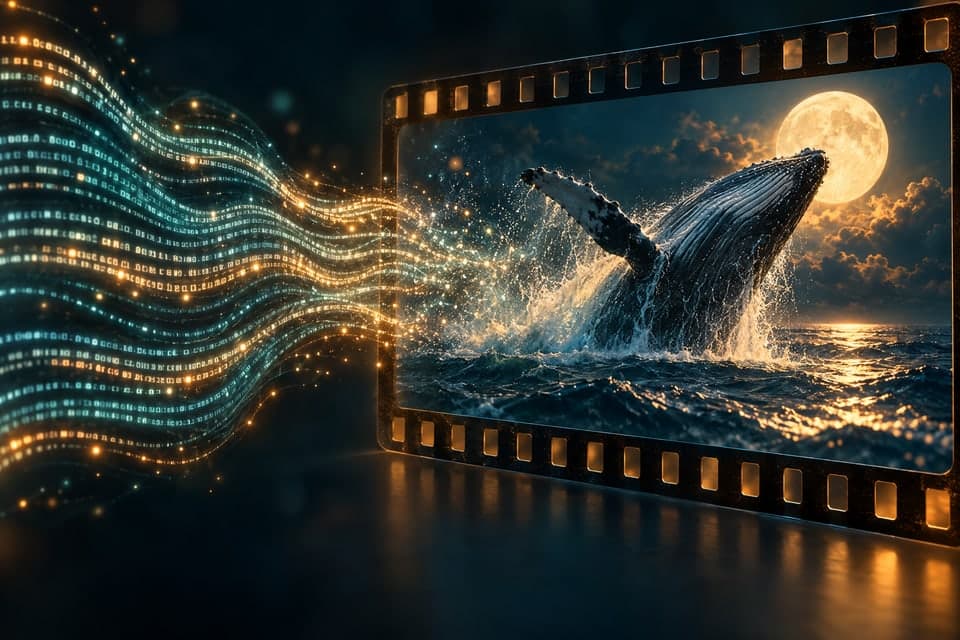
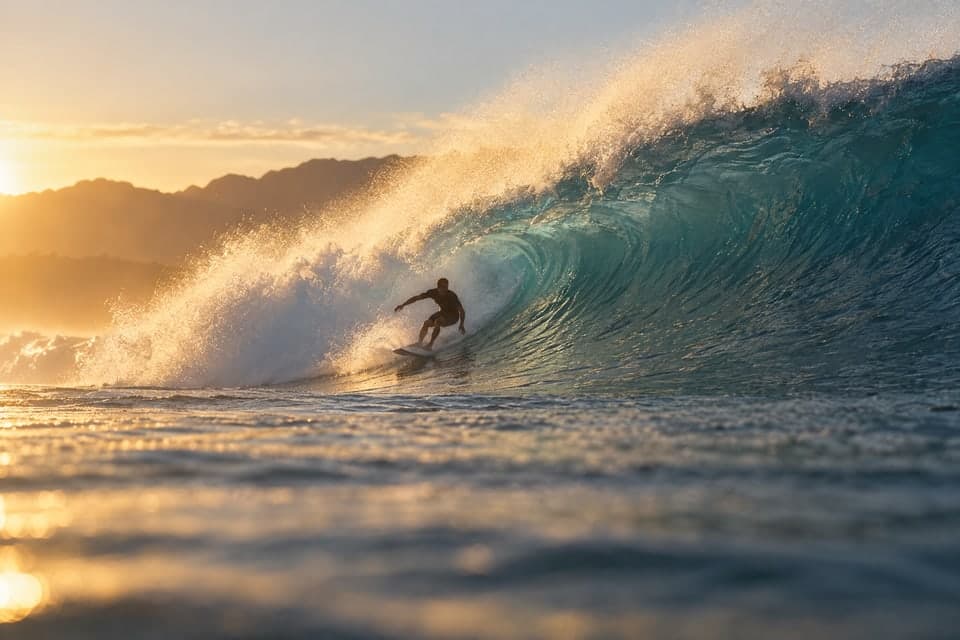
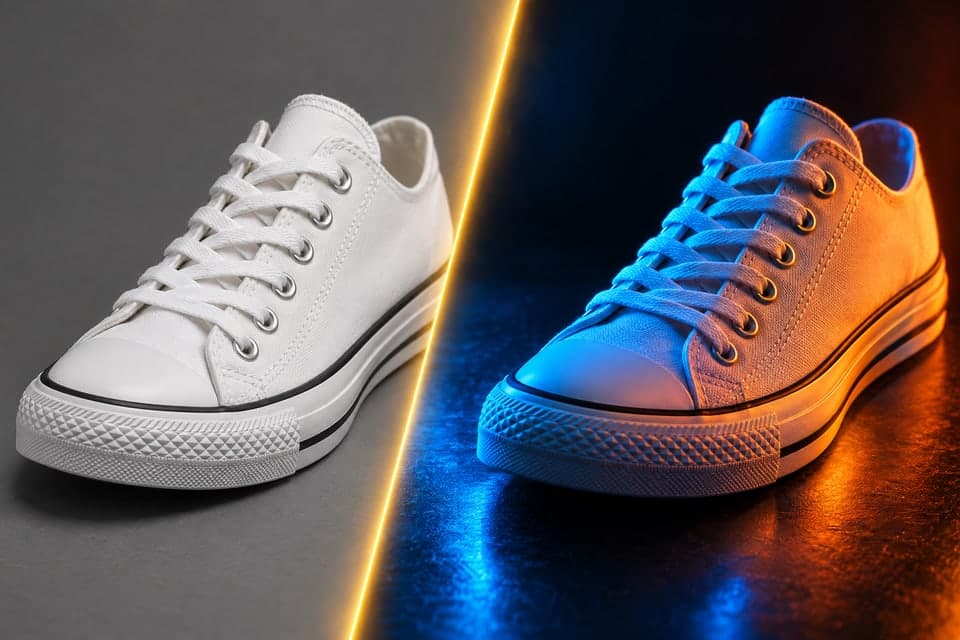
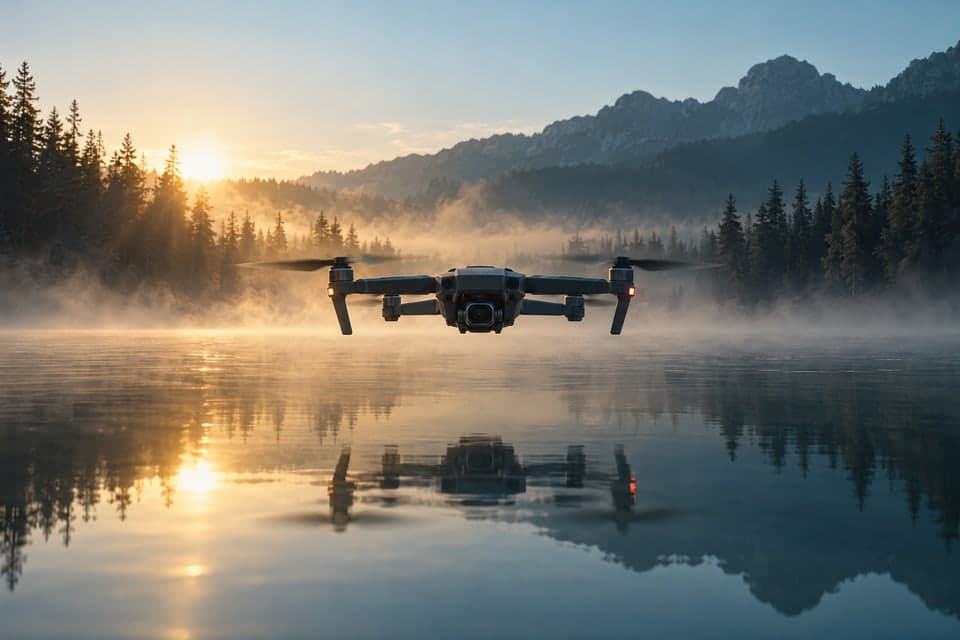
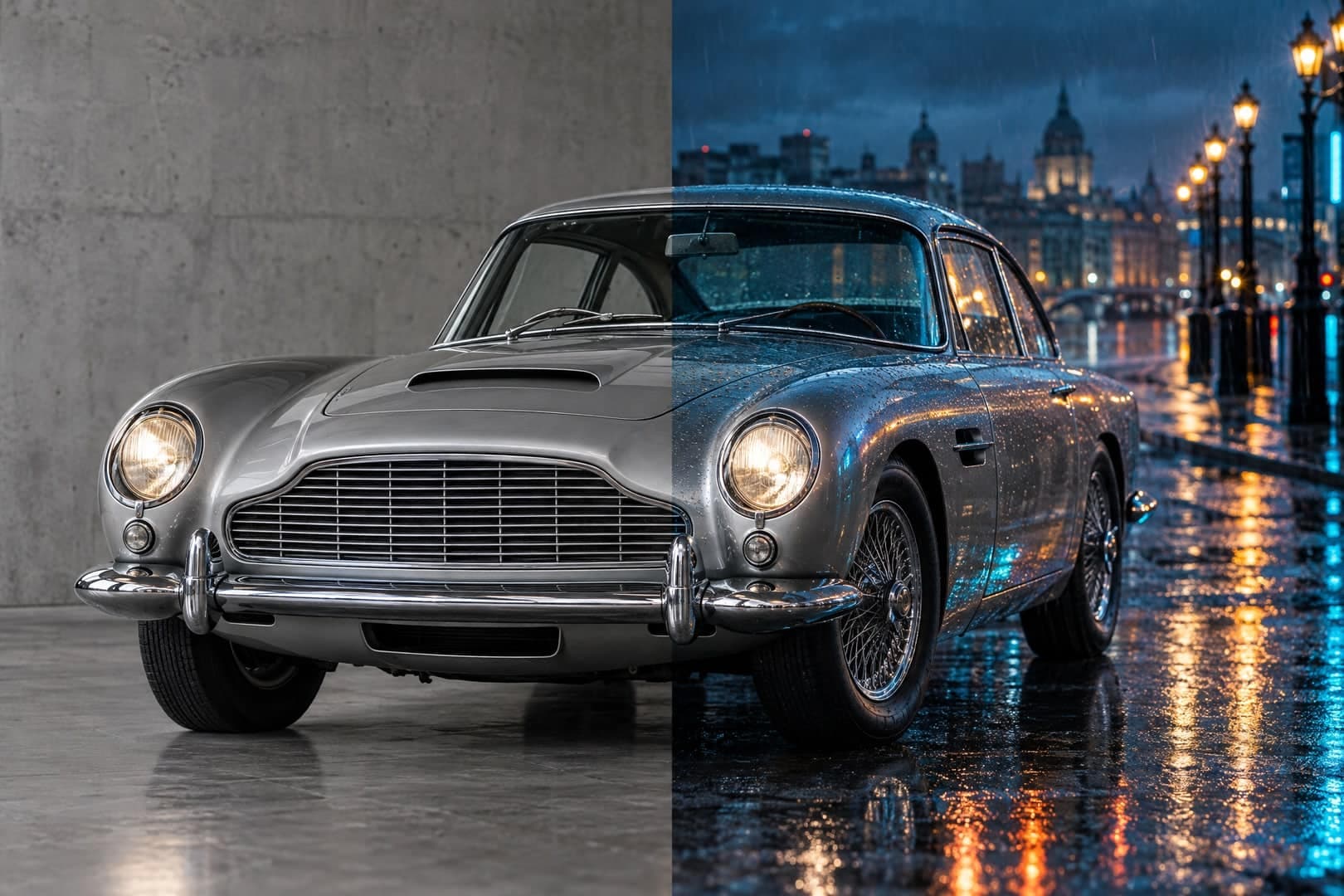
Browse image-editing examples from MagicSky AI: product scenes, game art and architecture. Use them as ideas for the changes you want to describe.
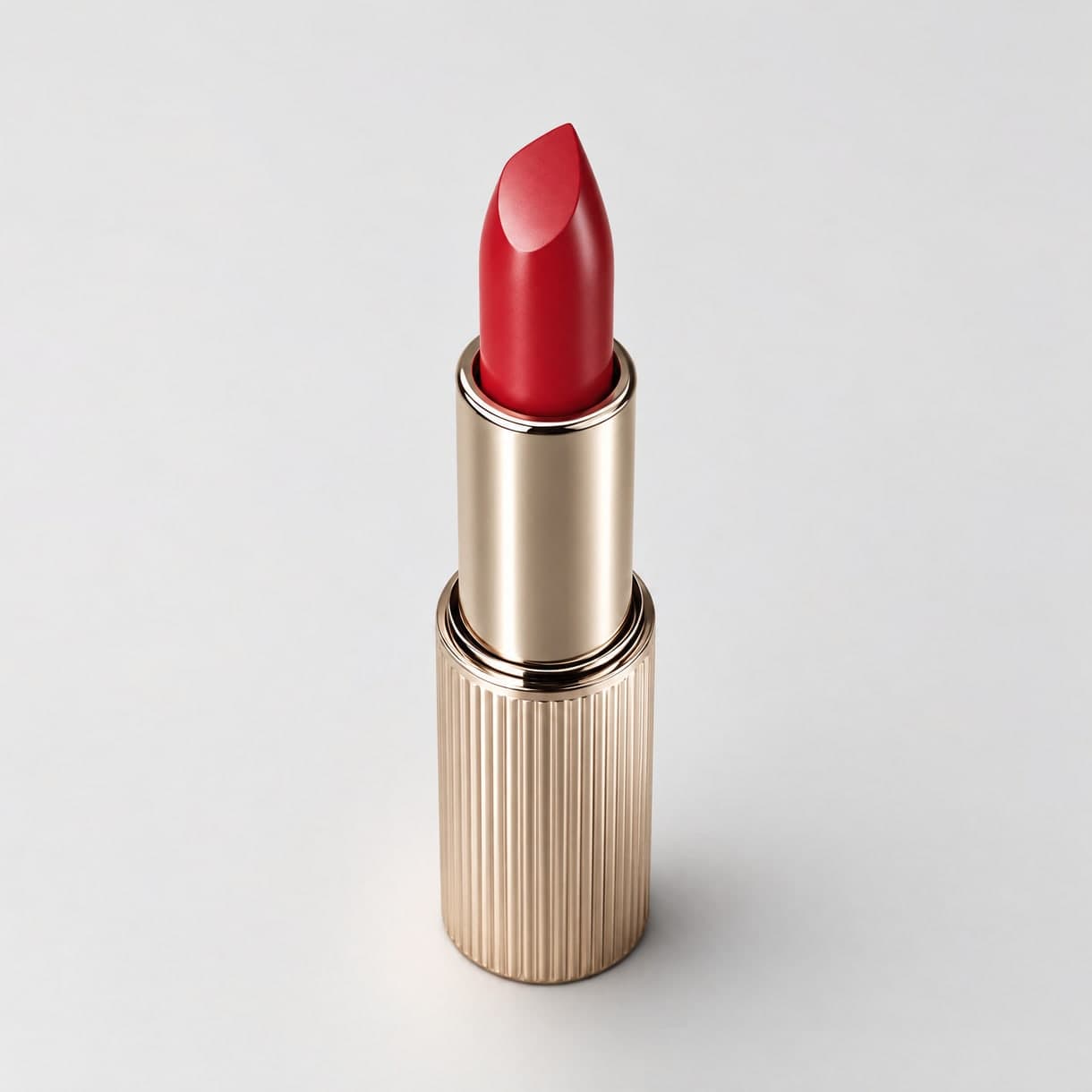
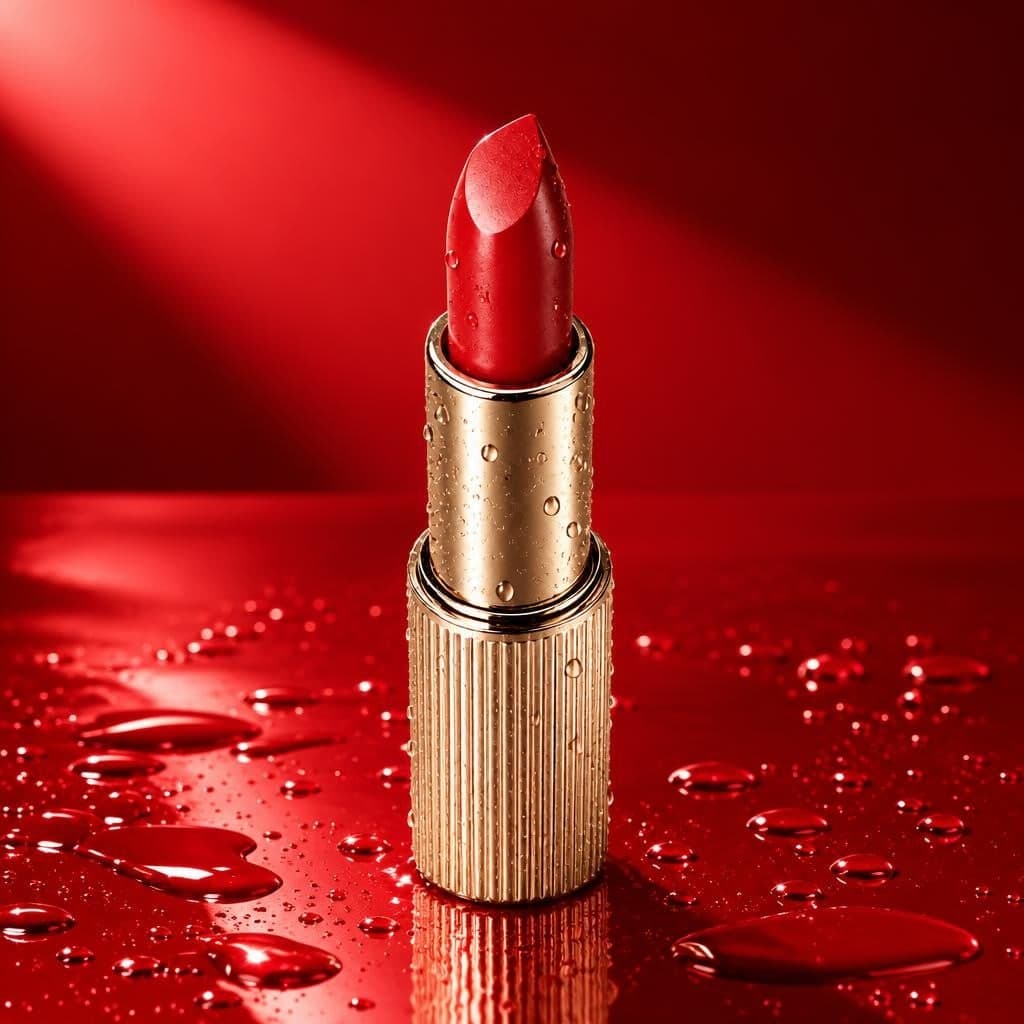
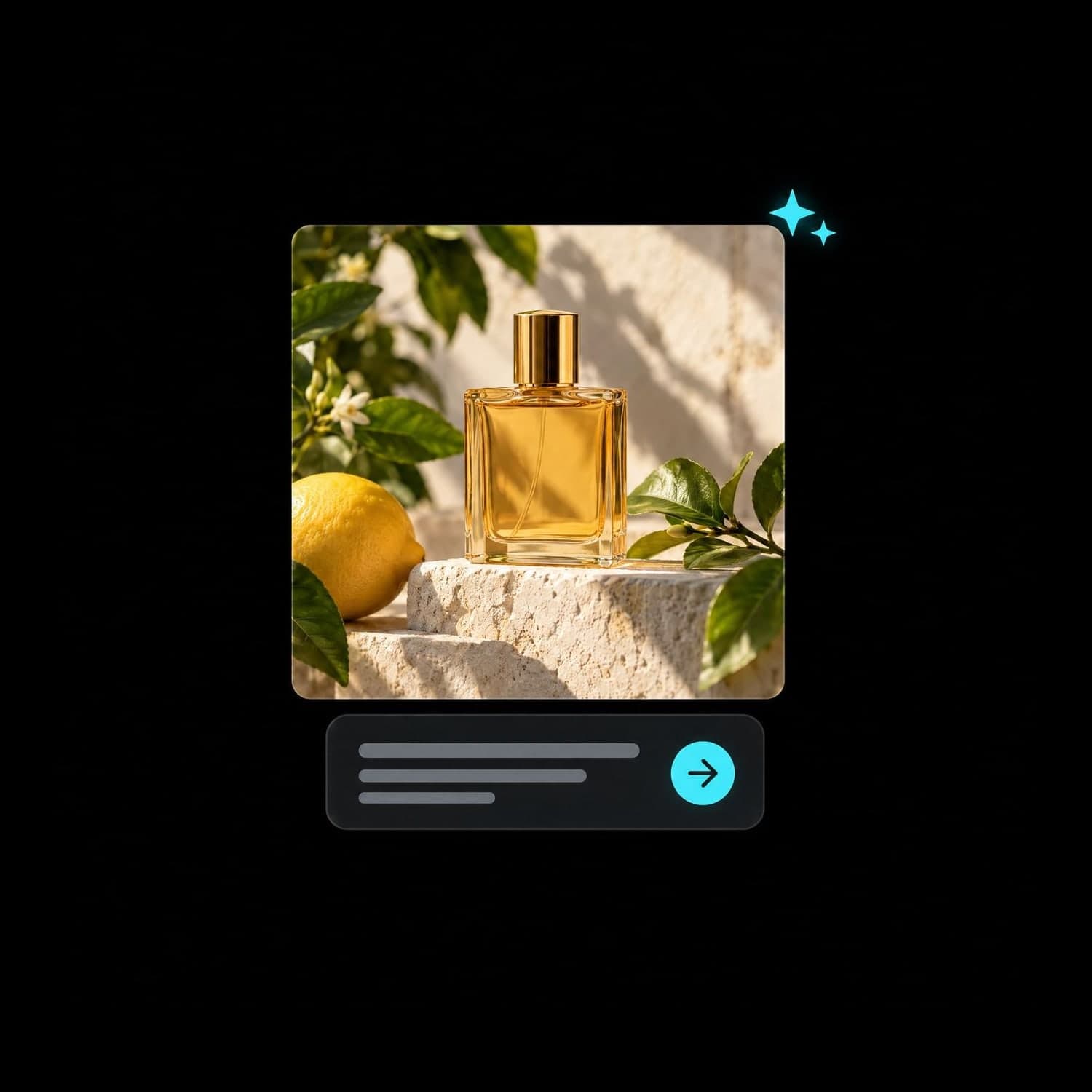
Build a setting around the product you already have.
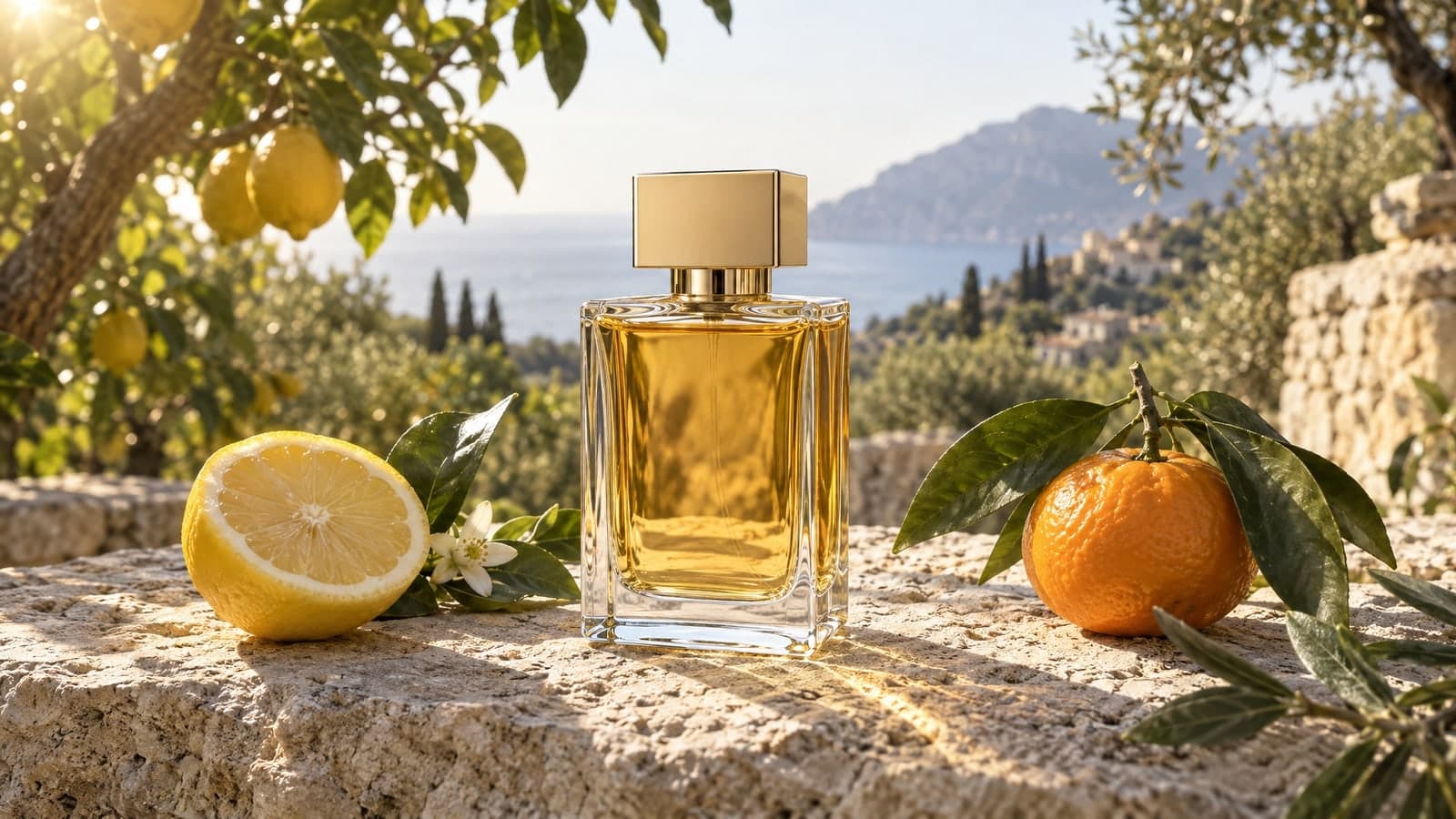
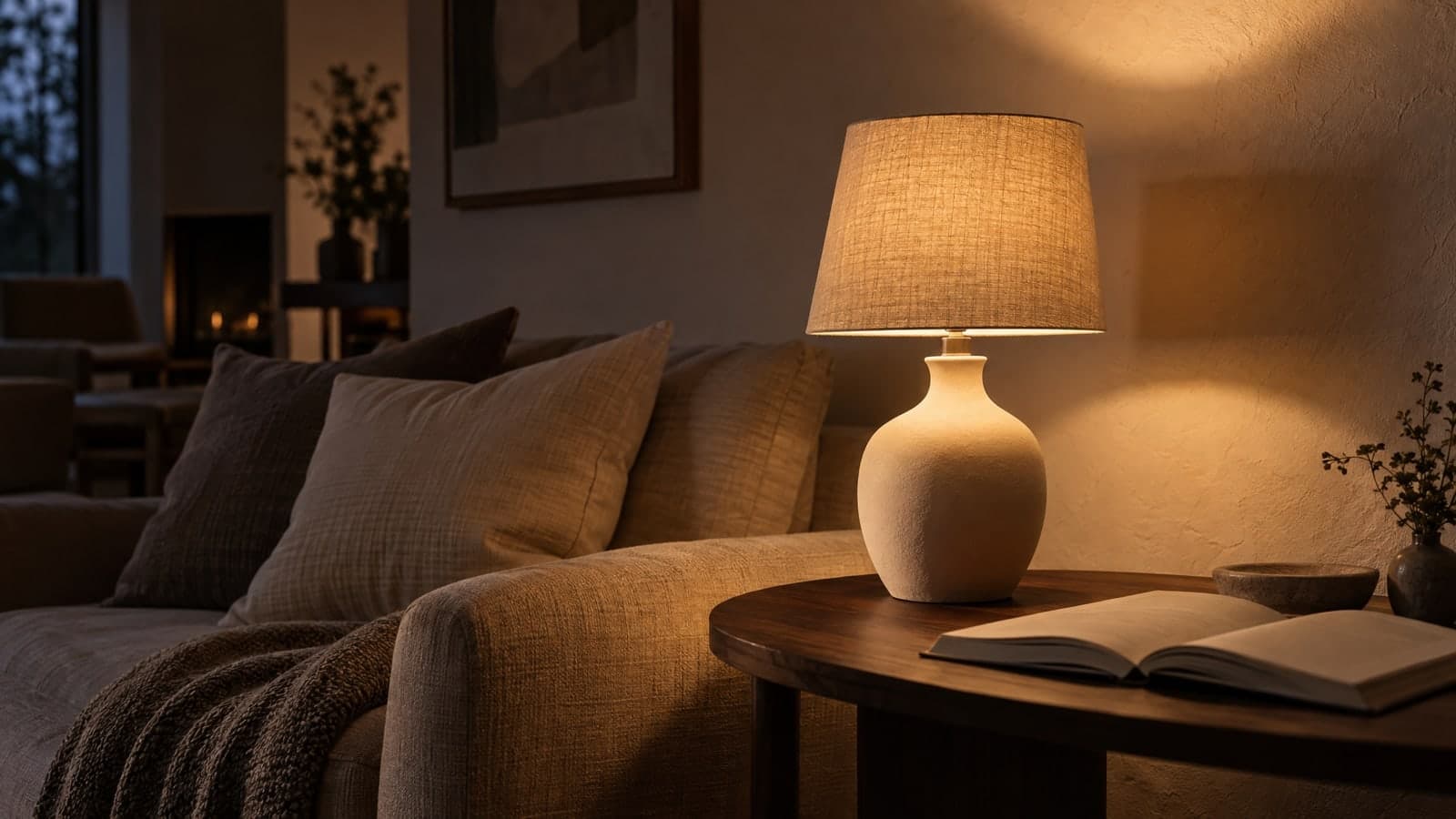
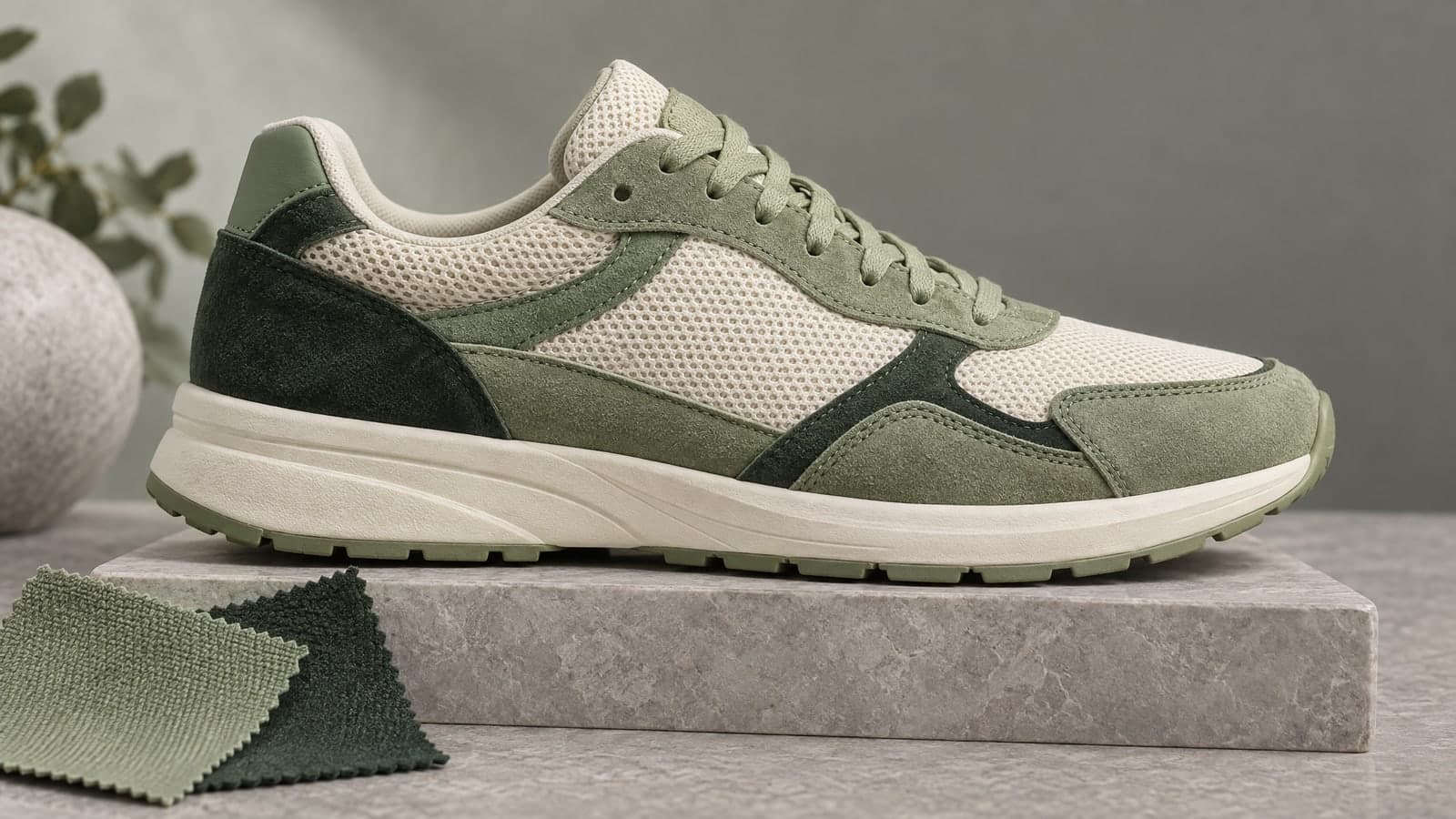
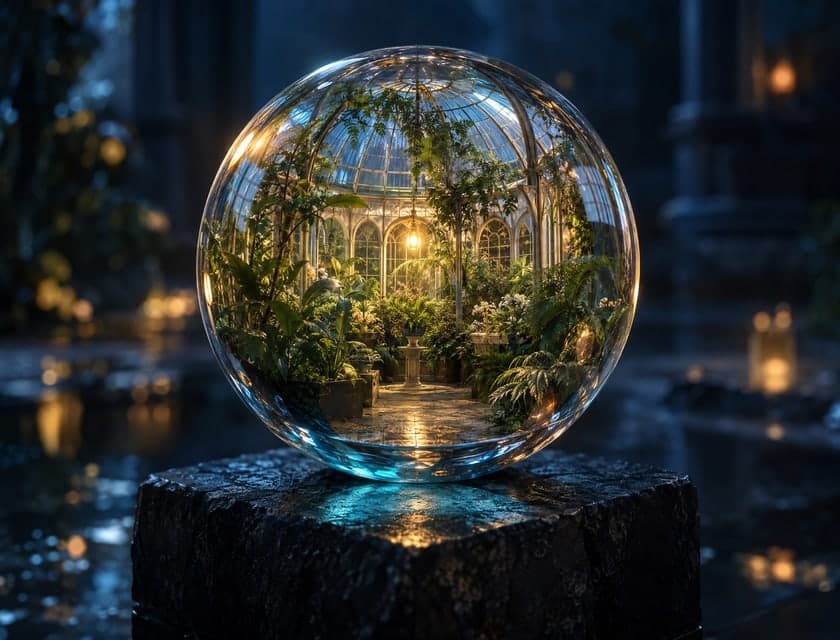
Use a GPT image generator to sketch a visual direction.
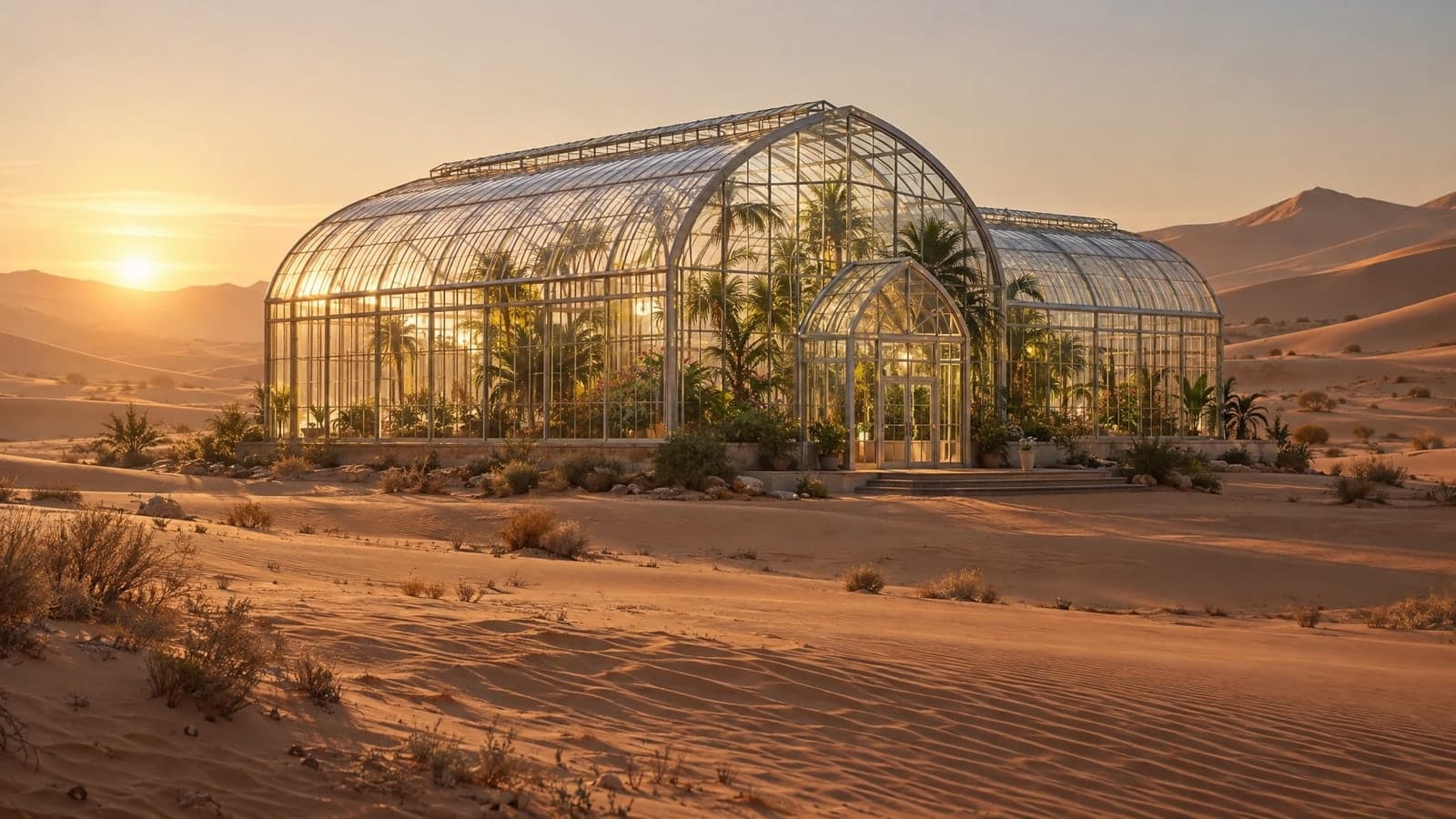
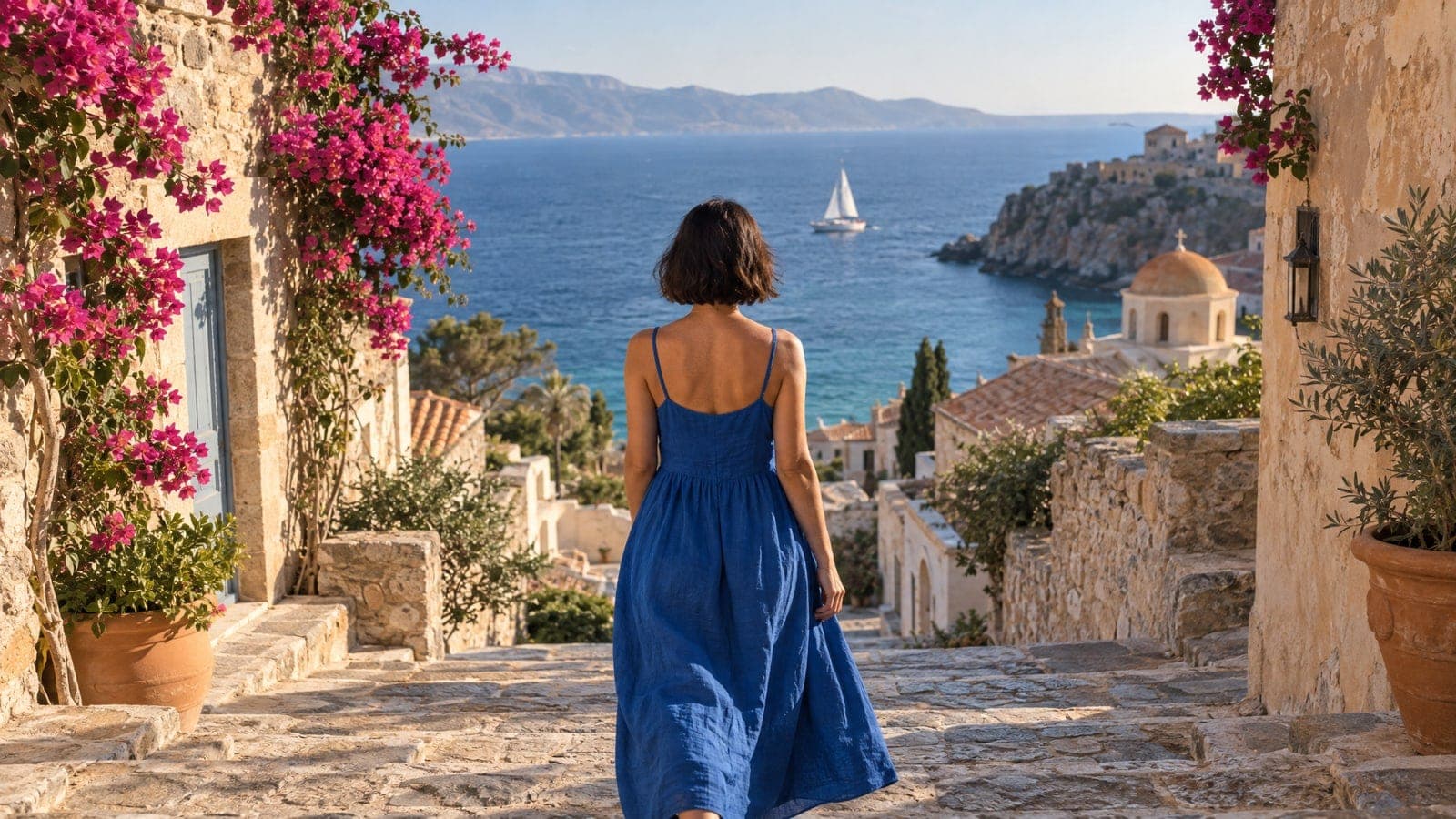
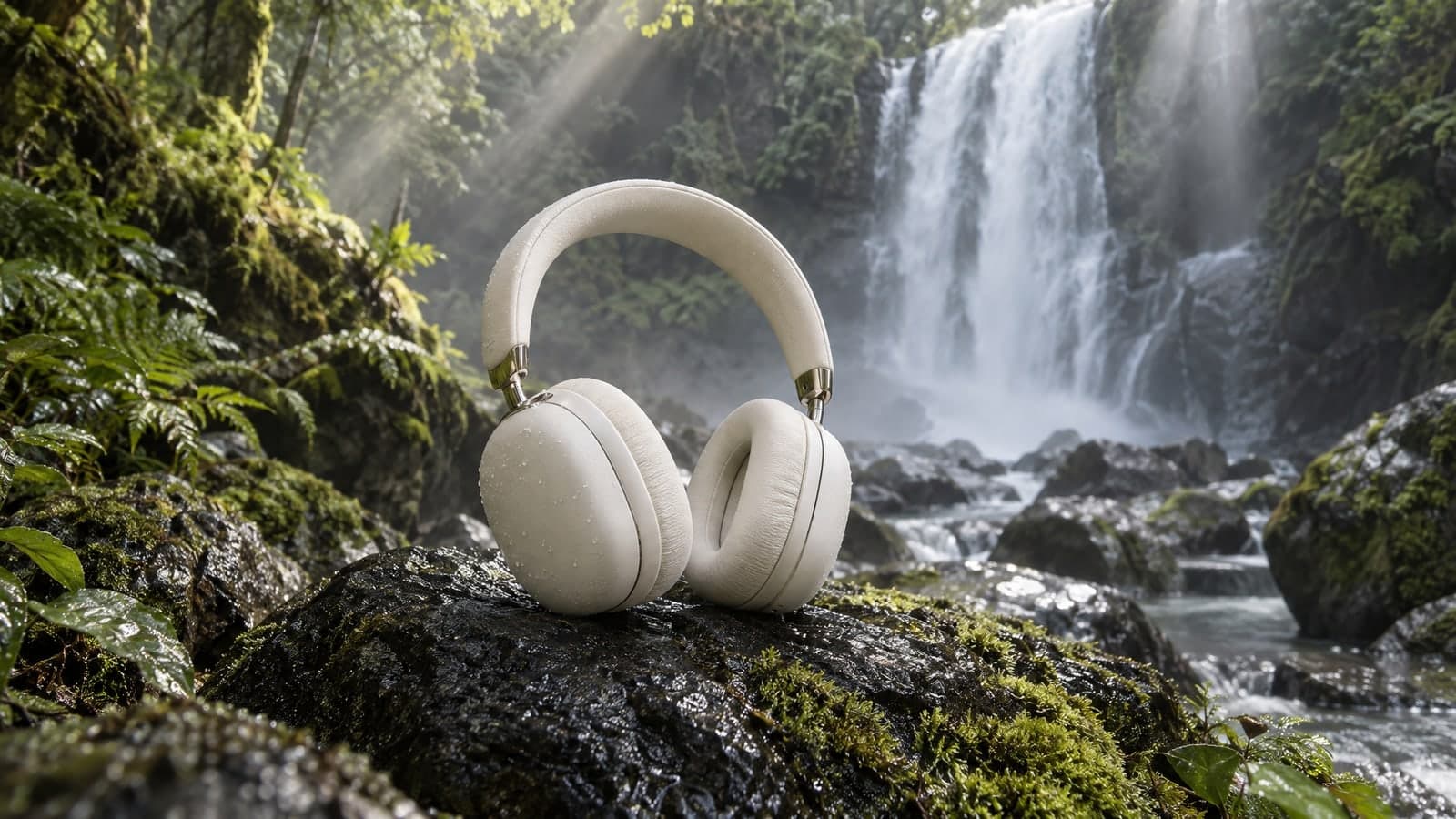
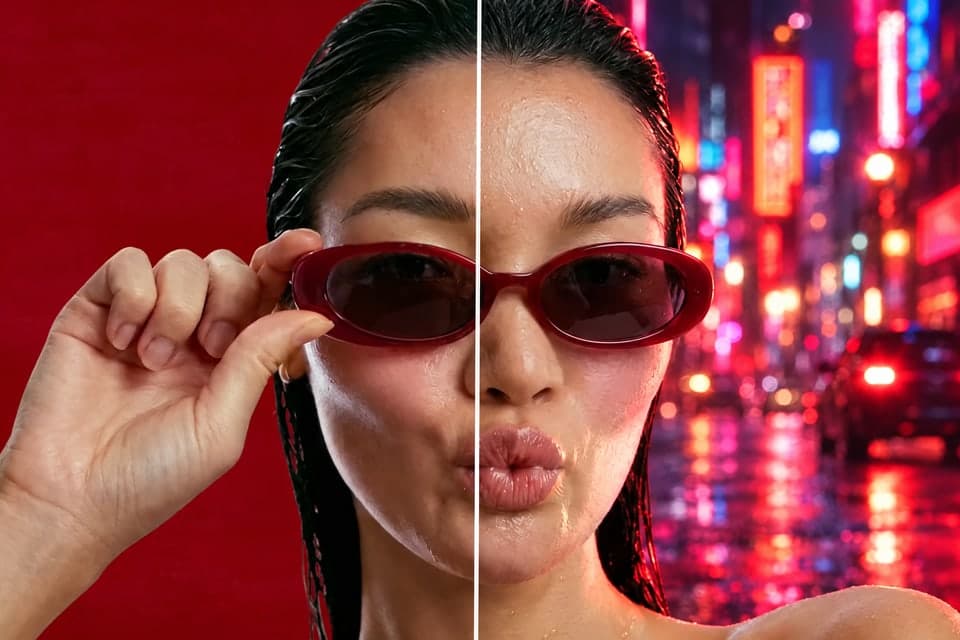
Give GPT Image 2.6 a visual starting point.
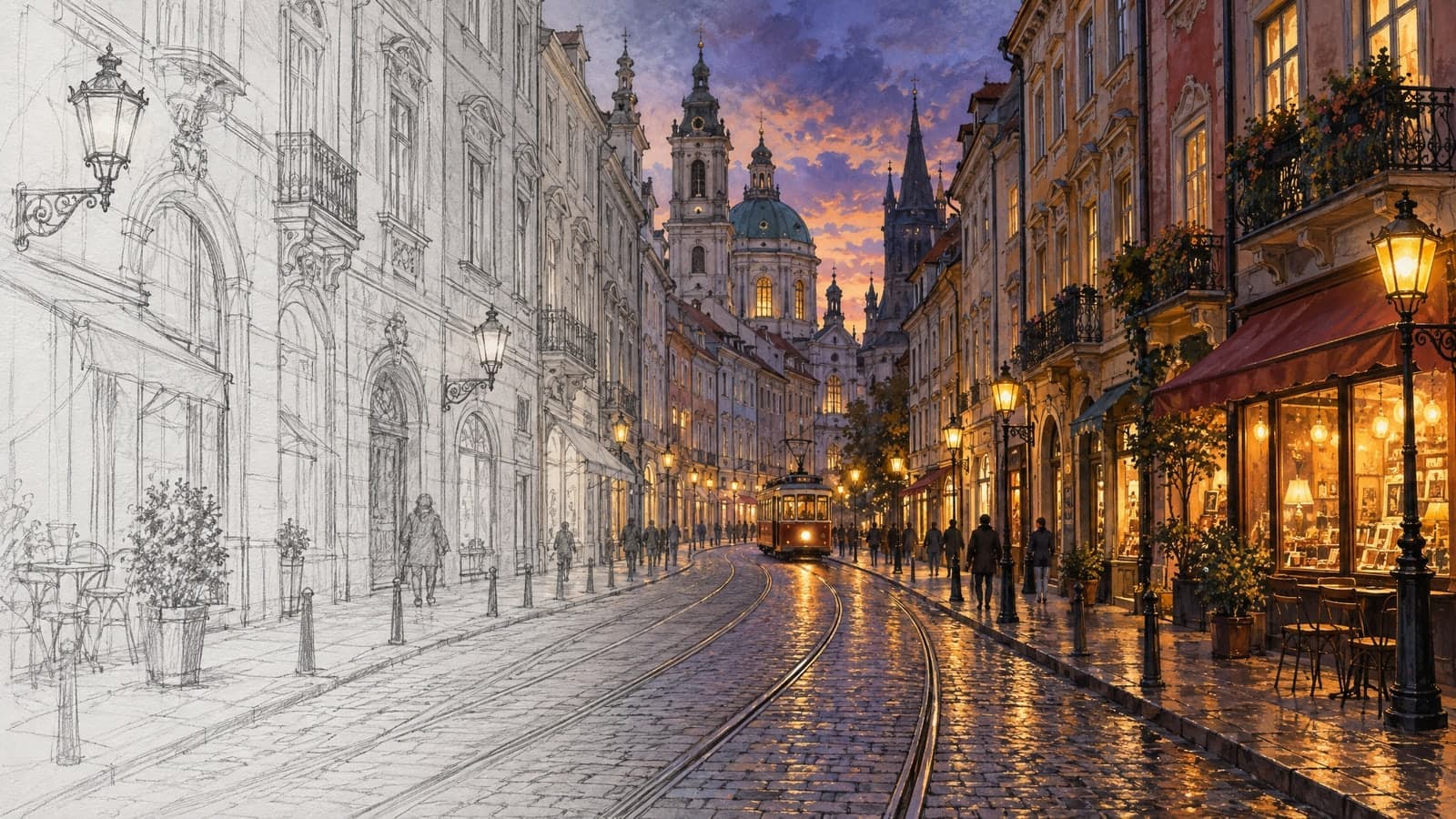
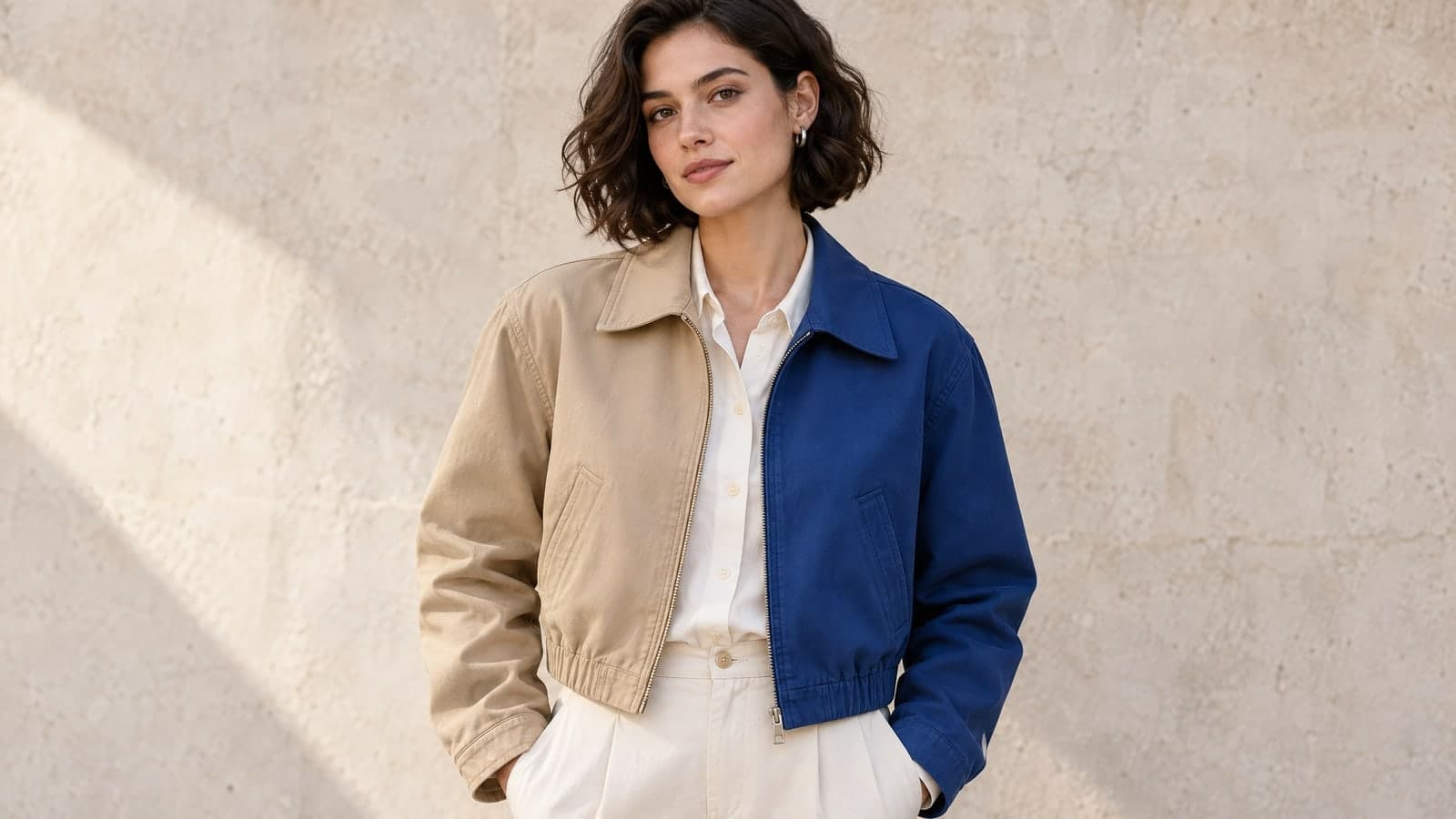
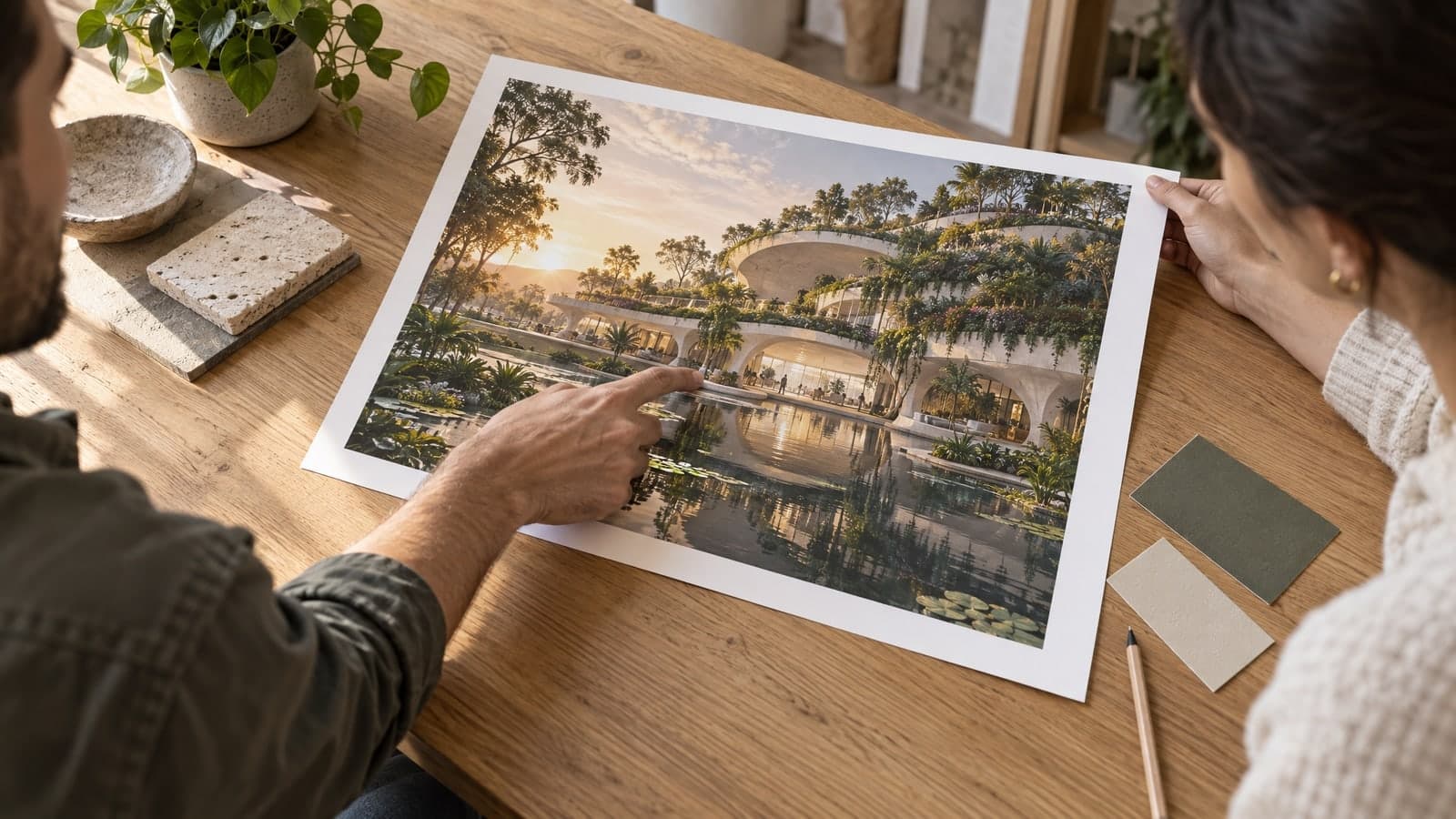
Open the GPT Image 2.6 image generator, add your brief and review the result before saving it.
01 Upload
Add up to 4 references, or leave uploads empty to create from text.
A clear photo helps explain the subject you want to preserve.
02 Describe
Write a prompt, choose a ratio and select Generate to begin.
For an edit, describe both the change and what should stay.
03 Download
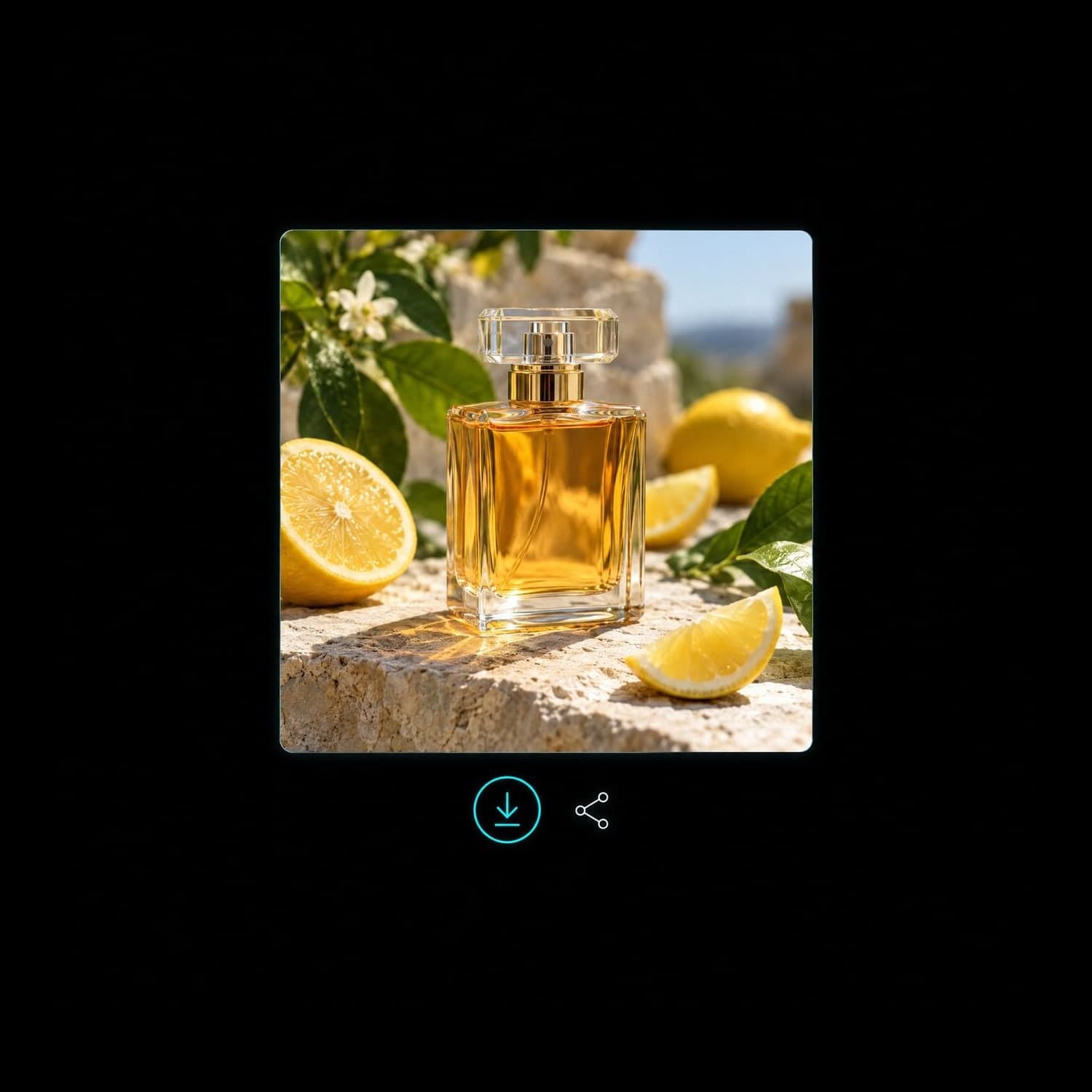
Check the details, download the image or create a share link.
Signed-in results appear in My Works for later access.
“Blending my rough sketch with a style photo gives me concept art I can show clients that day.”
Sophie Reed
Freelance illustrator
“I clear tourists out of my travel shots and turn a gray sky into a sunset with one sentence.”
Nathan Park
Travel content creator
This page uses GPT Image 2.6 Flare for text-to-image and photo editing. Add references when you need to guide the subject or composition.
Find another image or video tool for your next idea. Your MagicSky AI account works across the site.
Edit, restyle or blend up to 4 photos with a prompt, or create a new image from words alone
Change only what you describe in a photo, keep the rest
Turn a prompt into a short looping animated GIF
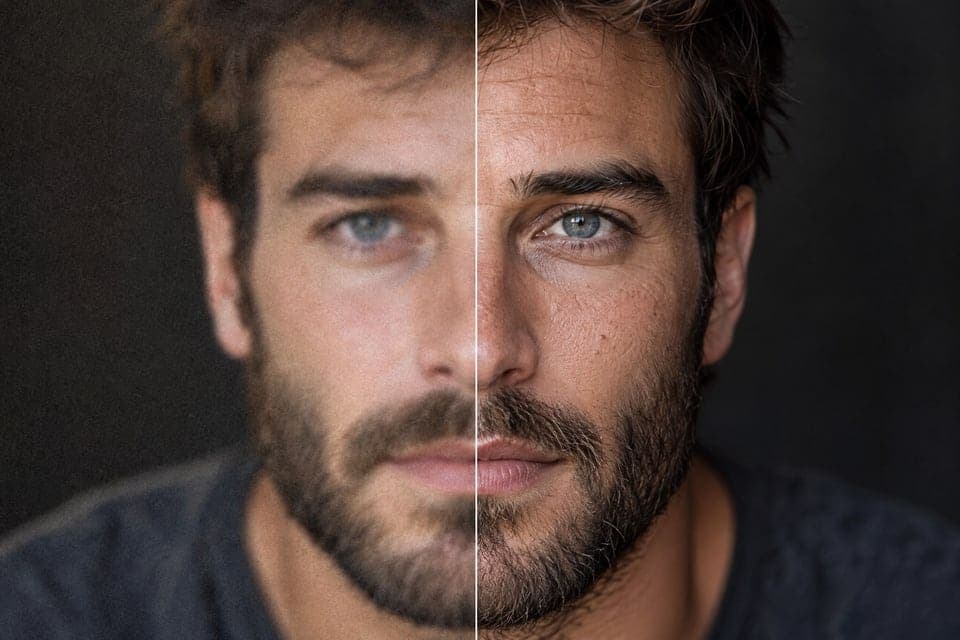
Upscale a photo to 4K and restore sharp, clean detail
Animate a photo into a 5 or 10 second video with sound, or make a clip from a prompt
Describe a scene and watch it move, no photo needed
Google's video model: a photo or prompt to a clip with sound
Generate and edit images with Google's Nano Banana 2.1.
Turn a photo or prompt into an 8-second video with sound.
Turn a photo or prompt into a 1080p video with sound.
Turn a photo of two people into a kissing video
Prompt ideas and practical guides for your next image.
What to upload, how generation works and where to find your images.
GPT Image 2.6 is an image generation and editing model. MagicSky AI gives you a browser-based way to use its Flare version: describe a new scene or upload photos and explain the changes you want.
This GPT image generator creates one image per request. It supports text prompts and reference photos in the same input box, with no software to install.
MagicSky AI is an independent website, not the ChatGPT app. If you searched for ChatGPT Images 2.6 or a Chat GPT image generator, this page offers access to GPT Image 2.6 Flare through your MagicSky AI account. A ChatGPT subscription does not provide credits here.
This page creates still images. It does not include every editing or output option available elsewhere.
You can upload up to 4 reference photos per request. The uploader accepts JPG, PNG, WebP and iPhone HEIC files up to 30MB each and prepares them for generation. You can also send a photo from your phone using the QR upload option.
Tell GPT Image 2.6 what each reference contributes, such as the product in the first photo and the setting in the second.
Choose Auto, 1:1, 3:4, 4:3, 2:3, 3:2, 9:16 or 16:9. Images use the 1K resolution tier; exact dimensions depend on the ratio. Auto selects the closest supported shape to the first reference, or a square for text-only prompts.
This page creates still images with a JPG download option. It does not provide 2K or 4K controls, transparent backgrounds, animated GIFs or SVG output.
Our reference-photo test with GPT Image 2.6 took about 2 minutes. Your wait may vary with the prompt and queue; the result appears when it is ready. Review small details, text and product features before using the image.
For another version, adjust your prompt and generate again. Each new request uses credits.
You can try this model with the site’s available guest allowance. New accounts receive starter credits, and daily check-in can add more. The input panel shows the credit cost before you select Generate.
A paid plan or credit pack adds more credits for continued use. Your MagicSky AI credits apply across the tools on this site.
Under MagicSky AI’s terms, free-plan images are for personal, non-commercial use. A paid plan or credit pack allows commercial use, such as product pages, ads and client work. You still need permission to use any photos, brands or other protected material in your prompt or uploads. Check the finished image and our Terms of Service before publishing.
When you are signed in, your results appear in My Works, where you can view, download or share them. A share link lets anyone who has it view the result you chose to share. Upload only images you have permission to use, and avoid sharing sensitive material through public links.
Bring a photo or start with a short prompt.