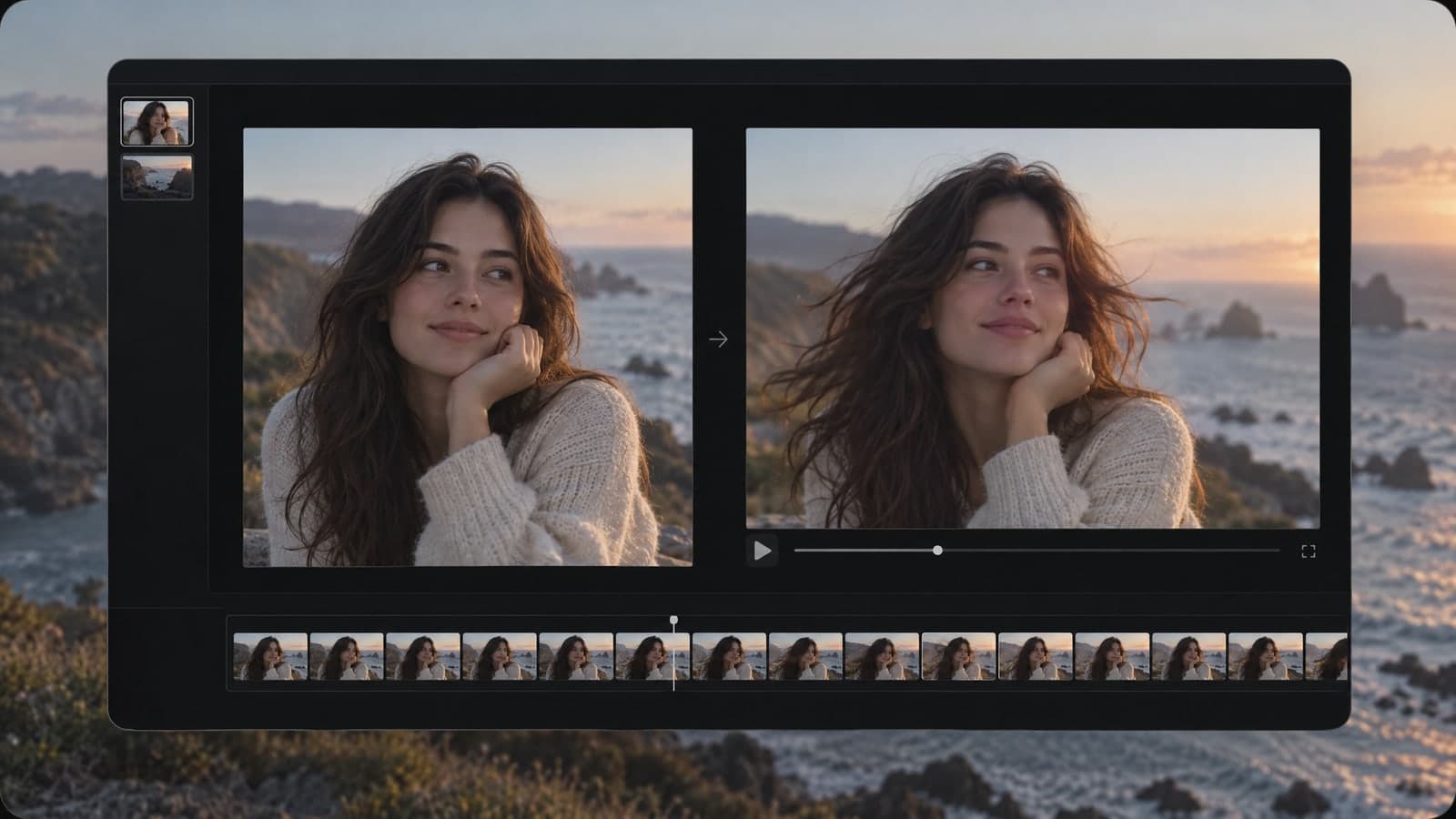
Nano Banana 2.1 - MagicSky AI
01 Add
Choose a photo, or go from words
Drop in up to 4 images, or type an idea if there is no photo yet.
The first photo usually sets the subject; the later ones set the mood.
Type what should change. Leave the rest exactly as it is.
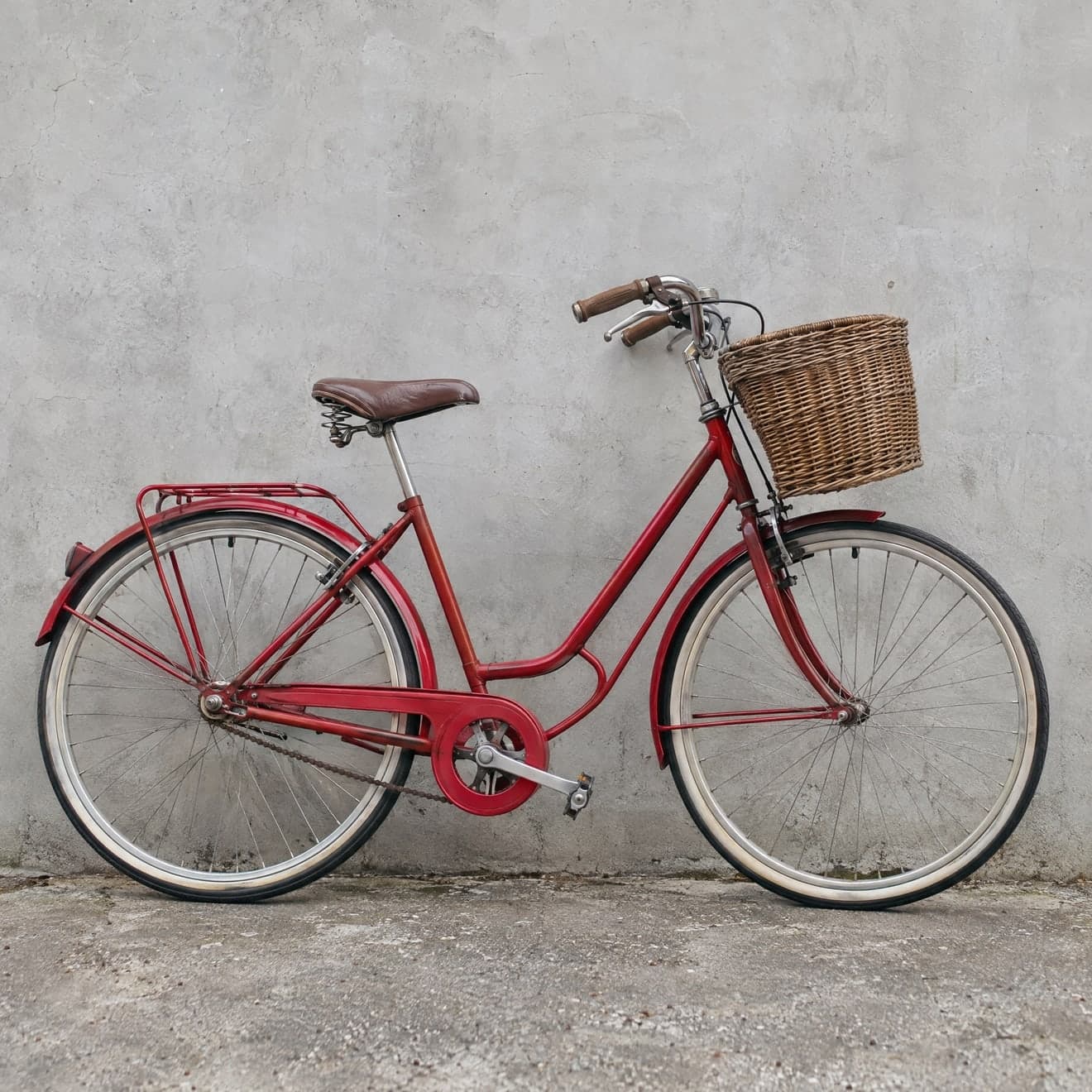 Input image
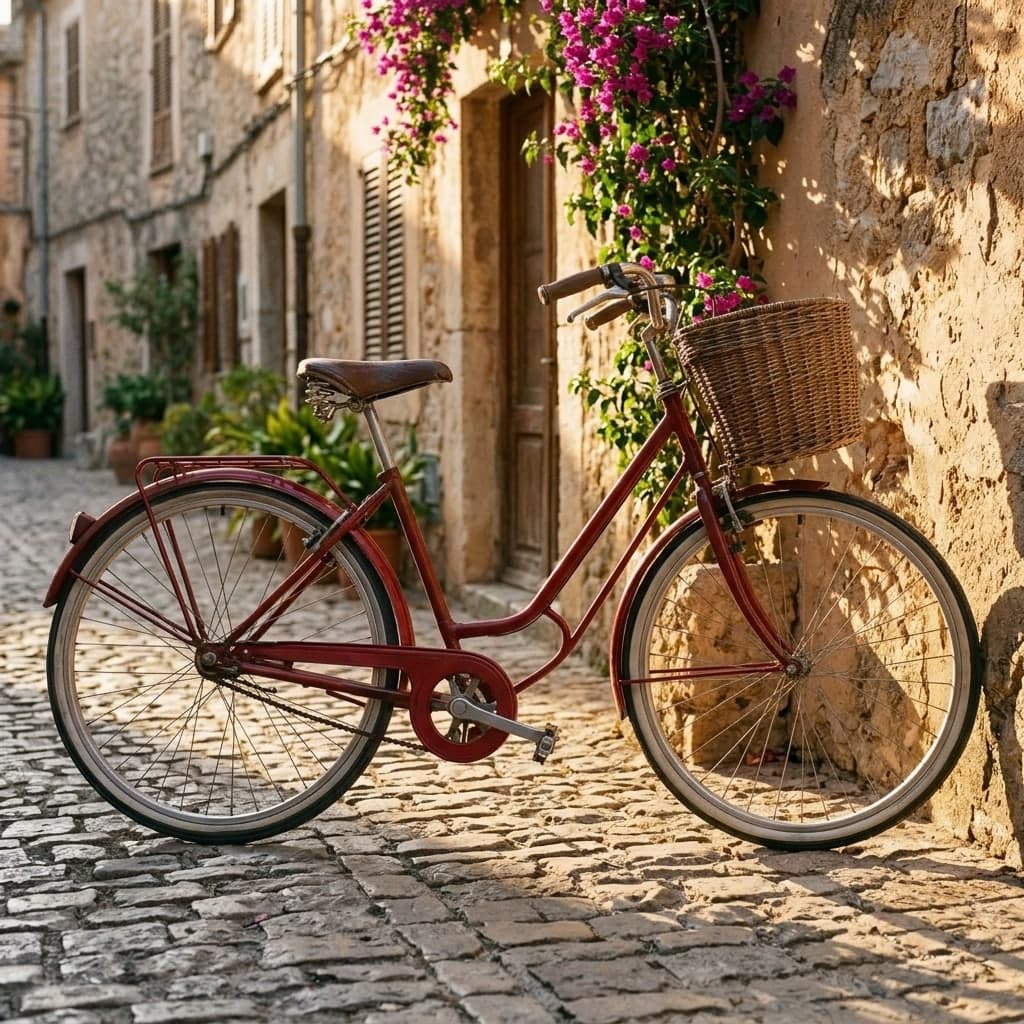 Result 1
Input
Input imageOutputs
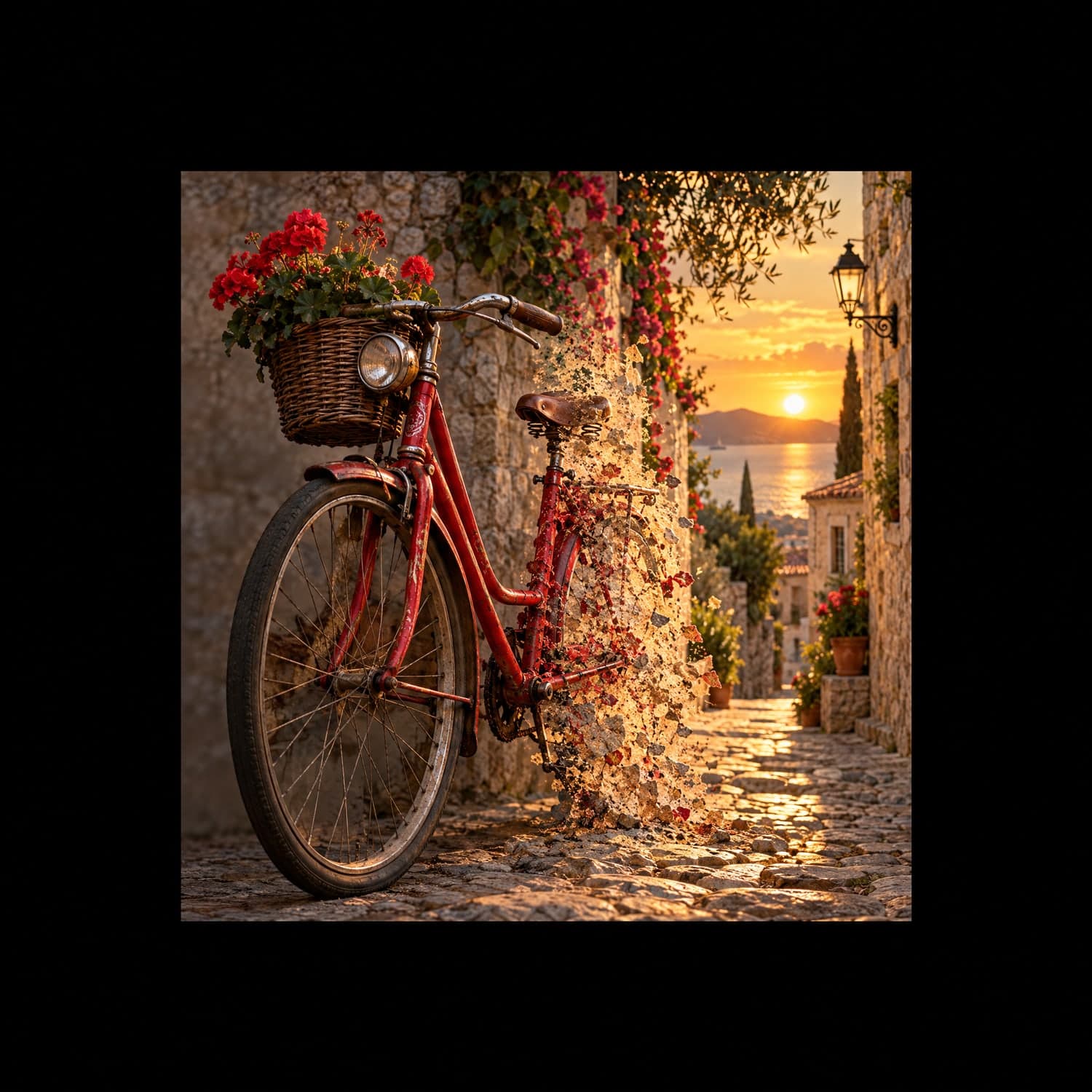
Result 1A Google image model that holds on to faces, products and lettering while you rebuild the scene around them.
Nano Banana 2.1 renders signs, packaging and short labels as words, not squiggles.
Name what must stay and the person, product or pet keeps its real face and shape.
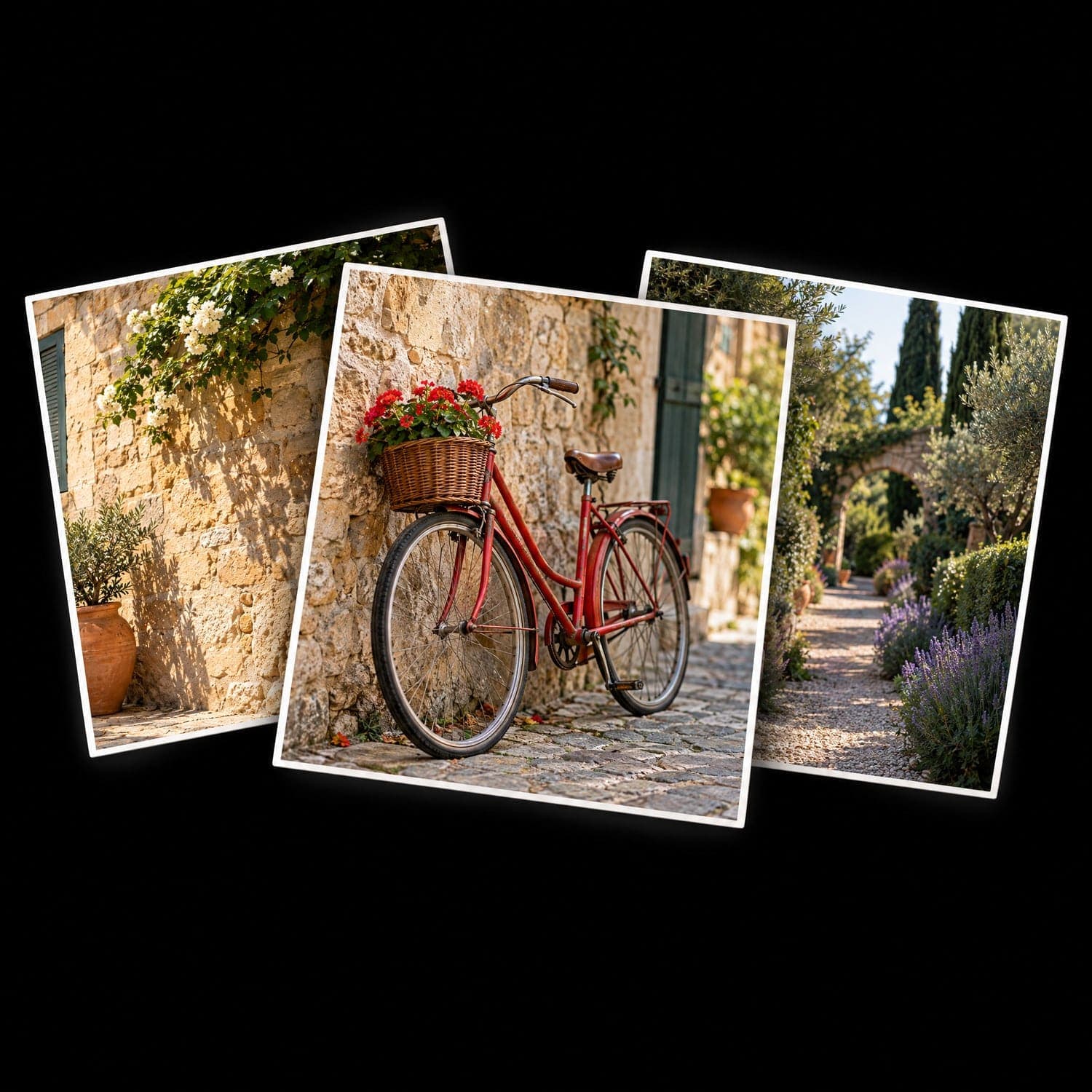
Bring up to 4 references and say which sets the style, the room or the object.
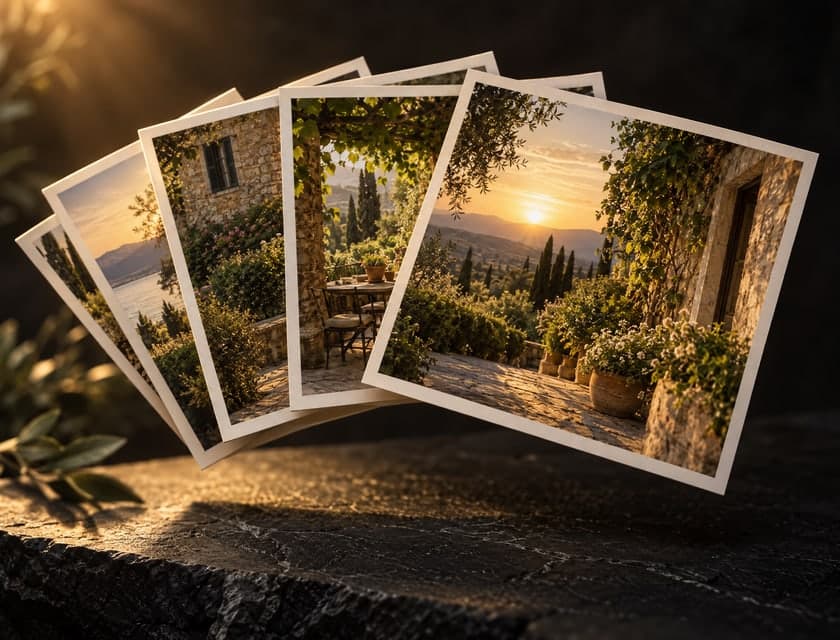
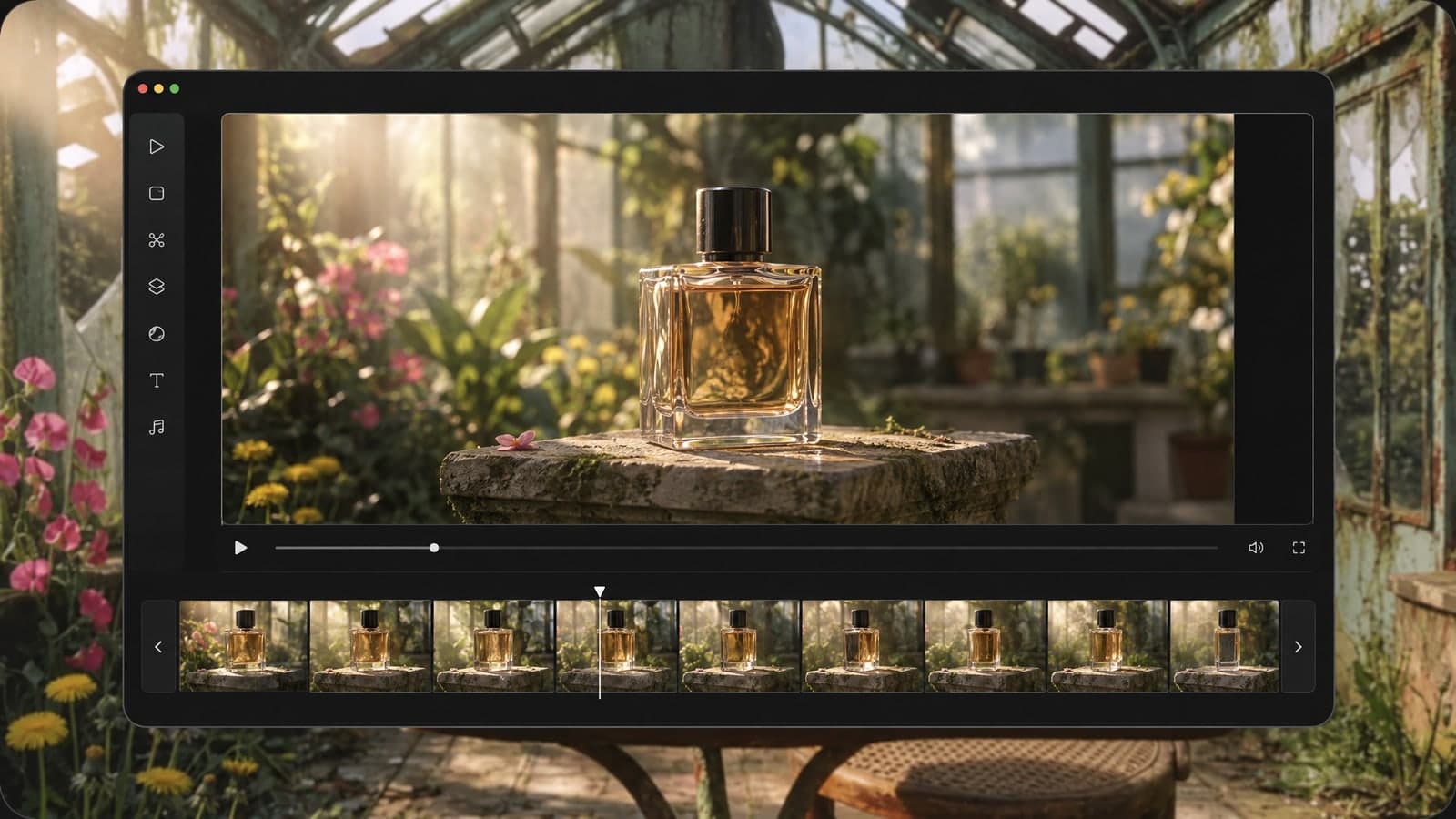
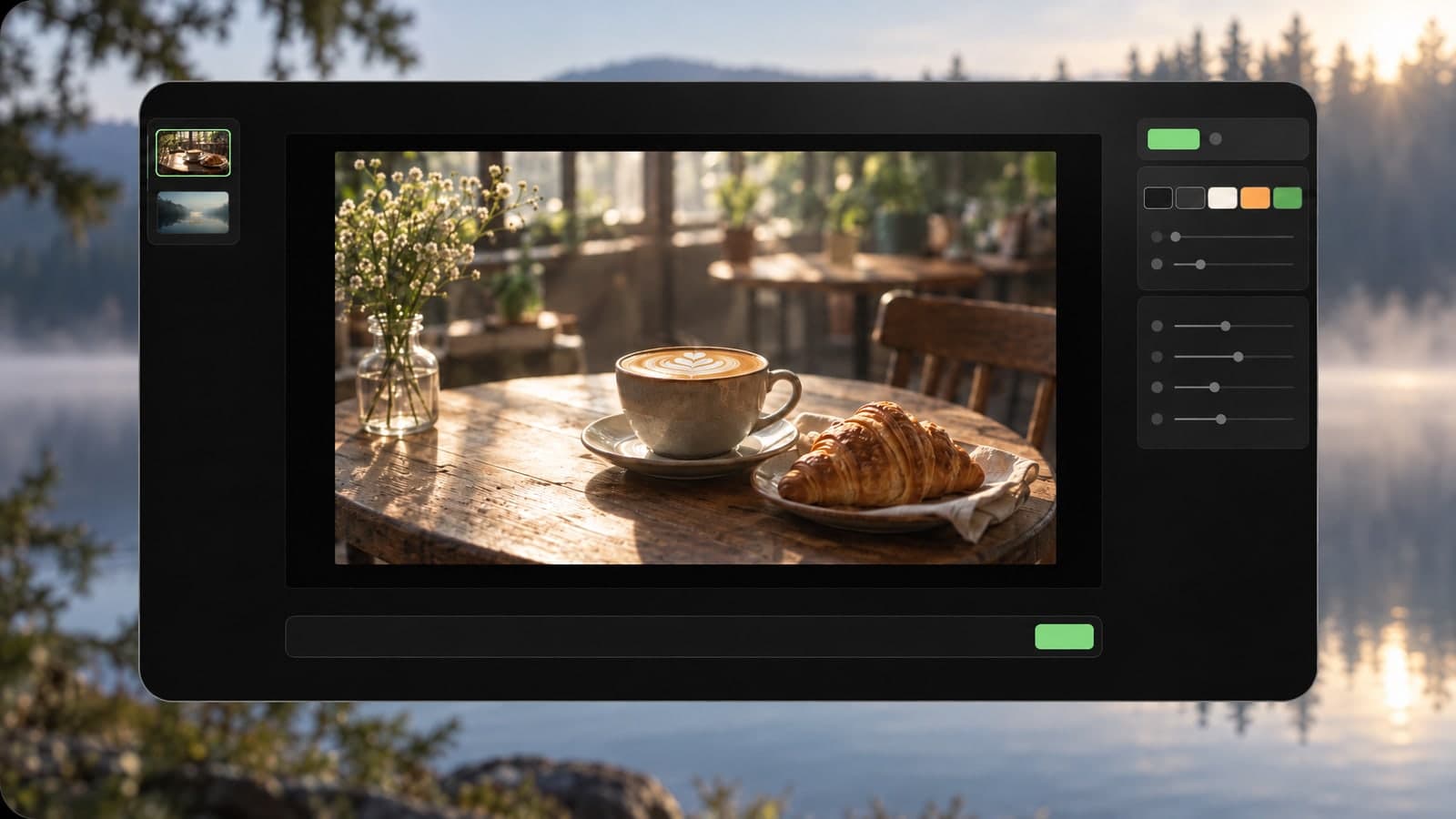
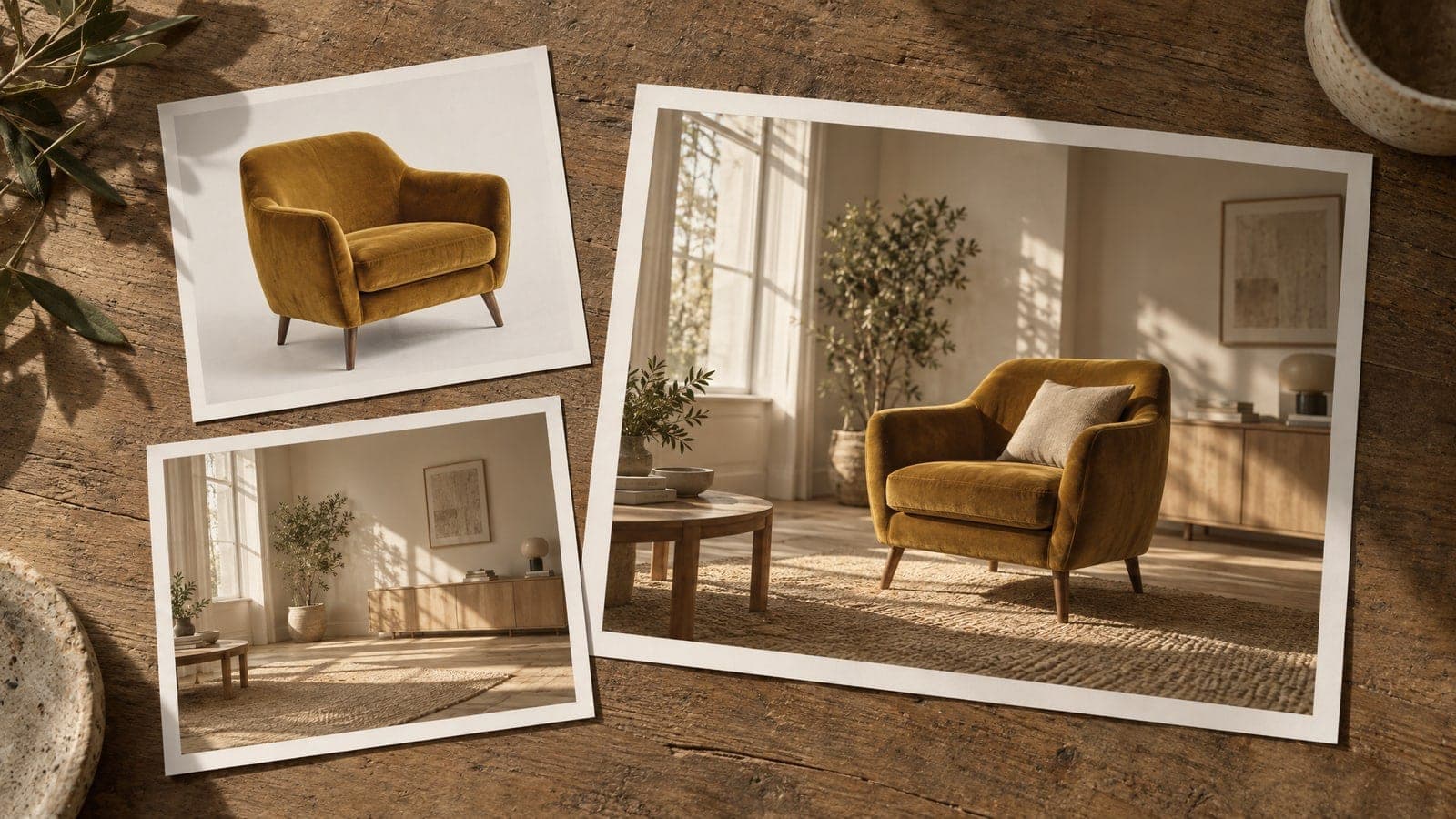
Product shots, game characters and interiors, each edited with a short instruction. Pick any example and try the same edit with Nano Banana 2.1 on your own photo.
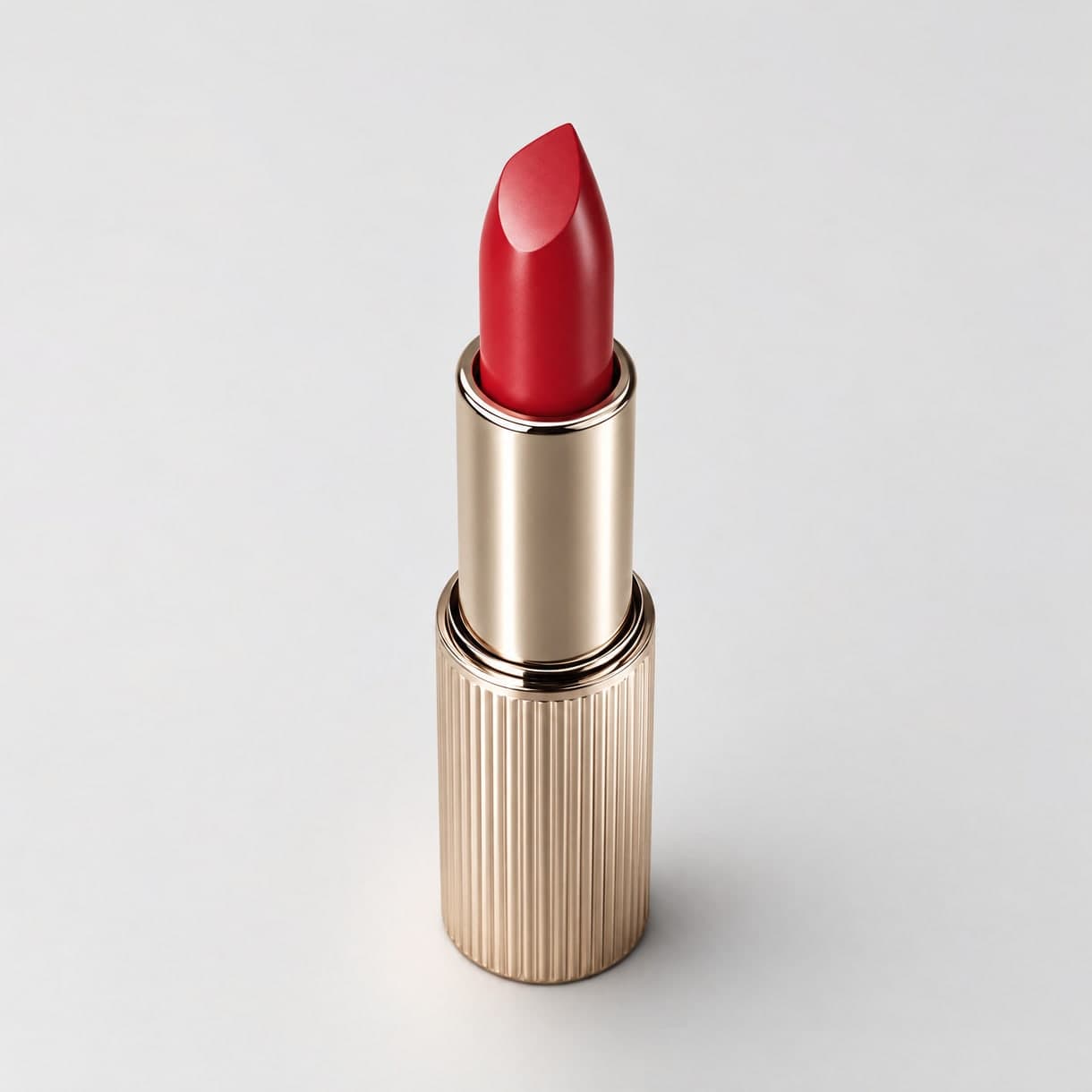
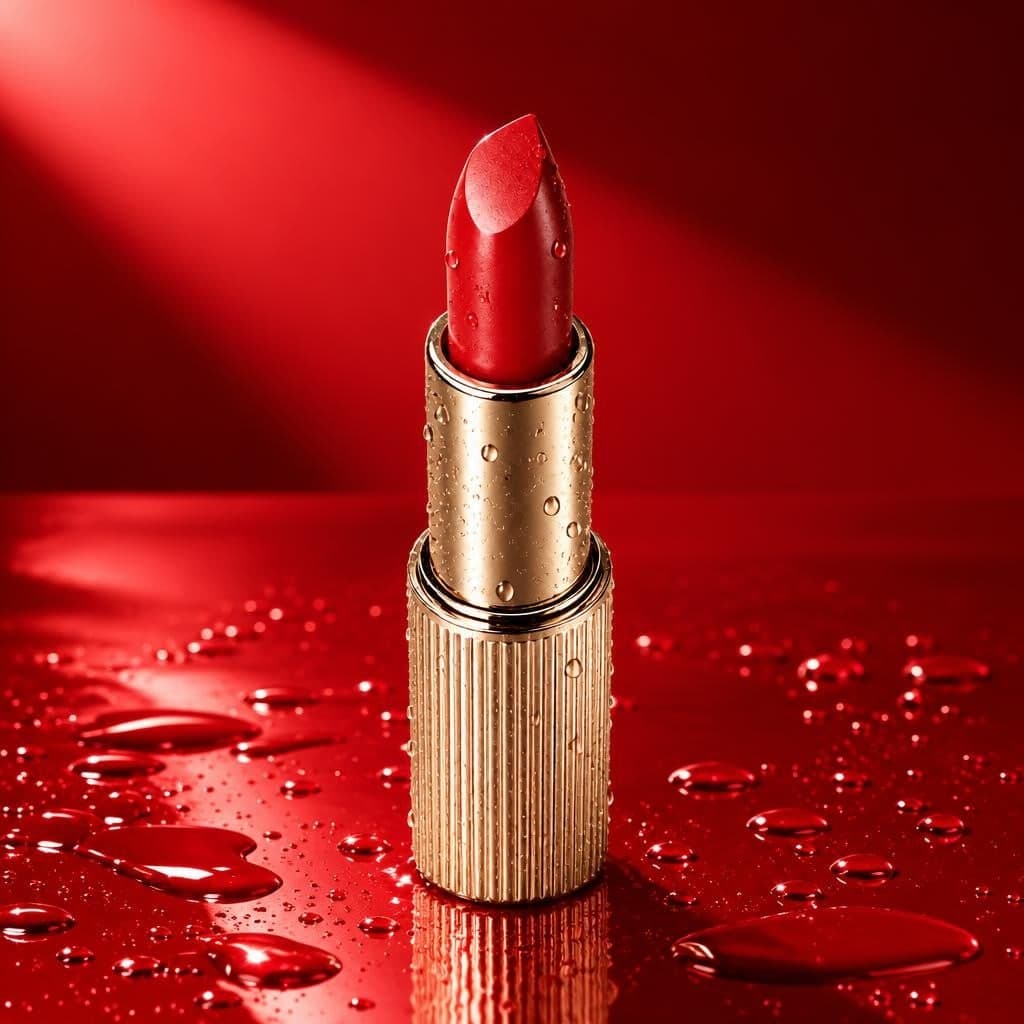
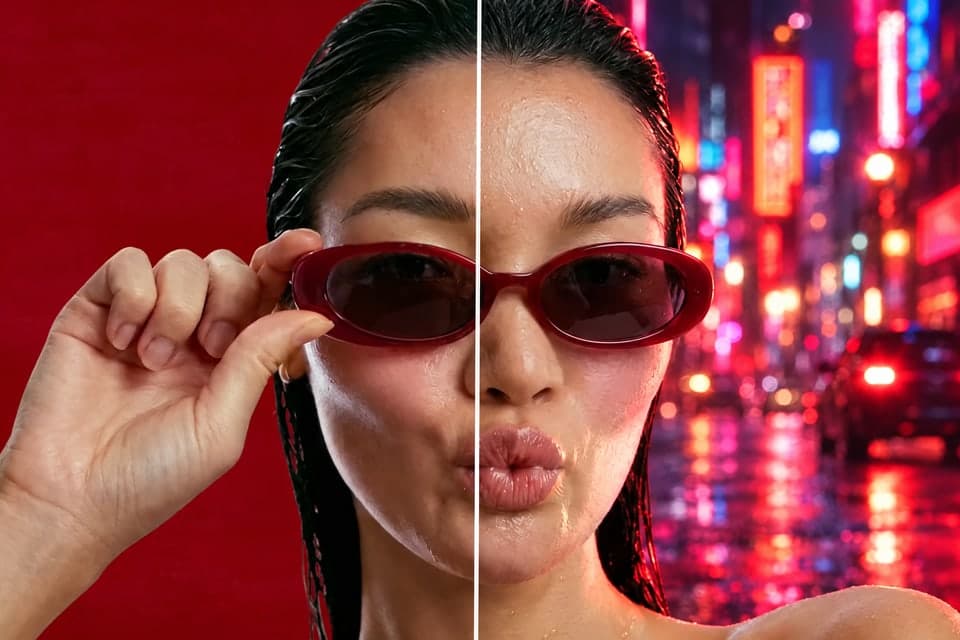
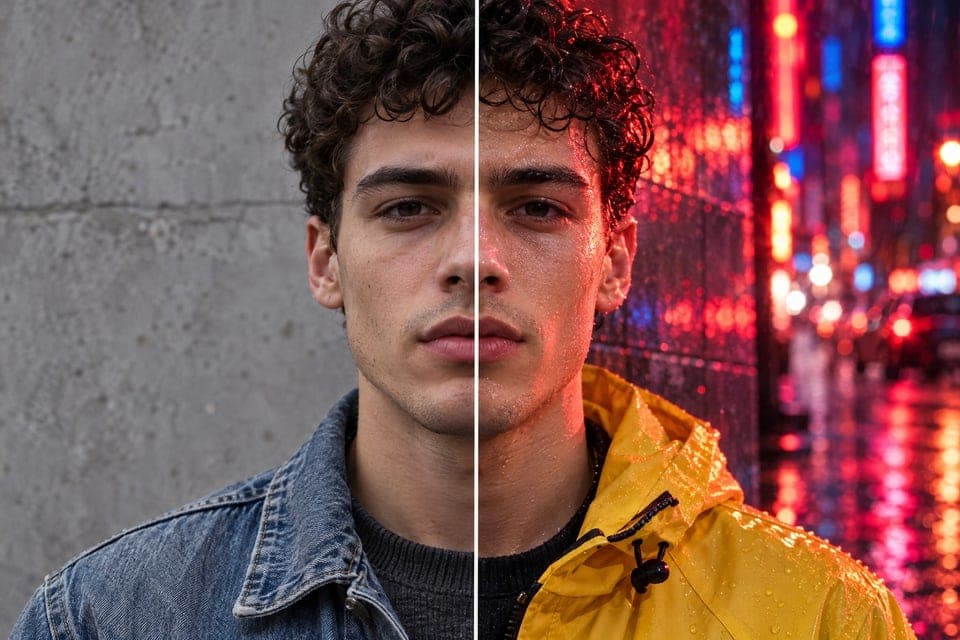
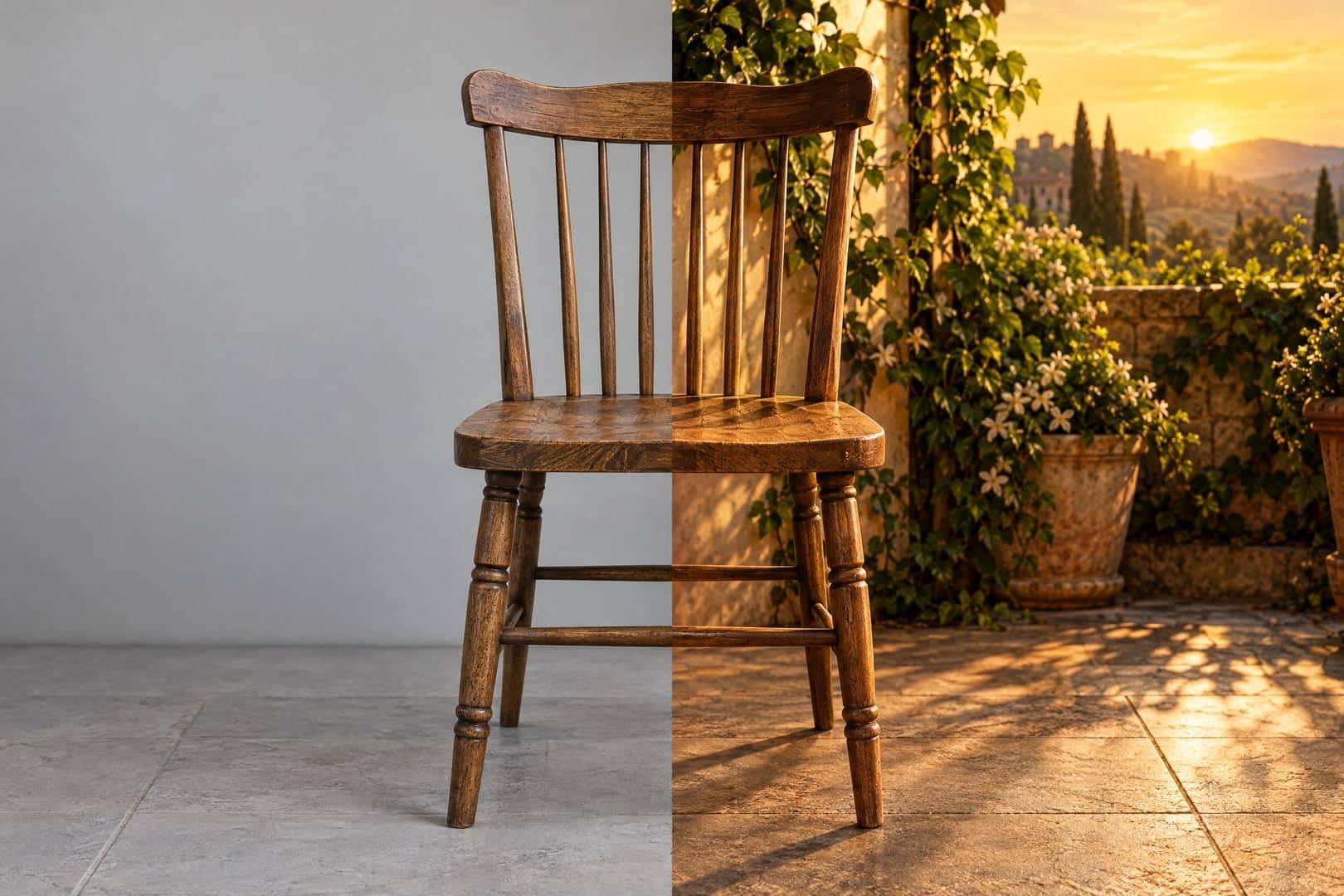
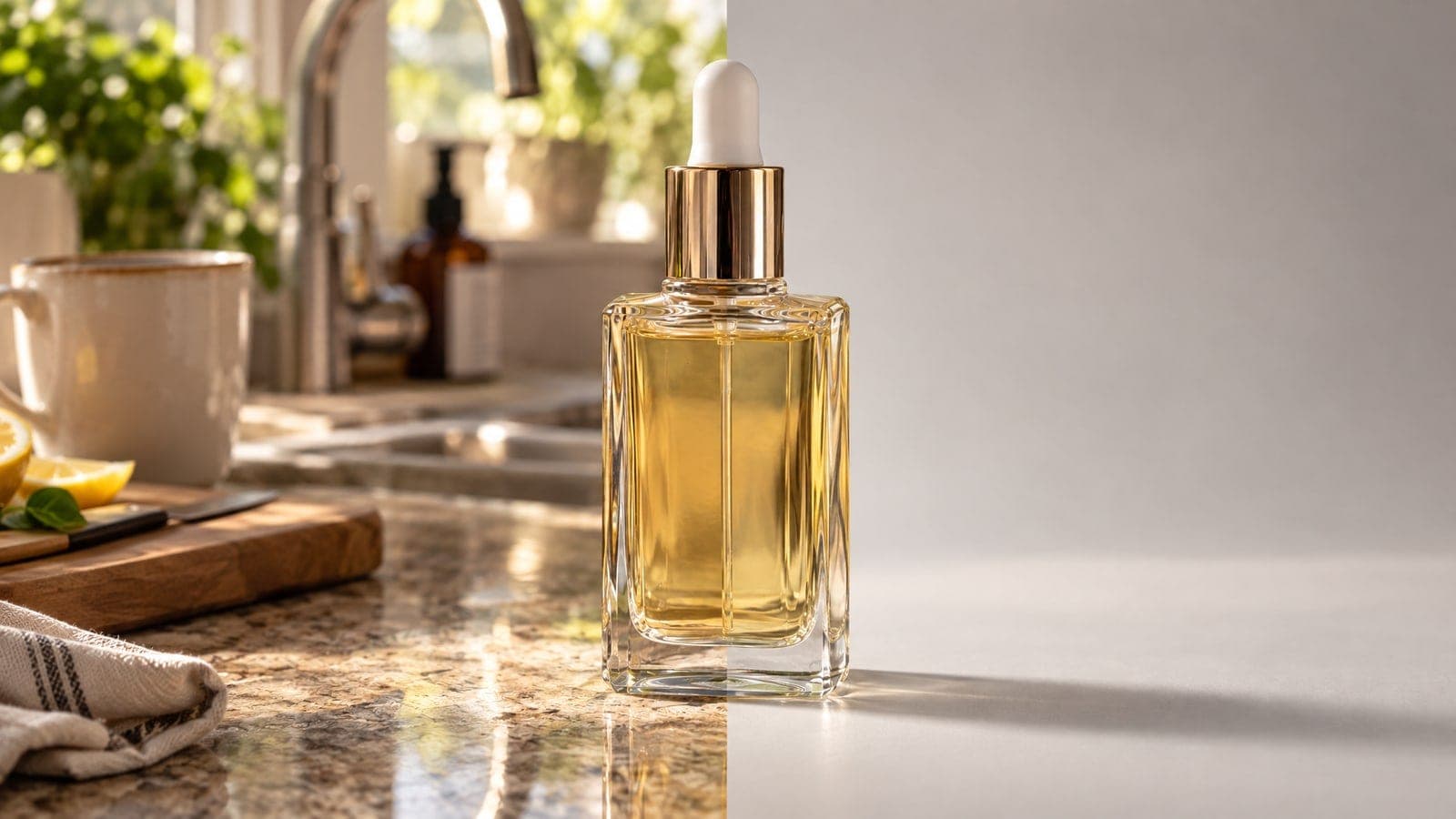
Change the background, light or color of something you already photographed.
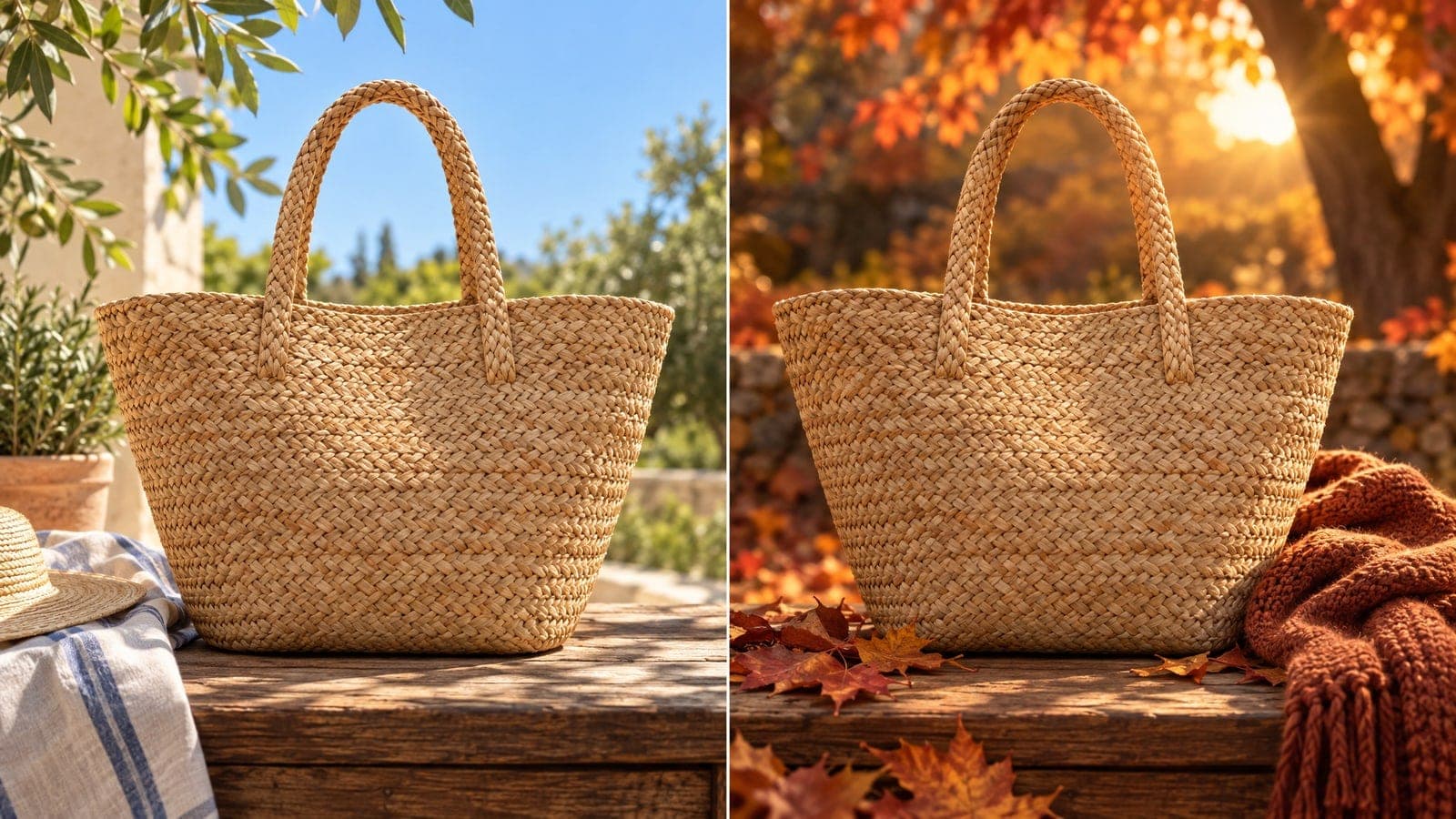
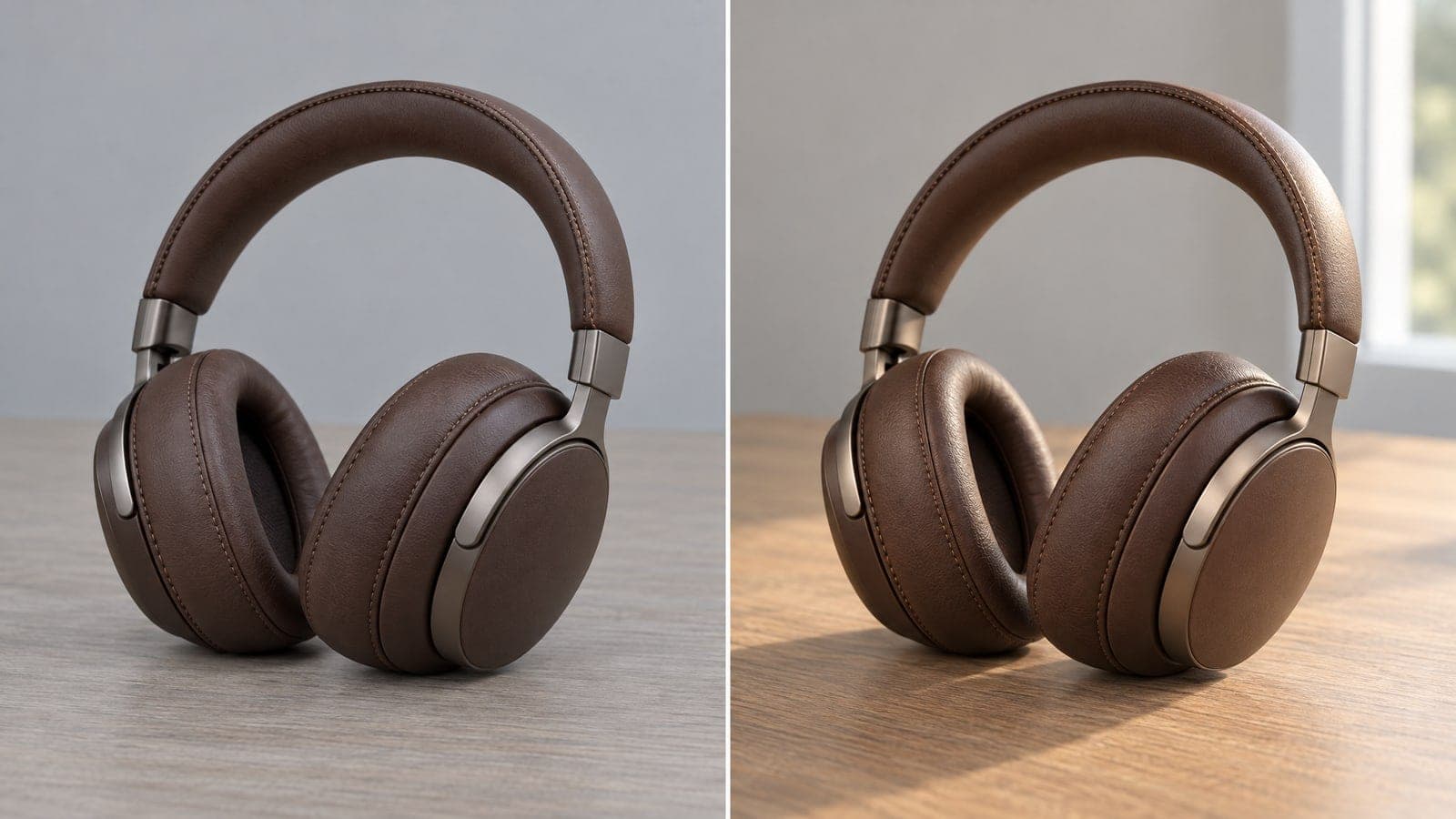
Hold the same face and outfit from picture to picture.
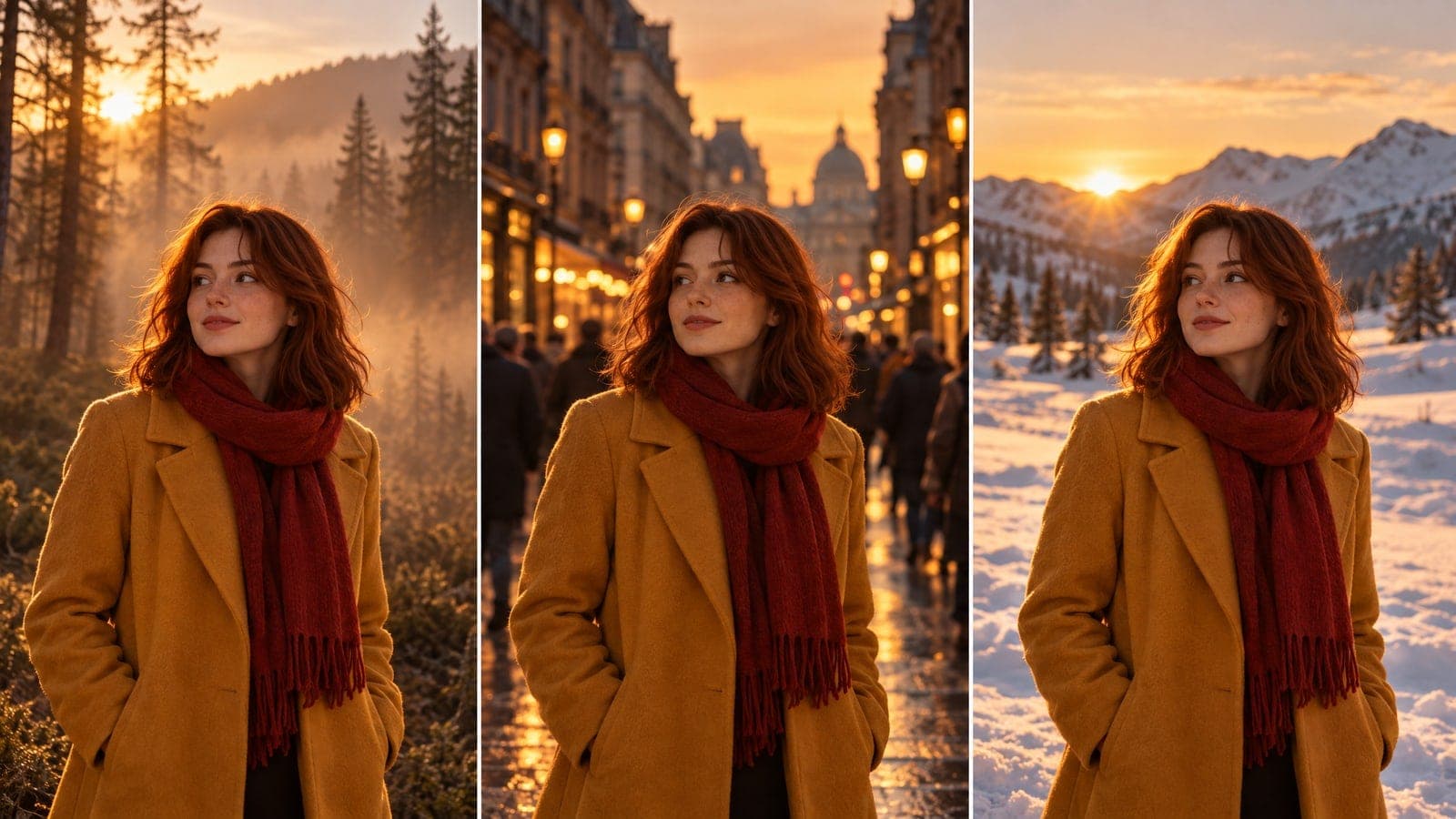
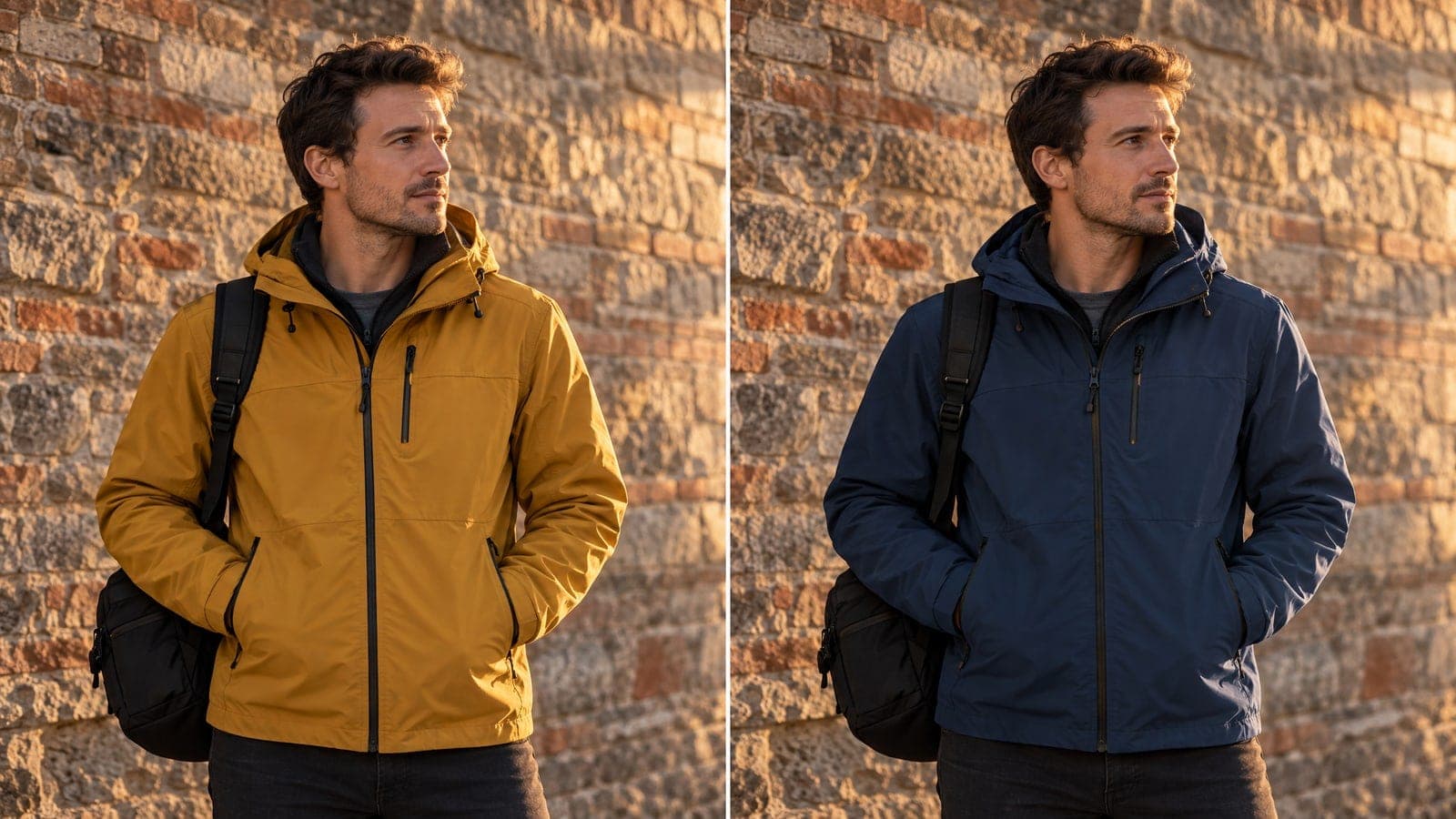
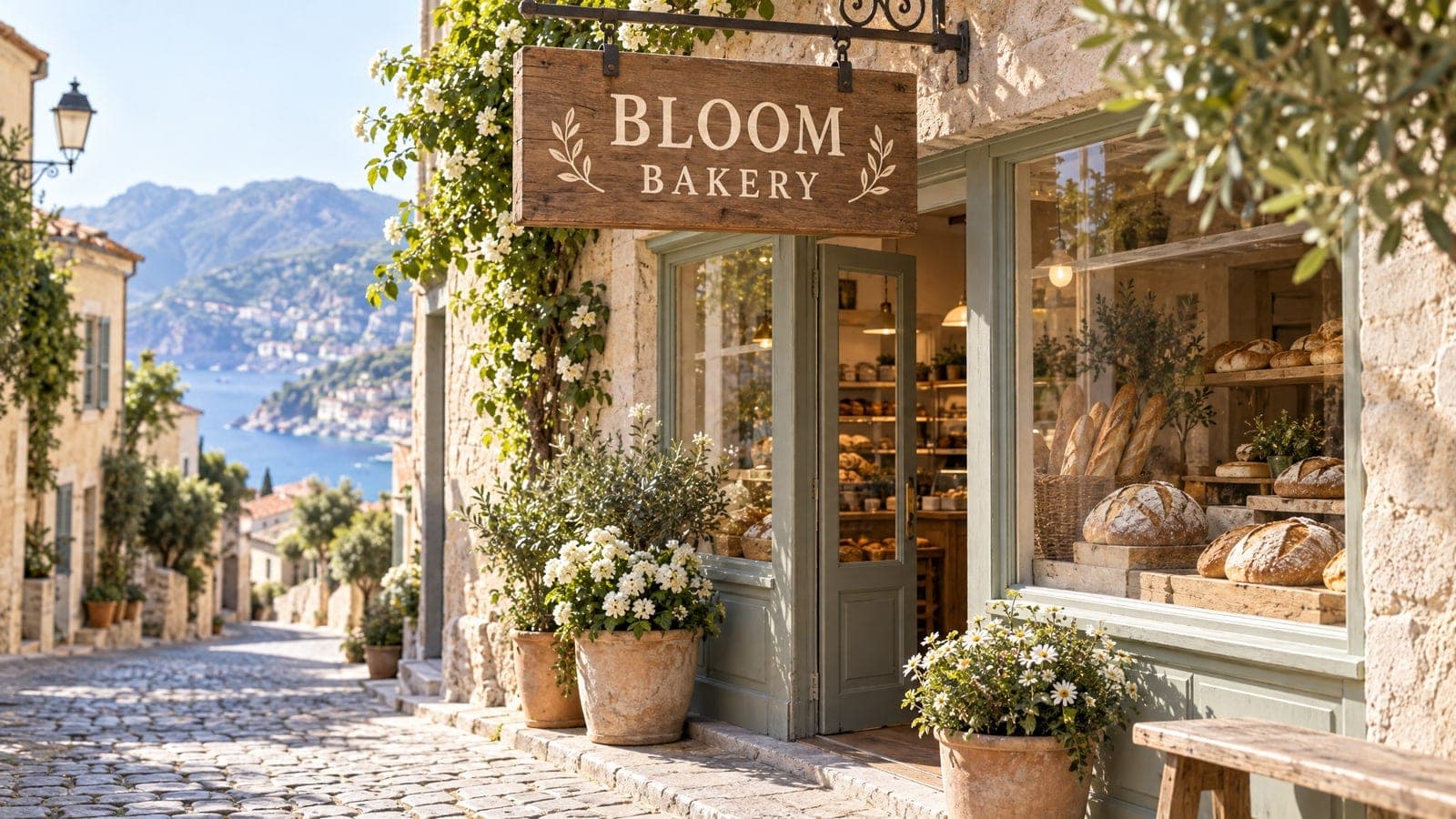
Combine a mood photo, a product and a rough sketch.
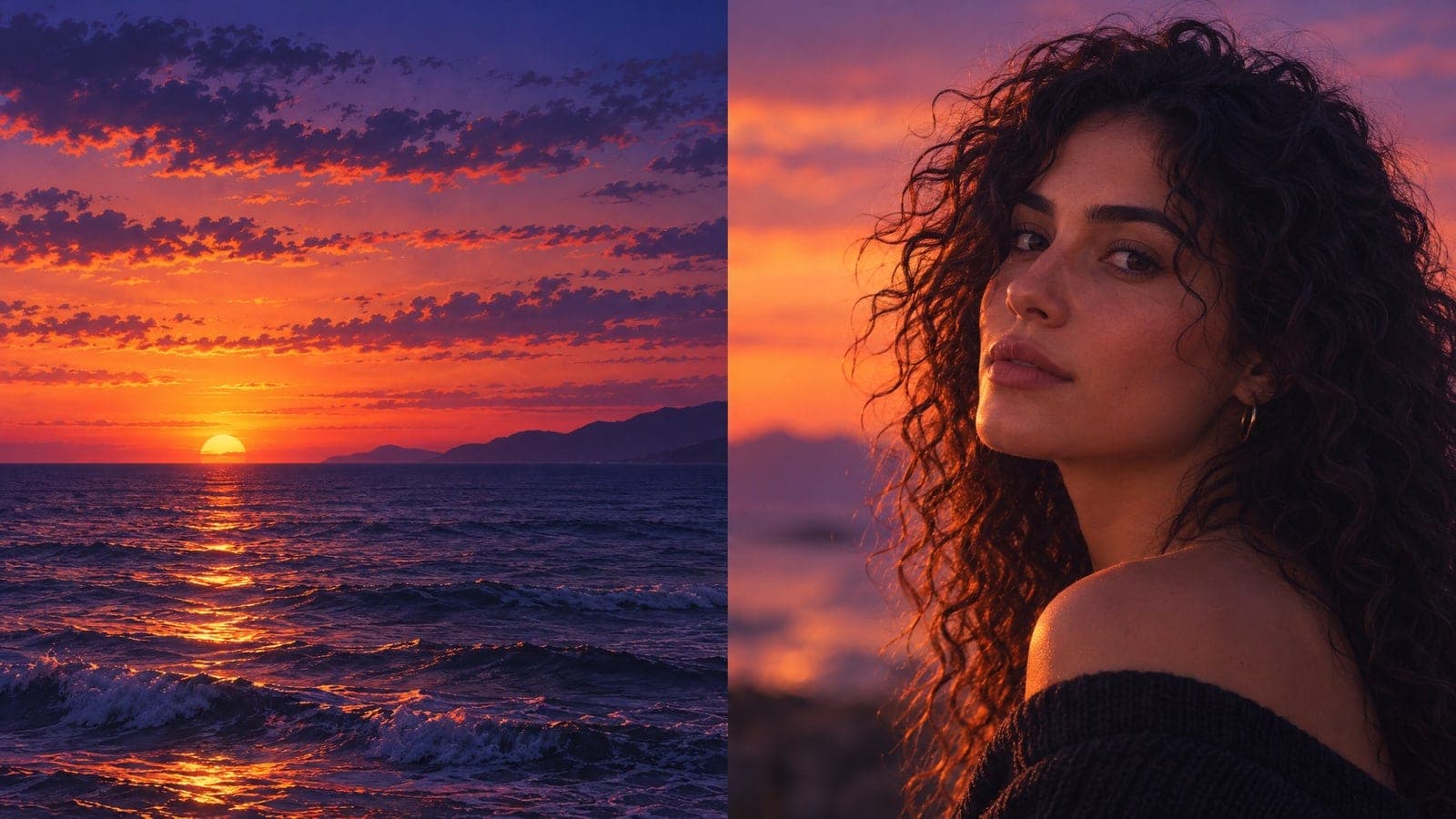
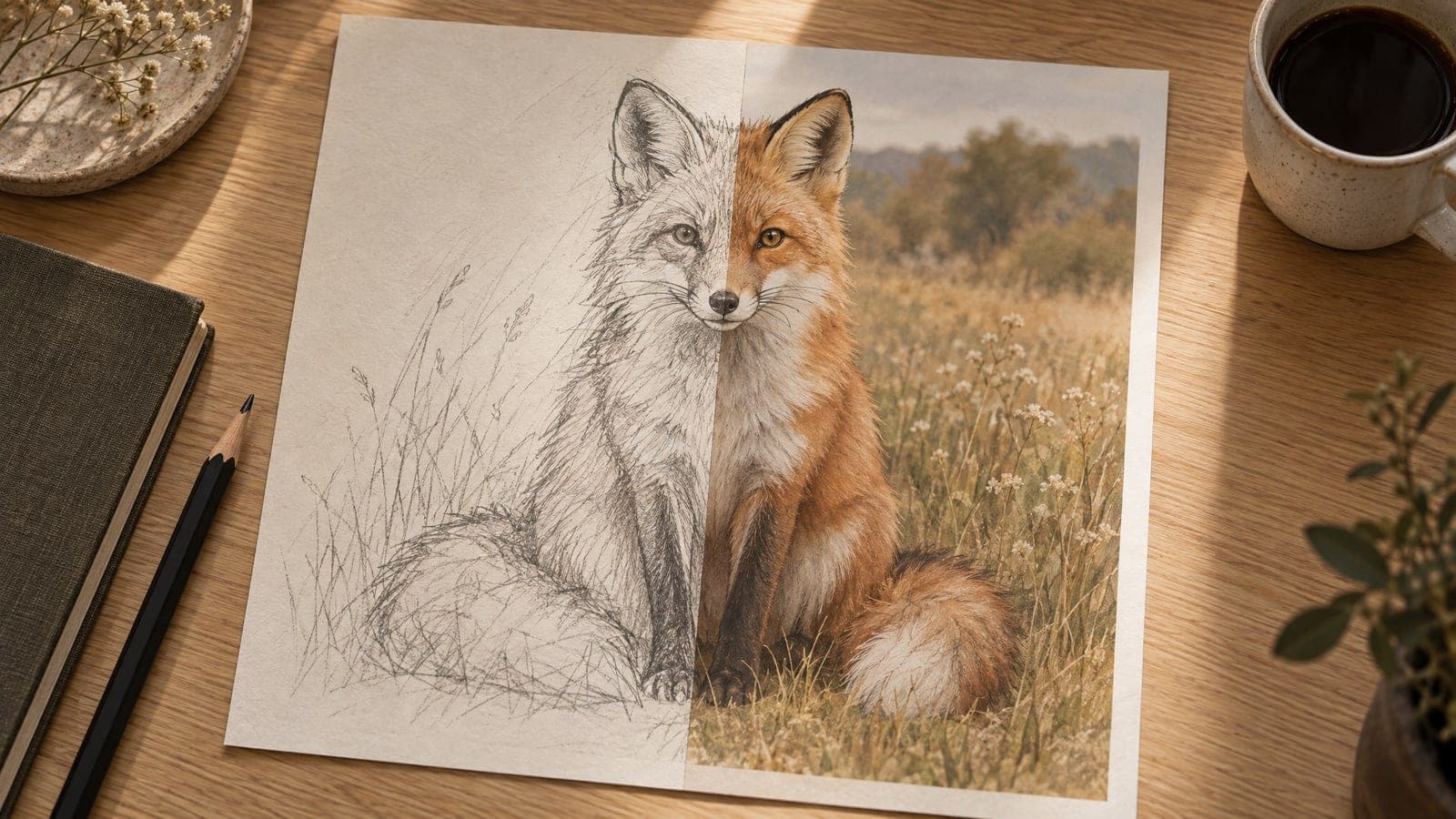
Bring a picture, describe the change and take the finished file with you.
01 Add
Drop in up to 4 images, or type an idea if there is no photo yet.
The first photo usually sets the subject; the later ones set the mood.
02 Edit
Describe the edit, pick a ratio, and leave everything else alone.
Naming what to keep works as well as naming what to change.
03 Save
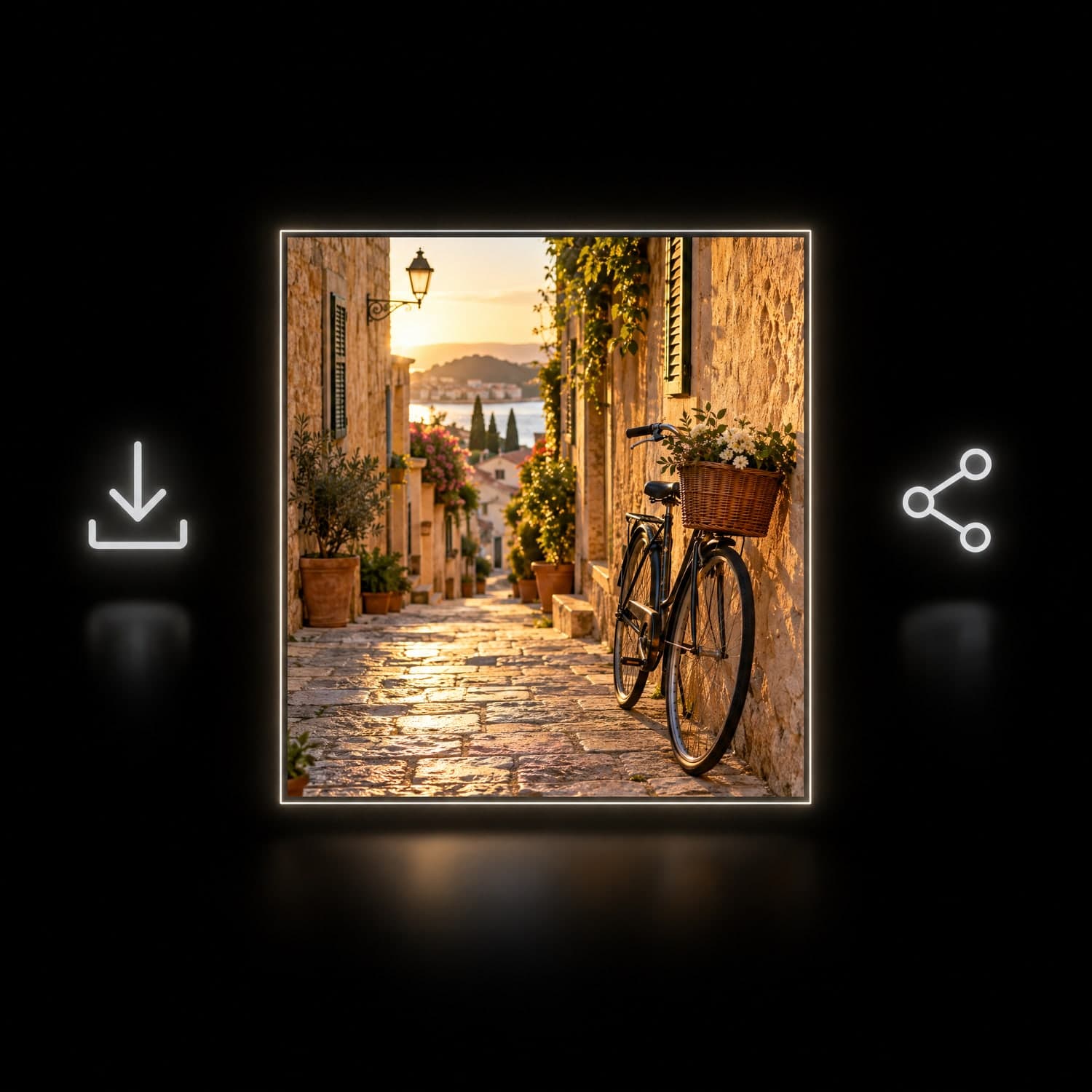
Open the finished image, save the JPG or copy a share link.
Signed-in results stay in My Works.
“I shoot serum bottles for a small skincare label. The print on the bottle survives every background I try.”
Maya Chen
Skincare brand owner
“My picture-book character keeps the same face on every page, so I stopped redrawing the head by hand.”
Daniel Ortiz
Children's book illustrator
Nano Banana 2.1 is a Google image model. Here it runs at 1K with up to 4 reference photos and 8 aspect ratios, all inside the browser.
Jump to another image or video tool when a job needs it. Your account and credits work across the site.
Edit, restyle or blend up to 4 photos with a prompt, or create a new image from words alone
Change only what you describe in a photo, keep the rest
Turn a prompt into a short looping animated GIF
Upscale a photo to 4K and restore sharp, clean detail
Animate a photo into a 5 or 10 second video with sound, or make a clip from a prompt
Describe a scene and watch it move, no photo needed
Google's video model: a photo or prompt to a clip with sound
Create and edit images with GPT Image 2.6 Flare.
Turn a photo or prompt into an 8-second video with sound.
Turn a photo or prompt into a 1080p video with sound.
Turn a photo of two people into a kissing video
Guides, comparisons and prompt ideas for image work.
What this model is good at, which photos to bring and where to find the result.
Nano Banana 2.1 is Google's AI model for image generation and editing. You can type an instruction and it creates a picture, or upload your own photos and ask for specific changes.
Every request returns one 1K image, usually in about 30 seconds in our test. You can work from words alone or bring up to four reference photos.
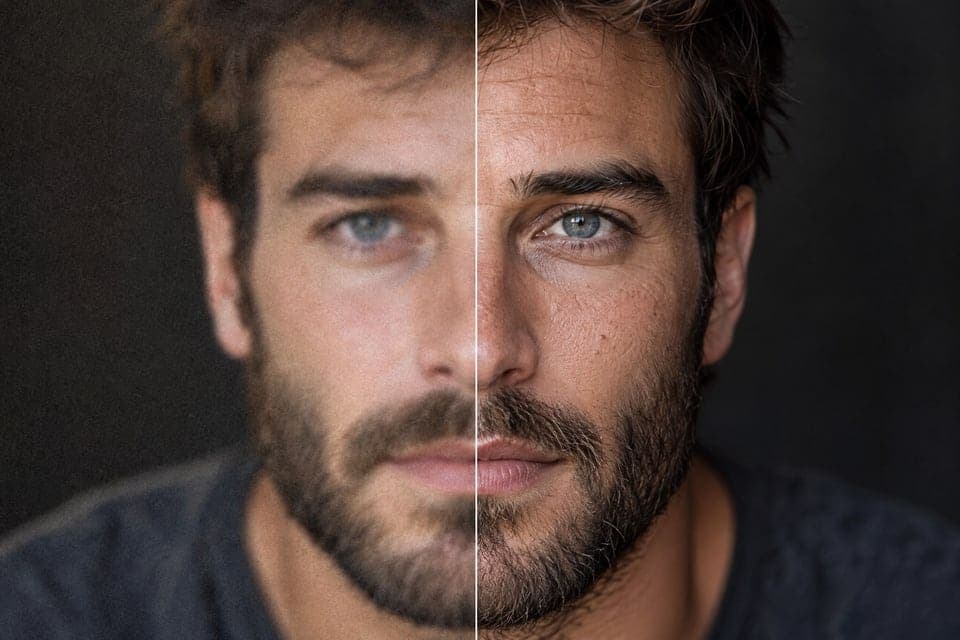
Nano Banana 2.1 holds detail better than the versions before it. Faces stay recognizable, product labels stay readable and lettering in the scene usually comes out clean instead of scrambled. That makes it practical for packaging mockups, posters and character work, not only loose concept art.
It still has limits: very small type, long paragraphs and exact logos can come out wrong, so check the lettering before you publish.
Short words and phrases usually work: a shop sign, a label, a two-word poster title. Spell the text out in your instruction and say where it belongs, for example a wooden sign above the door.
Long sentences, tiny type and precise brand marks are unreliable. If the lettering matters, keep it short and inspect the result before using it.
Upload the picture you want to keep and name what must not change: the face, hair, outfit or pose. Then describe the new scene around it.
For a series, reuse the same reference photo each time and keep the wording of the unchanged parts identical. Building the next image from the previous result also helps the face stay consistent.
Up to four per request, as JPG, PNG, WebP or iPhone HEIC, 30MB each. If the photos are on your phone, open Upload from phone on the computer and scan the code to send them over.
Say what each photo is for, such as the product in the first image and the room in the second.
Eight options: Auto, 1:1, 3:4, 4:3, 2:3, 3:2, 9:16 and 16:9. Auto keeps the shape of your first reference, or gives a square when you only type a prompt.
Nano Banana 2.1 output here is 1K and downloads as JPG. This page has no 2K or 4K switch, no transparent-background export and no animated output.
Under MagicSky AI's terms, images made on the free plan are for personal, non-commercial use. A paid plan or credit pack covers commercial use, such as product pages, ads and client work.
Whatever plan you are on, you still need permission for any photo, logo or brand you upload or ask the model to copy. Check the finished image and our Terms of Service before publishing.
Signed-in results are listed in My Works, where you can open, download or share them. A share link shows the single image you picked to anyone who has the link.
Credits are shown on the input panel before you press Generate, and a failed paid task is refunded automatically. Only upload photos you have the right to use, and think twice before sharing private material through a public link.
One photo and one sentence are enough.