
 Image to Image AI
 Image to Video AI
01 Start
Try it free, no sign-up
No account or sign-in needed. Open a tool and make your first creation.
Sign up later to get free credits and keep creating.
Edit photos and turn them into videos with sound.
Powered by leading AI models
No sign-up needed. Bring a photo or an idea and get a result you can download or share.
01 Start
No account or sign-in needed. Open a tool and make your first creation.
Sign up later to get free credits and keep creating.
02 Create
Upload a photo you love, or just type the idea in your head.
Every tool works the same way, so there is nothing to learn.
03 Share
Save the result to your device or send a link anyone can open.
Signed in? Every result is kept in My Works.
Add a place and a portrait. AI puts the person in the scene, then animates it.
Add a photo of a place and a portrait. AI puts the person into the scene, then turns it into a short video.
Drag a node to move it, or focus it and use the arrow keys. Press Home to reset its position.
From product photos to ad videos, see what you can make in a few minutes.
Swap the season or the landscape, or turn the same photo into a moving clip.
From product photos to ad videos, see what you can make in a few minutes.
Scene Swaps

Swap the season or the landscape, or turn the same photo into a moving clip.
Fashion
Change the outfit and the street, then turn the new look into a walking video.
Product Ads
Put your product in a model's hands, then turn the shot into a short video.
E-commerce
Place one product shot on any surface or setting without a new photoshoot.
Concepts
Type one idea and see it as a photo, a watercolor and a 3D clay render.
Motion
Describe a scene and get a clip, wide for YouTube or tall for Reels and TikTok.
Real Estate
Show a property at sunrise or dusk, then as a video while night falls.
Pick a tool, add a photo or an idea, and get a result you can download or share.
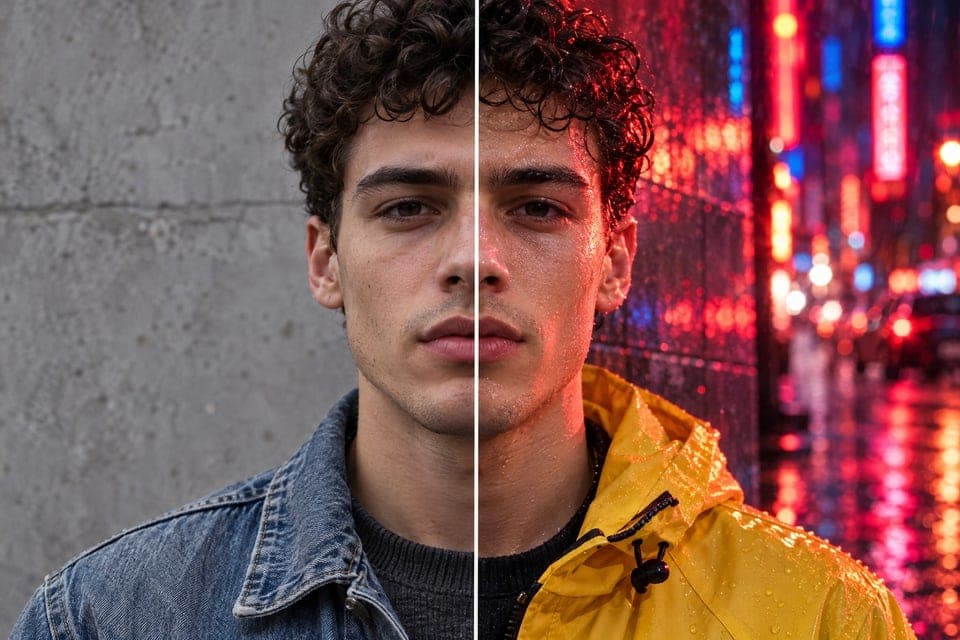
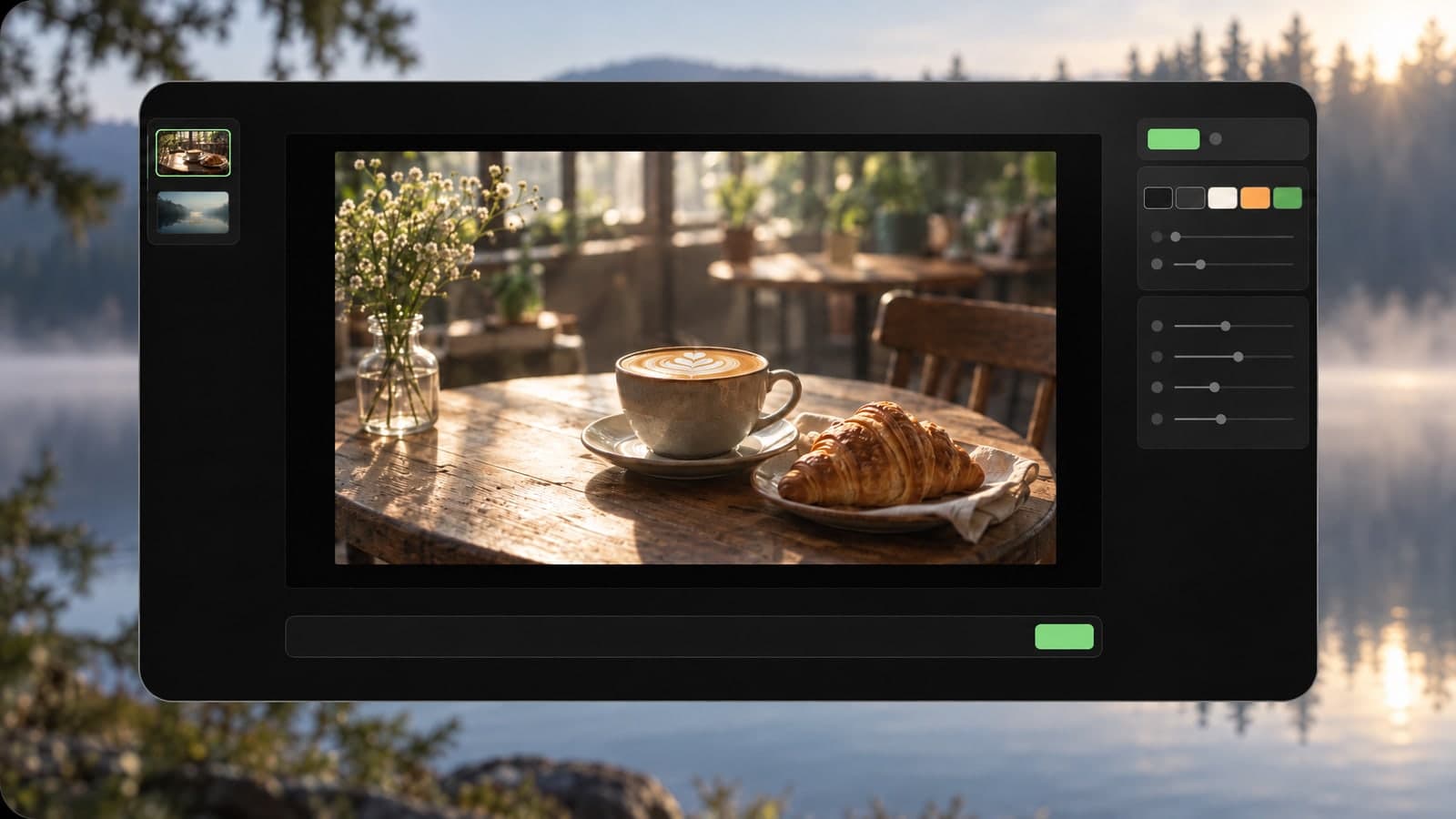
Edit, restyle or blend up to 4 photos with a prompt, or create a new image from words alone
Change only what you describe in a photo, keep the rest
Turn a prompt into a short looping animated GIF
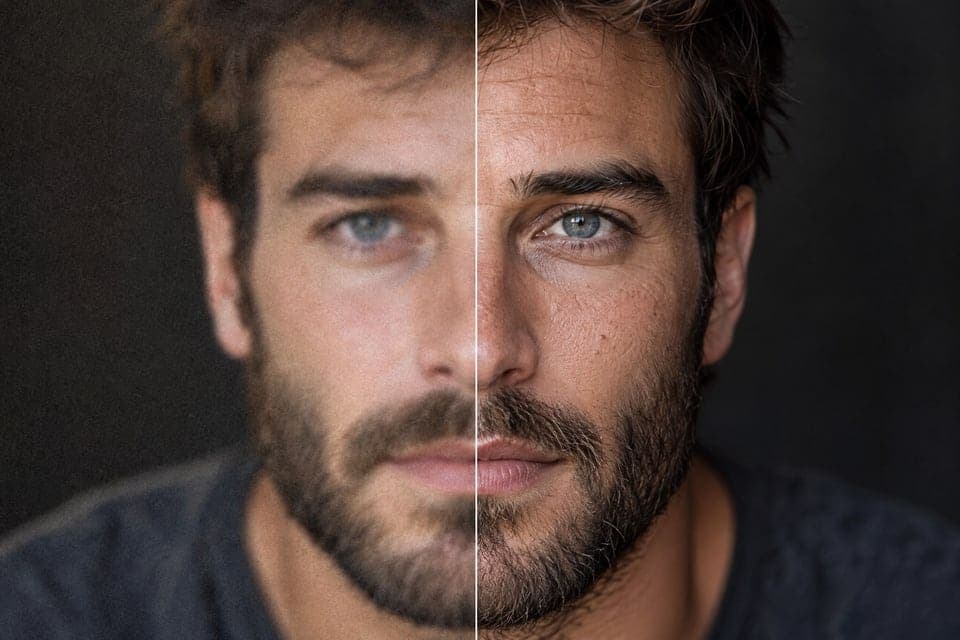
Upscale a photo to 4K and restore sharp, clean detail
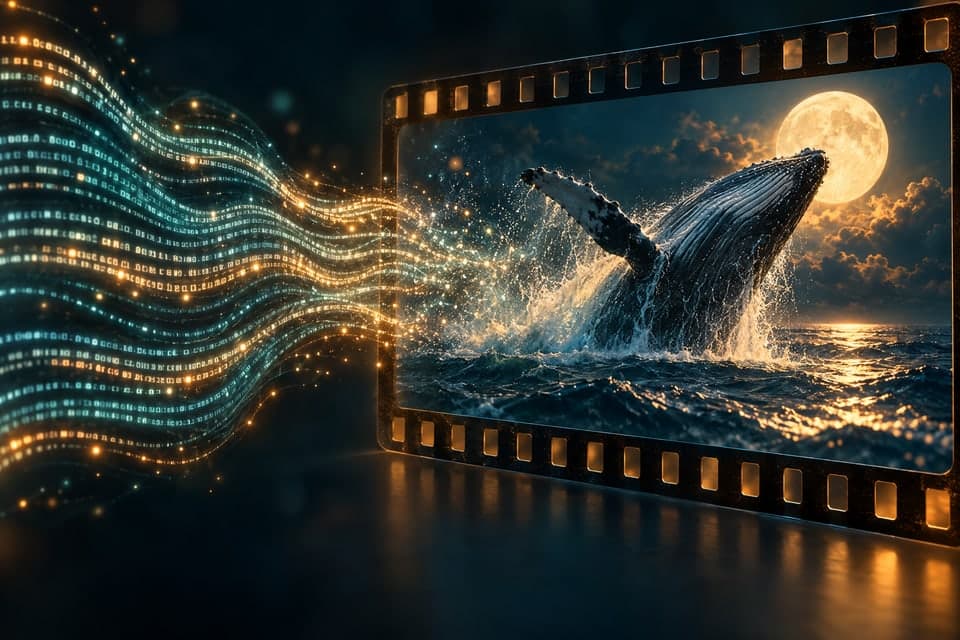
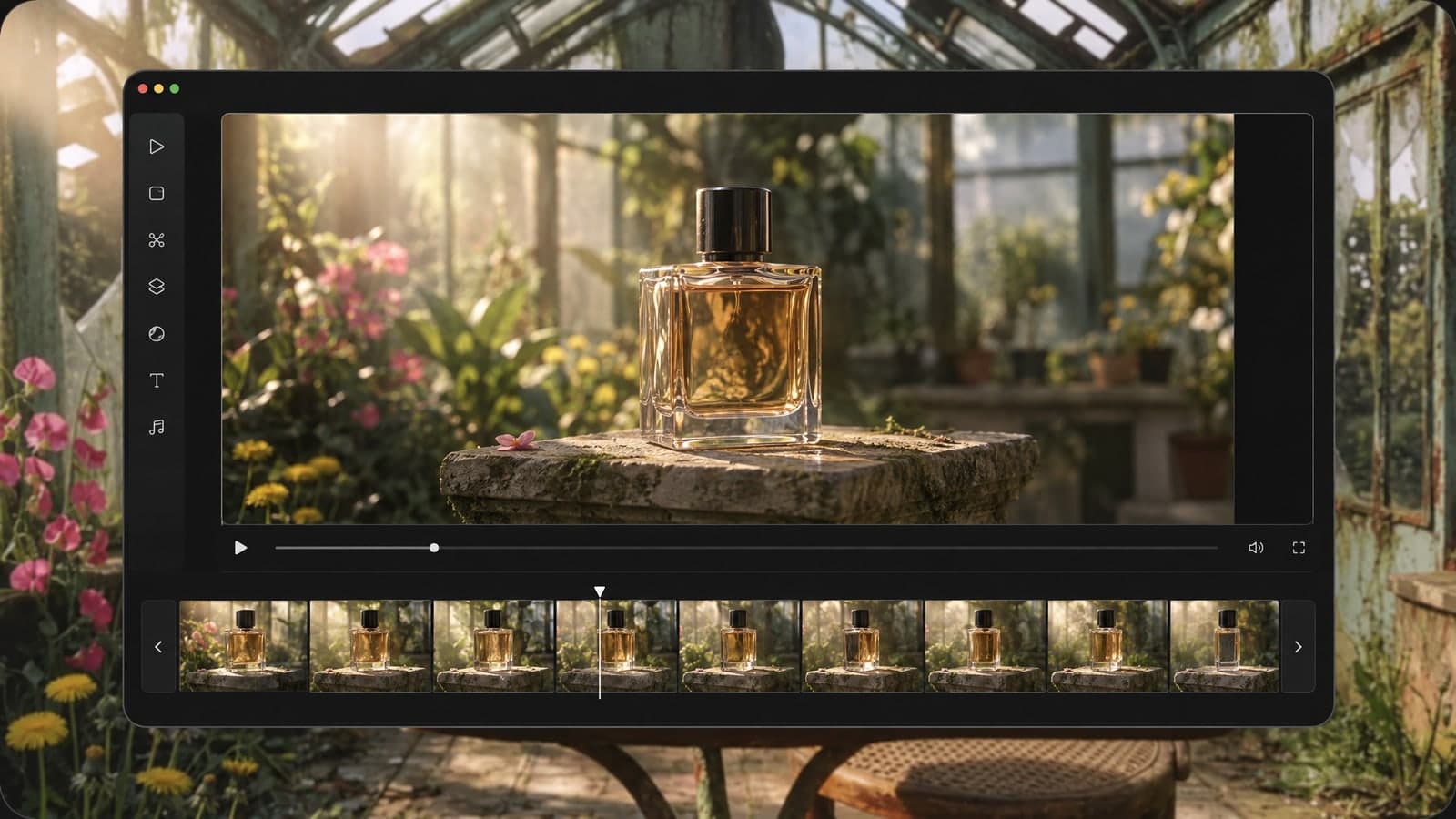
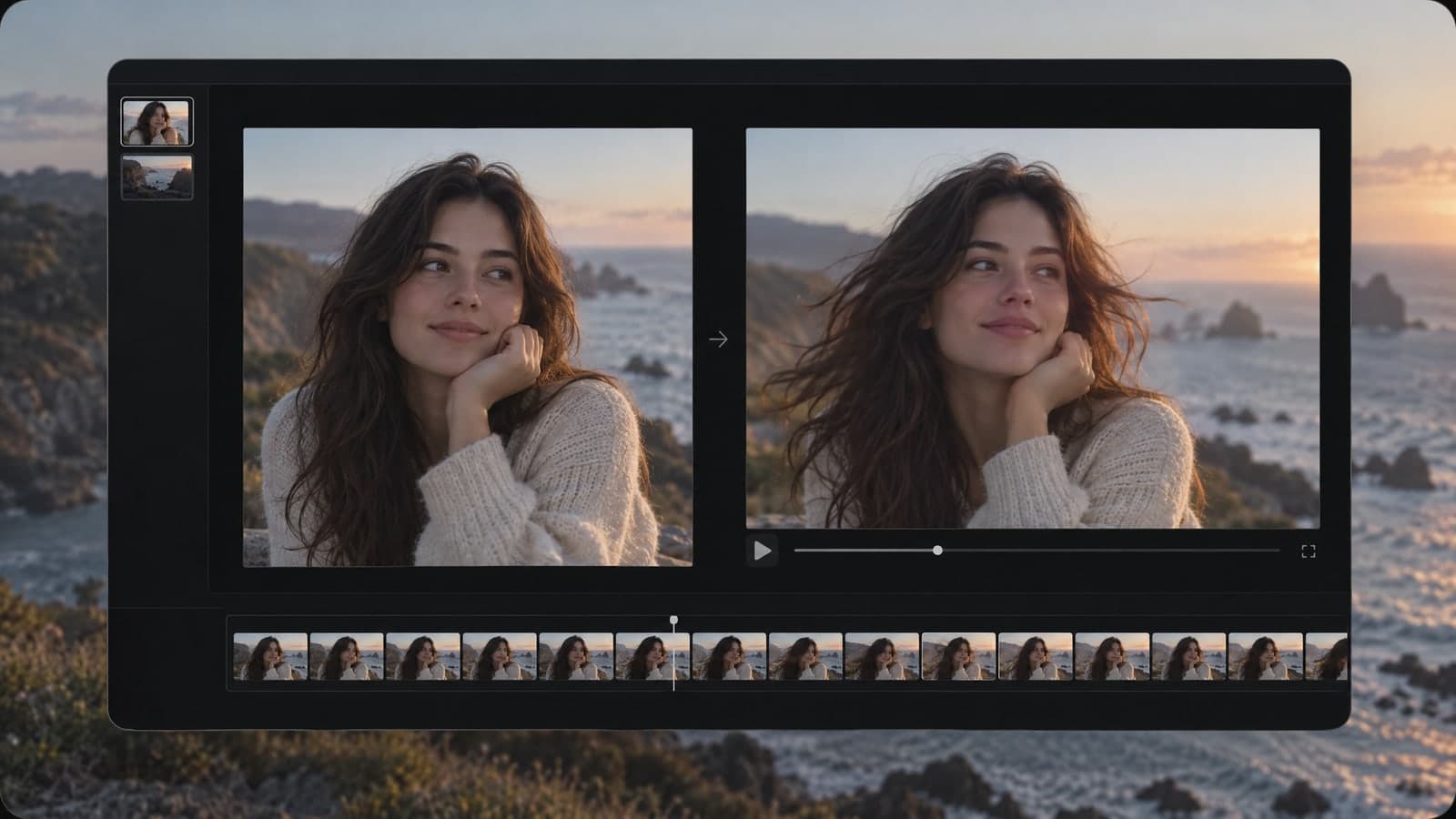
Animate a photo into a 5 or 10 second video with sound, or make a clip from a prompt
Describe a scene and watch it move, no photo needed
Google's video model: a photo or prompt to a clip with sound
Create and edit images with GPT Image 2.6 Flare.
Generate and edit images with Google's Nano Banana 2.1.
Turn a photo or prompt into an 8-second video with sound.
Turn a photo or prompt into a 1080p video with sound.
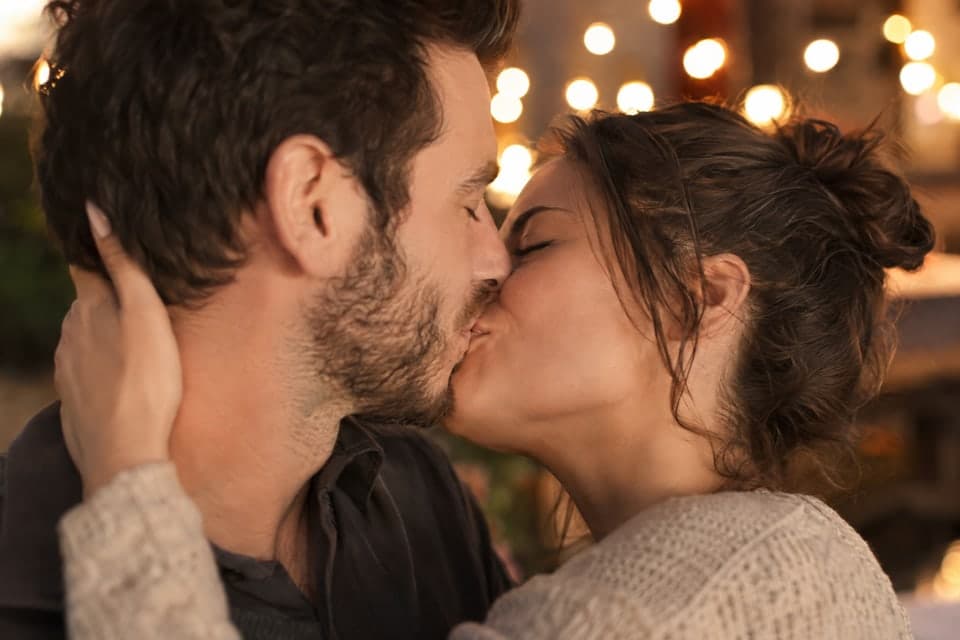
Turn a photo of two people into a kissing video
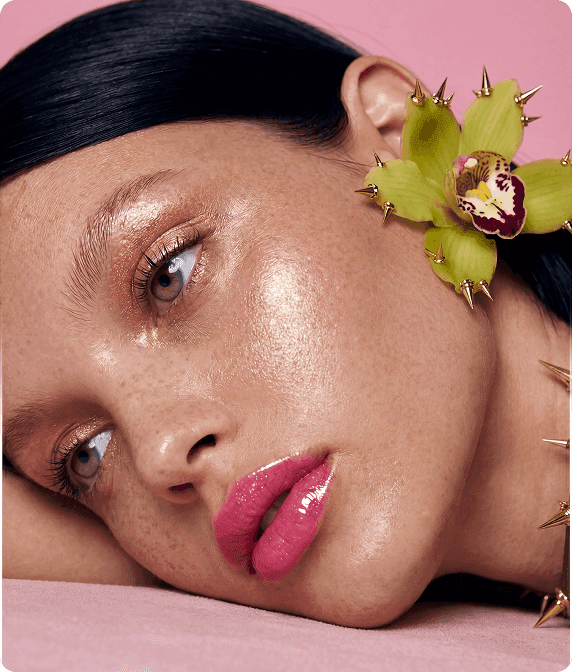
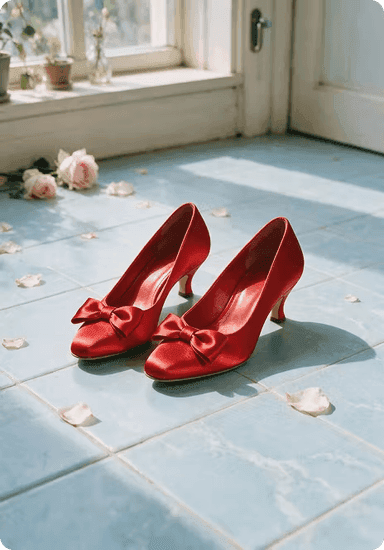
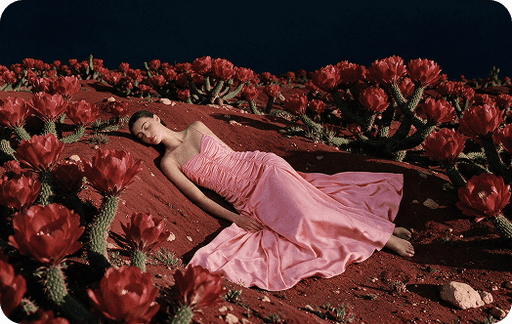
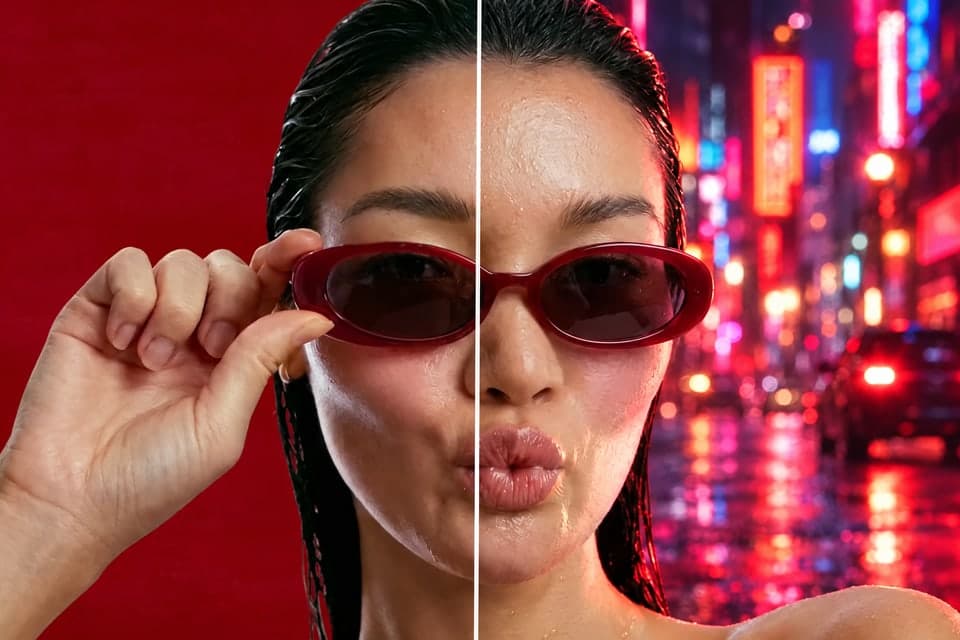
Every piece below came from our AI image and video generator.
Try it free, bring a photo or an idea, then download or share the result.
01 Start
No account or sign-in needed. Open a tool and make your first creation.
Sign up later to get free credits and keep creating.
02 Create
Upload a photo you love, or just type the idea in your head.
Every tool works the same way, so there is nothing to learn.
03 Share
Save the result to your device or send a link anyone can open.
Signed in? Every result is kept in My Works.
Edit photos, blend them and turn them into videos with sound, with no setup and no design skills.
Make your first creation without an account, then sign up and get 150 free credits.
Edit a photo, then turn it into a video, all with one account and one credit balance.
Images take about 30 seconds and videos one to four minutes, so you can test more ideas every day.
What people say about our AI image and video generator.
“I edit product photos and turn them into short videos for my shop, all in one place now.”
Jordan Lee
Online store owner
“Trying it without signing up got me started. Now I turn my photos into reels every week.”
Priya Nair
Content creator
Guides and prompt ideas for our AI image and video generator.
MagicSky AI is an AI image and video generator that runs in your browser. Edit, restyle or blend photos with a short prompt, then turn a photo into a 5 or 10 second video with sound.
Because it is an AI video and image generator in one place, a photo you edit can become a video in the next step. Both tools also work from text alone, and there is nothing to install.
No. You can try the AI image and video generator without signing up. When you want to keep going, create a free account in a few seconds; new accounts start with 150 free credits.
Each creation uses credits, and the tool shows the exact cost before you start, so there are no surprises. Videos cost more than images, and longer or sharper videos cost more than short 480p ones. One credit balance works across every tool, and if a creation fails, the credits are returned automatically.
Yes. New accounts start with 150 free credits, and the daily check-in adds 10 more each day. If you create often, a paid plan or a credit pack gives you more credits for regular use.
Our AI image and video generator usually finishes an image in about 30 seconds. Videos take one to four minutes, depending on length and resolution. You can keep browsing while it works, and the result shows up as soon as it is ready.
When you are signed in, everything you make is saved in My Works. Open it any time to view, download or share your results, or to pick up where you left off.
That depends on your plan. On the free plan, your images and videos are for personal, non-commercial use. A paid plan or a credit pack adds commercial use, such as ads, product pages and client work. Only upload photos you have the rights to, and see our Terms of Service for full details.
Yes. You can cancel your subscription at any time from your account, with no questions asked. Your plan stays active until the end of the period you have already paid for.